


TRX FORCE
Gioca su PC con BlueStacks: la piattaforma di gioco Android, considerata affidabile da oltre 500 milioni di giocatori.

Pagina modificata il: Aug 20, 2025
Play TRX FORCE on PC
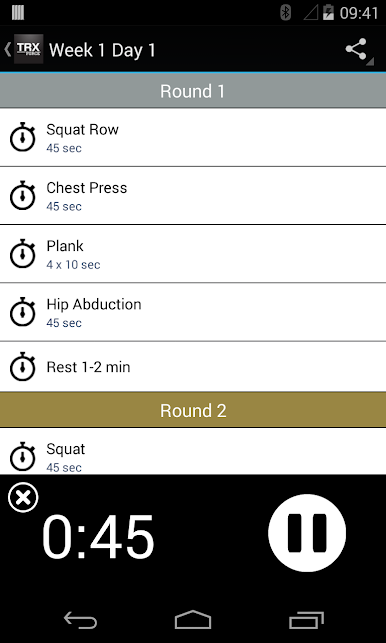
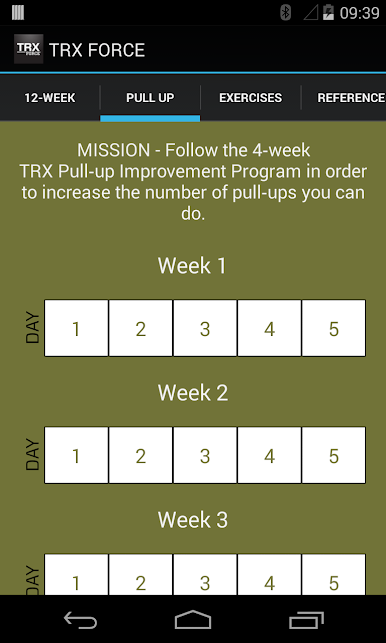
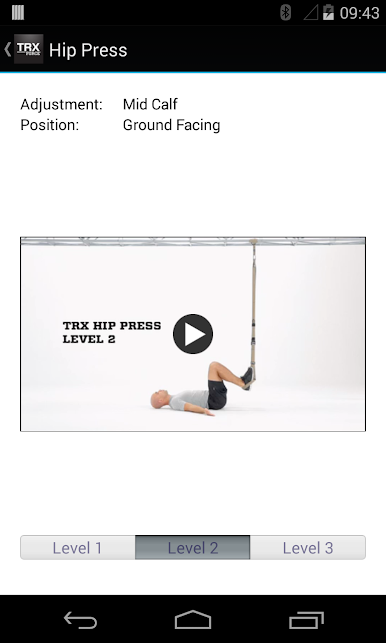
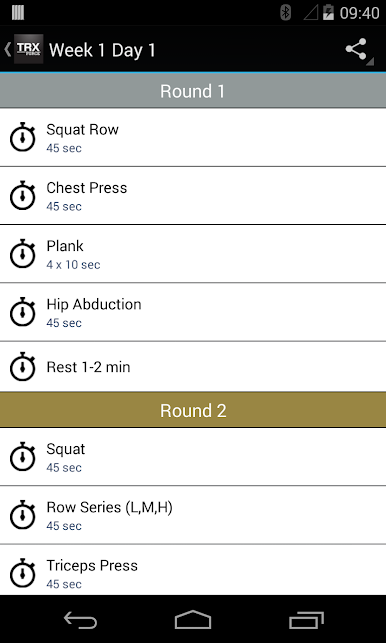
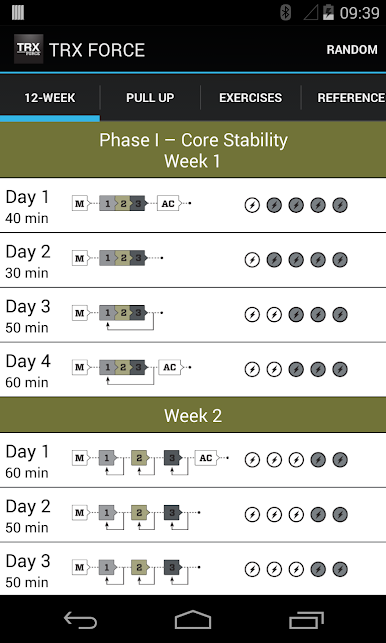
The TRX FORCE Super App contains the most comprehensive and effective tactical strength and conditioning program ever created. To develop the TRX FORCE Super App, we leveraged learnings from our direct work with thousands of service members in every branch of service and the most recent, cutting-edge science and research published on the application of functional training for tactical athletes.
The TRX Tactical Training Program at the Super App’s core provides a robust training solution for anyone at any fitness level ready to take on a serious challenge and experience serious results.
Please consult with a physician before starting this or any exercise program. Your participation is at your own risk. Your use of this mobile application shall be considered your acceptance of Fitness Anywhere LLC’s Terms of Use, which can be seen here: http://www.trxtraining.com/terms-of-use
Gioca TRX FORCE su PC. È facile iniziare.
-
Scarica e installa BlueStacks sul tuo PC
-
Completa l'accesso a Google per accedere al Play Store o eseguilo in un secondo momento
-
Cerca TRX FORCE nella barra di ricerca nell'angolo in alto a destra
-
Fai clic per installare TRX FORCE dai risultati della ricerca
-
Completa l'accesso a Google (se hai saltato il passaggio 2) per installare TRX FORCE
-
Fai clic sull'icona TRX FORCE nella schermata principale per iniziare a giocare

