

Bricks Breaker Pro
Juega en PC con BlueStacks: la plataforma de juegos Android, en la que confían más de 500 millones de jugadores.

Página modificada el: Jan 1, 2020
Play Bricks Breaker Pro : No Ads on PC or Mac
Bring your A-game to Bricks Breaker Pro : No Ads, the Casual game sensation from TRYONI ARTS. Give your gameplay the much-needed boost with precise game controls, high FPS graphics, and top-tier features on your PC or Mac with BlueStacks.
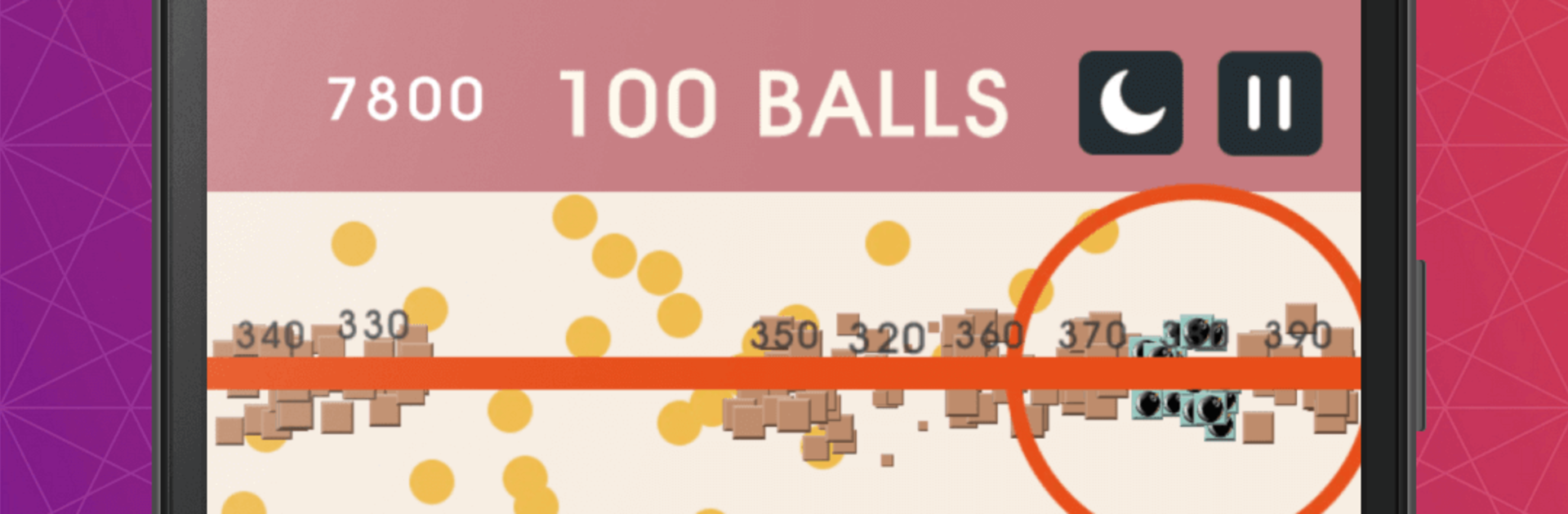
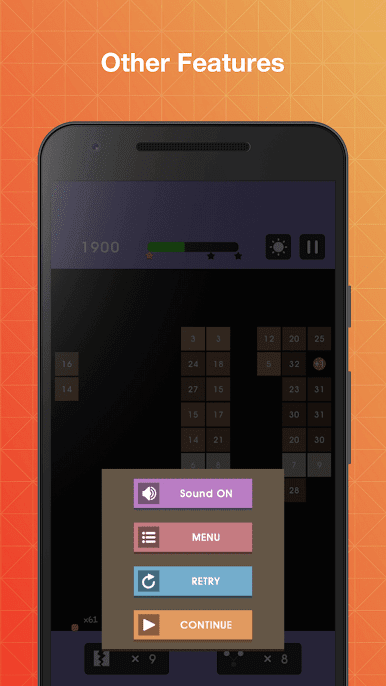
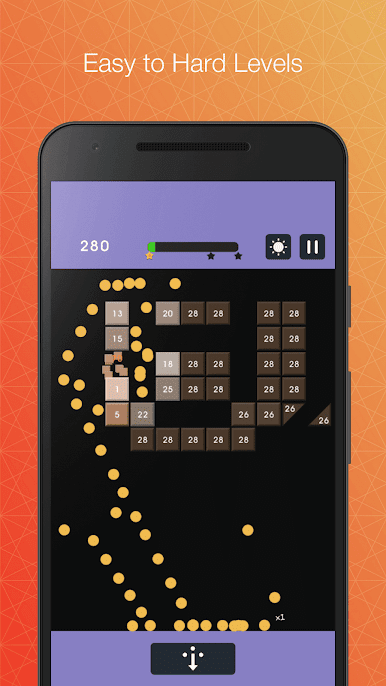
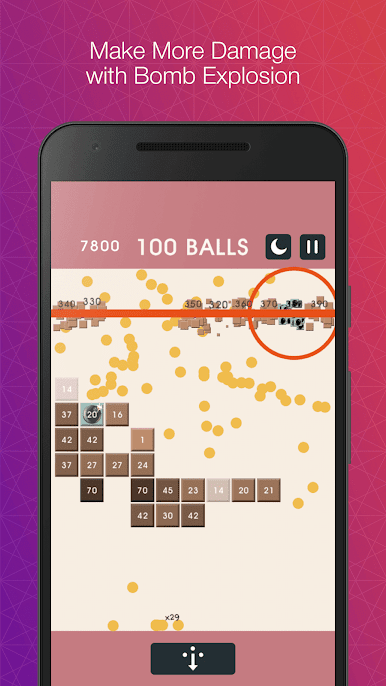
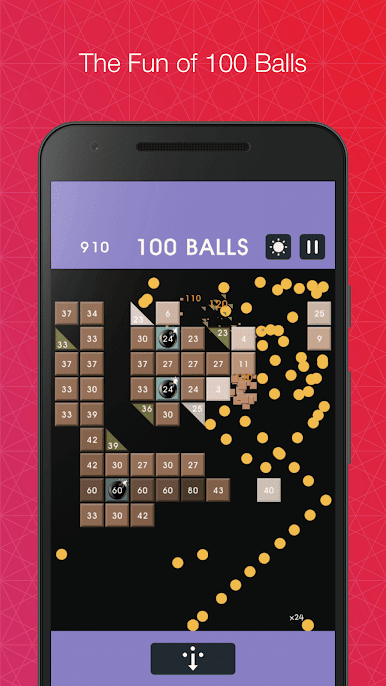
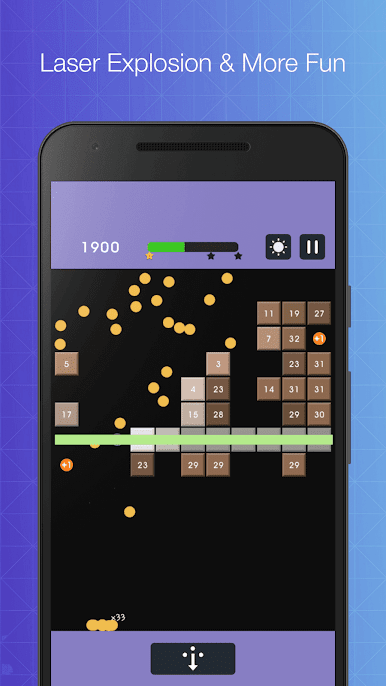
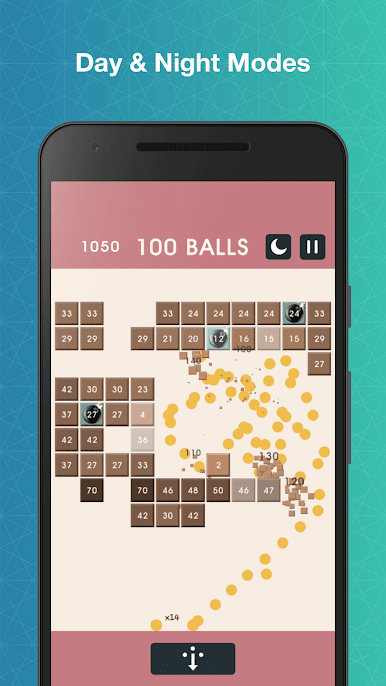
Bricks Breaker Pro: No Ads is one of those clean, no-nonsense brick blasters where the whole game is about lining up the perfect shot and watching a storm of balls bounce around the screen. Players drag to aim, release, and the balls ricochet off walls and bricks while the little numbers tick down. When a brick’s durability hits zero, it pops. Grab the green circles and the next turn sends even more balls flying, which turns one smart angle into a satisfying chain that clears half the board. No ads breaking the flow, which is rare and kind of the point here.
It is endless, so the stack keeps inching down after each turn. If any brick reaches the bottom line, that run is done, and it is back to chasing a higher score. There is a global leaderboard for people who like seeing where they stand, but it works just as well for quiet, zoned-out rounds during a break. On PC with BlueStacks, the bigger screen makes those tight angles easier to see, and aiming with a mouse feels steady, almost like lining up a pool shot. It starts off relaxed and ramps up at a fair pace, so players get time to spot smart bounces and use walls for extra hits. Quick restarts, simple controls, and alot of little “one more try” moments make it weirdly hard to put down.
Start your journey now. Download the game on BlueStacks, invite your friends, and march on a new adventure.
Juega Bricks Breaker Pro en la PC. Es fácil comenzar.
-
Descargue e instale BlueStacks en su PC
-
Complete el inicio de sesión de Google para acceder a Play Store, o hágalo más tarde
-
Busque Bricks Breaker Pro en la barra de búsqueda en la esquina superior derecha
-
Haga clic para instalar Bricks Breaker Pro desde los resultados de búsqueda
-
Complete el inicio de sesión de Google (si omitió el paso 2) para instalar Bricks Breaker Pro
-
Haz clic en el ícono Bricks Breaker Pro en la pantalla de inicio para comenzar a jugar

