

Tully
Gioca su PC con BlueStacks: la piattaforma di gioco Android, considerata affidabile da oltre 500 milioni di giocatori.

Pagina modificata il: Oct 27, 2025
Run Tully on PC or Mac
Get freedom from your phone’s obvious limitations. Use Tully, made by Vertical Craft, a Music & Audio app on your PC or Mac with BlueStacks, and level up your experience.
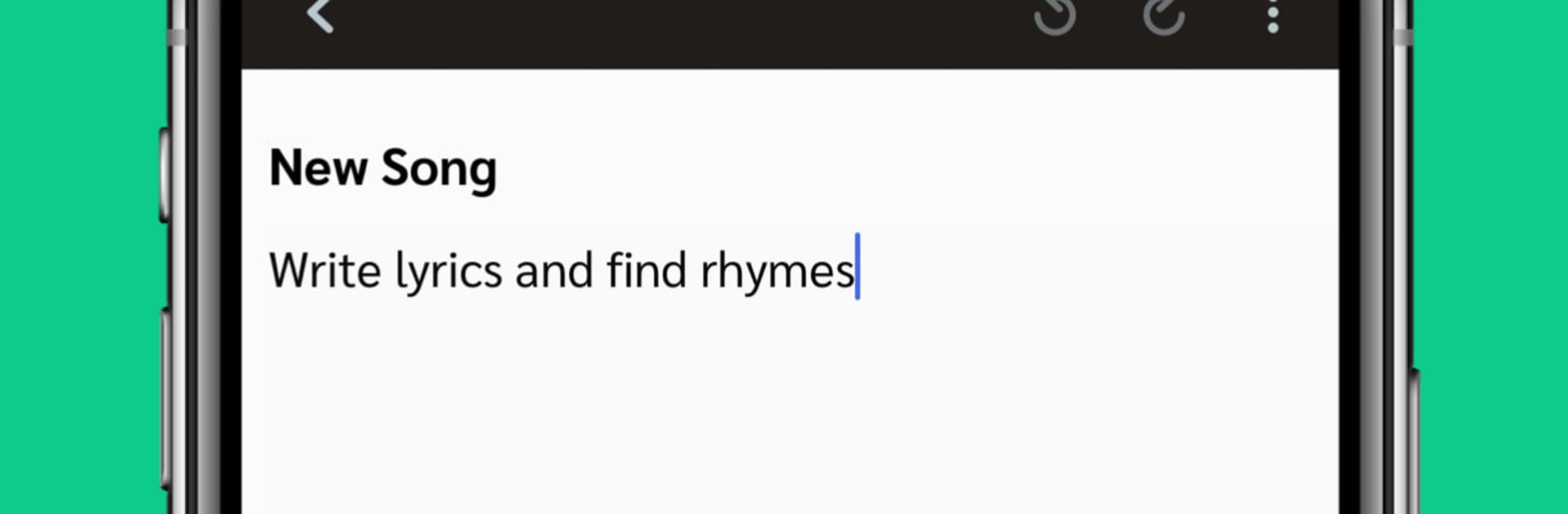
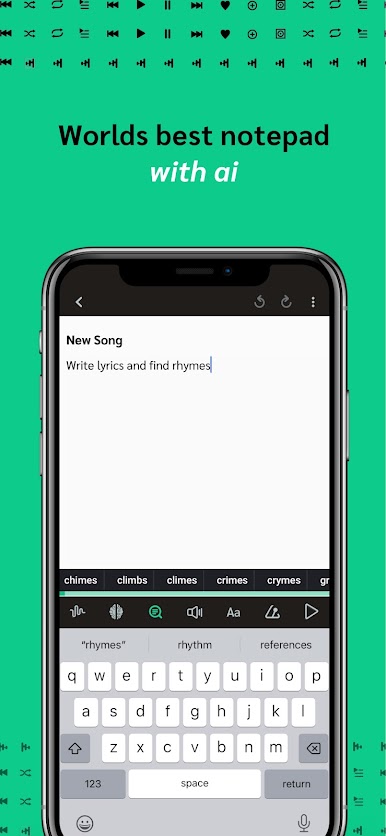
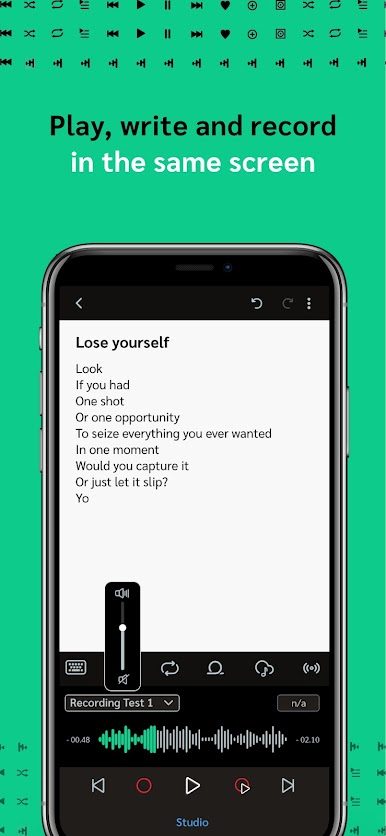
Tully feels like a small studio that fits inside one app. It gives artists a place to write lyrics while a track loops, with a rhyme helper that pops up when the right word is just not landing. There are some free beats to sketch with, plus the option to bring in personal audio. Hitting record for a quick idea is easy, and users can layer takes and try rough mixes without leaving the project. Everything saves to a secure cloud locker, so masters and drafts are not floating around in random folders. On a PC with BlueStacks, the bigger screen and a real keyboard make lyric writing and file naming a lot less fussy, and switching between sections feels smoother.
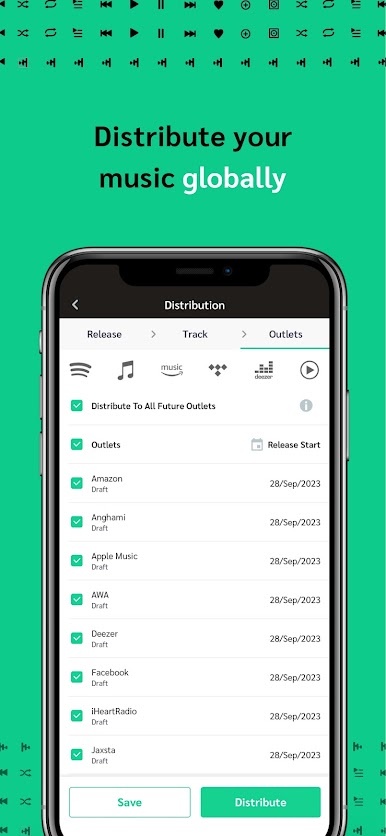
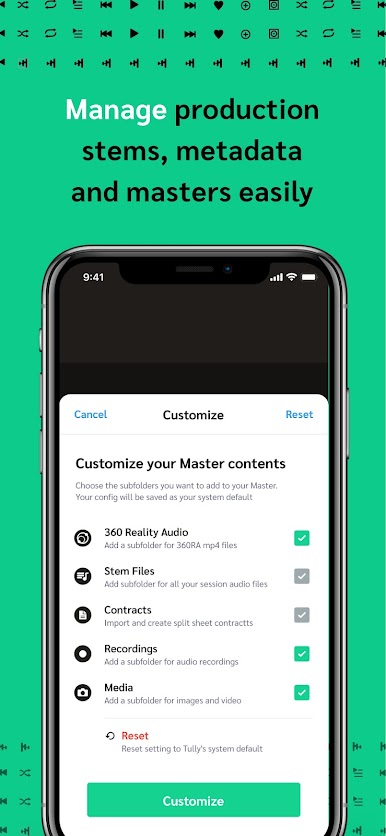
What stands out is that it handles the boring but important parts too. There are simple split sheets and contract templates, metadata tools for files, and a way to track where audio lives. When a track is ready, distribution to the major streaming platforms is built in, so the jump from demo to release does not feel like a whole new job. Collaboration is straightforward, share a project and someone else can add notes or their own take. There are occasional opportunities tied to known artists, which some will love, though nothing is guaranteed. The app is subscription based, roughly ten bucks a month, and the tradeoff is fewer separate apps to juggle. It is focused, tidy, and helps keep writing, recording, and release tasks in one place, even if the layout takes a day to get used to.
BlueStacks gives you the much-needed freedom to experience your favorite apps on a bigger screen. Get it now.


Gioca Tully su PC. È facile iniziare.
-
Scarica e installa BlueStacks sul tuo PC
-
Completa l'accesso a Google per accedere al Play Store o eseguilo in un secondo momento
-
Cerca Tully nella barra di ricerca nell'angolo in alto a destra
-
Fai clic per installare Tully dai risultati della ricerca
-
Completa l'accesso a Google (se hai saltato il passaggio 2) per installare Tully
-
Fai clic sull'icona Tully nella schermata principale per iniziare a giocare

