


Turbo Alarm: Despertador
Juega en PC con BlueStacks: la plataforma de juegos Android, en la que confían más de 500 millones de jugadores.

Página modificada el: Oct 17, 2025
Run Turbo Alarm - Alarm Clock Free on PC or Mac
Let BlueStacks turn your PC, Mac, or laptop into the perfect home for Turbo Alarm – Alarm Clock Free, a fun Tools app from Francisco Javier Castaño Gómez.
About the App
Hitting snooze one too many times or waking up to the same old beep every morning? Turbo Alarm – Alarm Clock Free, designed by Francisco Javier Castaño Gómez, brings a fresh, flexible twist to your wake-up routine. Whether you’re looking for a gentle wake or a not-so-subtle nudge out of bed, this app gives you plenty of choices so your alarms fit just the way you want. Give it a go on BlueStacks and mix up your mornings however you prefer—no ads, just a bunch of solid tools packed into one handy alarm clock.
App Features
-
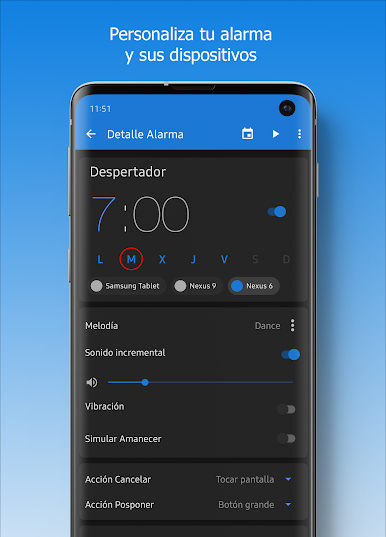
Set Your Own Sound Style
Pick a folder full of songs or your favorite playlist as your alarm, and the app rotates tracks so each morning kicks off with a different tune. -
Lights On, Alarm Off
Done sleeping? You can switch off the alarm just by flicking on your bedroom lights—pretty neat if you don’t want to fumble for your phone. -
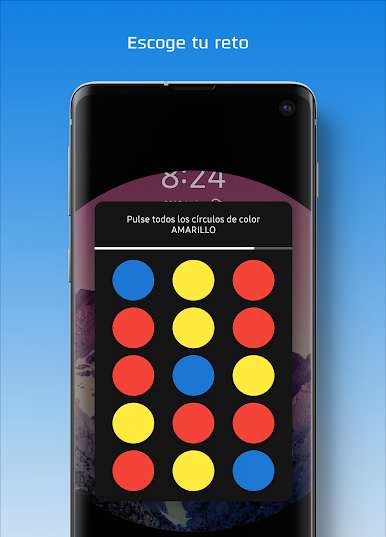
Wake-Up Mini Games
Stopping the alarm isn’t always a one-tap action—try out little challenges like drawing shapes or shaking your phone to prove you’re actually awake. -
Smart Weather Updates
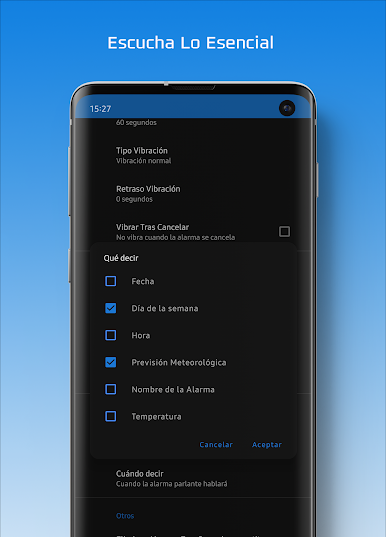
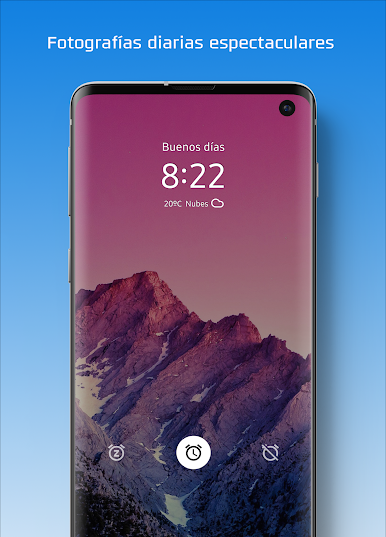
Check the forecast for when your alarm goes off, all in one place—helpful if you like to know what you’re stepping into before you leave the covers. -
Personalized Vibration Patterns
From chill to rapid, set up how you want your device to vibrate when it’s time to wake up (or skip vibration altogether). -
Gradual Volume and Sunrise Simulation
Prefer a calm start? Make your alarm get louder slowly—plus, you can mimic a sunrise right in your room using your favorite color. -
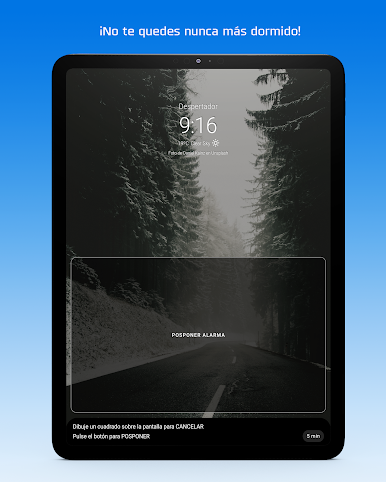
Custom Snooze Controls
Set shorter or decreasing snooze intervals, limit how often you can hit it, and choose cool snooze methods—from sliding a bar to pressing different-sized buttons. -
Home Security Feature
If you’re still hanging around at home after your alarm sounds, Turbo Alarm can give you another reminder to get going. -
Night Clock Mode
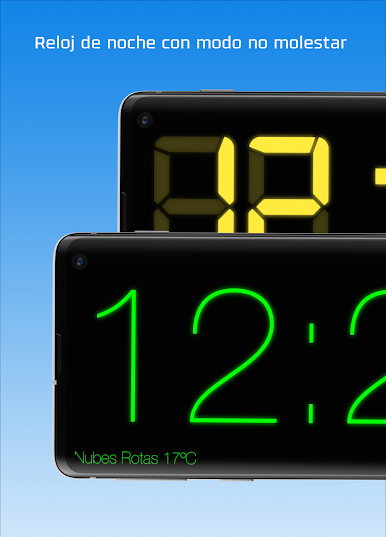
Switch to a dim night clock and have notifications muted automatically so you sleep without distractions. -
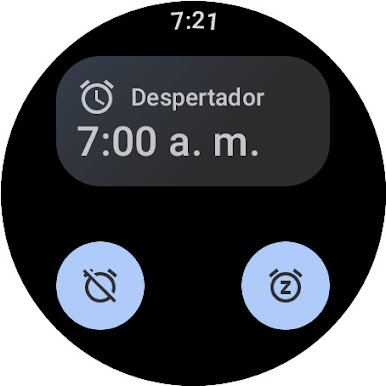
Widgets and Integrations
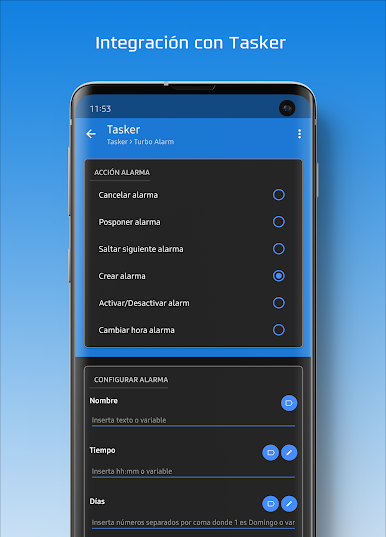
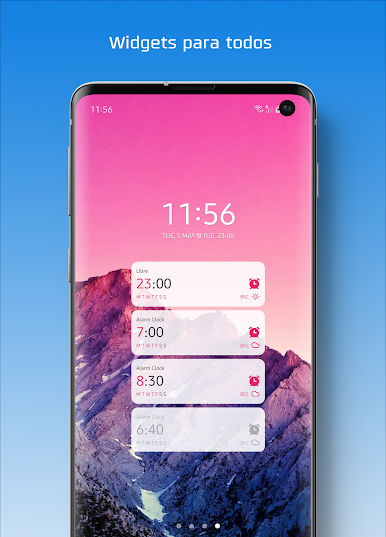
Easily track alarms with a home screen widget, and use add-ons like Dashclock, Google Now, Sleepbot, or even Tasker for more control. -
Custom Labels & Skips
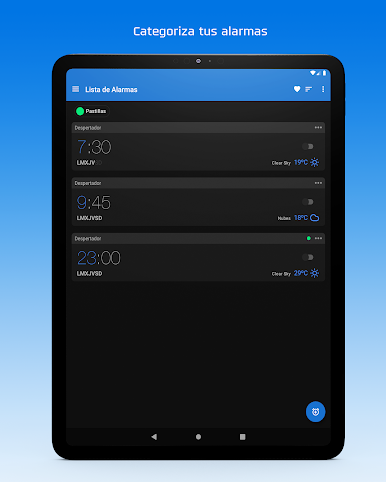
Name each alarm for specific reminders (like appointments), and quickly skip alarms for certain days so you won’t forget to turn them back on later. -
Backgrounds Your Way
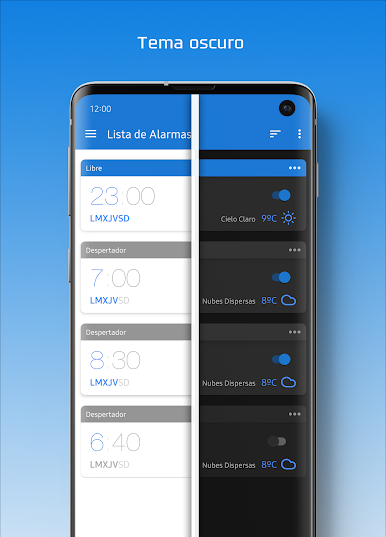
Change up the app’s background with your own image, adding a personal touch to your alarm experience.
Switch to BlueStacks and make the most of your apps on your PC or Mac.
Juega Turbo Alarm: Despertador en la PC. Es fácil comenzar.
-
Descargue e instale BlueStacks en su PC
-
Complete el inicio de sesión de Google para acceder a Play Store, o hágalo más tarde
-
Busque Turbo Alarm: Despertador en la barra de búsqueda en la esquina superior derecha
-
Haga clic para instalar Turbo Alarm: Despertador desde los resultados de búsqueda
-
Complete el inicio de sesión de Google (si omitió el paso 2) para instalar Turbo Alarm: Despertador
-
Haz clic en el ícono Turbo Alarm: Despertador en la pantalla de inicio para comenzar a jugar

