

Panda Lu & Friends
Mainkan di PC dengan BlueStacks – platform Game-Game Android, dipercaya oleh lebih dari 500 juta gamer.

Play Panda Lu & Friends on PC or Mac
Explore a whole new adventure with Panda Lu & Friends, a Educational game created by TutoTOONS. Experience great gameplay with BlueStacks, the most popular gaming platform to play Android games on your PC or Mac.
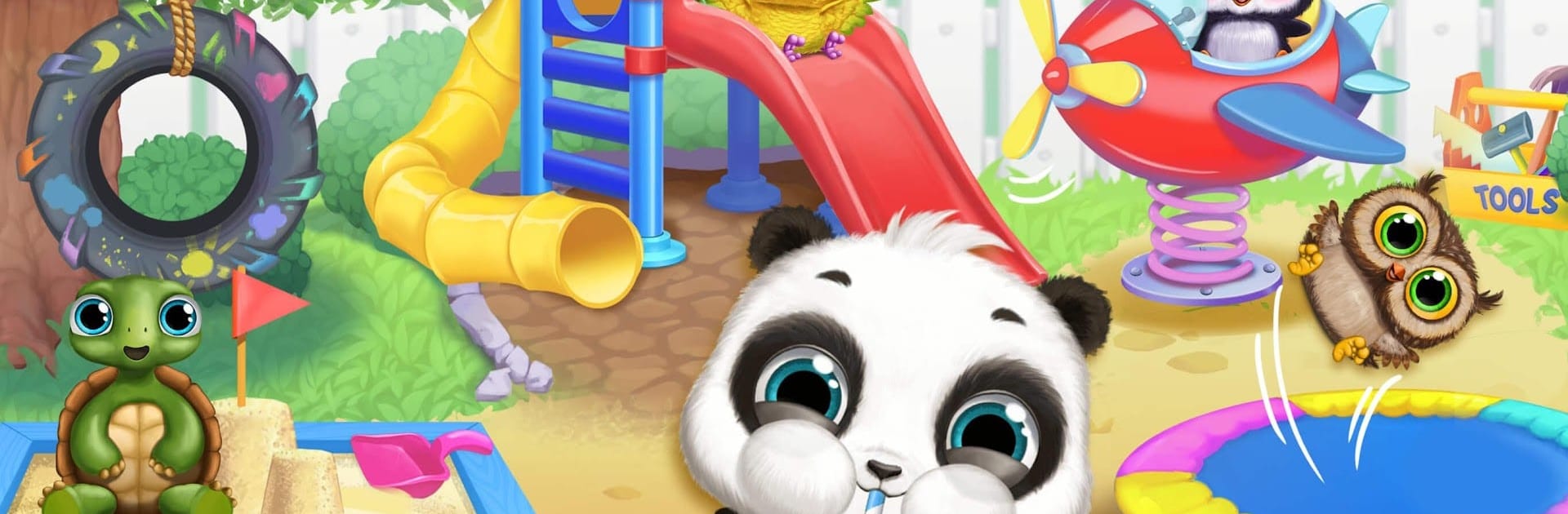
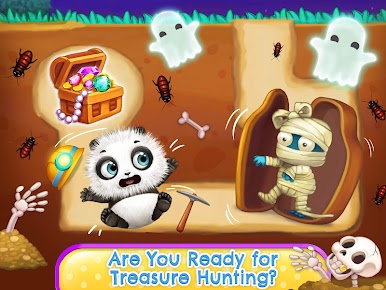
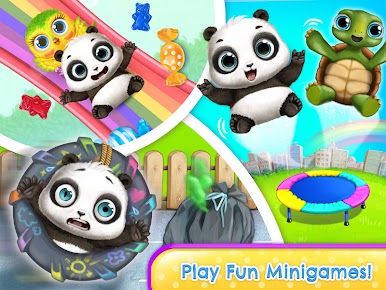
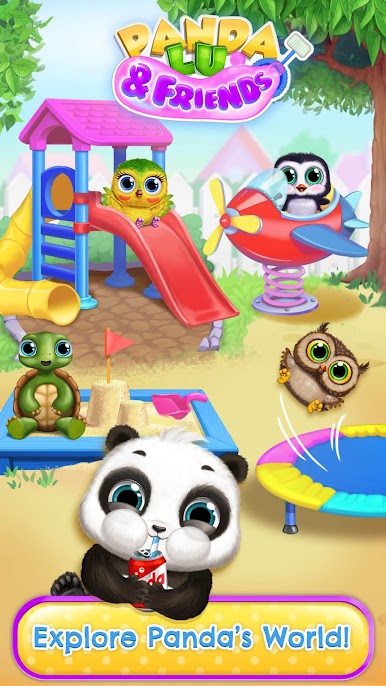
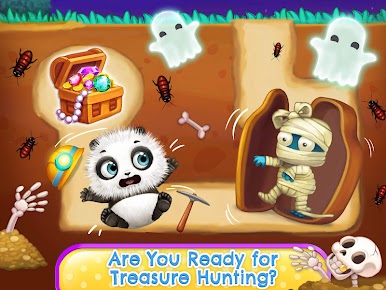
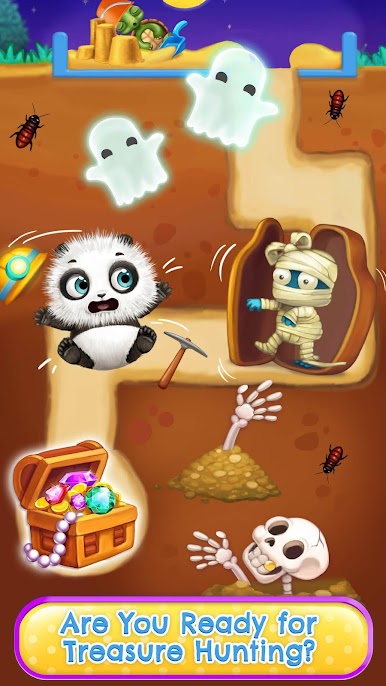
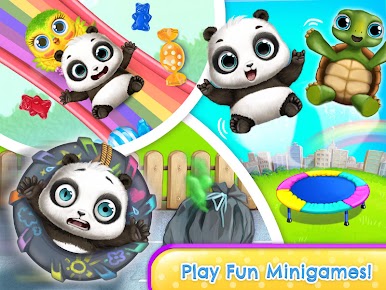
Panda Lu & Friends is a gentle virtual pet and playground mashup. Players look after a baby panda named Lu, feeding snacks and meals, tucking in with lullabies, helping with bathroom breaks, and picking out silly or cute outfits. A simple set of stats for hunger, energy, and cleanliness keeps things moving without pressure. When the basics are handled, the backyard opens up with friendly critters and lots of toys. Think small, hands-on mini-games rather than big goals. There is treasure hunting with shiny bits, sandcastle building, slides where candies fall and need to be caught, a trampoline for easy bouncing, and bubble play with a baby owl. The little airplane rider can be decorated then flown while dodging obstacles. Grabbing apples from a tree needs a bit of timing, and there are butterflies to chase. House decorating and a goofy photo album give extra things to check off between play sessions.
Controls are simple taps and drags. On PC through BlueStacks, the bigger screen and a mouse make catching fast targets and decorating smoother, and it feels nice for kids who prefer a large view. The whole vibe is calm, colorful, and meant for short, happy bursts. Difficulty stays light, very much aimed at younger players or anyone who wants something relaxing. Some outfits or activities may ask for optional purchases or ads, so parents might want to peek at that. If someone likes Tamagotchi-style care mixed with bite-size playground games, this is cozy and cheerful, with soft sound effects that do not grate over time.
Start your journey now. Download the game on BlueStacks, invite your friends, and march on a new adventure.



















Mainkan Panda Lu & Friends di PC Mudah saja memulainya.
-
Unduh dan pasang BlueStacks di PC kamu
-
Selesaikan proses masuk Google untuk mengakses Playstore atau lakukan nanti
-
Cari Panda Lu & Friends di bilah pencarian di pojok kanan atas
-
Klik untuk menginstal Panda Lu & Friends dari hasil pencarian
-
Selesaikan proses masuk Google (jika kamu melewati langkah 2) untuk menginstal Panda Lu & Friends
-
Klik ikon Panda Lu & Friends di layar home untuk membuka gamenya

