


Troop Messenger
Juega en PC con BlueStacks: la plataforma de juegos Android, en la que confían más de 500 millones de jugadores.

Página modificada el: Dec 8, 2025
Play Troop Messenger on PC
What inside :
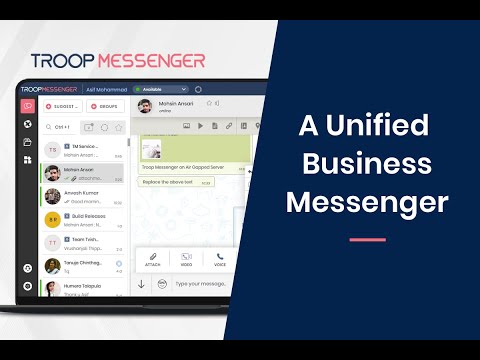
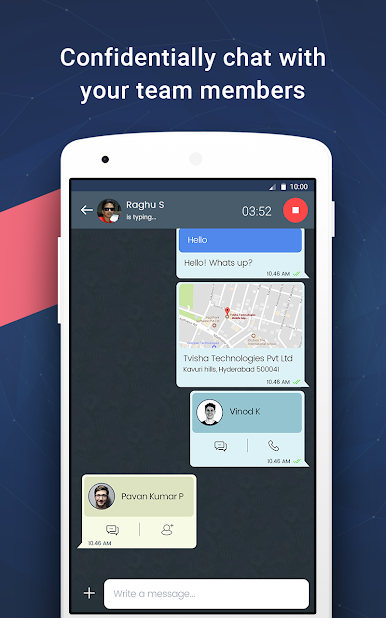
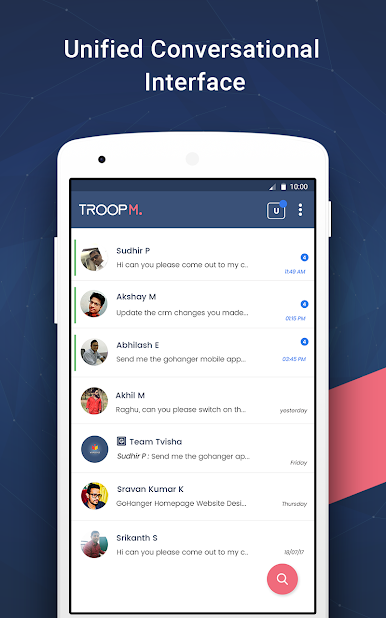
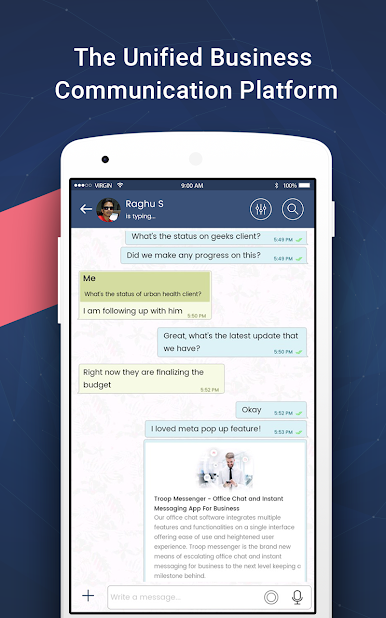
Individual chat- You can start a conversation with fellow employees.
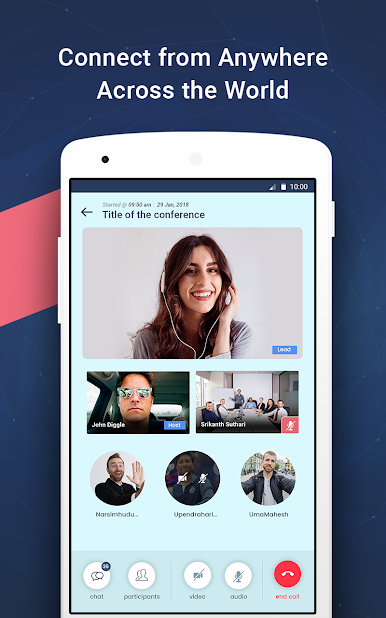
Group chat-Share data and chat with groups and team up for projects.
Multimedia sharing- Now you can share audio, video, images and can take a picture with your phone camera for direct sharing.
File sharing- you can share files of various formats like.doc, .xls,.ppt and many more
Data sharing with external apps- you can share attachments with third party chat applications available in your phone like WhatsApp, Gmail, phone message app and many more
Location and contact sharing- Allows to share your current location with team and boss with team chat app and directly make a call to shared contacts to catch up with your colleagues
Forward message- Forward with single click to group, individuals or multiple contacts
Attachment preview and download- Users can either preview or download files, depending upon the need.
Group creation- Catch up team activities in group, and make communication easier than ever before with Troop messenger for business.
Direct link opening- Why to copy a link? Just click it and be redirected
Inbuilt app security- Be safe and secured with multiple inbuilt pocket security options.
User Profile- Be professional and recognized by others with a catchy business profile
Data backup- Restore all your data.
Notification- Don’t miss any event, be notified to be abreast with time
Server-side encryption- Put a boundary around your business and keep it safe from exposure.
Juega Troop Messenger en la PC. Es fácil comenzar.
-
Descargue e instale BlueStacks en su PC
-
Complete el inicio de sesión de Google para acceder a Play Store, o hágalo más tarde
-
Busque Troop Messenger en la barra de búsqueda en la esquina superior derecha
-
Haga clic para instalar Troop Messenger desde los resultados de búsqueda
-
Complete el inicio de sesión de Google (si omitió el paso 2) para instalar Troop Messenger
-
Haz clic en el ícono Troop Messenger en la pantalla de inicio para comenzar a jugar

