


Зожник
Gioca su PC con BlueStacks: la piattaforma di gioco Android, considerata affidabile da oltre 500 milioni di giocatori.

Pagina modificata il: Apr 9, 2025
Play Зожник on PC
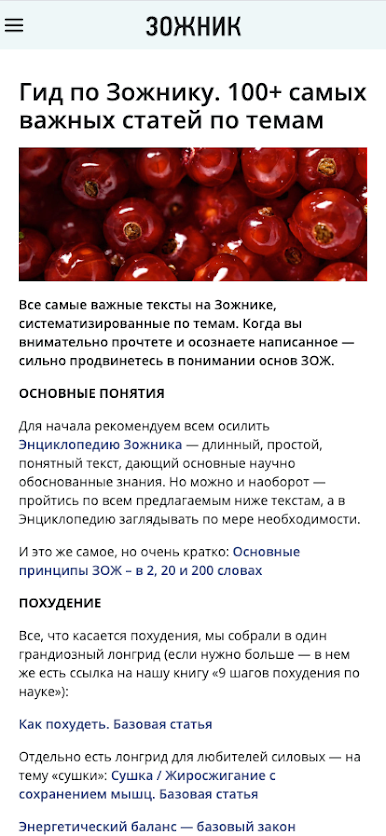
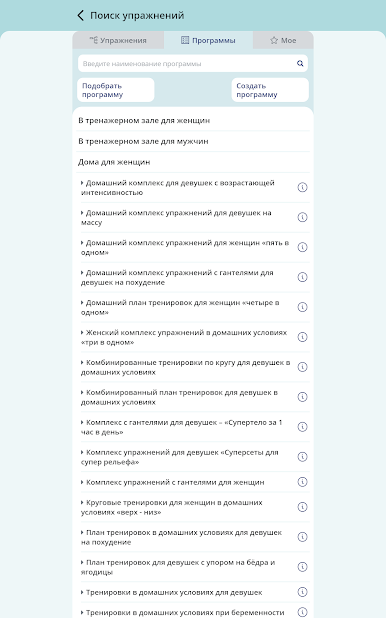
The application contains:
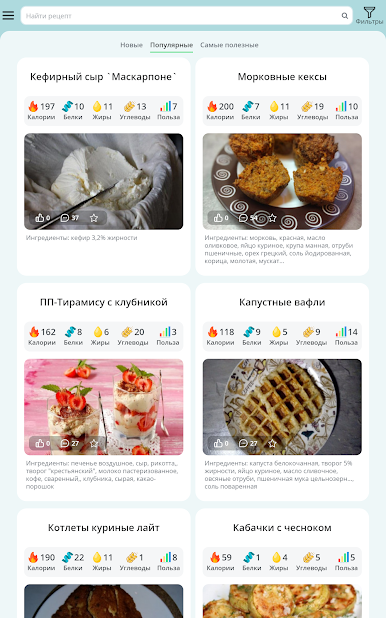
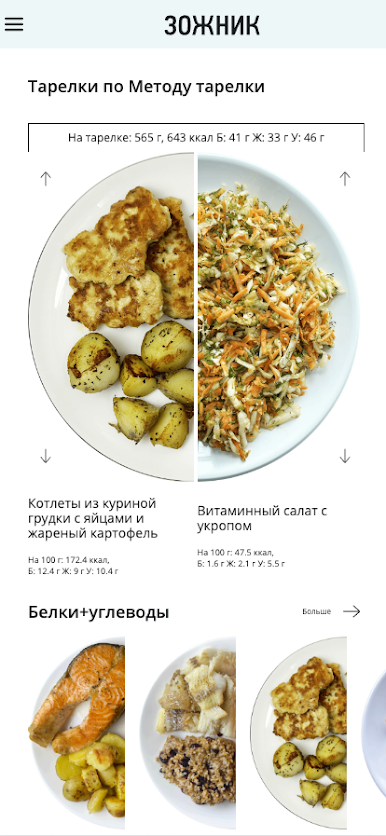
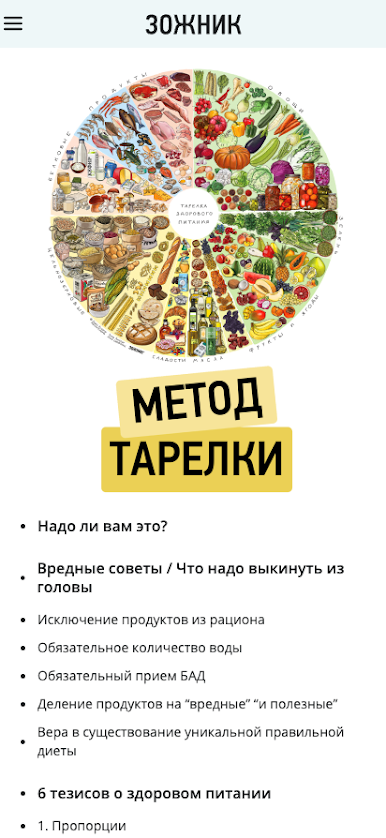
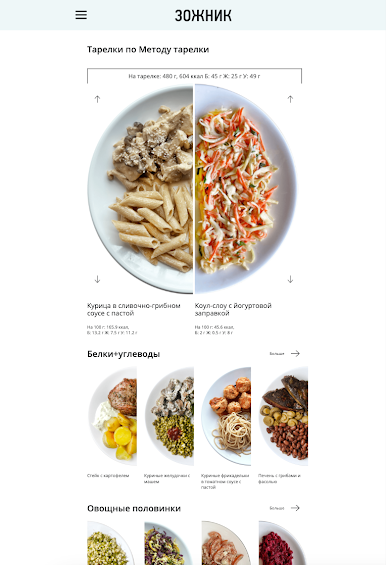
- Healthy lifestyle food showcase, examples of healthy plates and desserts,
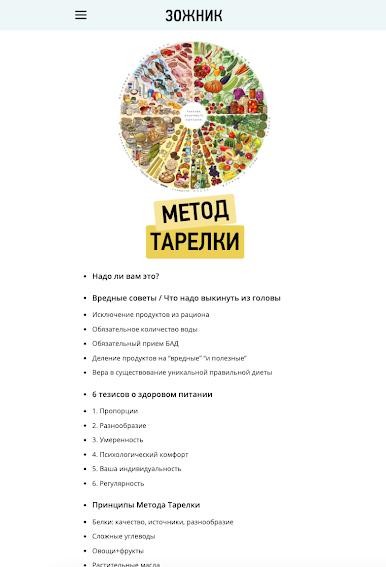
- Nutrition ideology of the Plate Method on a scientific basis,
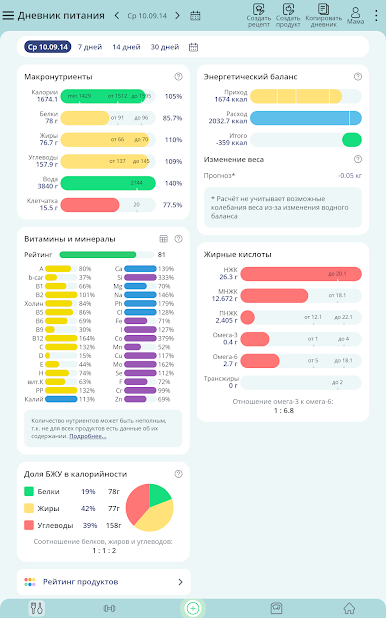
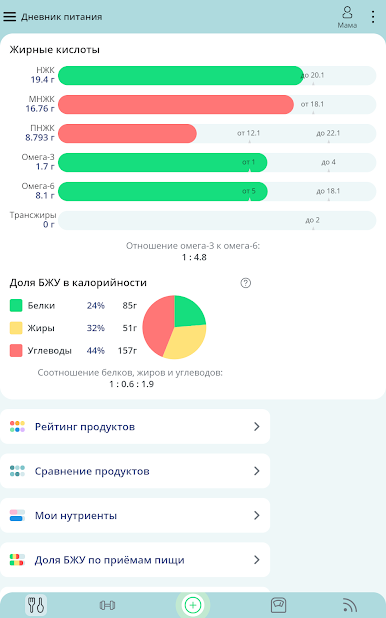
- Calorie and nutritional calculators,
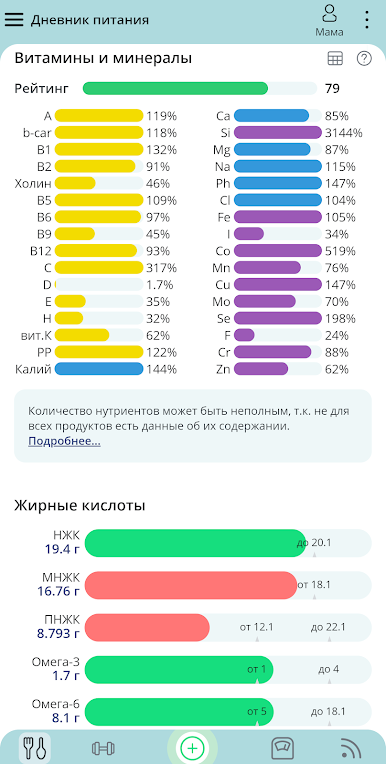
- Unique database of KBZHU + vitamins and minerals from reliable sources,
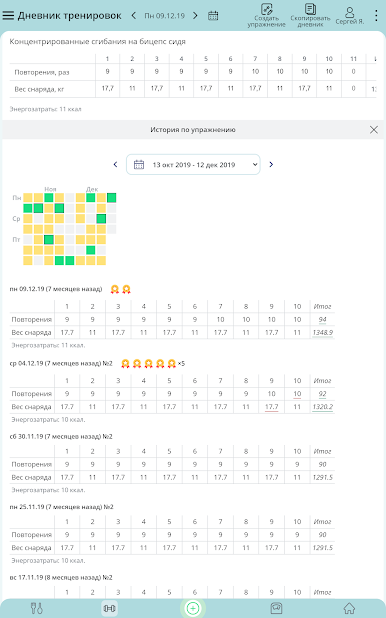
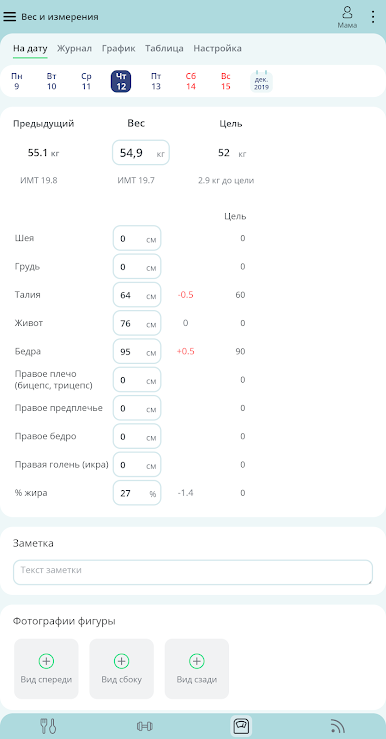
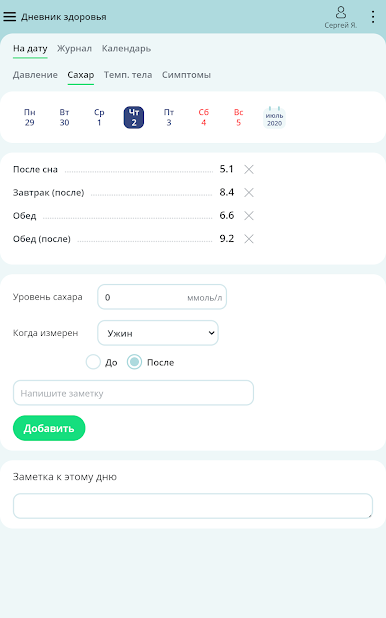
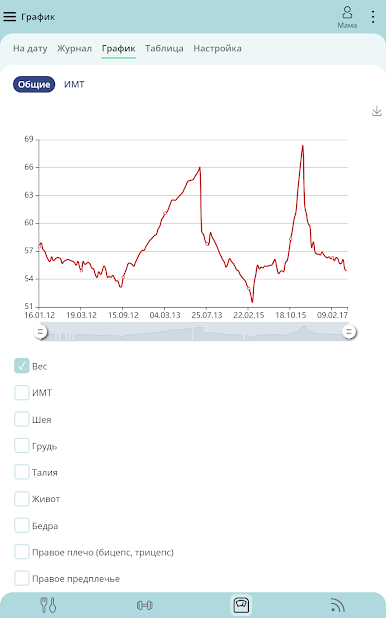
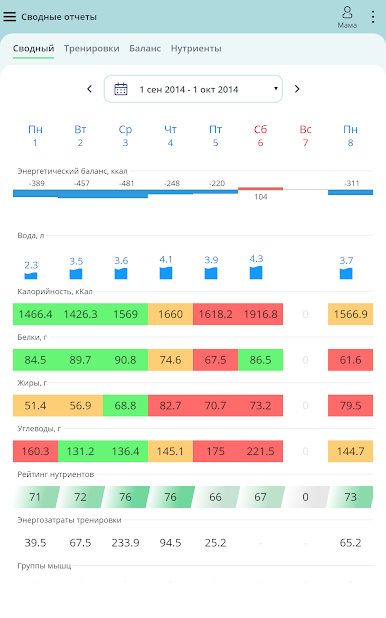
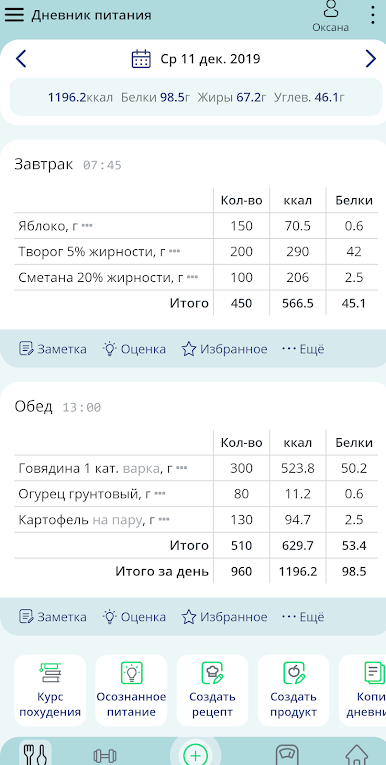
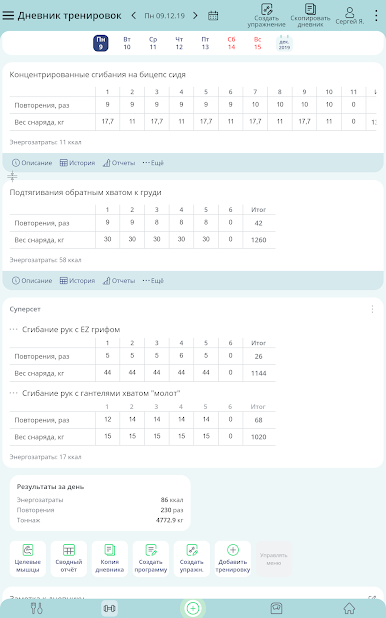
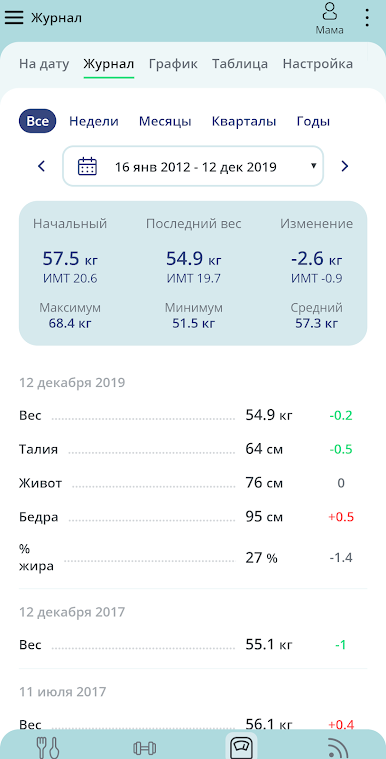
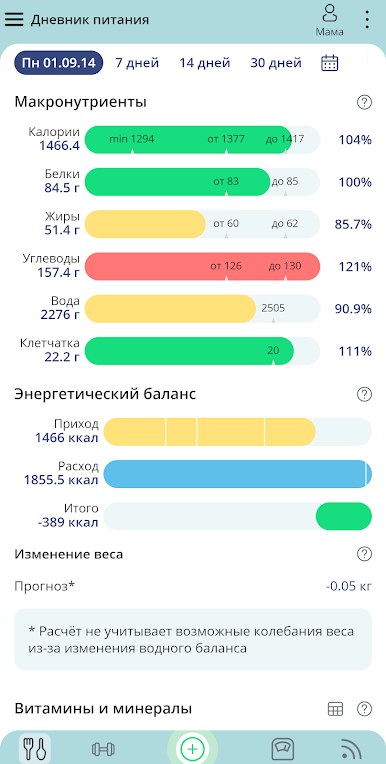
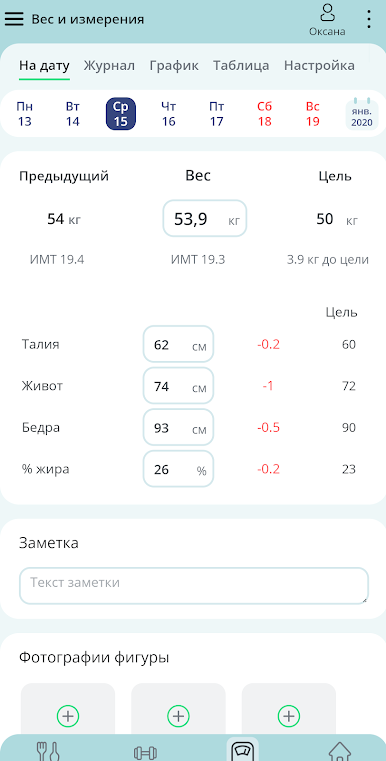
- A convenient service for keeping a food and training diary, tested by thousands of users for several years.
Our principle is a modern scientific basis. Everything that we write and show is not something we assert ourselves, we present a modern scientific view.
Eating according to the Plate Method (or the Harvar healthy eating plate) is a simple, modern, scientifically based method of healthy eating without counting calories and strict restrictions. By following the Plate Method, you can eat according to your needs for HFCS, vitamins and minerals, while giving preference to the foods you love.
The application has a built-in book “The Plate Method”, which you can read in separate chapters and constantly return to them - these are simple and understandable principles of healthy eating.
___
A food diary is an important tool for tracking how you eat, which is important for achieving long-term goals that are important to you.
Thousands of people have chosen our food diary service, and during this time the service has been polished in accordance with user requests.
___
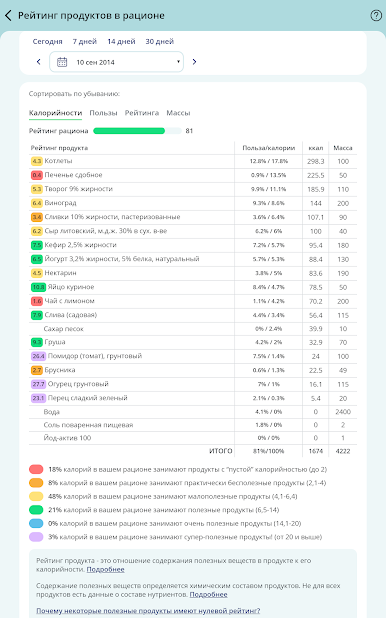
In the application you have access to a unique professional database of KBZHU + vitamins and minerals - from reliable sources: Directory Chemical Composition of Food Products, ed. THEM. Skurikhin and USDA data.
You can search for any product or rank products based on any mineral or vitamin content.

Gioca Зожник su PC. È facile iniziare.
-
Scarica e installa BlueStacks sul tuo PC
-
Completa l'accesso a Google per accedere al Play Store o eseguilo in un secondo momento
-
Cerca Зожник nella barra di ricerca nell'angolo in alto a destra
-
Fai clic per installare Зожник dai risultati della ricerca
-
Completa l'accesso a Google (se hai saltato il passaggio 2) per installare Зожник
-
Fai clic sull'icona Зожник nella schermata principale per iniziare a giocare

