


Jungle Mash
Mainkan di PC dengan BlueStacks – platform Game-Game Android, dipercaya oleh lebih dari 500 juta gamer.

Play Jungle Mash on PC or Mac
Step into the World of Jungle Mash, a thrilling Casual game from the house of Twimler. Play this Android game on BlueStacks App Player and experience immersive gaming on PC or Mac.
About the Game
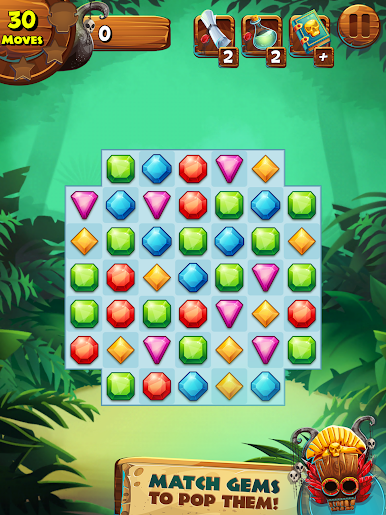
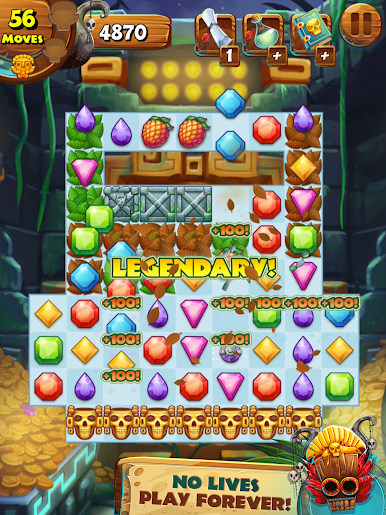
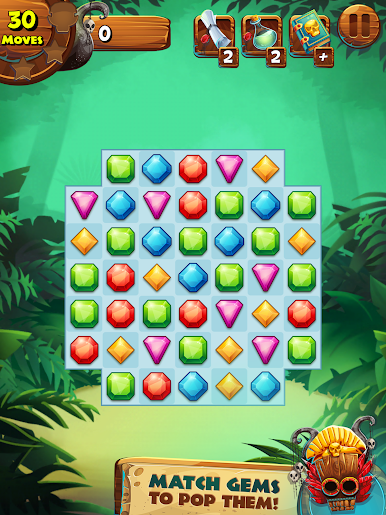
Jungle Mash from Twimler drops you right into a wild, puzzle-filled paradise where excitement never really lets up. If you’re into casual games that mix clever strategy with just the right touch of luck, this is your jam. Get set to swipe, match, and discover hidden surprises as you trek through colorful corners of the jungle, hunting for treasures and seeing what each chapter throws your way.
Game Features
-
Vivid Visuals
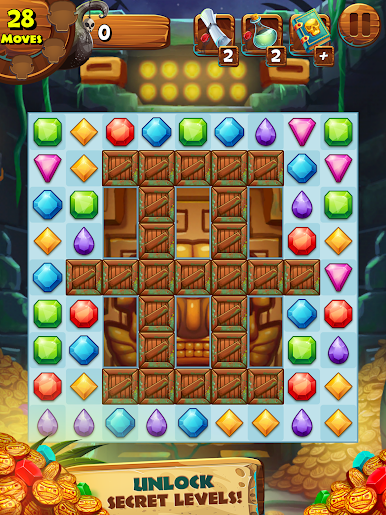
The game brings the jungle alive with bright, crisp graphics that make every tile pop and every level look fresh. -
Match-and-Smash Gameplay
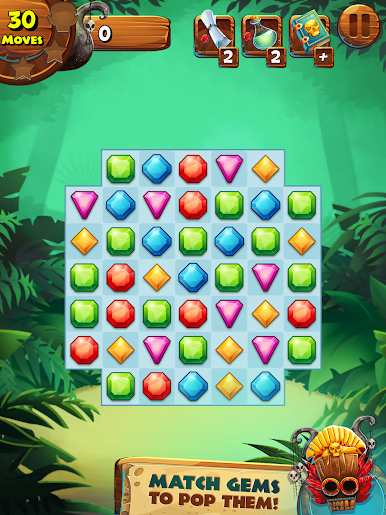
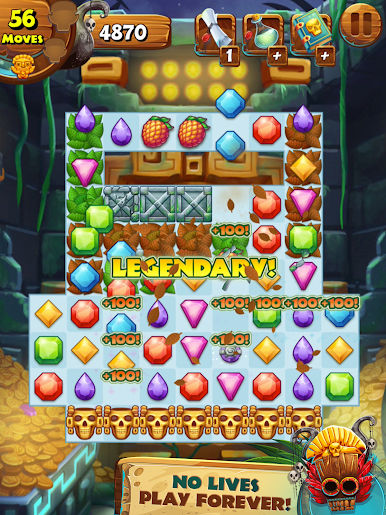
Connect gems in all kinds of combos and rack up points. Some matches are easy, some a little sneaky, but all of them are rewarding. -
Loads of Levels
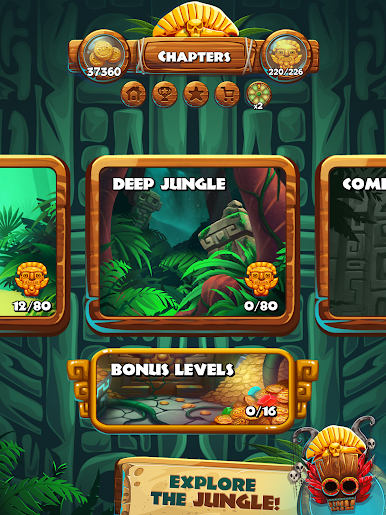
Boredom doesn’t stand a chance—there are hundreds of different stages to work through, each with its own trickiness and twists. -
Mystery Wheel Prizes
Take a lucky spin whenever you feel like shaking things up. Who knows what kind of freebies or boosts you’ll snag next? -
Boosters & Spells
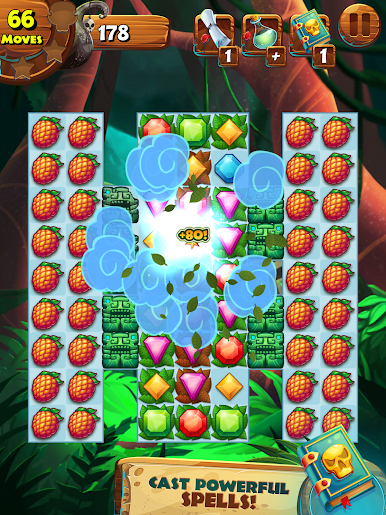
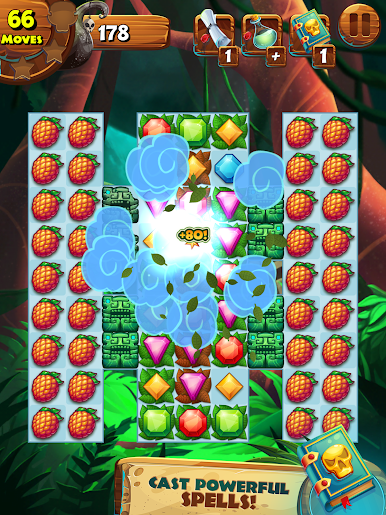
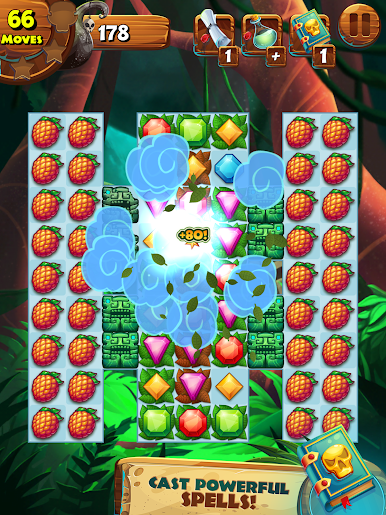
Got a tough spot? Cast a spell or unleash a powerful booster when you need that extra edge to crack a particularly stubborn puzzle. -
Unique Obstacles
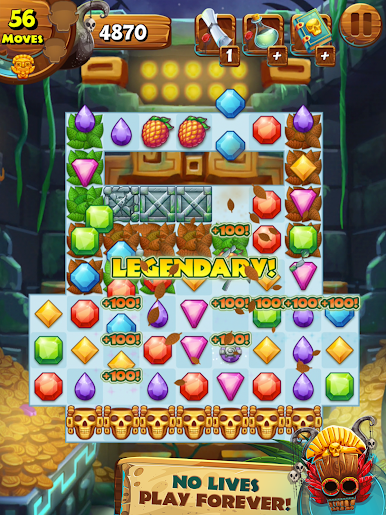
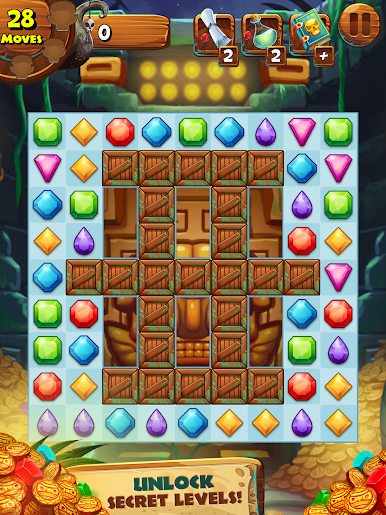
The jungle’s got plans to slow you down, but that’s half the fun. Dodge weird barriers and funky challenges on your way to victory. -
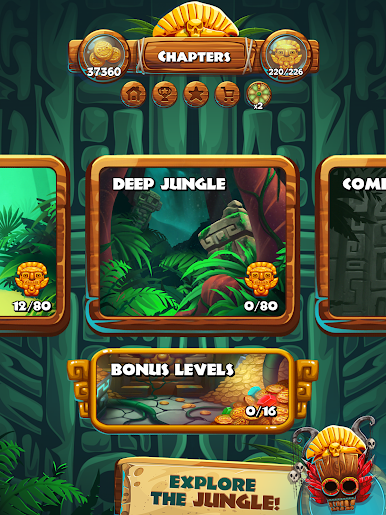
Bonus Levels
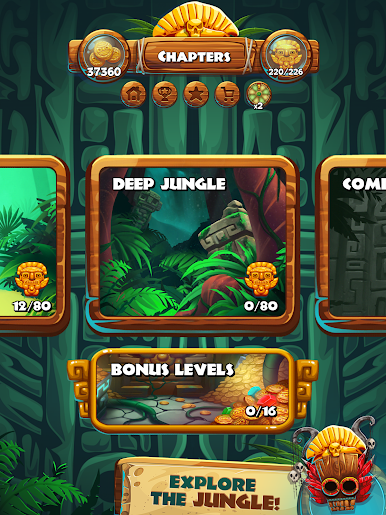
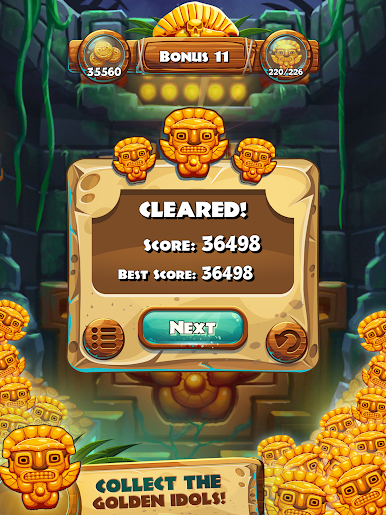
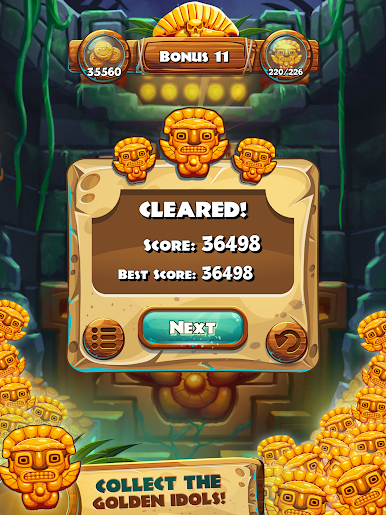
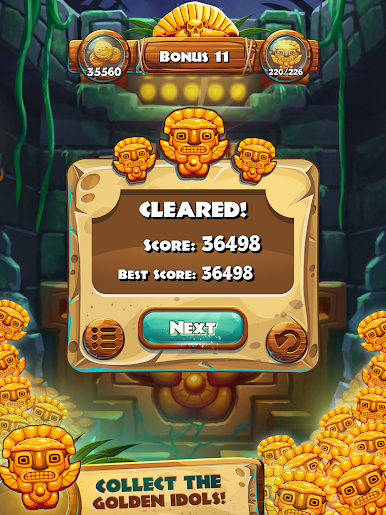
Gather Golden Idols as you play—they’re the key to unlocking bonus stages and grabbing even more treasure. -
Smooth on BlueStacks
Prefer a bigger screen? Jungle Mash also plays great on BlueStacks, giving you the flexibility to puzzle it out on your PC whenever you want.
Ready to top the leaderboard? We bet you do. Let precise controls and sharp visuals optimized on BlueStacks lead you to victory.

Mainkan Jungle Mash di PC Mudah saja memulainya.
-
Unduh dan pasang BlueStacks di PC kamu
-
Selesaikan proses masuk Google untuk mengakses Playstore atau lakukan nanti
-
Cari Jungle Mash di bilah pencarian di pojok kanan atas
-
Klik untuk menginstal Jungle Mash dari hasil pencarian
-
Selesaikan proses masuk Google (jika kamu melewati langkah 2) untuk menginstal Jungle Mash
-
Klik ikon Jungle Mash di layar home untuk membuka gamenya

