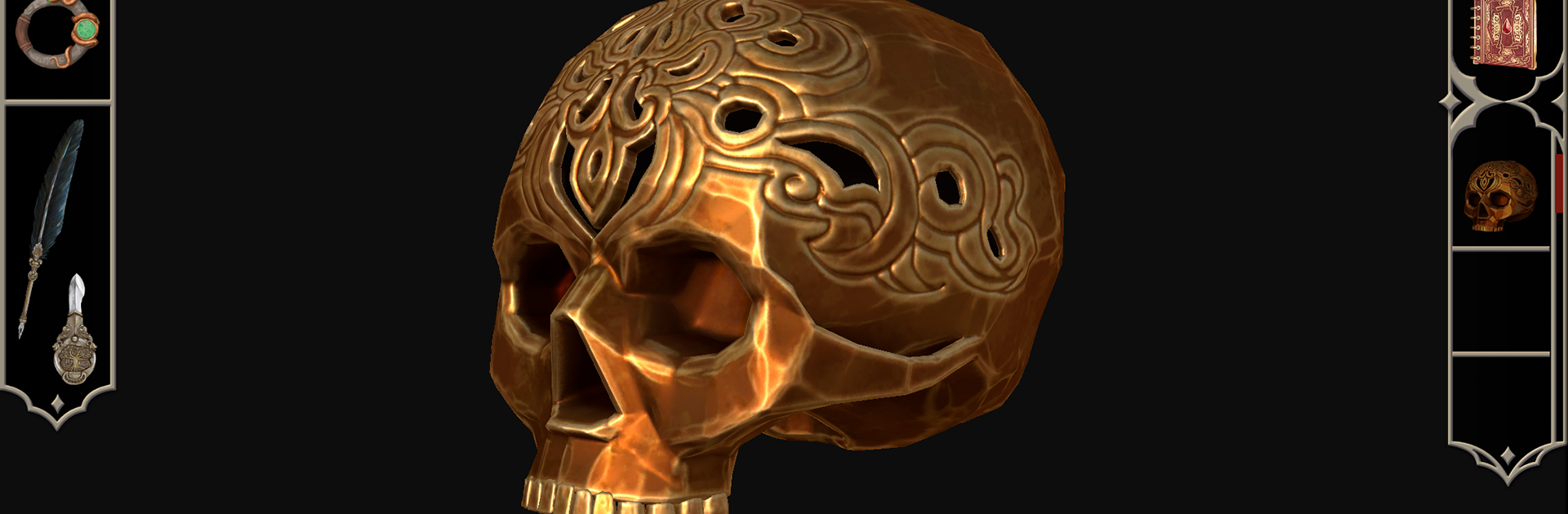

EXIT – La prueba del Grifo
Juega en PC con BlueStacks: la plataforma de juegos Android, en la que confían más de 500 millones de jugadores.

Página modificada el: 15 mar 2023
Play EXIT – Trial of the Griffin on PC or Mac
EXIT – Trial of the Griffin brings the Puzzle genre to life, and throws up exciting challenges for gamers. Developed by USM, this Android game is best experienced on BlueStacks, the World’s #1 app player for PC and Mac users.
EXIT – Trial of the Griffin feels a lot like getting pulled straight into an old mystery novel, except you’re actually the one stuck in a creepy castle trying to puzzle your way out. The whole game puts you in Greifenstein Castle in the 1800s where everything feels a little unsettling — there are rumors about ghosts, missing nobles, secret crypts, the works. You end up exploring all kinds of weird, atmospheric rooms, flipping through books in a dusty library, digging through family history, even poking around creepy old artifacts other people left behind. There’s a ton of hidden details, so it keeps you guessing what might be useful and what’s just there to add mood.
The puzzles are more than standard escape room stuff. They really mix things up, making you hunt for clues, crack codes, and sometimes even pay attention to things outside the game itself, not just what’s on screen. There’s a whole layer of clever twists and connections that make you think a few steps ahead. On PC with BlueStacks, the art and eerie soundtrack stand out even more — the graphics have this cool hand-drawn style, and the music pulls you right into the castle’s gloomy halls. The narrator’s voice pops in here and there, adding to the whole haunted vibe. It’s set up for solo play, so the story and the puzzles are all designed just for one player. It’s dense, creative, and has enough new ideas that it doesn’t feel like just another escape room app. Anyone who’s into mysteries or puzzle adventures will probably find it way more engaging than expected.
Get ready for a buttery smooth, high-performance gaming action only on BlueStacks.



Juega EXIT – La prueba del Grifo en la PC. Es fácil comenzar.
-
Descargue e instale BlueStacks en su PC
-
Complete el inicio de sesión de Google para acceder a Play Store, o hágalo más tarde
-
Busque EXIT – La prueba del Grifo en la barra de búsqueda en la esquina superior derecha
-
Haga clic para instalar EXIT – La prueba del Grifo desde los resultados de búsqueda
-
Complete el inicio de sesión de Google (si omitió el paso 2) para instalar EXIT – La prueba del Grifo
-
Haz clic en el ícono EXIT – La prueba del Grifo en la pantalla de inicio para comenzar a jugar

Juegos Similares