


uTRAC Workforce Management
Gioca su PC con BlueStacks: la piattaforma di gioco Android, considerata affidabile da oltre 500 milioni di giocatori.

Pagina modificata il: Dec 12, 2025
Run uTRAC Workforce Management on PC or Mac
Upgrade your experience. Try uTRAC Workforce Management, the fantastic Productivity app from Beretangia Ltd, from the comfort of your laptop, PC, or Mac, only on BlueStacks.
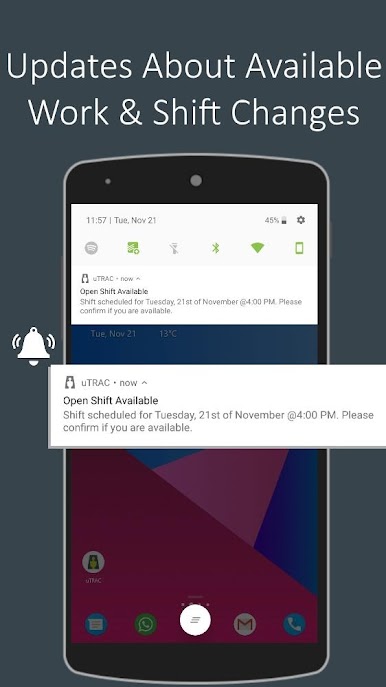
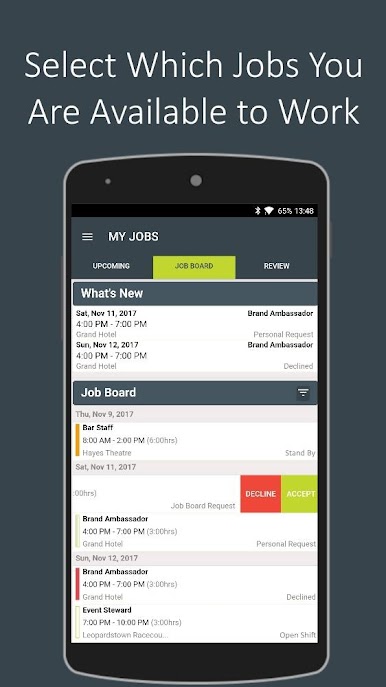
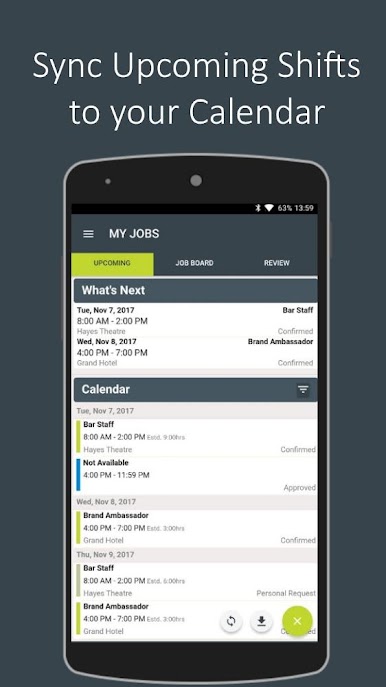
uTRAC feels like a straight to the point hub for shifts. It gives a worker one place to check the rota, say when they are free, and grab open shifts without a bunch of calls or texts. Everything sits in a clean calendar, and it pushes alerts when a new shift pops up or an existing one changes. There is a spot to preview upcoming pay, look back at finished work, and send a time off request without chasing anyone. It even links to maps so getting to the site is less of a headache. Login is only for people who are set up by their company, so it is very much a work tool, not a random sign up thing.
Managers get the other side of it. They can post shifts, see who is available, and fill gaps fast, while the app quietly blocks double bookings and keeps track of hours for compliance. The job board shows roles to the right people so the back and forth is shorter. Because it records time digitally, payroll reports and timesheets are not a big admin mountain. On a PC with BlueStacks, the bigger screen makes the week view easier to scan and clicking through the job board is quicker, which helps a lot when there are lots of sites or last minute changes. It is not flashy, just practical, and that is the point. If a team already uses uTRAC, this app keeps everyone in the right place at the right time without alot of fuss.
Ready to experience uTRAC Workforce Management on a bigger screen, in all its glory? Download BlueStacks now.
Gioca uTRAC Workforce Management su PC. È facile iniziare.
-
Scarica e installa BlueStacks sul tuo PC
-
Completa l'accesso a Google per accedere al Play Store o eseguilo in un secondo momento
-
Cerca uTRAC Workforce Management nella barra di ricerca nell'angolo in alto a destra
-
Fai clic per installare uTRAC Workforce Management dai risultati della ricerca
-
Completa l'accesso a Google (se hai saltato il passaggio 2) per installare uTRAC Workforce Management
-
Fai clic sull'icona uTRAC Workforce Management nella schermata principale per iniziare a giocare

