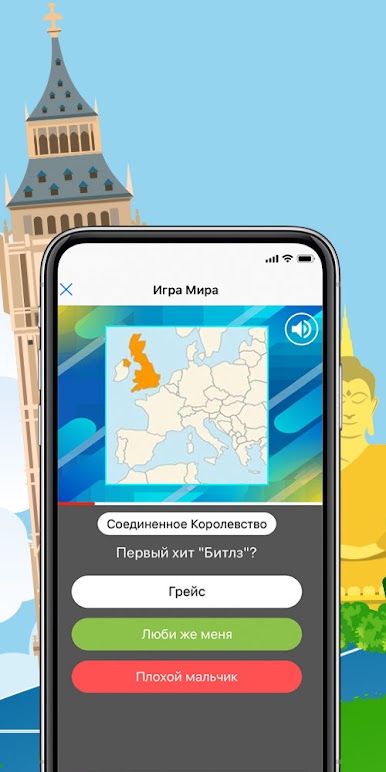
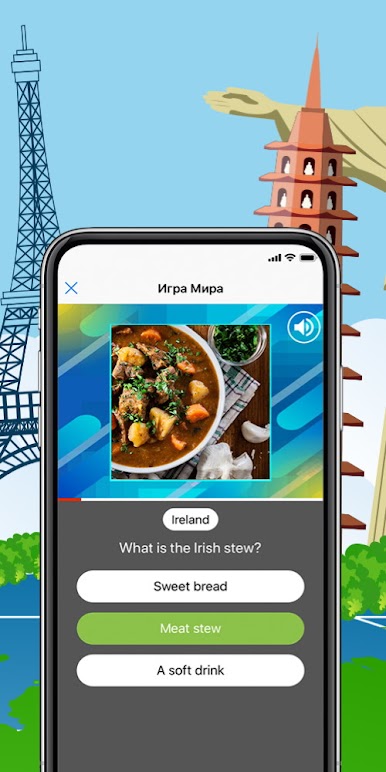
Juego del mundo. Nextlingua.
Juega en PC con BlueStacks: la plataforma de juegos Android, en la que confían más de 500 millones de jugadores.
Página modificada el: Sep 18, 2025
Play Game of the world. Learn languages. Nextlingua. on PC or Mac
From the innovators and creators at Nextlingua S.L., Game of the world. Learn languages. Nextlingua. is another fun addition to the World of Educational games. Go beyond your mobile screen and play it bigger and better on your PC or Mac. An immersive experience awaits you.
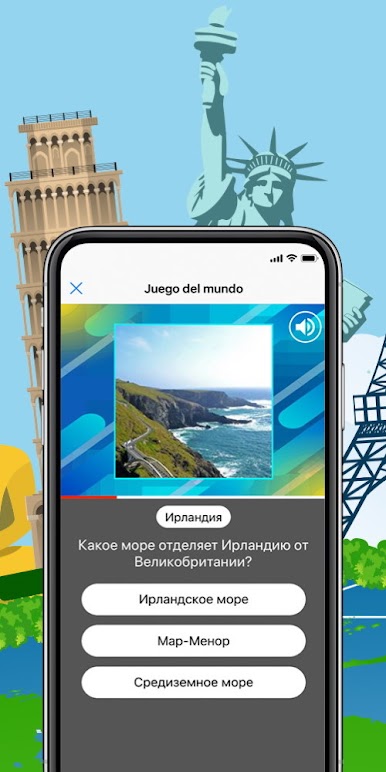
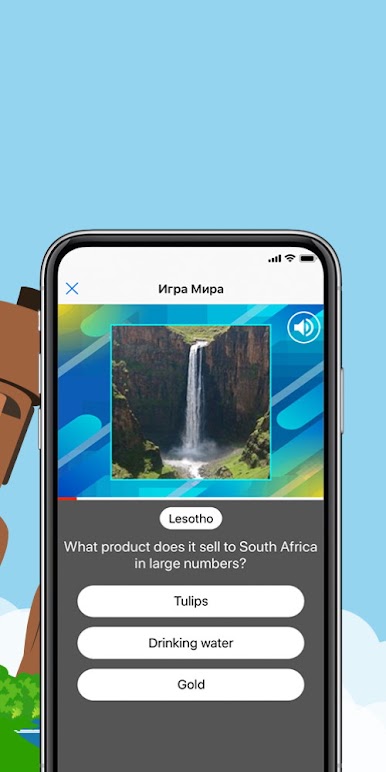
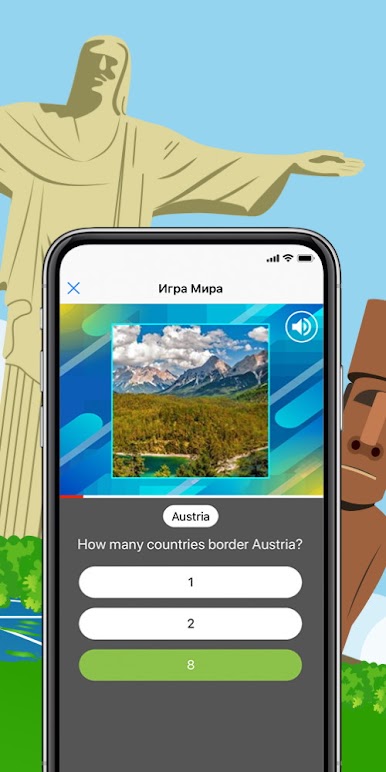
Game of the world. Learn languages. Nextlingua. is a straight up quiz that hits you with quick questions from everywhere: geography, history, art, books, films, food, traditions, the lot. Each round throws a question and a few options on screen, and there is a timer ticking in the corner. Pick the right answer before it runs out, and the score climbs. Answer faster and the points jump higher, which makes every second feel loud. It has that pub quiz energy with a shot clock, so it gets tense in a fun way without feeling hard to learn.
The nice twist is language. Switch the game to the language being studied and it doubles as vocab practice, since clues and answer choices teach little words and country names while the brain chases points. Some questions are very easy, others are oddly specific, so it keeps people awake. There is no big story or complicated menus, just tap, think, choose, move on. It works well for short sessions, but it is easy to play for longer when a streak is going and the timer keeps daring you to go faster.
On PC with BlueStacks, the bigger screen makes foreign accents and small text easier to read, and clicking answers fast feels crisp. It is simple, snappy, and good for anyone who likes random facts and a bit of pressure without a lot of fluff.
Ready to top the leaderboard? We bet you do. Let precise controls and sharp visuals optimized on BlueStacks lead you to victory.
Juega Juego del mundo. Nextlingua. en la PC. Es fácil comenzar.
-
Descargue e instale BlueStacks en su PC
-
Complete el inicio de sesión de Google para acceder a Play Store, o hágalo más tarde
-
Busque Juego del mundo. Nextlingua. en la barra de búsqueda en la esquina superior derecha
-
Haga clic para instalar Juego del mundo. Nextlingua. desde los resultados de búsqueda
-
Complete el inicio de sesión de Google (si omitió el paso 2) para instalar Juego del mundo. Nextlingua.
-
Haz clic en el ícono Juego del mundo. Nextlingua. en la pantalla de inicio para comenzar a jugar