


Splunk On-Call
Gioca su PC con BlueStacks: la piattaforma di gioco Android, considerata affidabile da oltre 500 milioni di giocatori.

Pagina modificata il: Jan 8, 2024
Play Splunk On-Call on PC
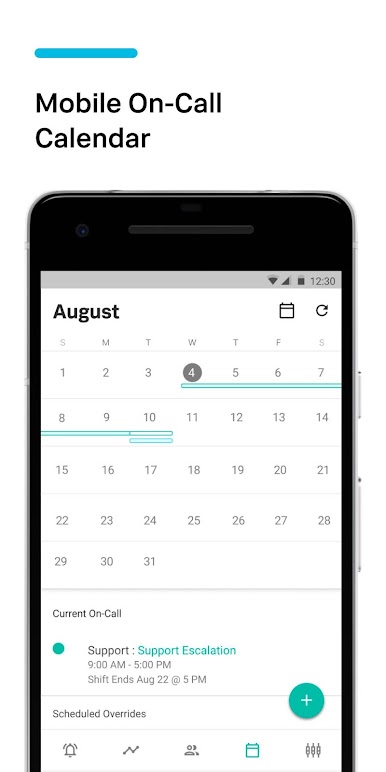
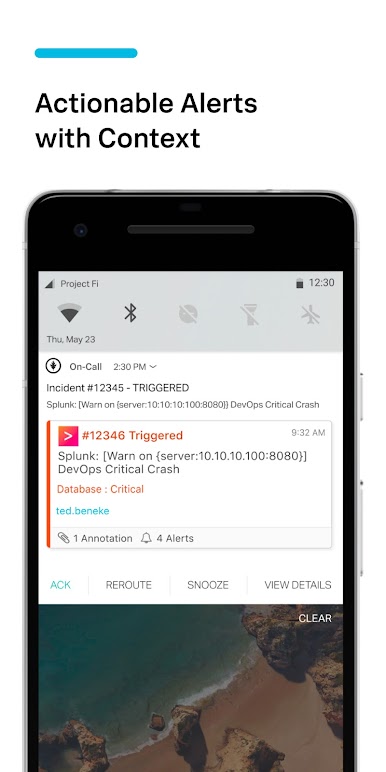
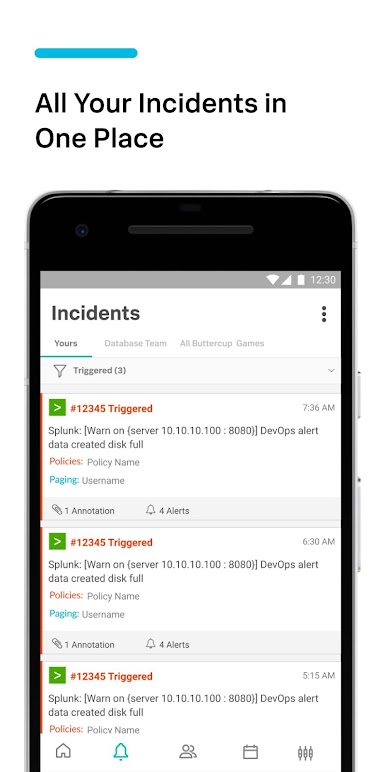
The Splunk On-Call app allows users to access our full suite of alert management, collaboration, and on-call scheduling functionality via Android devices. Designed to work in conjunction with a Splunk On-Call account, engineering teams can use features, including:
• View a live Timeline of monitoring data with ongoing status updates
• Configure and receive IT alerts via: push notifications, SMS alerting, email alert notifications, or phone calls
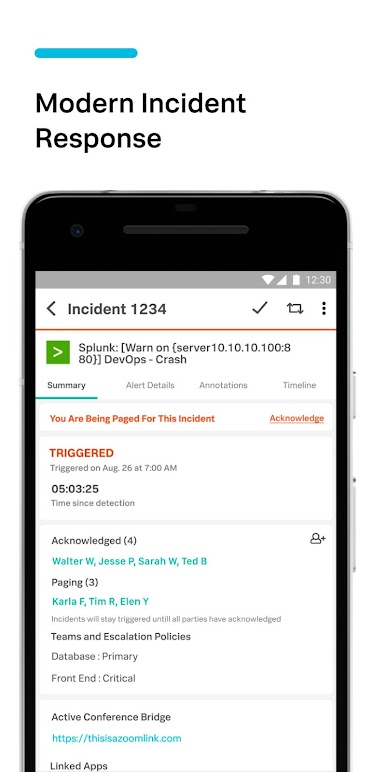
• Acknowledge, reroute, and resolve incidents inside the Splunk On-Call monitoring system with attached annotations
• Associate alerts with the system sending the information via integration icons attached to alerts
• Contact team members or initiate conference calling
• Chat and contribute to solutions, regardless of whether a team member is on-call
• Swap on-call duties with a single touch
• Capture resolution details to expedite future remediation and build team intelligence
• Display runbooks and relevant graphs within alerts to more quickly ascertain severity and resolution steps
*A Splunk On-Call account is required to use this DevOps alerting and collaboration application.
Sign up at https://www.splunk.com/en_us/software/victorops.html
*By downloading Splunk On-Call you are agreeing to our terms of service.
https://www.splunk.com/en_us/legal/splunk-general-terms.html
Gioca Splunk On-Call su PC. È facile iniziare.
-
Scarica e installa BlueStacks sul tuo PC
-
Completa l'accesso a Google per accedere al Play Store o eseguilo in un secondo momento
-
Cerca Splunk On-Call nella barra di ricerca nell'angolo in alto a destra
-
Fai clic per installare Splunk On-Call dai risultati della ricerca
-
Completa l'accesso a Google (se hai saltato il passaggio 2) per installare Splunk On-Call
-
Fai clic sull'icona Splunk On-Call nella schermata principale per iniziare a giocare

