


GoCut - Editor Efek Video
Mainkan di PC dengan BlueStacks – platform Game-Game Android, dipercaya oleh lebih dari 500 juta gamer.

Run GoCut - Effect Video Editor on PC or Mac
Let BlueStacks turn your PC, Mac, or laptop into the perfect home for GoCut – Effect Video Editor, a fun Video Players & Editors app from Like GoCut.
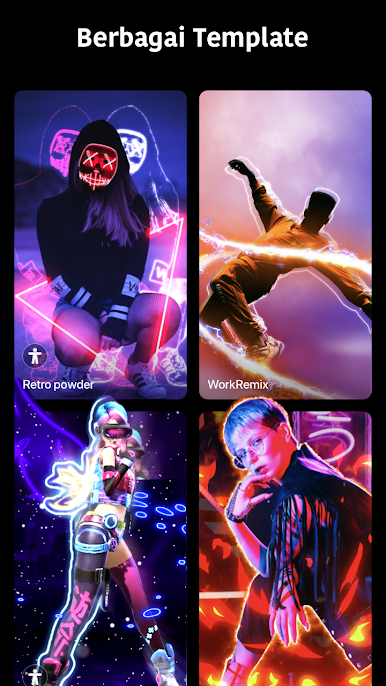
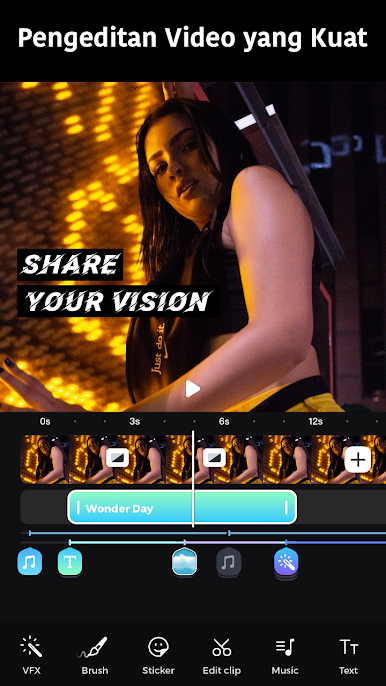
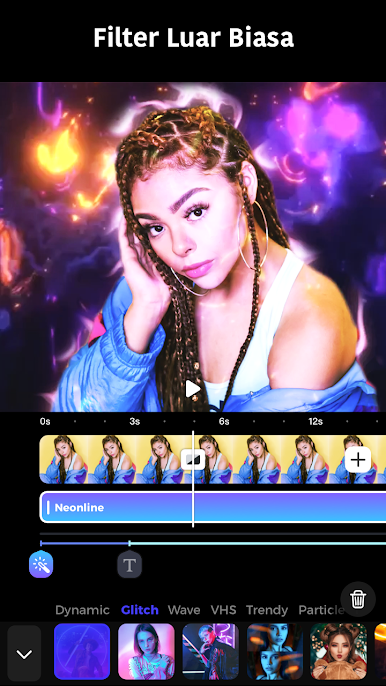
GoCut feels like one of those editors built for fast, flashy clips. The big hook is velocity editing, so speeding up and slowing down beats in a smooth way is front and center, and there are a ton of ready templates if someone does not want to tweak every keyframe. Effects are the fun part, with glowing lines, VHS, glitch, echo, rainbow, and that sparkly Kira look. The neon brush stands out most, since it lets a person draw frame by frame, then the lines light up with a glow, so highlights around people or objects pop without much fuss. Standard tools are here too, like cut, split, reverse, copy, plus multi‑layer editing, stickers, retro filters, transitions, and basic text. Music tools are simple and useful, with curated tracks, sound effects, and volume controls that actually line up well with the timeline.
Using it on a PC with BlueStacks makes the timeline easier to see and the neon brush easier to control with a mouse, so drawing clean outlines and placing keyframes feels less cramped than on a phone screen. Export options go up to 4K, and projects can be saved locally, which is nice if someone plans to post elsewhere. It has a familiar vibe if someone has used apps like CapCut, but the glow and velocity combo is its sweet spot. There is a subscription available with monthly or yearly plans, and it auto renews unless that is turned off, so that is worth a quick look in settings.
Ready to experience GoCut – Effect Video Editor on a bigger screen, in all its glory? Download BlueStacks now.


Mainkan GoCut - Editor Efek Video di PC Mudah saja memulainya.
-
Unduh dan pasang BlueStacks di PC kamu
-
Selesaikan proses masuk Google untuk mengakses Playstore atau lakukan nanti
-
Cari GoCut - Editor Efek Video di bilah pencarian di pojok kanan atas
-
Klik untuk menginstal GoCut - Editor Efek Video dari hasil pencarian
-
Selesaikan proses masuk Google (jika kamu melewati langkah 2) untuk menginstal GoCut - Editor Efek Video
-
Klik ikon GoCut - Editor Efek Video di layar home untuk membuka gamenya

