


Konverter Gambar ke PDF
Mainkan di PC dengan BlueStacks – platform Game-Game Android, dipercaya oleh lebih dari 500 juta gamer.

Run Image to Pdf Converter on PC or Mac
What’s better than using Image to Pdf Converter by vidlabs? Well, try it on a big screen, on your PC or Mac, with BlueStacks to see the difference.
About the App
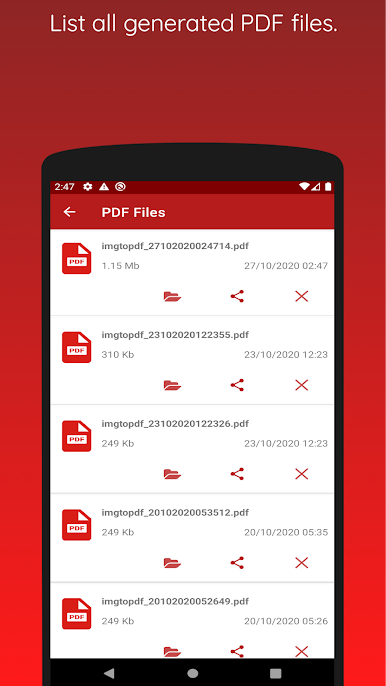
Looking for a quick way to turn your photos into a neat, shareable PDF? Image to Pdf Converter from vidlabs keeps things simple and stress-free. Whether you need to send a batch of receipts, combine art projects, or just organize a bunch of images, this app steps up—no extra hassle, no internet required. Your images get bundled just how you want them, all from your phone or even on desktop with BlueStacks if that’s your thing.
App Features
-
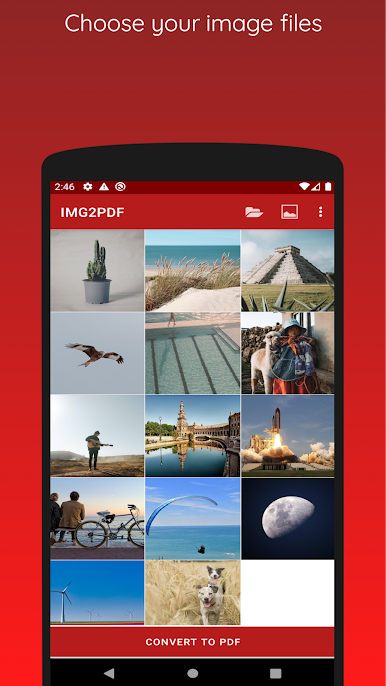
Easy Image Grouping
Select as many pictures as you like and combine them into a single PDF in just a couple taps. It doesn’t get much simpler. -
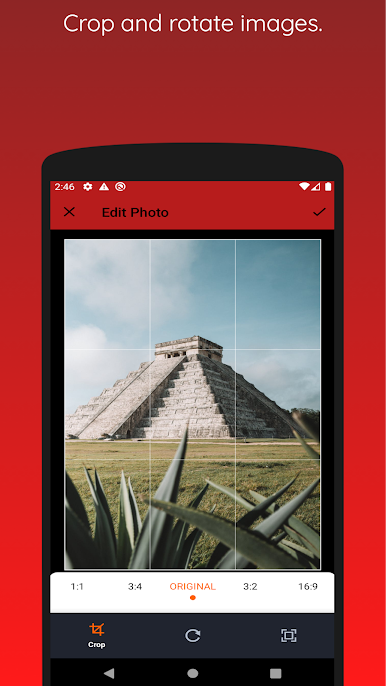
Custom Crop & Scale Tools
Want to trim out the clutter or zoom in on details? The app’s built-in crop and resize tools help your PDF look just right before you create it. -
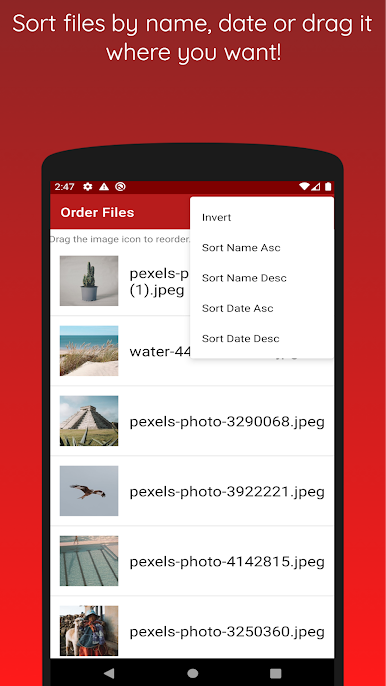
Smart Sorting
Automatically arrange your files by date, name, or, if you’re particular, set the order yourself. Rummaging around to fix the sequence? No need. -
No Internet Needed
Every feature works offline, so your photos stay private. All conversions happen right on your device—no sending files into cyberspace. -
Works Well with BlueStacks
Prefer editing on a bigger screen? The app runs smoothly with BlueStacks, making bulk conversions or organizing large batches even easier.
Big screen. Bigger performance. Use BlueStacks on your PC or Mac to run your favorite apps.
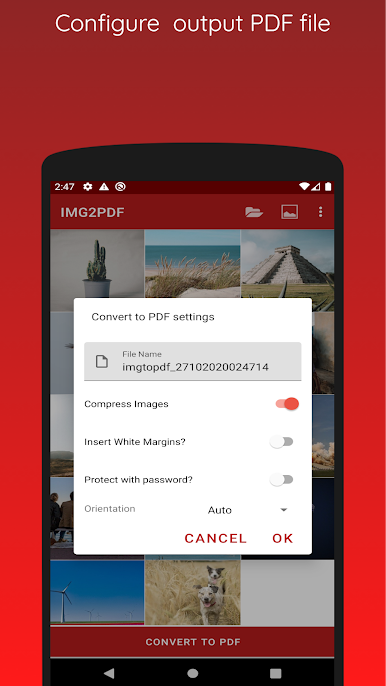
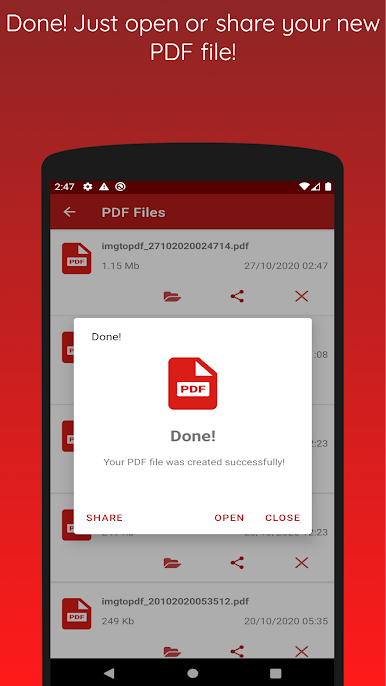
Mainkan Konverter Gambar ke PDF di PC Mudah saja memulainya.
-
Unduh dan pasang BlueStacks di PC kamu
-
Selesaikan proses masuk Google untuk mengakses Playstore atau lakukan nanti
-
Cari Konverter Gambar ke PDF di bilah pencarian di pojok kanan atas
-
Klik untuk menginstal Konverter Gambar ke PDF dari hasil pencarian
-
Selesaikan proses masuk Google (jika kamu melewati langkah 2) untuk menginstal Konverter Gambar ke PDF
-
Klik ikon Konverter Gambar ke PDF di layar home untuk membuka gamenya

