

CNC Simulator
Gioca su PC con BlueStacks: la piattaforma di gioco Android, considerata affidabile da oltre 500 milioni di giocatori.

Pagina modificata il: Oct 1, 2025
Play CNC Simulator on PC or Mac
Explore a whole new adventure with CNC Simulator, a Educational game created by Virtual Laboratories and Technical Simulators. Experience great gameplay with BlueStacks, the most popular gaming platform to play Android games on your PC or Mac.
About the Game
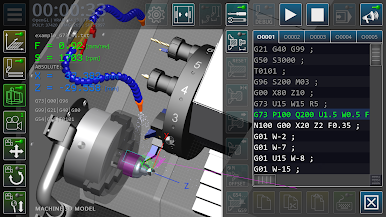
CNC Simulator gives you a hands-on way to get familiar with the basics of CNC lathes—without needing access to an actual machine. Perfect for anyone starting out in machine building or curious about programming turning operations, the game puts you right in the operator’s seat. Whether you’re a student, hobbyist, or just like tinkering with tech, CNC Simulator makes it easy to see how parts are designed, programmed, and created.
Game Features
-
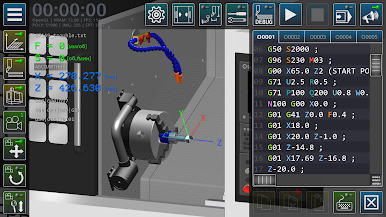
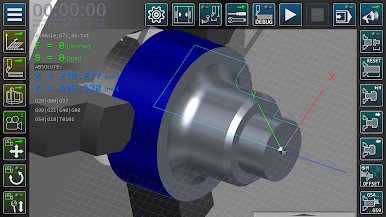
Realistic CNC Lathe Simulation
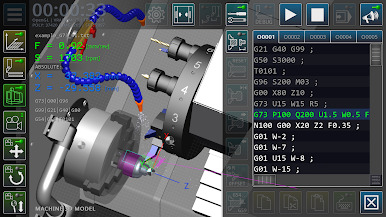
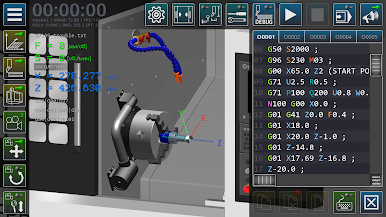
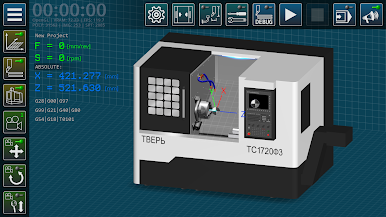
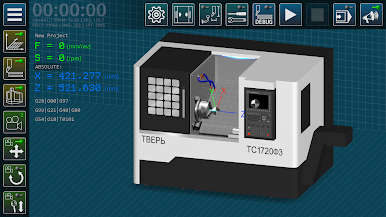
Jump into a detailed, interactive 3D model of a CNC lathe, built to reflect classic layouts you’d find in the real world, complete with eight-position turret, tailstock, three-jaw chuck, and coolant system. It’s got all the essentials for experiencing machine operations. -
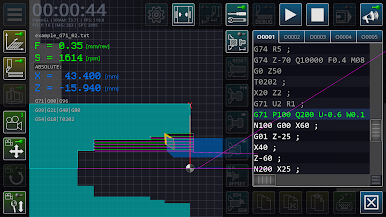
GM Code Programming Practice
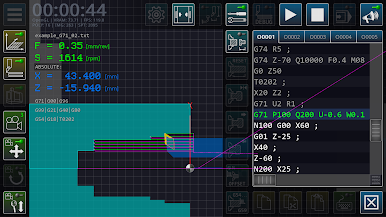
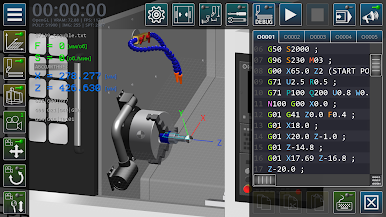
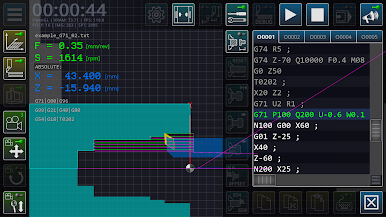
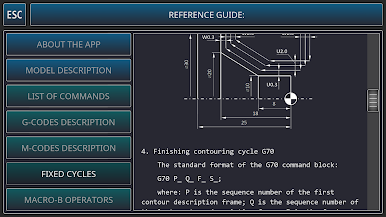
Curious about standard GM code, specifically Fanuc System A? Here, you can write, test, and tweak your own control programs, learning how professional machinists program turning operations from scratch. -
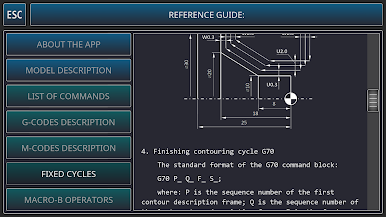
Error Checking and Feedback
The built-in diagnostic tools make life easier by spotting syntax and technological mistakes before you run your code. It’s like having an experienced mentor checking your homework. -
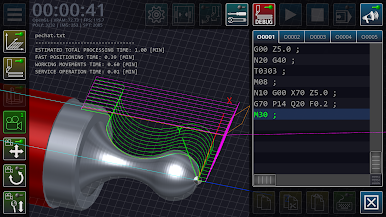
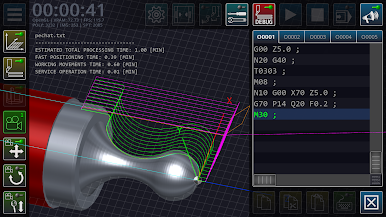
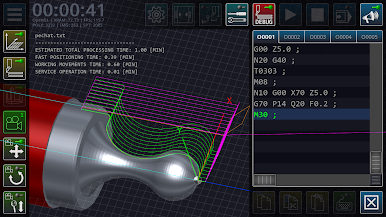
3D Visualization of Machining
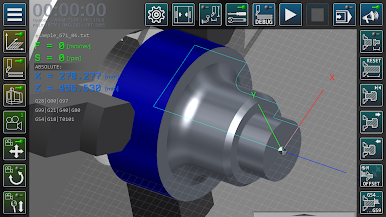
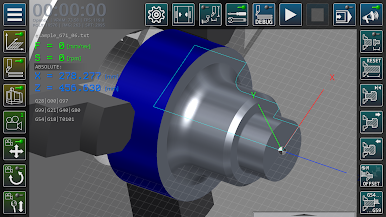
Watch in real time as your GM code comes to life—the game renders the turning process, showing how metal is shaped and the paths tools follow, right on your screen. -
Interactive Controls
Get hands-on with the virtual machinery: move equipment, enable features, test out controls, and directly interact with the simulated environment. Experiment with different setups and see how each change affects the outcome. -
Ideal for Learning Environments
Designed for students and instructors alike, it fits naturally into classroom labs, distance education, or even as demo support during lectures. CNC Simulator helps bridge the gap between theory and real-world practice. -
Smooth Experience on PC
Play the game easily on your computer using BlueStacks, bringing the full educational experience to a familiar, comfortable setup.
Start your journey now. Download the game on BlueStacks, invite your friends, and march on a new adventure.

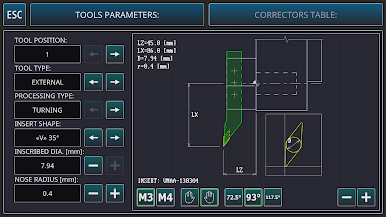
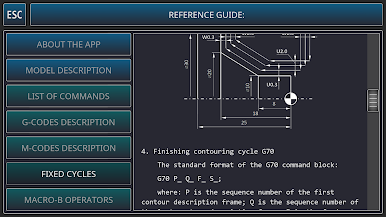
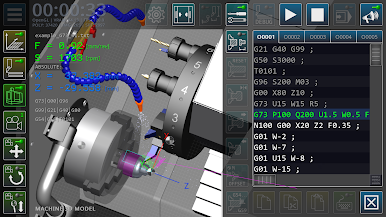
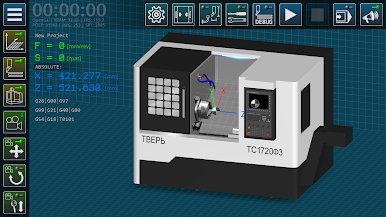
Gioca CNC Simulator su PC. È facile iniziare.
-
Scarica e installa BlueStacks sul tuo PC
-
Completa l'accesso a Google per accedere al Play Store o eseguilo in un secondo momento
-
Cerca CNC Simulator nella barra di ricerca nell'angolo in alto a destra
-
Fai clic per installare CNC Simulator dai risultati della ricerca
-
Completa l'accesso a Google (se hai saltato il passaggio 2) per installare CNC Simulator
-
Fai clic sull'icona CNC Simulator nella schermata principale per iniziare a giocare

