


Millimeter Pro - screen ruler
Juega en PC con BlueStacks: la plataforma de juegos Android, en la que confían más de 500 millones de jugadores.

Página modificada el: Sep 6, 2025
Run Millimeter Pro - screen ruler on PC or Mac
Get freedom from your phone’s obvious limitations. Use Millimeter Pro – screen ruler, made by vistech.projects, a Productivity app on your PC or Mac with BlueStacks, and level up your experience.
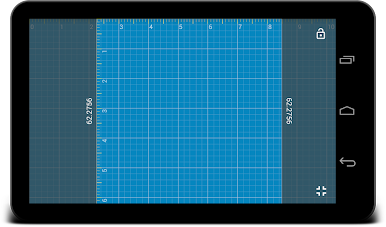
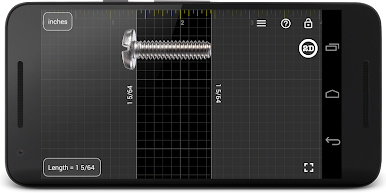
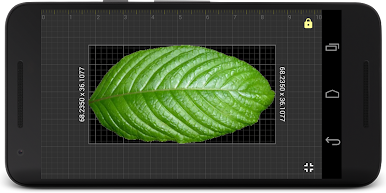
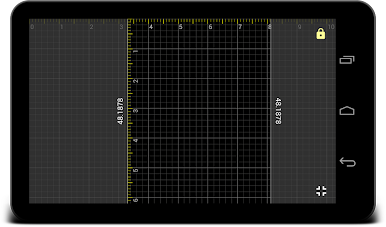
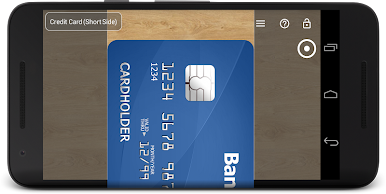
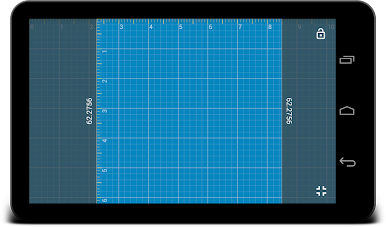
Millimeter Pro feels like turning the whole screen into a simple measuring desk. The app lays down clean rulers that slide around, so someone can drop a small object against the display and line things up like a digital caliper or tape. The neat part is calibration. It lets the user match the on‑screen scale to real life using a credit card or a coin, so the numbers are actually trustworthy. On a PC with BlueStacks, that step really matters because every monitor handles size a bit differently, but once it is set, measuring with a mouse is easy enough.
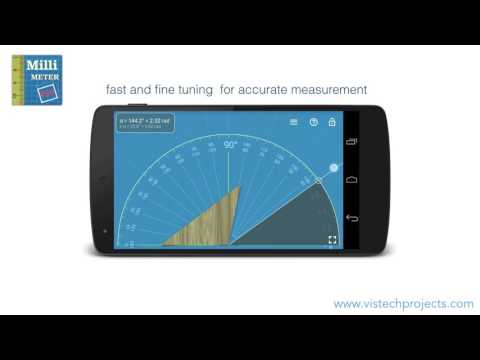
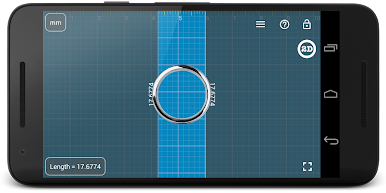
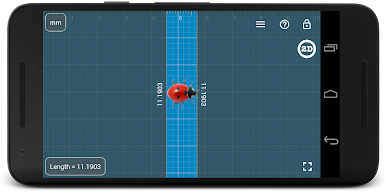
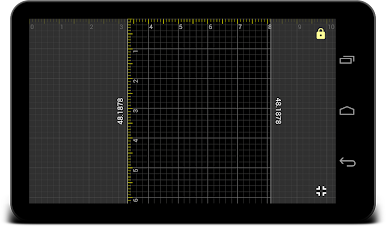
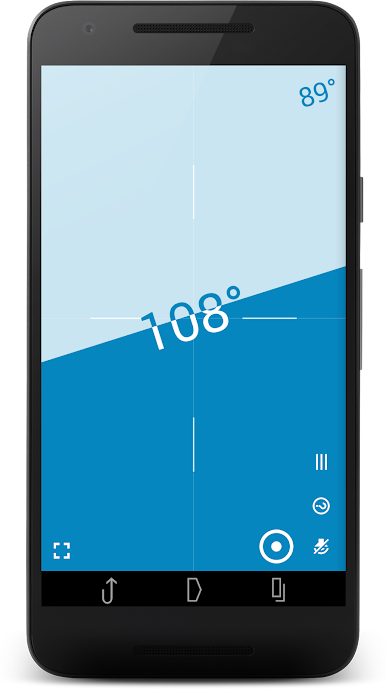
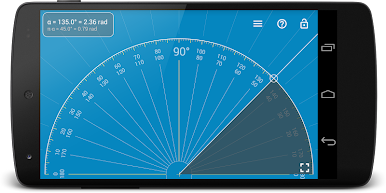
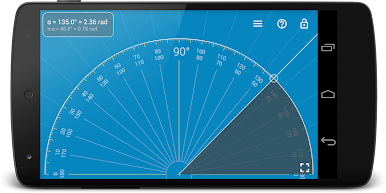
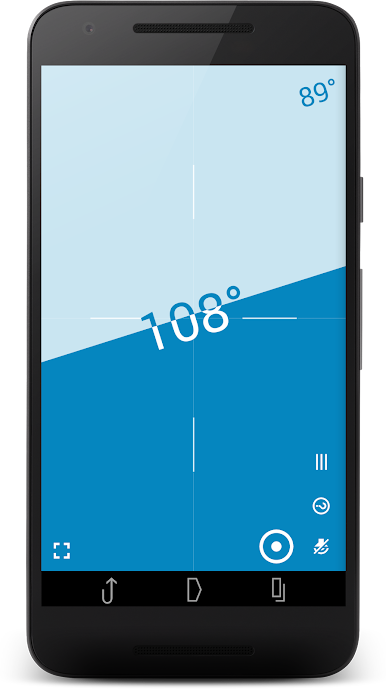
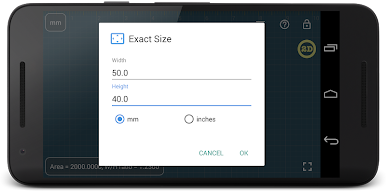
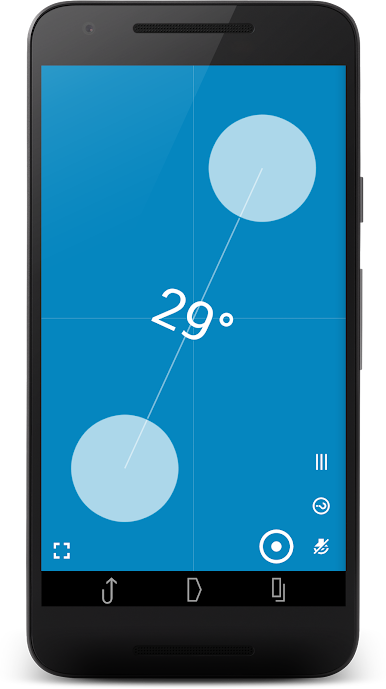
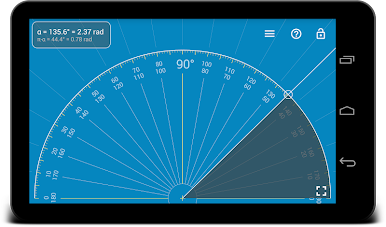
It is not just a straight ruler either. There is metric and imperial, with fractions for inches when needed. There is a second vertical ruler for 2D checks, an area tool for flat shapes, a ratio calculator for width to height, and a circle mode that gives radius and diameter or splits a circle into equal slices. Angles are covered with a protractor, plus there is a tiny spirit level for quick tilt checks. Parts mode is handy when someone needs to split a length evenly, even for thread-per-inch patterns. Rulers can be locked in place, numbers can be typed in manually, and there is a fine grid and a night style for better contrast. It does not throw pop-up ads in the face, which helps a lot when measuring screws, buttons, beads, rings, knitting bits, small hardware, little tech parts. Of course the range is limited by the screen size, but with careful calibration it feels as accurate as a real ruler for the small stuff.
BlueStacks brings your apps to life on a bigger screen—seamless and straightforward.
Juega Millimeter Pro - screen ruler en la PC. Es fácil comenzar.
-
Descargue e instale BlueStacks en su PC
-
Complete el inicio de sesión de Google para acceder a Play Store, o hágalo más tarde
-
Busque Millimeter Pro - screen ruler en la barra de búsqueda en la esquina superior derecha
-
Haga clic para instalar Millimeter Pro - screen ruler desde los resultados de búsqueda
-
Complete el inicio de sesión de Google (si omitió el paso 2) para instalar Millimeter Pro - screen ruler
-
Haz clic en el ícono Millimeter Pro - screen ruler en la pantalla de inicio para comenzar a jugar

