


Vpn One Click
Mainkan di PC dengan BlueStacks – platform Game-Game Android, dipercaya oleh lebih dari 500 juta gamer.

Play VPN One Click on PC
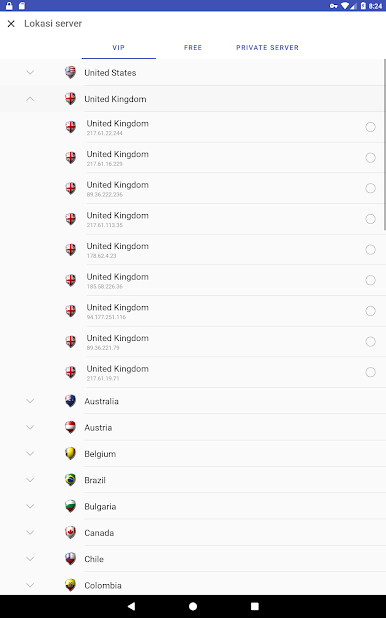
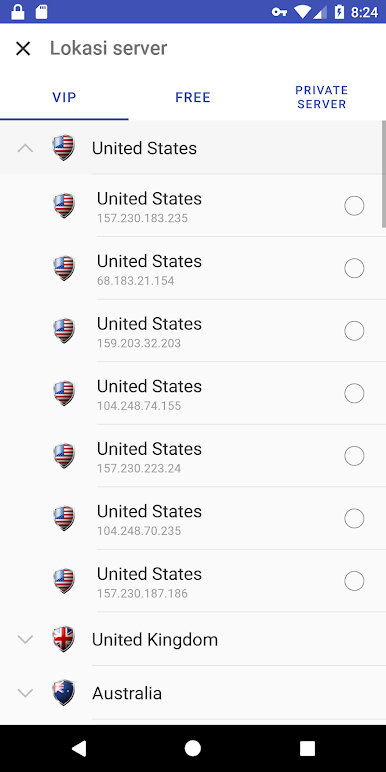
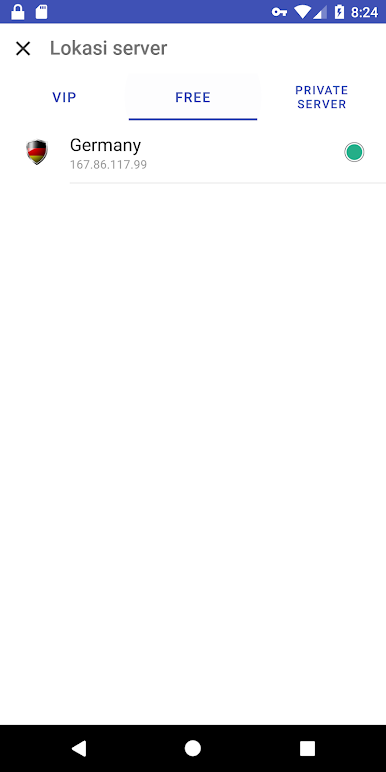
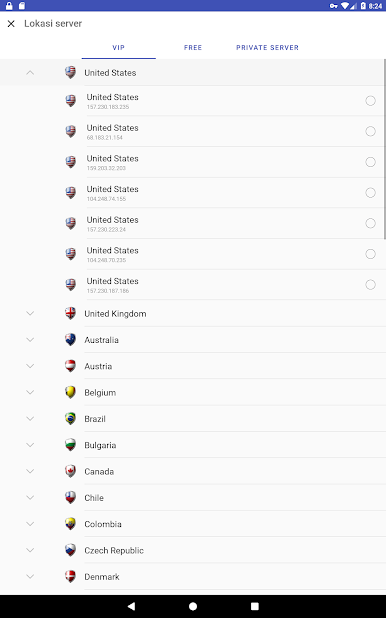
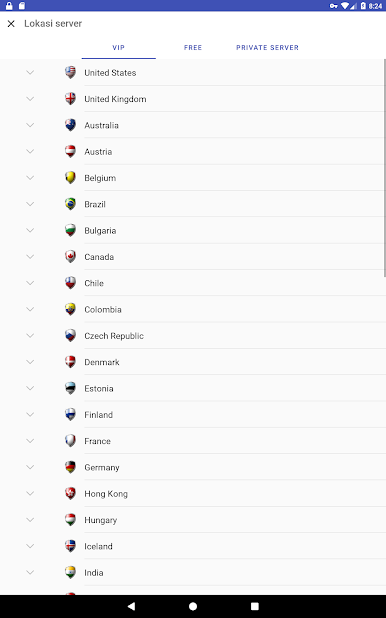
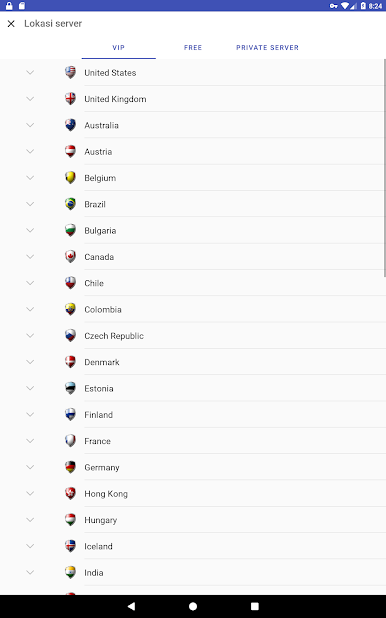
Global Coverage: Connect to VPN servers in +105 streaming and speed-optimized servers, including Switzerland, Russia, Germany, Japan, the United States, and the United Kingdom, among others.
Unblock Content: Access websites and apps such as Facebook, YouTube, Netflix, BBC, and ITV. Stream your favorite shows and browse without limits.
Trusted by Millions: +30 million downloads worldwide, making VPN One Click one of the most trusted free VPNs.
Unlimited Bandwidth: Enjoy unrestricted VPN usage with no data limits.
Affordable Pricing: Upgrade for just $3.99/month or $16.99/year (save 65%)!
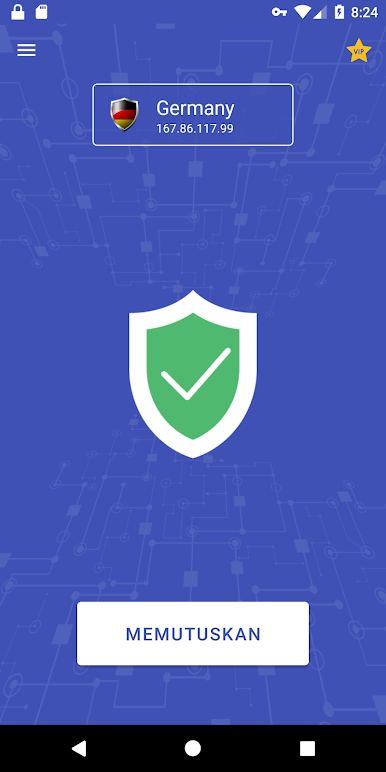
Easy to Use: Connect to the VPN with a single click, with automatic reconnection for continuous protection.
Multi-Platform Support: Available on Android, iPhone/iPad, Mac, and Windows
Visit our website: www.vpnoneclick.com
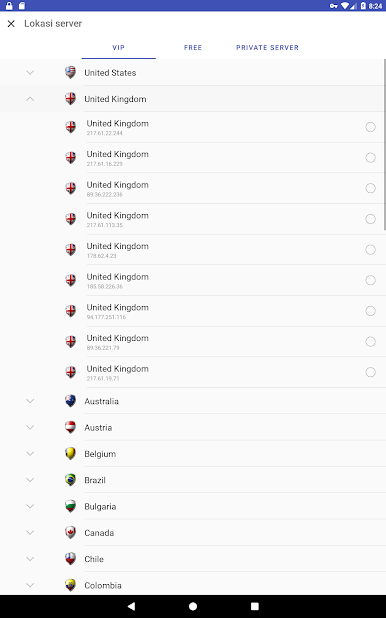
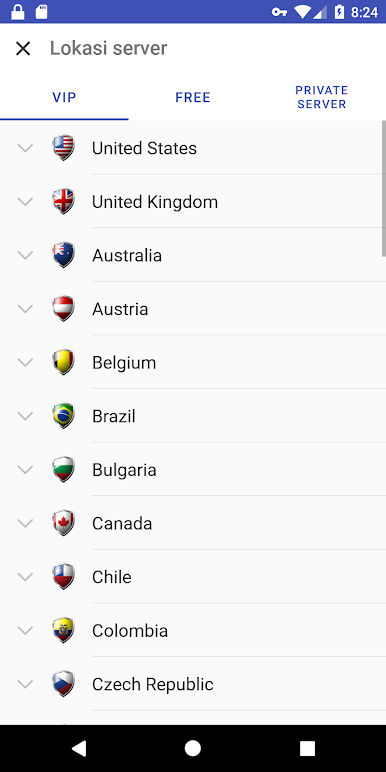
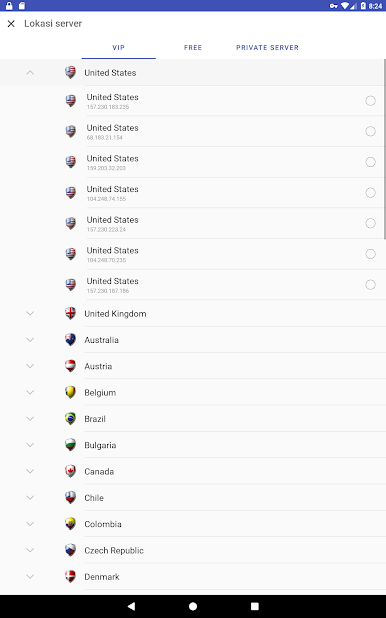
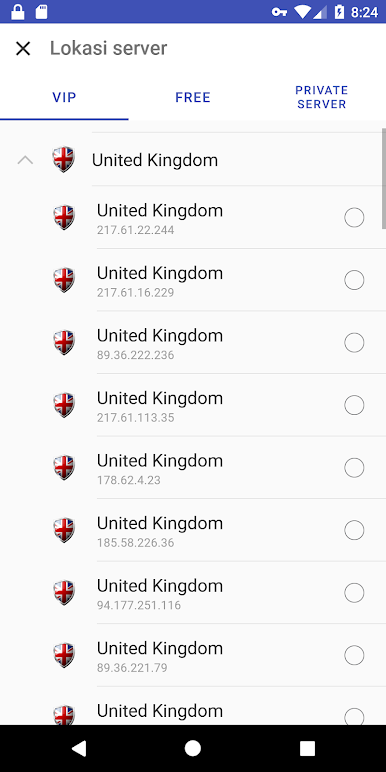
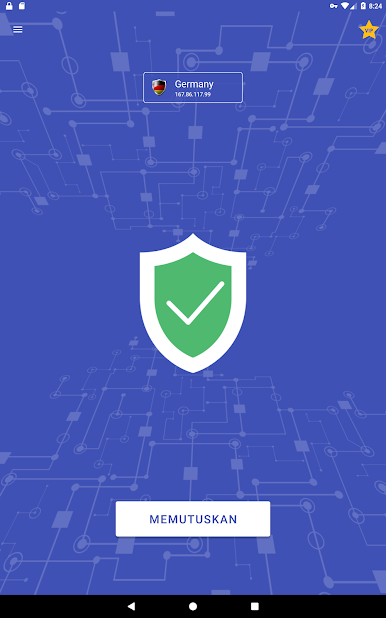
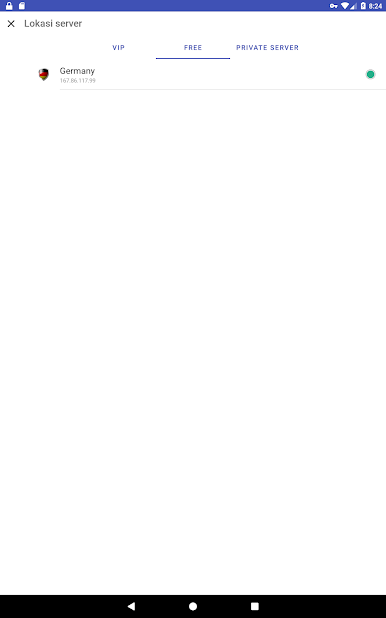
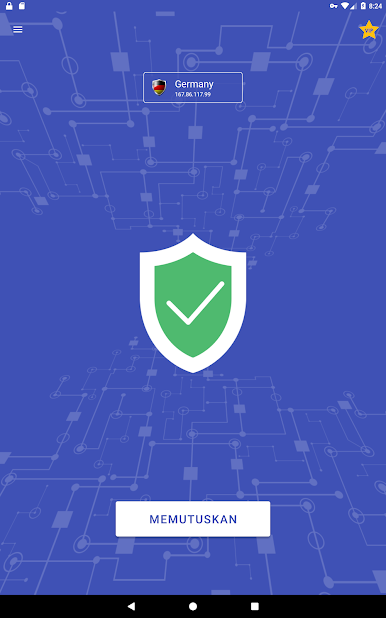
Mainkan Vpn One Click di PC Mudah saja memulainya.
-
Unduh dan pasang BlueStacks di PC kamu
-
Selesaikan proses masuk Google untuk mengakses Playstore atau lakukan nanti
-
Cari Vpn One Click di bilah pencarian di pojok kanan atas
-
Klik untuk menginstal Vpn One Click dari hasil pencarian
-
Selesaikan proses masuk Google (jika kamu melewati langkah 2) untuk menginstal Vpn One Click
-
Klik ikon Vpn One Click di layar home untuk membuka gamenya

