


Weather forecast: Live Radar
Gioca su PC con BlueStacks: la piattaforma di gioco Android, considerata affidabile da oltre 500 milioni di giocatori.

Pagina modificata il: Aug 25, 2025
Gioca Weather forecast: Live Radar per PC
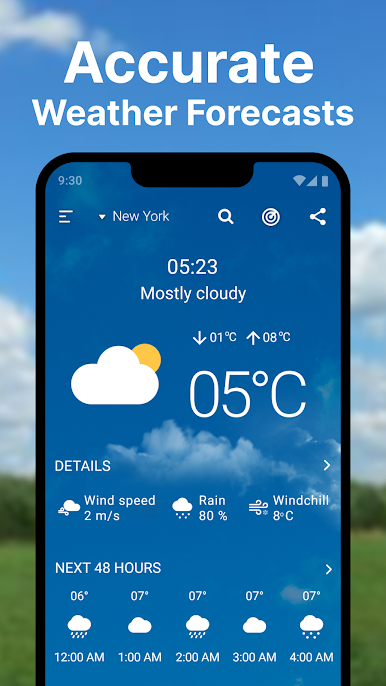
Tieniti al passo con le previsioni del tempo con la nostra app Meteo e temperatura completa.
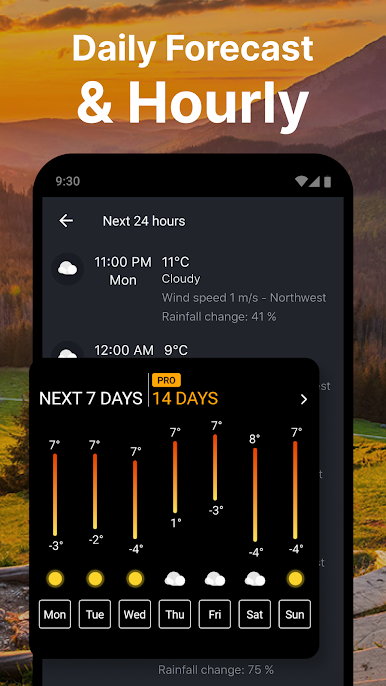
- Aggiornamenti orari
- Ricevi aggiornamenti orari sulle condizioni meteorologiche orarie.
- Pianifica la tua giornata con previsioni orarie precise ora per ora.
- Resta preparato per i cambiamenti meteorologici orari durante il giorno.
- Qualità dell'aria
- Monitora l'indice di qualità dell'aria (AQI) nella tua zona.
- Ricevi avvisi per condizioni di scarsa qualità dell'aria.
- Prendi le precauzioni necessarie per la tua salute in base alle informazioni sulla qualità dell'aria.
- Indice UV
- Tieni traccia dei livelli di radiazione UV durante il giorno.
- Proteggiti dall'esposizione dannosa ai raggi UV con i dati sull'indice UV in tempo reale.
- Pianificare le attività all'aperto in base alle previsioni dell'indice UV.
- App temperatura
- Controlla l'app della temperatura attuale e le condizioni meteorologiche.
- Ottieni previsioni accurate della temperatura dell'app per la tua posizione.
- Pianifica la tua giornata in base alle tendenze dell'app della temperatura.
- Prevedi il vento
- Visualizza le previsioni sulla velocità e la direzione del vento.
- Rimani informato sulla previsione dei cambiamenti del vento.
- Pianifica le attività all'aperto prevedendo le condizioni del vento.
Caratteristiche aggiuntive:
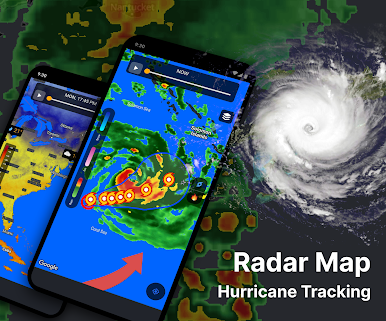
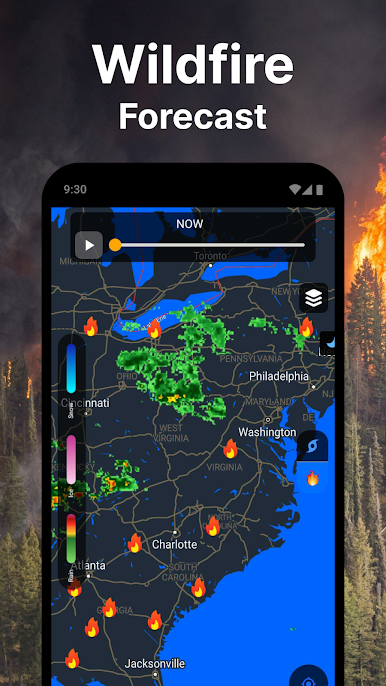
- Radar in tempo reale: immagini radar in tempo reale in tempo reale.
- Pioggia: ricevi previsioni sull'intensità e sulla durata della pioggia.
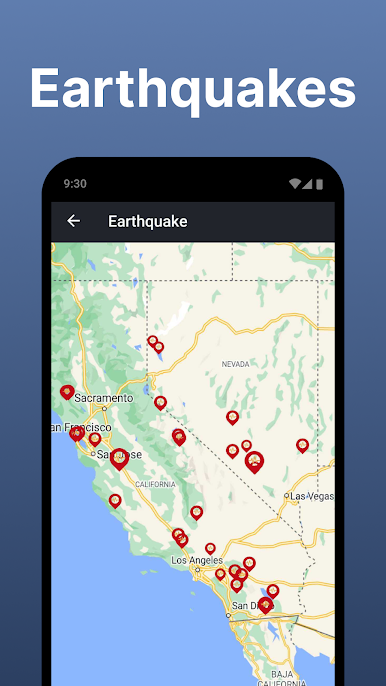
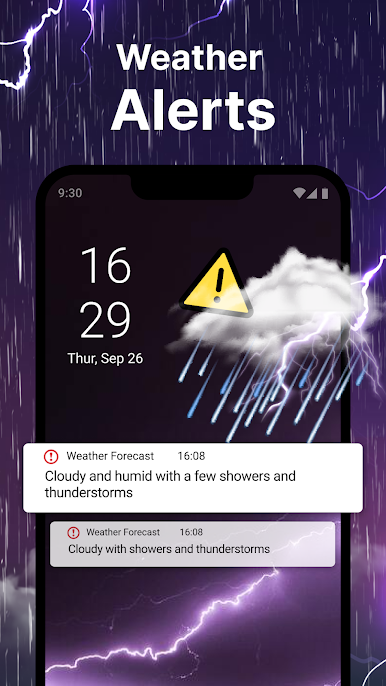
- Avvisi meteo: ricevi avvisi meteo severi per la tua posizione.
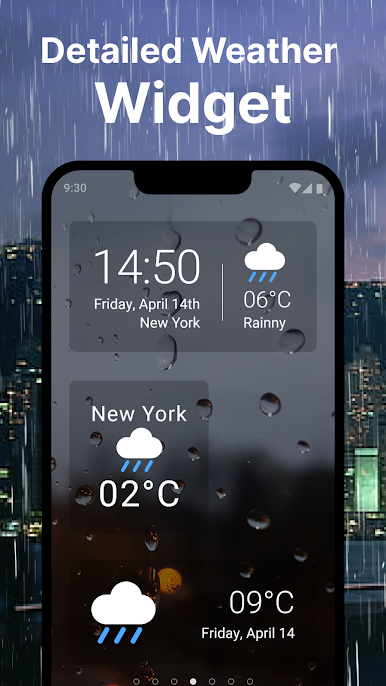
- Widget meteo: accedi alle informazioni meteo direttamente dalla schermata iniziale.
Con ""Previsioni meteo: radar in tempo reale"", puoi assicurarti di rimanere informato e preparato per il tempo. La visualizzazione degli annunci supporta i miglioramenti continui del team delle previsioni del tempo. Per un'esperienza senza pubblicità, considera l'aggiornamento per supportare un ulteriore sviluppo!
Per domande o feedback sull'app Previsioni meteo, contatta Weatherforecastchannel@yahoo.com.
Gioca Weather forecast: Live Radar su PC. È facile iniziare.
-
Scarica e installa BlueStacks sul tuo PC
-
Completa l'accesso a Google per accedere al Play Store o eseguilo in un secondo momento
-
Cerca Weather forecast: Live Radar nella barra di ricerca nell'angolo in alto a destra
-
Fai clic per installare Weather forecast: Live Radar dai risultati della ricerca
-
Completa l'accesso a Google (se hai saltato il passaggio 2) per installare Weather forecast: Live Radar
-
Fai clic sull'icona Weather forecast: Live Radar nella schermata principale per iniziare a giocare

