

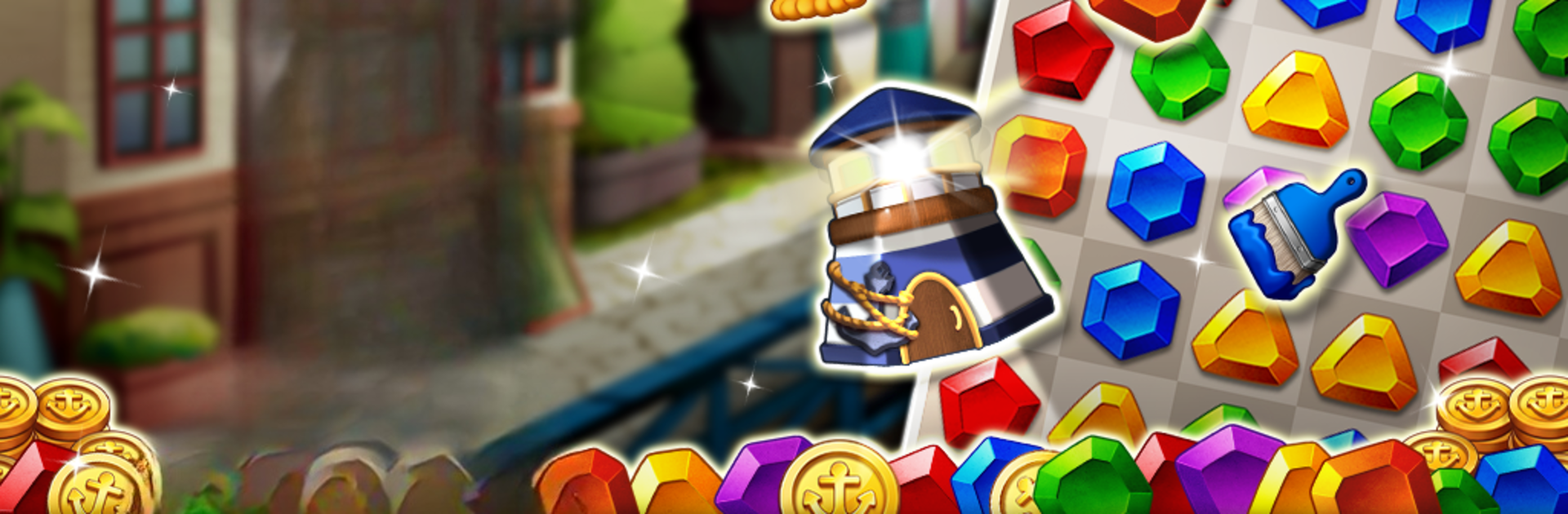
Jewel Harbor: Wonderful Puzzle
Gioca su PC con BlueStacks: la piattaforma di gioco Android, considerata affidabile da oltre 500 milioni di giocatori.

Pagina modificata il: Oct 22, 2025
Play Jewel Harbor: Wonderful Puzzle on PC or Mac
Join millions to experience Jewel Harbor: Wonderful Puzzle, an exciting Casual game from Weing Studio Co., Ltd.. With BlueStacks App Player, you are always a step ahead of your opponent, ready to outplay them with faster gameplay and better control with the mouse and keyboard on your PC or Mac.
About the Game
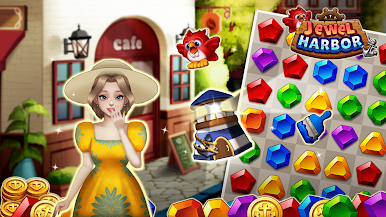
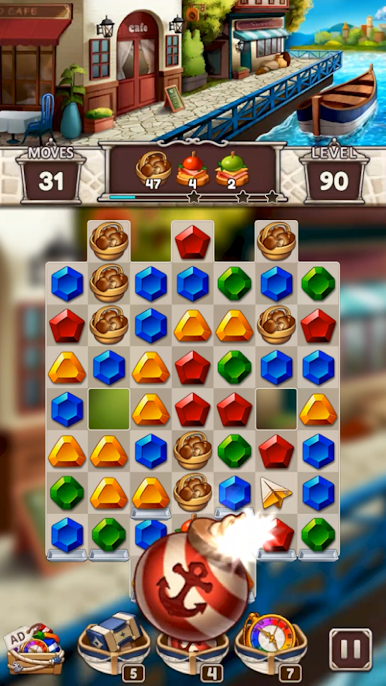
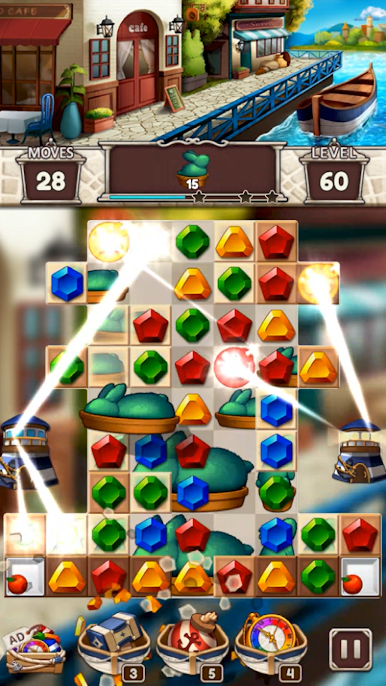
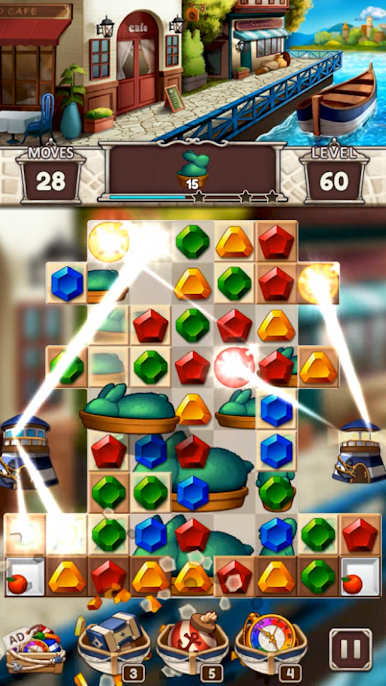
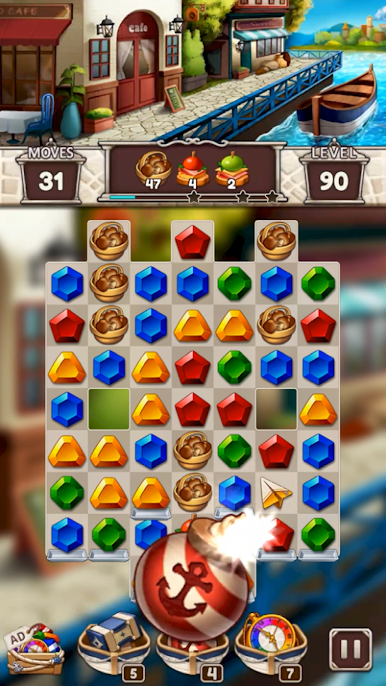
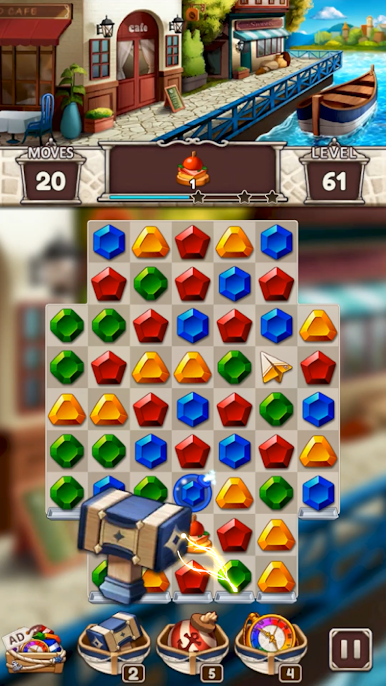
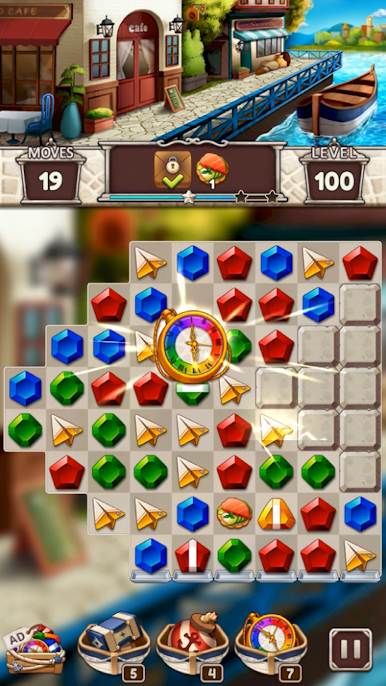
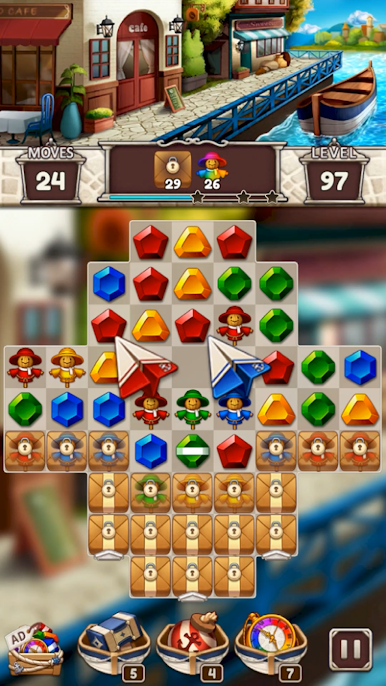
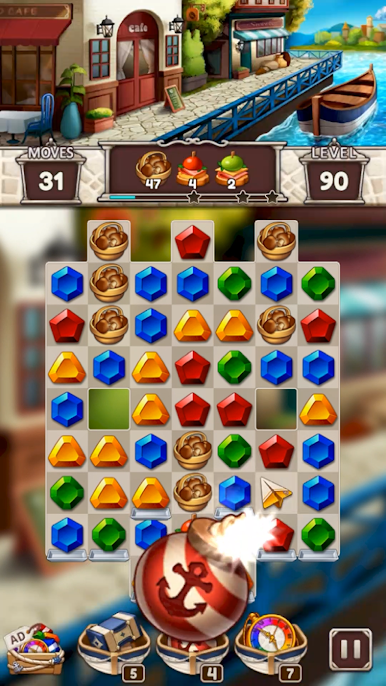
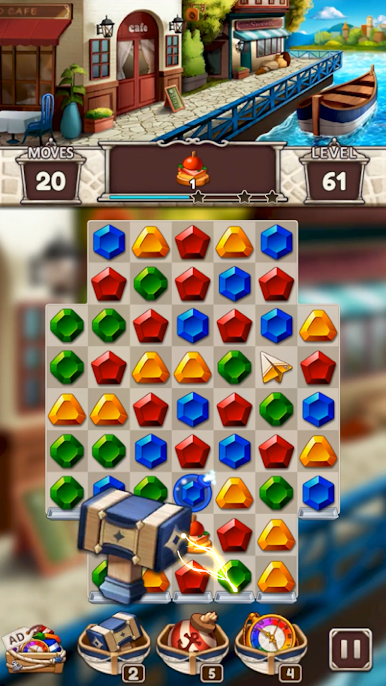
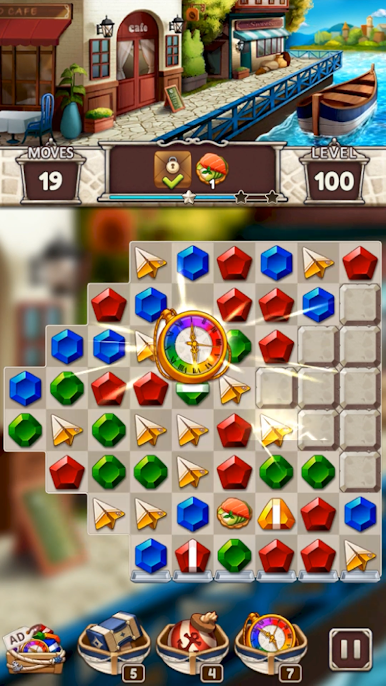
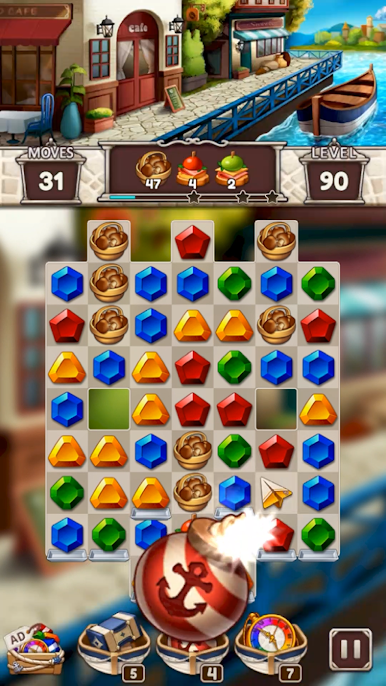
Jewel Harbor: Wonderful Puzzle is a Casual match-3 set in a charming waterfront town, where sparkling gems and cozy harbor streets set the mood. You’ll match colorful jewels, uncover little mysteries, and help a community that feels alive without heavy story pressure—perfect for quick sessions or longer chill runs. Made by Weing Studio Co., Ltd., it’s great on mobile and also comfy on a bigger screen with BlueStacks if that’s your thing.
Game Features
-
Harbor-set match-3
Swap and match gems while exploring a European-style port city filled with quaint corners, calm waters, and plenty of personality. -
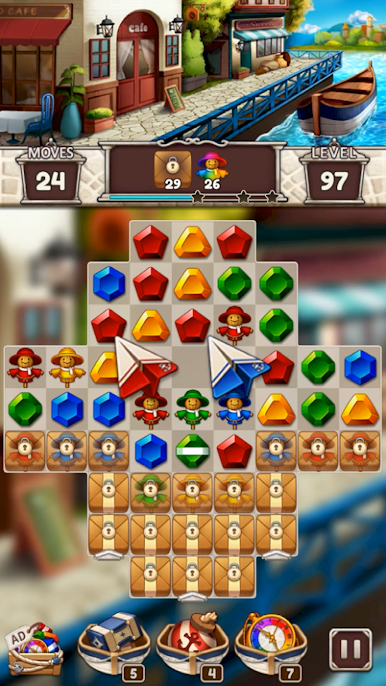
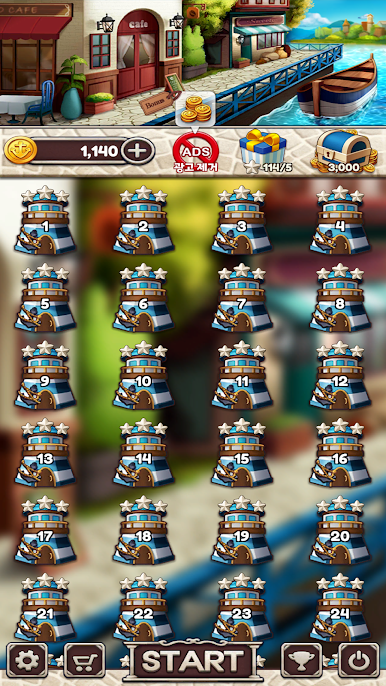
Over a thousand stages
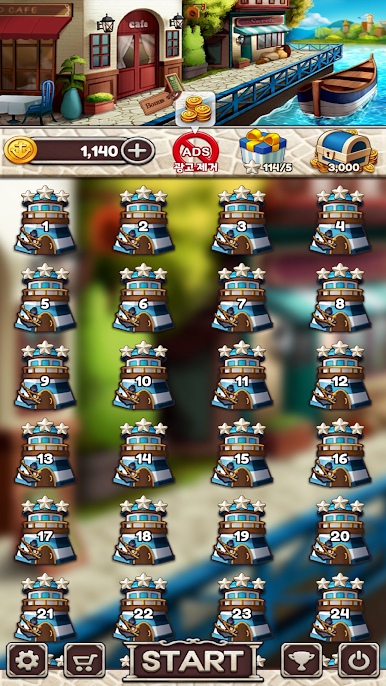
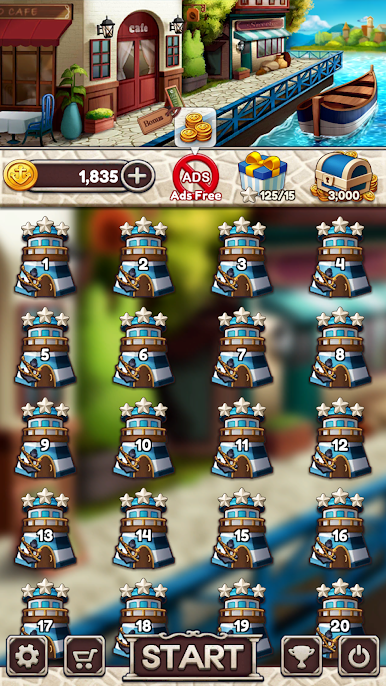
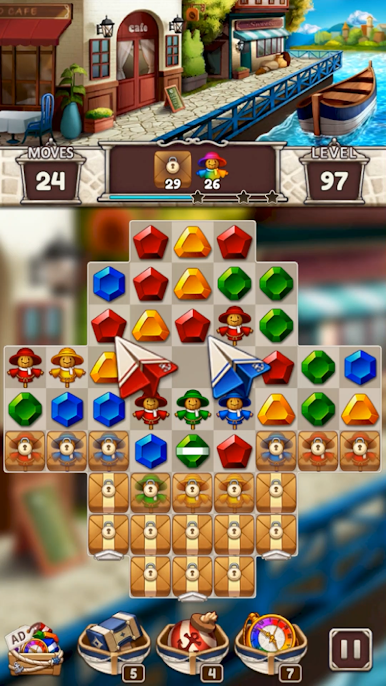
Tackle a long, thoughtfully paced level list that keeps new goals and obstacles coming without feeling overwhelming. -
Easy to learn, tricky to ace
Pick it up fast, then chase three-star scores when you’re ready to push your skills and planning. -
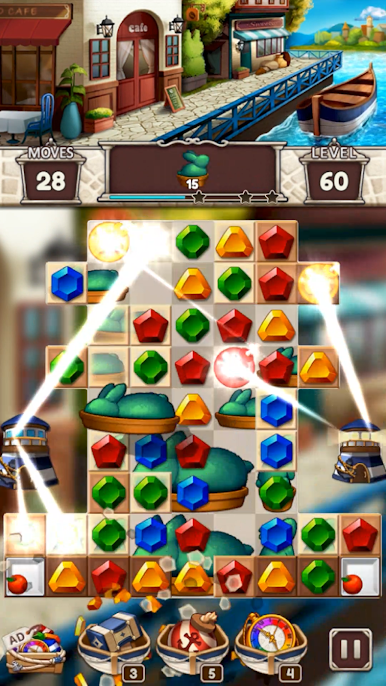
Powerful boosters
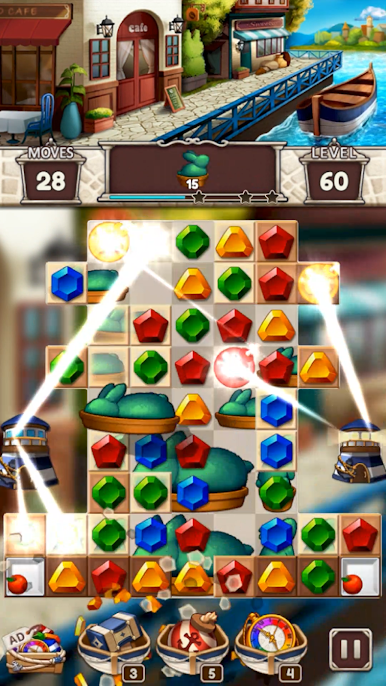
Stuck on a tough board? Use handy boosts to clear blockers, trigger big cascades, and keep your streak going. -
Play offline
No connection? No problem. Enjoy your puzzles anywhere—commute, couch, or quiet moments. -
No hearts or energy
Play at your own pace with no timers telling you to stop. One more round? Go for it. -
Daily rewards
Pop in for bonuses and little surprises that help you progress and keep things fresh. -
Polished visuals
Crisp effects and clean animations make each match feel satisfying, with a warm harbor atmosphere throughout. -
Save-smart progress
Remember to save in-game—deleting the app or switching devices can reset local data if it’s not backed up. -
Free-to-play, clear about extras
Optional purchases are available for currency, items, or removing ads. The game includes interstitial, banner, and video ads. -
PC-friendly option
Prefer a mouse and a bigger display? You can play it on your PC using BlueStacks for a comfy, laid-back setup.
Make your gaming sessions memorable with precise controls that give you an edge in close combats and visuals that pop up, bringing every character to life.

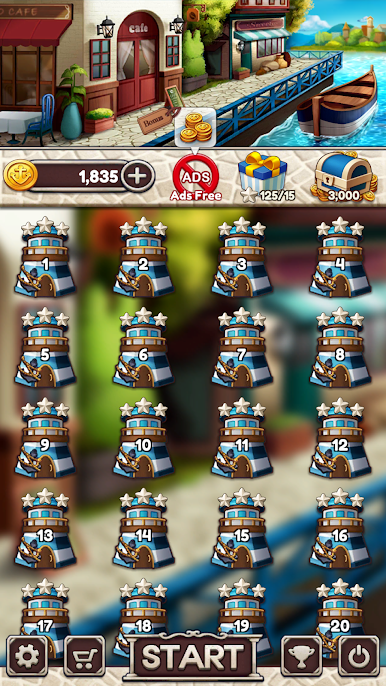


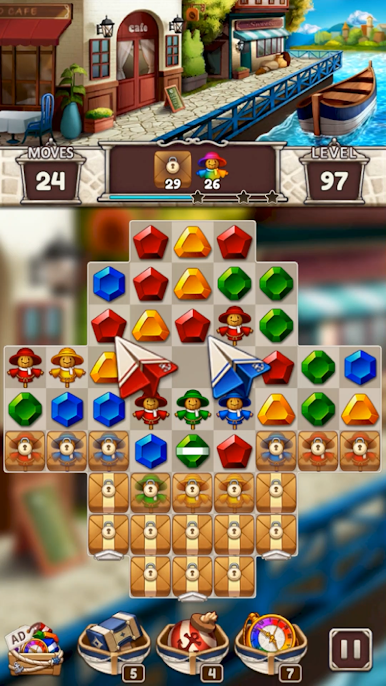
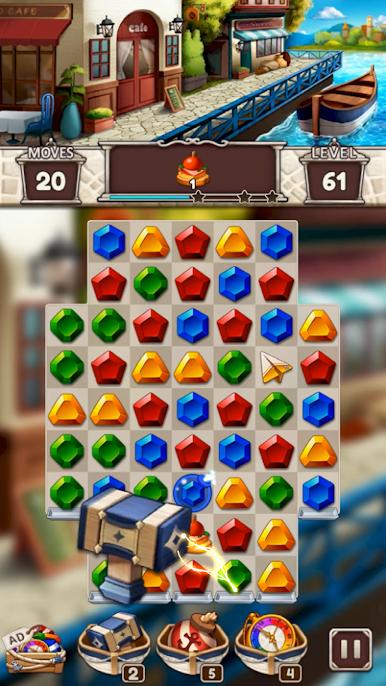

Gioca Jewel Harbor: Wonderful Puzzle su PC. È facile iniziare.
-
Scarica e installa BlueStacks sul tuo PC
-
Completa l'accesso a Google per accedere al Play Store o eseguilo in un secondo momento
-
Cerca Jewel Harbor: Wonderful Puzzle nella barra di ricerca nell'angolo in alto a destra
-
Fai clic per installare Jewel Harbor: Wonderful Puzzle dai risultati della ricerca
-
Completa l'accesso a Google (se hai saltato il passaggio 2) per installare Jewel Harbor: Wonderful Puzzle
-
Fai clic sull'icona Jewel Harbor: Wonderful Puzzle nella schermata principale per iniziare a giocare

