


EasyAccess 2.0
Juega en PC con BlueStacks: la plataforma de juegos Android, en la que confían más de 500 millones de jugadores.

Página modificada el: Aug 28, 2025
Run EasyAccess 2.0 on PC or Mac
Get freedom from your phone’s obvious limitations. Use EasyAccess 2.0, made by Weintek Labs., Inc., a Tools app on your PC or Mac with BlueStacks, and level up your experience.
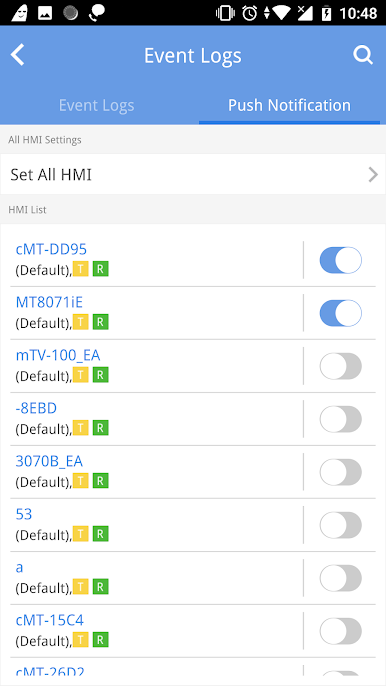
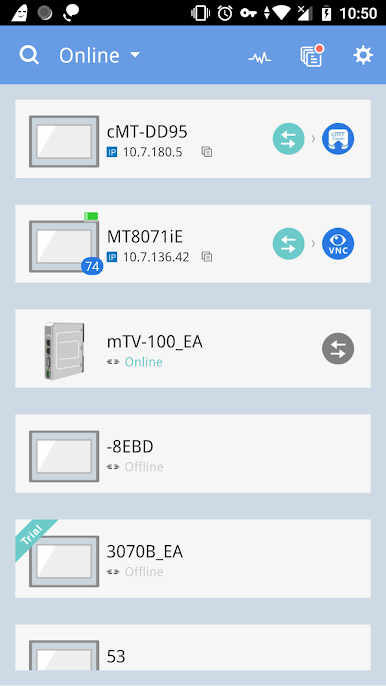
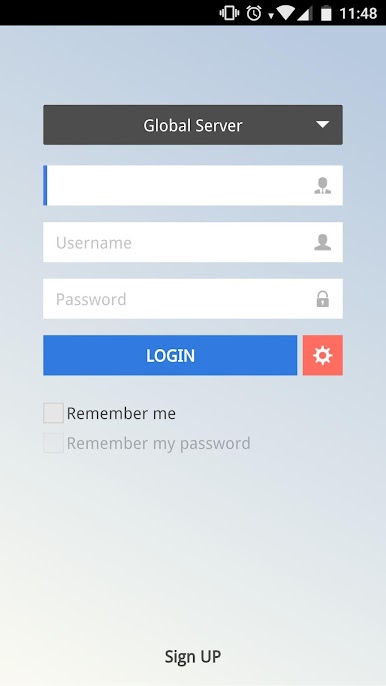
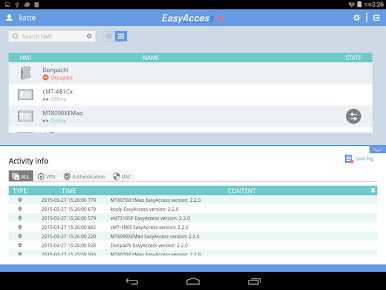
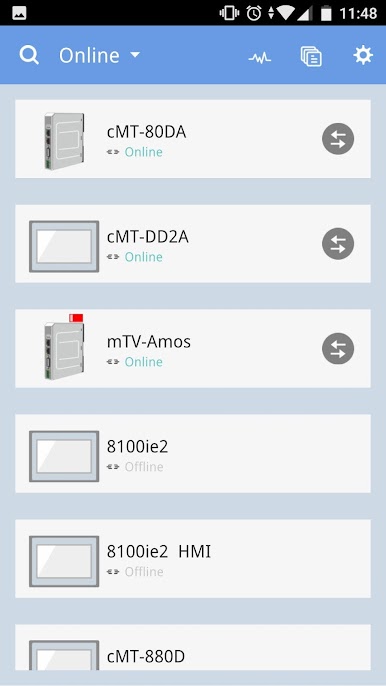
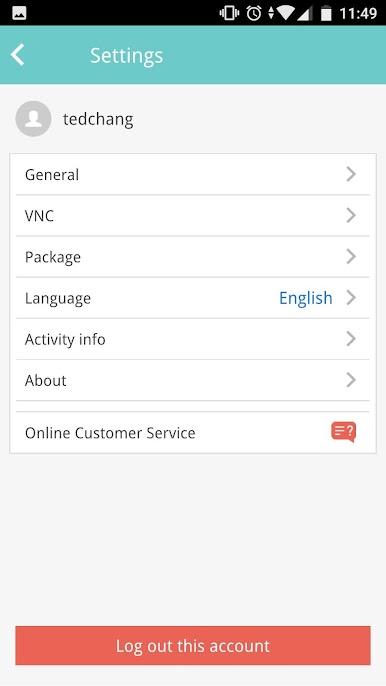
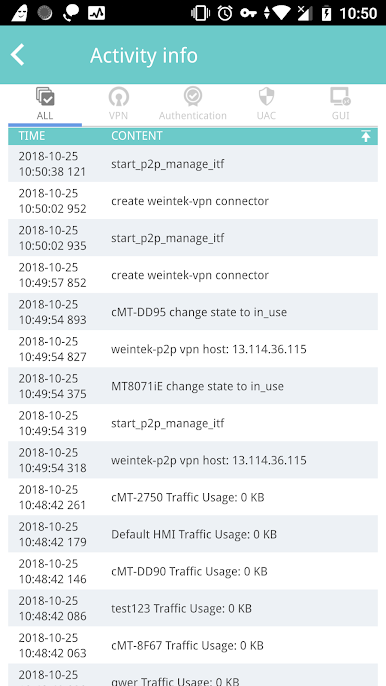
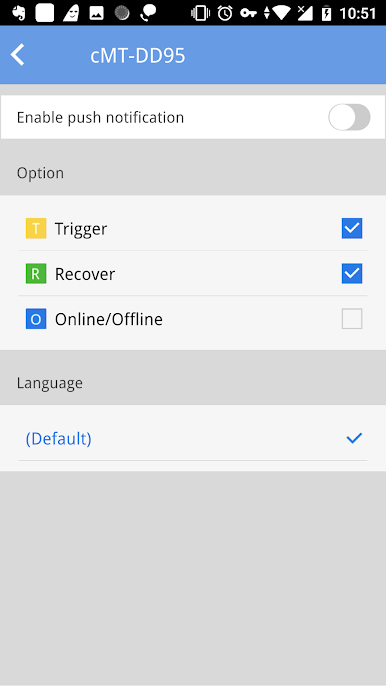
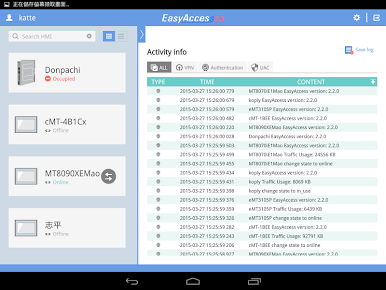
So EasyAccess 2.0 is basically like having a little remote control for your industrial machines or HMIs from just about anywhere, but on a bigger screen if you’re running it with something like BlueStacks. Instead of dealing with all that mess of network settings or worrying about if someone’s going to snoop around, this app goes out of its way to secure things. It uses encrypted connections, which is honestly kind of a relief given all the privacy stuff people worry about. There’s not much to set up on the computer either – no long router setup or anything frustrating. The interface is simple enough, so even if someone isn’t super techy, it’s manageable.
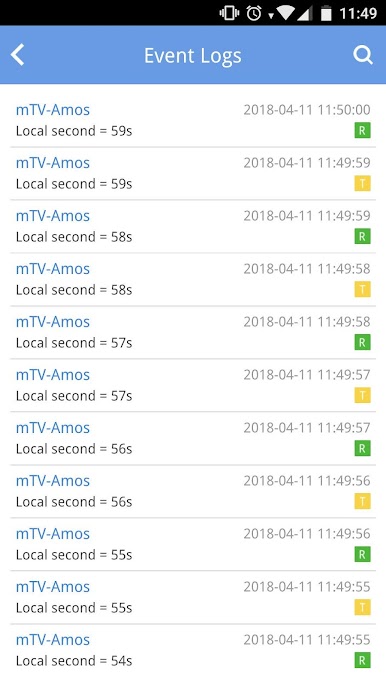
What’s noticeable is how it handles more than one HMI in the same network, so for anyone who’s usually stuck with just one connection at a time, that’s a nice step up. Mostly, it’s handy for folks who need to keep track of several controllers or just need to troubleshoot something on the fly. The remote access means an engineer or support person doesn’t have to make a bunch of calls or hop on a plane just to see what’s happening—they can log in, check the PLC, push some updates, and even sort out the controls without bugging the customer for complicated setup. If someone’s juggling remote machines and likes to keep things straightforward, using EasyAccess 2.0 with a PC monitor just makes everything that much smoother.
Ready to experience EasyAccess 2.0 on a bigger screen, in all its glory? Download BlueStacks now.


Juega EasyAccess 2.0 en la PC. Es fácil comenzar.
-
Descargue e instale BlueStacks en su PC
-
Complete el inicio de sesión de Google para acceder a Play Store, o hágalo más tarde
-
Busque EasyAccess 2.0 en la barra de búsqueda en la esquina superior derecha
-
Haga clic para instalar EasyAccess 2.0 desde los resultados de búsqueda
-
Complete el inicio de sesión de Google (si omitió el paso 2) para instalar EasyAccess 2.0
-
Haz clic en el ícono EasyAccess 2.0 en la pantalla de inicio para comenzar a jugar

