

Chat Track: Online Tracker
Juega en PC con BlueStacks: la plataforma de juegos Android, en la que confían más de 500 millones de jugadores.

Página modificada el: Feb 26, 2024
Run Chat Track: Online Tracker on PC or Mac
Upgrade your experience. Try Chat Track: Online Tracker, the fantastic Productivity app from Chat Watch Mobile, from the comfort of your laptop, PC, or Mac, only on BlueStacks.
About the App
Looking to stay on top of your family’s online activity with less hassle? Chat Track: Online Tracker by Chat Watch Mobile is built just for that. Whether you’re a parent keeping an eye on your child’s screen time or simply curious about when someone’s active, this productivity app offers an easy, straightforward way to track online presence and get updates that matter to you. The experience is all about giving you clarity and peace of mind—no complicated setup needed.
App Features
-
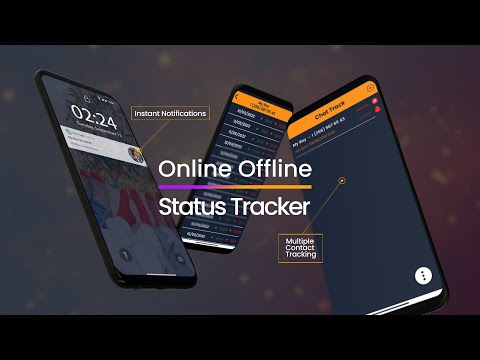
Live Online & Offline Updates
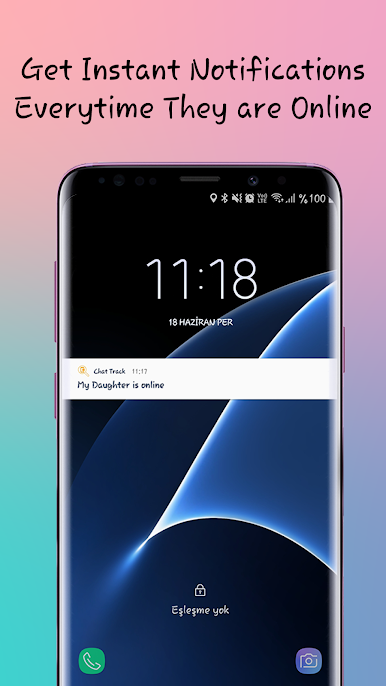
Never wonder when someone’s online again. The app sends a real-time notification right to your device whenever a tracked profile hops on or signs off. -
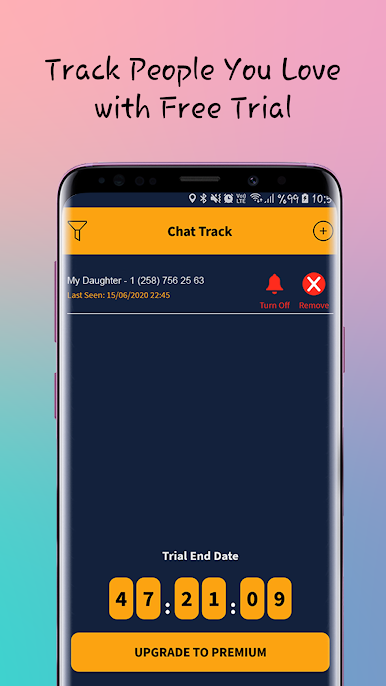
Track Multiple Profiles
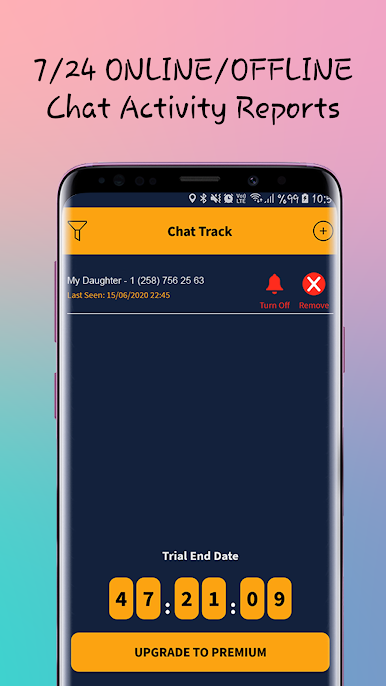
You’re not limited to just one person. Add up to 4 profiles—handy if you have more than one child or want to keep tabs on different members of your family. -
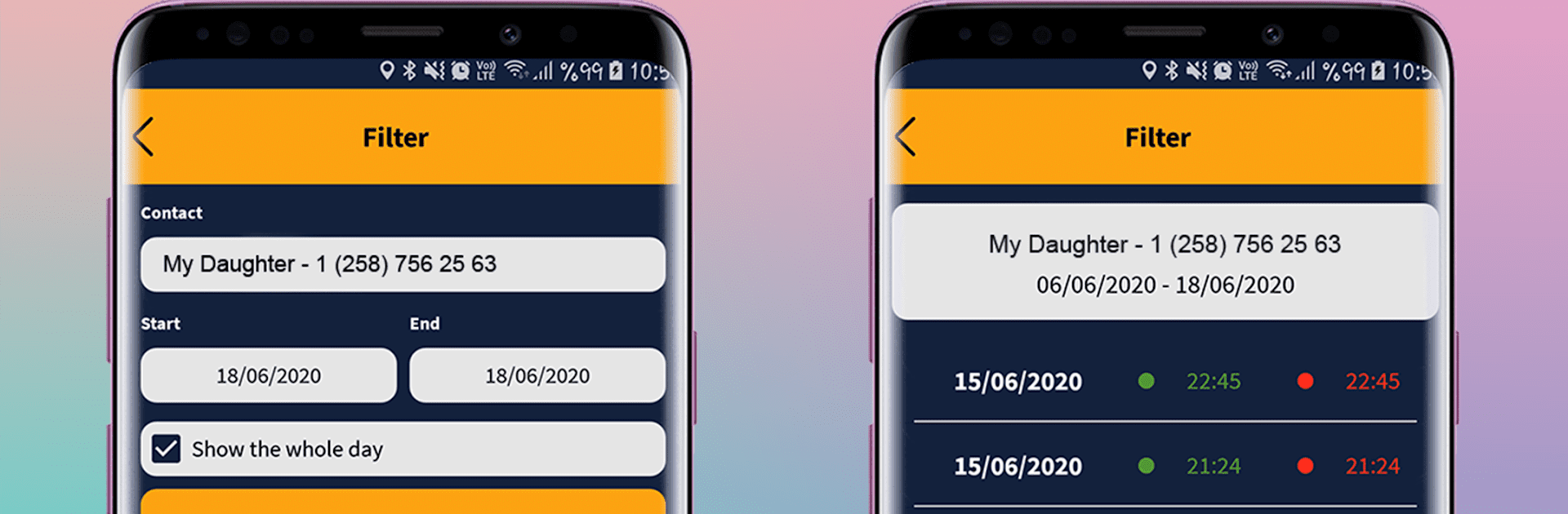
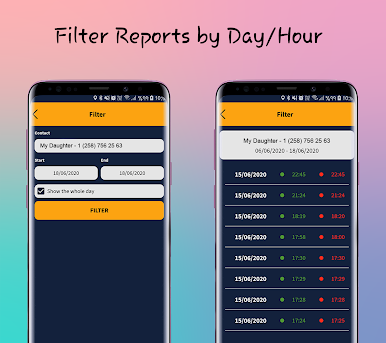
Detailed Activity Reports
Curious about patterns or just want a summary of online activity? The app delivers clear reports, so you can easily see how often someone’s been active and for how long. -
Instant Notifications
When your child logs in or out, you’ll know instantly. It’s a no-fuss way to help guide screen time and encourage healthier digital habits. -
Simple, Privacy-Focused Design
Chat Track: Online Tracker shares only info that’s already public on messaging apps. It doesn’t dig into anyone’s private data, so you can focus on what matters without worrying about privacy issues. -
Independent and Transparent
The app stands alone, isn’t tied to any social media platforms, and always follows third-party privacy rules. Your trust and privacy really are at the core.
Want to keep an eye on things from your computer? Try using Chat Track: Online Tracker on BlueStacks for extra convenience and an even clearer view.
Switch to BlueStacks and make the most of your apps on your PC or Mac.
Juega Chat Track: Online Tracker en la PC. Es fácil comenzar.
-
Descargue e instale BlueStacks en su PC
-
Complete el inicio de sesión de Google para acceder a Play Store, o hágalo más tarde
-
Busque Chat Track: Online Tracker en la barra de búsqueda en la esquina superior derecha
-
Haga clic para instalar Chat Track: Online Tracker desde los resultados de búsqueda
-
Complete el inicio de sesión de Google (si omitió el paso 2) para instalar Chat Track: Online Tracker
-
Haz clic en el ícono Chat Track: Online Tracker en la pantalla de inicio para comenzar a jugar

