


WIDEX EVOKE
Juega en PC con BlueStacks: la plataforma de juegos Android, en la que confían más de 500 millones de jugadores.

Página modificada el: Oct 31, 2025
Play WIDEX EVOKE on PC
The EVOKE app is compatible with 2.4GHz EVOKE hearing aids (E-F2). Please note that the direct streaming feature is not available on Android phones.
With the EVOKE app you can:
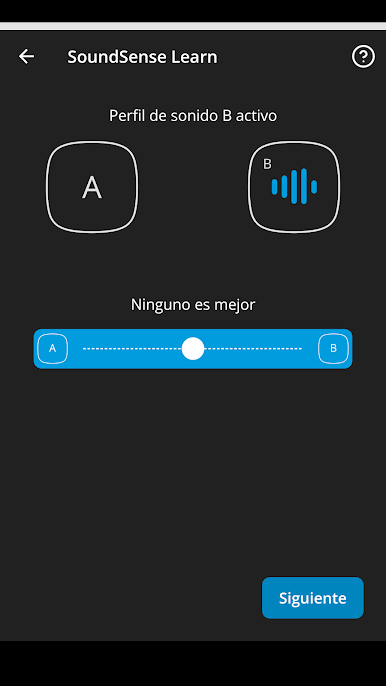
- Personalize your listening experience
- Let the hearing aid automatically adapt to your needs
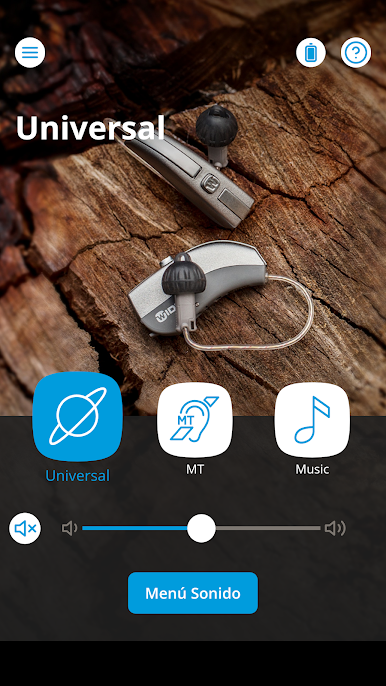
- Adjust hearing aid volume and mute hearing aids
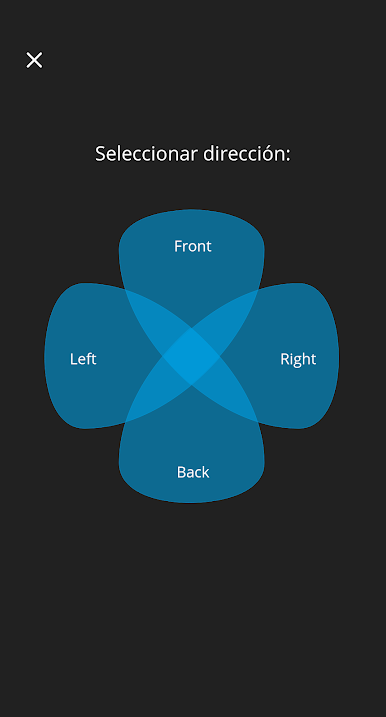
- Adjust directional focus to aid listening
- Create personal programs with your sound adjustments
- Add locations to programs for automatic selection
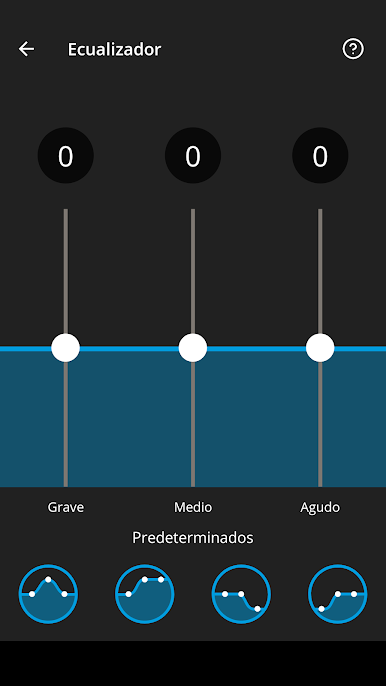
- Adjust the pitch of the sound (bass, middle and treble) using the equalizer
- Access “Help” and troubleshooting tips in the app
- Access the “Find my hearing aid” feature
We continue to improve out compatibility list. Please visit our website (https://global.widex.com/en/support/evoke-hearing-aid-app/compatibility) for the new devices we support.
Product number: 5 300 0015
The user guide for the app can be accessed from the app settings menu. Alternatively, you can download the user guide in electronic form from www.wsaud.com or order a printed version from the same address. The printed version will be made available to you free of charge within 7 working days.
Manufactured by
WSAUD A/S
Nymøllevej 6
3540 Lynge
Denmark
UDI-DI: (01)05706069702941
Juega WIDEX EVOKE en la PC. Es fácil comenzar.
-
Descargue e instale BlueStacks en su PC
-
Complete el inicio de sesión de Google para acceder a Play Store, o hágalo más tarde
-
Busque WIDEX EVOKE en la barra de búsqueda en la esquina superior derecha
-
Haga clic para instalar WIDEX EVOKE desde los resultados de búsqueda
-
Complete el inicio de sesión de Google (si omitió el paso 2) para instalar WIDEX EVOKE
-
Haz clic en el ícono WIDEX EVOKE en la pantalla de inicio para comenzar a jugar

