


Convertitore di unità
Gioca su PC con BlueStacks: la piattaforma di gioco Android, considerata affidabile da oltre 500 milioni di giocatori.

Pagina modificata il: Aug 18, 2025
Run Metric Conversions on PC or Mac
Get freedom from your phone’s obvious limitations. Use Metric Conversions, made by metric-conversions.org, a Tools app on your PC or Mac with BlueStacks, and level up your experience.
About the App
Metric Conversions from metric-conversions.org makes handling tricky unit changes a total breeze. Whether you’re weighing groceries, checking the weather in Fahrenheit, or planning a trip abroad and need help with currencies, this app’s got you. Everything’s laid out in a straightforward and friendly way, so you’ll save time and skip the mental math—no internet required.
App Features
-
Lightning-Fast Conversions
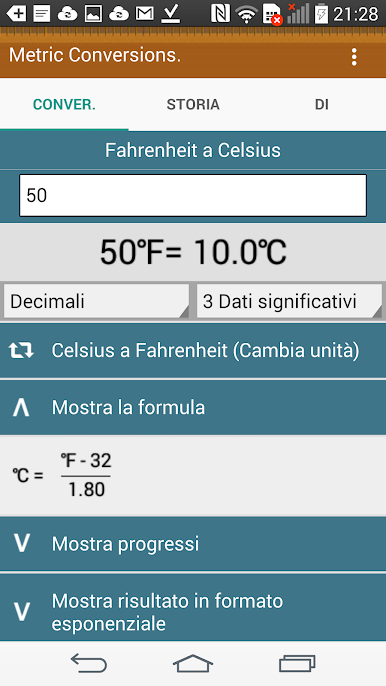
Instantly swap between over 30,000 different unit combinations—no waiting around or scrolling through endless lists. -
Supports 45+ Languages
Select your language and feel right at home, no matter where you are or which units come up. -
Currency Exchange, Always Up to Date
Flip between more than 160 currencies with current exchange rates right in the app. -
Favorites for Quick Access
Mark your most-used conversions and find them again in a tap, as often as you’d like. -
Works Offline
Even when you’re off the grid or stuck without Wi-Fi, you can still get those numbers you need. -
Simple Interface
No-nonsense design keeps it easy to spot what you’re after and flip between units with a single tap. -
Fraction Conversions
Need a result as a fraction? Choose to convert decimals to fractions when you want that exact form. -
Precision Up to 8 Digits
Get ultra-precise results—perfect for the meticulous or when you really need to be exact. -
Comprehensive Converter Tools
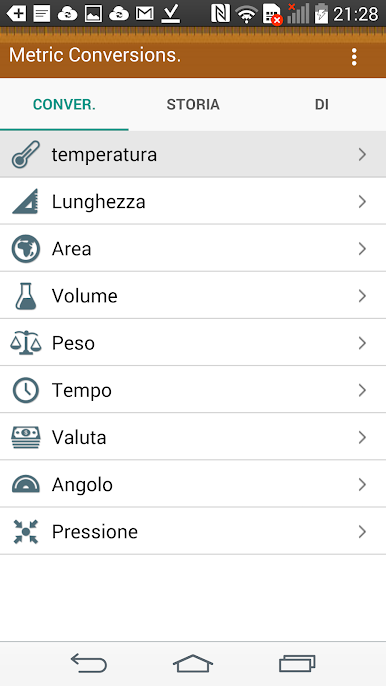
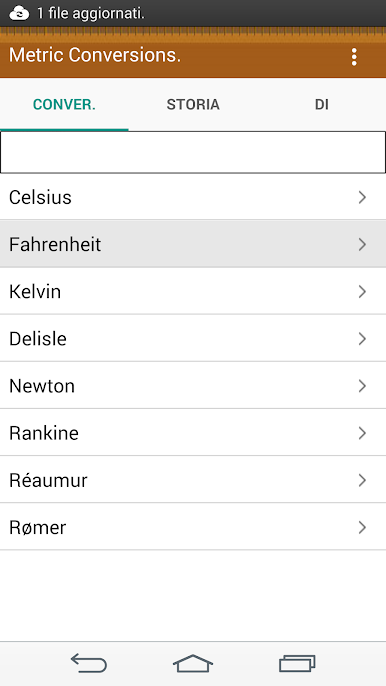
Switch up anything—weight, temperature, currency, length, area, volume, speed, time, angle, pressure, energy, and power. All the usual suspects and a few quirky ones too. -
Great on Big Screens
If you try Metric Conversions with BlueStacks, navigation gets even easier on your computer—ideal for multitasking or when you want a larger workspace.
Switch to BlueStacks and make the most of your apps on your PC or Mac.
Gioca Convertitore di unità su PC. È facile iniziare.
-
Scarica e installa BlueStacks sul tuo PC
-
Completa l'accesso a Google per accedere al Play Store o eseguilo in un secondo momento
-
Cerca Convertitore di unità nella barra di ricerca nell'angolo in alto a destra
-
Fai clic per installare Convertitore di unità dai risultati della ricerca
-
Completa l'accesso a Google (se hai saltato il passaggio 2) per installare Convertitore di unità
-
Fai clic sull'icona Convertitore di unità nella schermata principale per iniziare a giocare

