


Smash Words
Play on PC with BlueStacks – the Android Gaming Platform, trusted by 500M+ gamers.

Page Modified on: Oct 14, 2026
Play Smash Words on PC
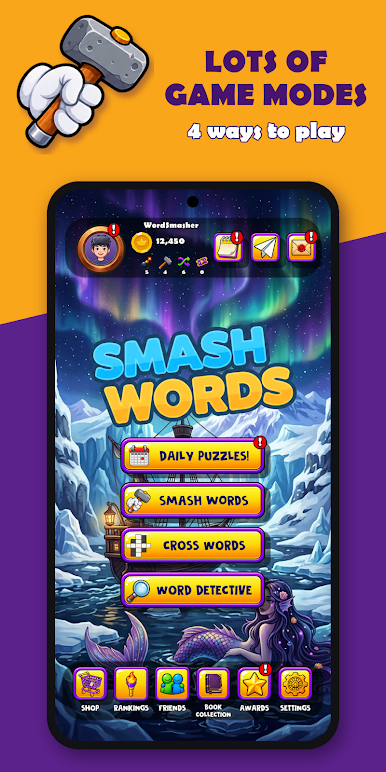
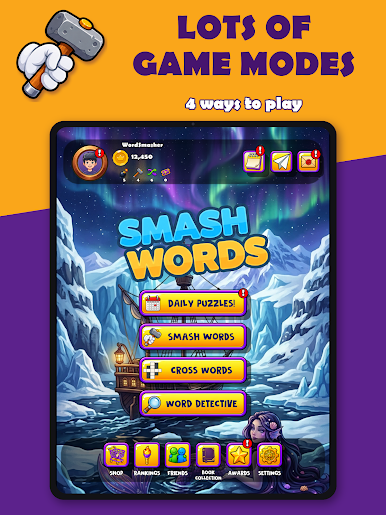
Smash Words is four word games in one: a fast word puzzle where long words smash harder, a ticking-tile survival mode, crosswords, and a word guessing game you can play on up to 8 boards at once. New puzzles every day, leaderboards, and friends to beat.
TIME ATTACK
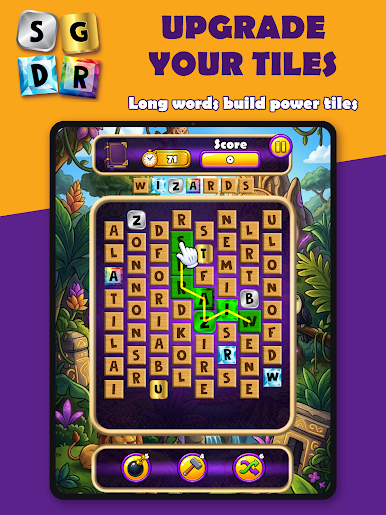
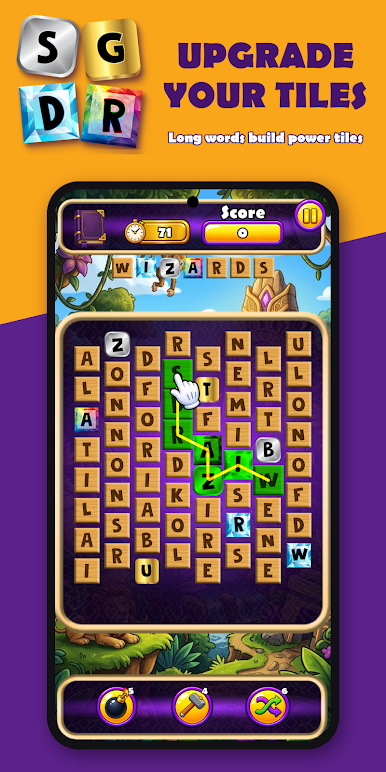
You have 60 seconds. Every word adds time, and longer words add more. Spell 6, 7 and 8+ letter words for SMASHING!, WORD WIZARD! and UNSTOPPABLE! Words of 4 letters or more upgrade tiles to Silver, Gold, Diamond and Rainbow for bigger scores.
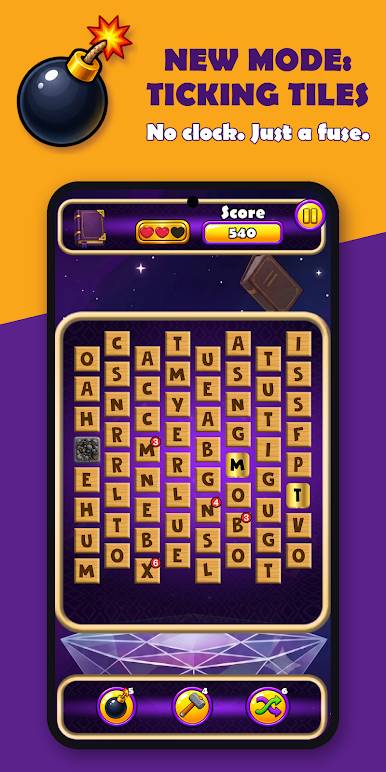
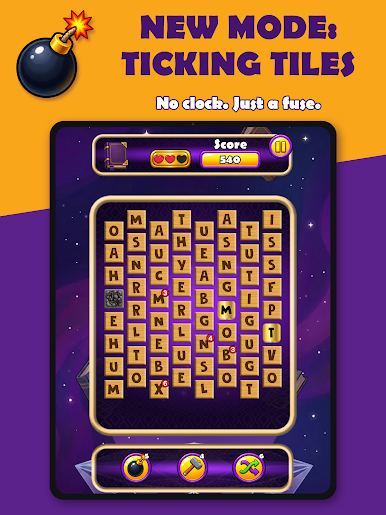
TICKING TILES (NEW)
No clock. Just a fuse. Ticking tiles show a number, and every word you make counts it down by one. Use a ticking tile in a word to defuse it. If a fuse hits zero, the tile explodes into rubble and you lose a heart. Lose all three and the run is over. Tiles come faster the longer you last.
CROSSWORDS
Swipe across the letter wheel to fill in the grid. Letters fly into place and coins fly to your total.
WORD DETECTIVE
Guess the hidden word. Play 1, 2, 4 or 8 boards at once (Normal, Duo, Quad and Octo). Solve it on your first guess for GENIUS!
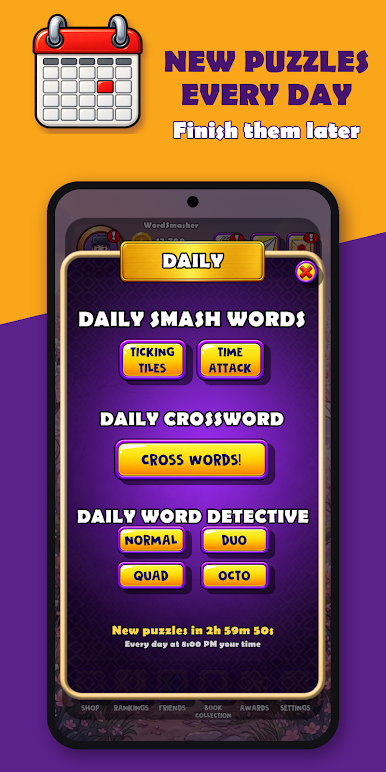
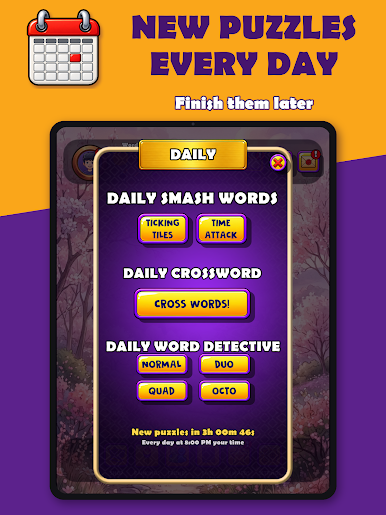
DAILY PUZZLES
Four new puzzles every day: Time Attack, Ticking Tiles, Crosswords and Word Detective. Leave one halfway and pick it up again with CONTINUE before the reset.
ITEMS
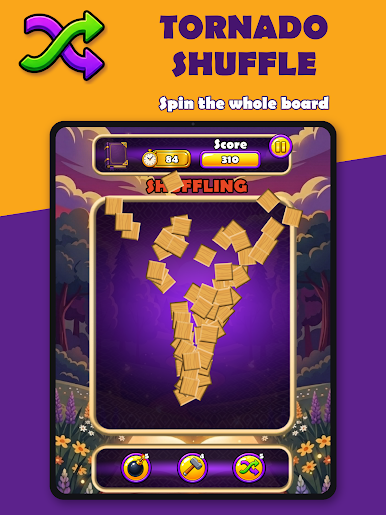
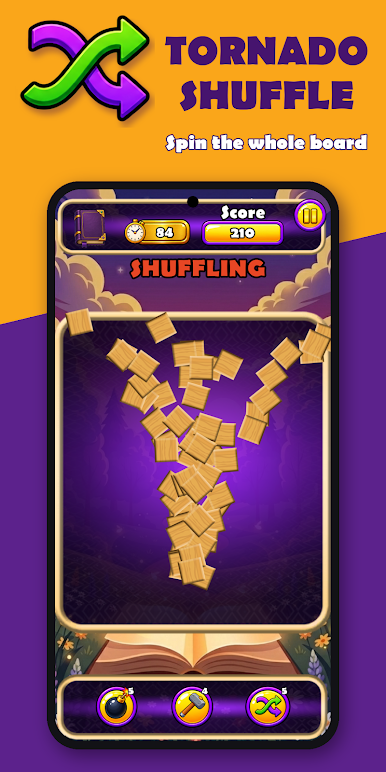
Bombs blast a cluster of tiles. Hammers smash a single tile. Shuffle spins the whole board into a tornado and drops every tile somewhere new.
BOOK COLLECTION
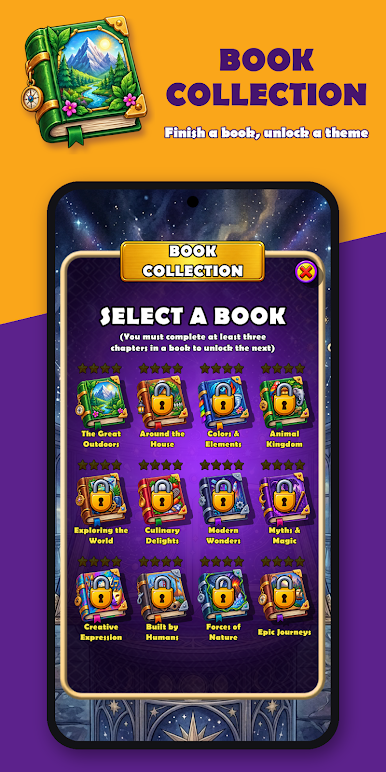
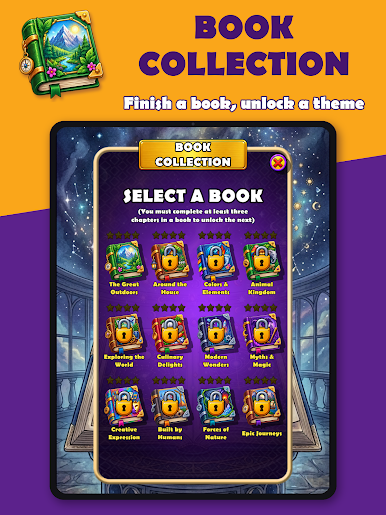
Hidden words turn up while you play. Find them to fill 12 books, and unlock a new background for every book you finish.
PLAY WITH FRIENDS
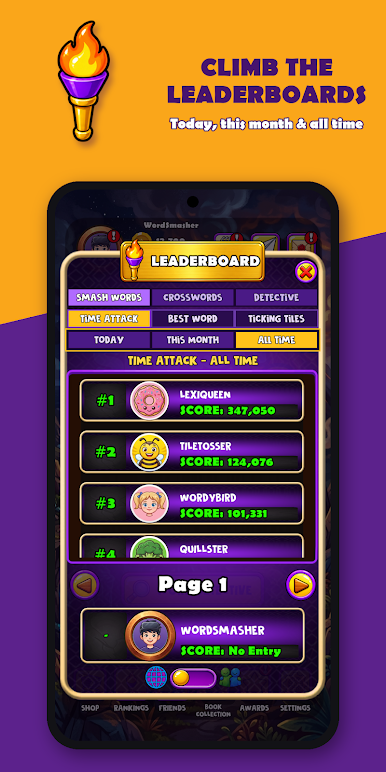
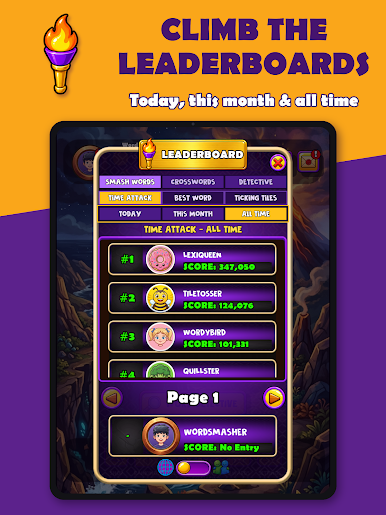
Daily leaderboards for every game. Add friends, check their stats, and send each other bombs, hammers and shuffles.
MAKE IT YOURS
170 avatars and 25 frames, including seasonal frames and frames for finishing the month #1 or in the top 10.
Smash Words is made by Wise Guy Games, a small indie studio. Questions or found a bug? Email info@wiseguygamesllc.com.

Play Smash Words on PC. It’s easy to get started.
-
Download and install BlueStacks on your PC
-
Complete Google sign-in to access the Play Store, or do it later
-
Look for Smash Words in the search bar at the top right corner
-
Click to install Smash Words from the search results
-
Complete Google sign-in (if you skipped step 2) to install Smash Words
-
Click the Smash Words icon on the home screen to start playing

