

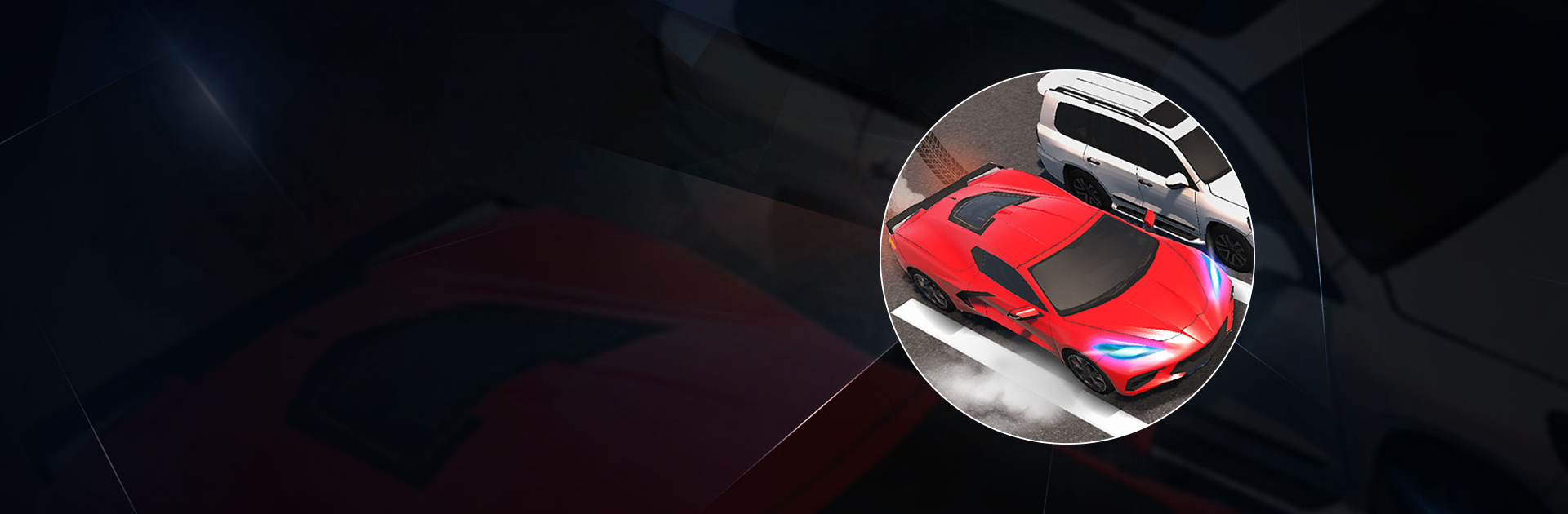
Car Lot Management
Juega en PC con BlueStacks: la plataforma de juegos Android, en la que confían más de 500 millones de jugadores.

Página modificada el: Mar 6, 2024
Play Car Lot Management on PC or Mac
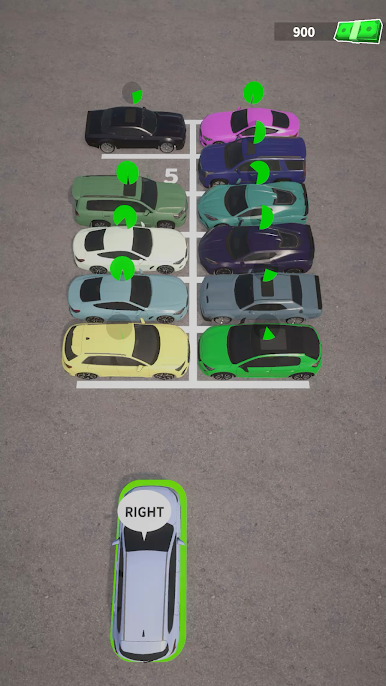
Car Parking Multiplayer is a simulation game developed by Rollic Games. BlueStacks app player is the best platform to play this Android game on your PC or Mac for an immersive gaming experience!
Play Car Parking Multiplayer on PC and enjoy this vehicle simulation game from the large and gorgeous display on your PC! Get ready to join different races and complete various parking missions!
In the Car Parking Multiplayer PC Game, you’re to complete various tasks. You can choose to play in the open world with free movement or enter the multiplayer mode and compete with other players worldwide!
There are over 70 licensed vehicles that you can upgrade and customize to bring out your uniqueness. Explore the free open world and visit real gas stations and car services. You can also exchange rides with other players, call them via voice chat, enter police mode, etc.!
There are 16 different player skins and different vehicles such as sports cars, tow trucks, etc. Plus, your cars come with real interior work! You can adjust the suspension, tune engines, explore a highly detailed environment, and lots more!
Download Car Parking Multiplayer on PC and explore hundreds of real-life driving and parking challenges! It’s more than just a car parking game! Enjoy car tuning, free walking, open-world multiplayer, and lots more!
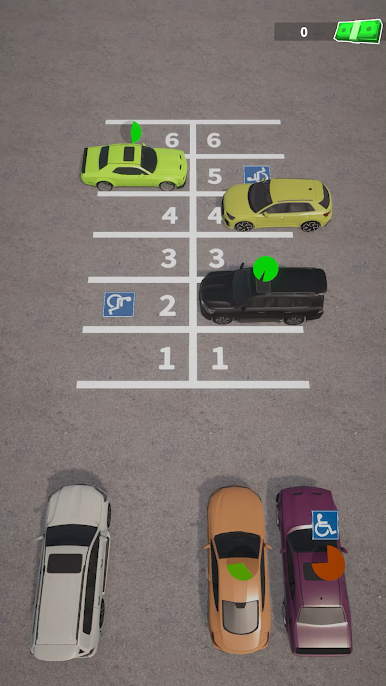
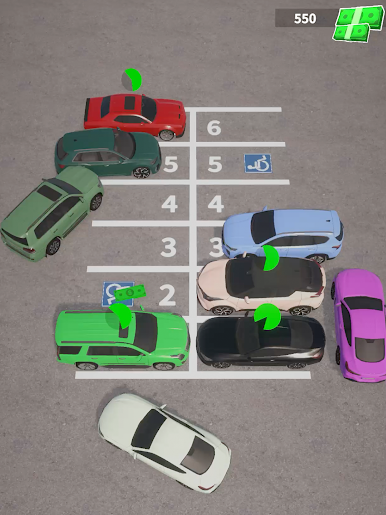
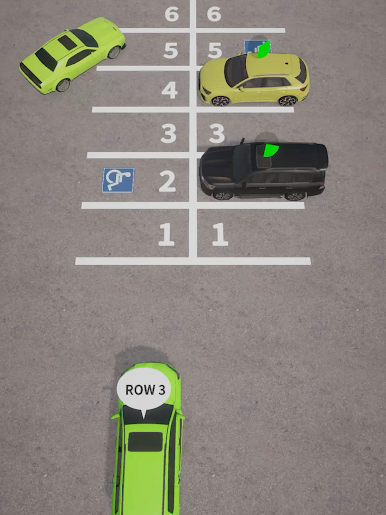
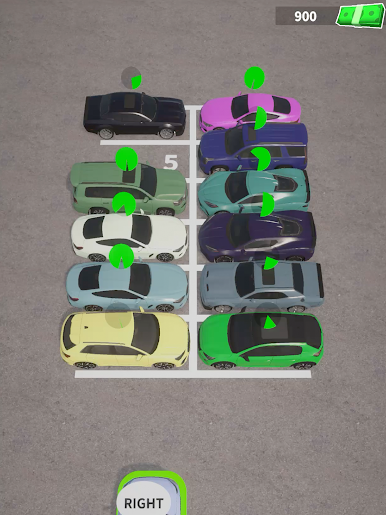
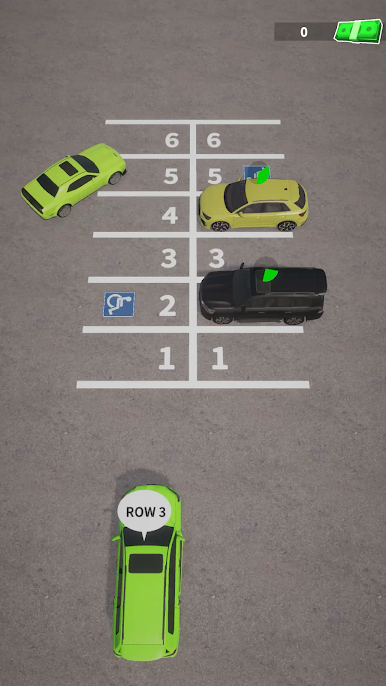
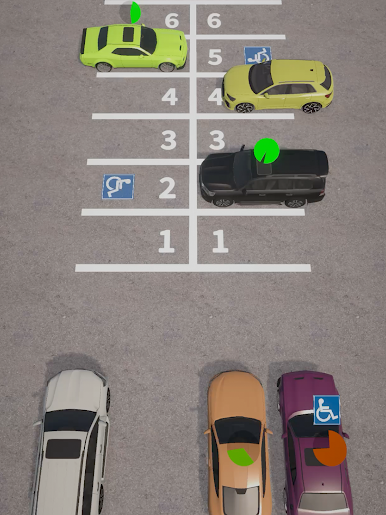
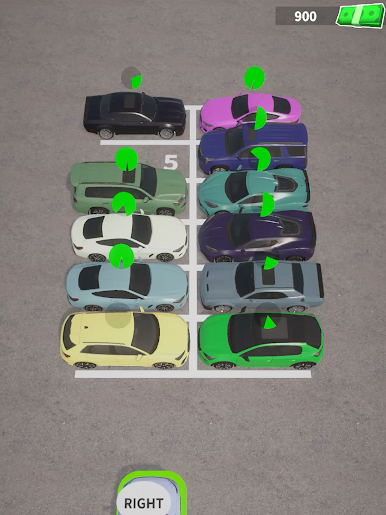
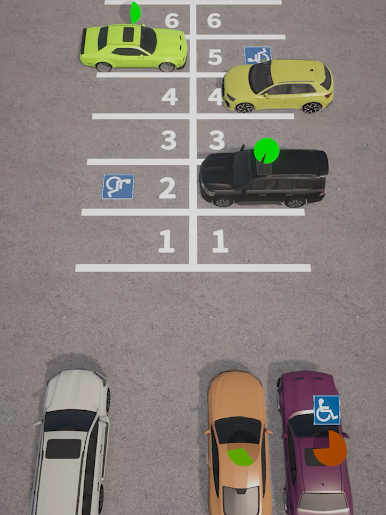
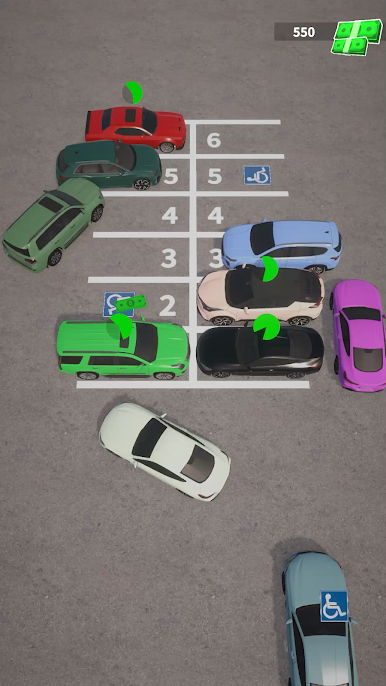
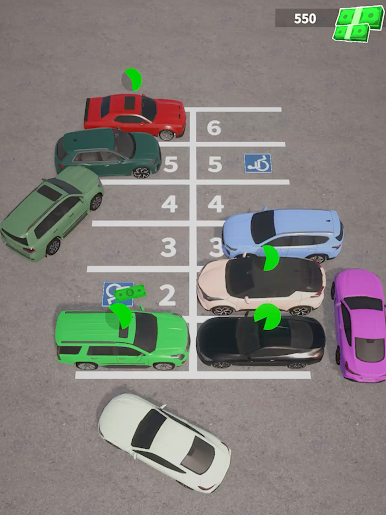
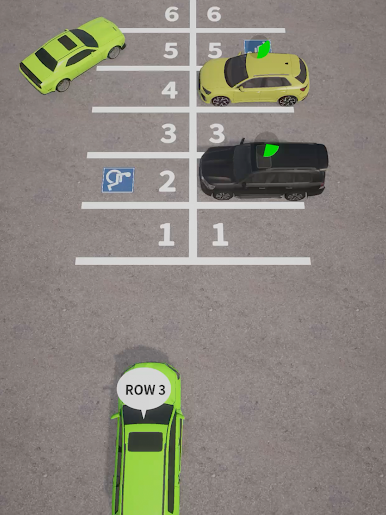
Juega Car Lot Management en la PC. Es fácil comenzar.
-
Descargue e instale BlueStacks en su PC
-
Complete el inicio de sesión de Google para acceder a Play Store, o hágalo más tarde
-
Busque Car Lot Management en la barra de búsqueda en la esquina superior derecha
-
Haga clic para instalar Car Lot Management desde los resultados de búsqueda
-
Complete el inicio de sesión de Google (si omitió el paso 2) para instalar Car Lot Management
-
Haz clic en el ícono Car Lot Management en la pantalla de inicio para comenzar a jugar

