


Mutsapper - Chats app Transfer
Mainkan di PC dengan BlueStacks – platform Game-Game Android, dipercaya oleh lebih dari 500 juta gamer.

Run Mutsapper - Chat App Transfer on PC or Mac
Why limit yourself to your small screen on the phone? Run Mutsapper – Chat App Transfer, an app by Shenzhen Wondershare Software Co., Ltd., best experienced on your PC or Mac with BlueStacks, the world’s #1 Android emulator.
About the App
Switching phones doesn’t have to mean losing your WhatsApp memories. Mutsapper – Chat App Transfer is all about making your chat data swaps super smooth, so you can take every conversation, photo, and sticker with you. Whether you’re bouncing between Android and iOS or the other way around, this app gives you a no-fuss way to keep everything you care about right where you need it.
App Features
-
Easy Device-to-Device Transfers
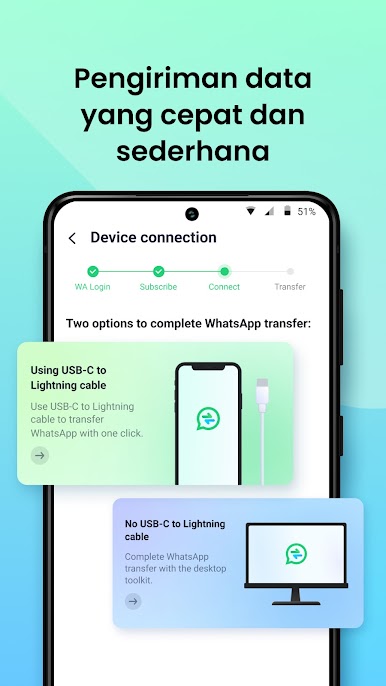
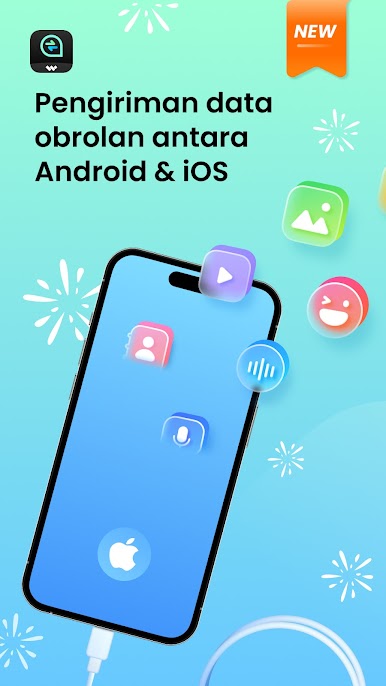
Hoping to avoid computer hassles? You can transfer WhatsApp data directly between Android and iPhone by just plugging in a USB OTG cable. No more fumbling with backup files or finding your old laptop. -
Full WhatsApp Data Move
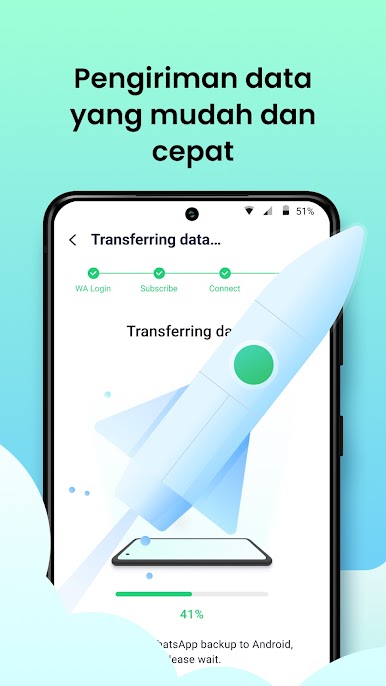
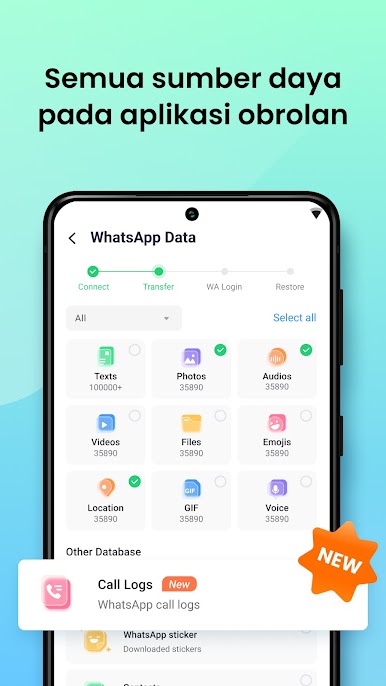
No need to pick and choose. Mutsapper – Chat App Transfer can move it all—messages, photos, videos, emojis, stickers, attachments, and your contacts—between devices quickly and securely. -
Recover Deleted Messages
Accidentally deleted that one important chat? The recovery feature lets you get back missing messages, including media files like voice notes, photos, or videos. -
Handle GB WhatsApp Migration Too
Got GB WhatsApp? No sweat. You can send your chat history from your Android straight over to iOS just as easily. -
Call Log Transfers
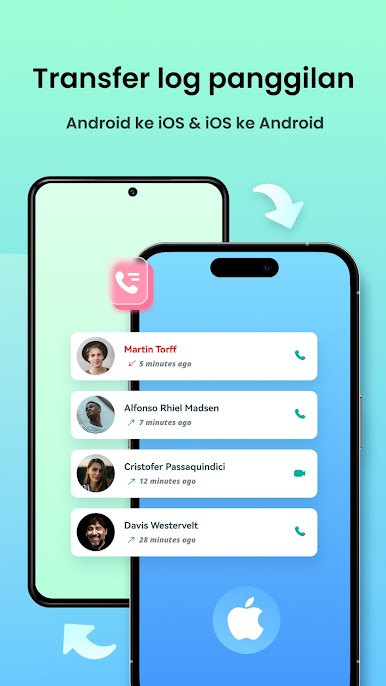
Want your call and video history too? With dual-end transfer support, you can bring along those call logs while switching between Android and iPhone. -
Multi-Device Login
Need to access two WhatsApp accounts on one device or use your account across several devices? Mutsapper’s web login option makes it a breeze. -
Fast, Secure, and Private
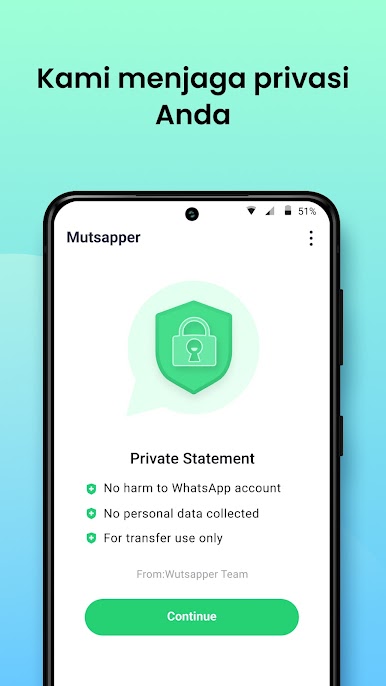
Transfers don’t drag and your info stays private. None of your chats or attachments are saved, so you’re the only one with access. -
Supports All Kinds of Phones
Works with most popular phone brands, from iPhone to Samsung, Xiaomi to Motorola, and more. Plus, it’s ready in multiple languages.
You can even use Mutsapper – Chat App Transfer on your PC with BlueStacks, making it handy for folks who do a lot from the desktop. Whether you’re upgrading, repairing, or just switching up your device, staying connected is simple.
Ready to experience Mutsapper – Chat App Transfer on a bigger screen, in all its glory? Download BlueStacks now.

Mainkan Mutsapper - Chats app Transfer di PC Mudah saja memulainya.
-
Unduh dan pasang BlueStacks di PC kamu
-
Selesaikan proses masuk Google untuk mengakses Playstore atau lakukan nanti
-
Cari Mutsapper - Chats app Transfer di bilah pencarian di pojok kanan atas
-
Klik untuk menginstal Mutsapper - Chats app Transfer dari hasil pencarian
-
Selesaikan proses masuk Google (jika kamu melewati langkah 2) untuk menginstal Mutsapper - Chats app Transfer
-
Klik ikon Mutsapper - Chats app Transfer di layar home untuk membuka gamenya

