


Sopa de Letras
Juega en PC con BlueStacks: la plataforma de juegos Android, en la que confían más de 500 millones de jugadores.

Página modificada el: Nov 28, 2025
Play Word Search Puzzle on PC
One of the best Word Search games on the Play Store!
🌟HOW TO PLAY:🌟
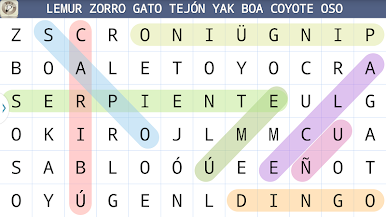
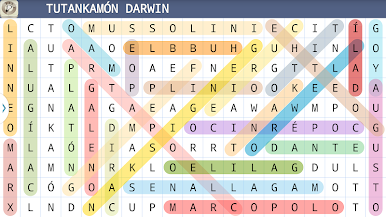
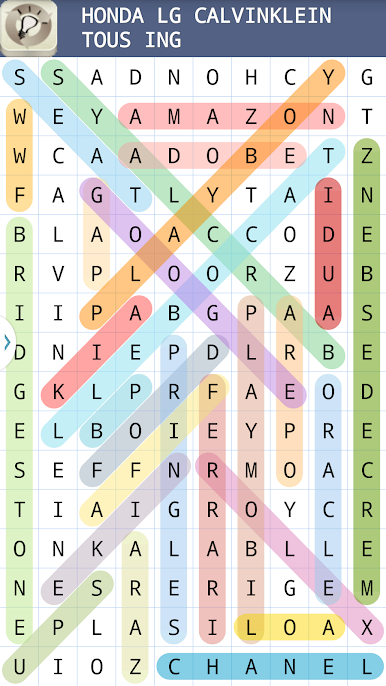
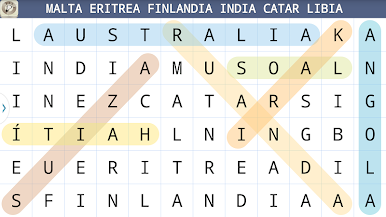
👉Swipe up, down, left, right or diagonally to mark words.
👉Swipe letters horizontally or vertically to find and collect words
🌟KEY FEATURES:🌟
👉Best collection of word search puzzles around
👉Unlimited free word games to play every day
👉Great game for learning English vocabulary
👉Simple & Easy Enjoyable graphics with easy controls
👉Stimulate and test your brain with bigger challenges as you advance!
👉Have a relaxing time with simple rules.
🌟AVAILABLE LANGUAGES:🌟
👉English , Arabic , Catalan , Czech , German , Greek , Spanish , French , Hindi , Hungarian , Indonesian , Italian , Japanese , Korean , Dutch , Polish , Portuguese , Russian , Thai , Tagalog , Turkish and Chinese.
🌟LEVELS OF DIFFICULTY:🌟
👉Very Easy, Easy, Normal, Advanced, Hard, Expert, Crazy
🌟CATEGORIES TO CHOOSE FROM:🌟
- Animals
- Countries of the World
- Historical figures
- Cities of the World
- American presidents
- Trademarks
- Languages
- Kids
🌟AVAILABLE GAME MODES:🌟
👉List of words (words to find the slopes shown)
👉Without help
Forget the pen and paper - You'll never run out of puzzles with our Word Search Puzzle app. It is an addictive word search puzzle that can take you away for hours of intellectual pastime.
Have fun with Word Search!
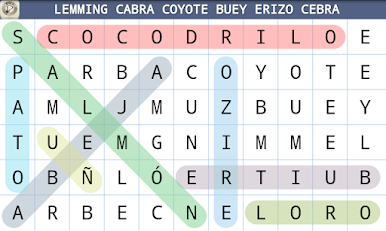
Juega Sopa de Letras en la PC. Es fácil comenzar.
-
Descargue e instale BlueStacks en su PC
-
Complete el inicio de sesión de Google para acceder a Play Store, o hágalo más tarde
-
Busque Sopa de Letras en la barra de búsqueda en la esquina superior derecha
-
Haga clic para instalar Sopa de Letras desde los resultados de búsqueda
-
Complete el inicio de sesión de Google (si omitió el paso 2) para instalar Sopa de Letras
-
Haz clic en el ícono Sopa de Letras en la pantalla de inicio para comenzar a jugar

