

Asesino de Zombies 3D
Juega en PC con BlueStacks: la plataforma de juegos Android, en la que confían más de 500 millones de jugadores.

Página modificada el: Aug 18, 2025
Play Zombie Roadkill 3D on PC or Mac
Bring your A-game to Zombie Roadkill 3D, the Action game sensation from Italic Games. Give your gameplay the much-needed boost with precise game controls, high FPS graphics, and top-tier features on your PC or Mac with BlueStacks.
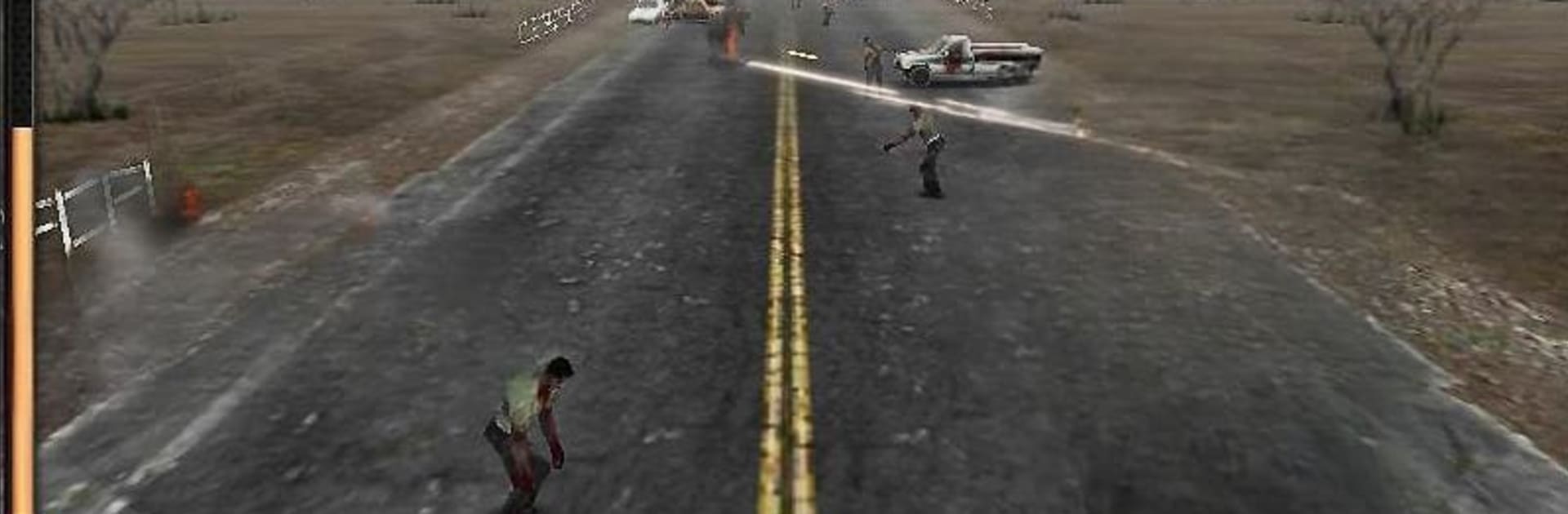
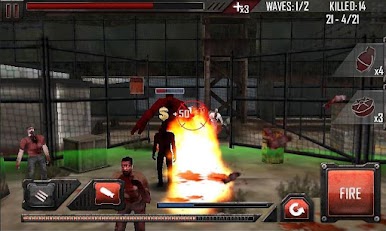
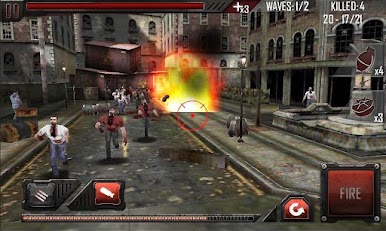
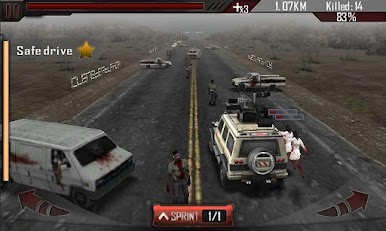
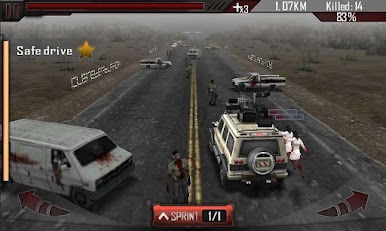
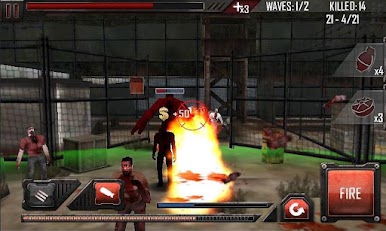
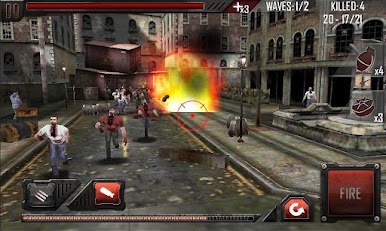
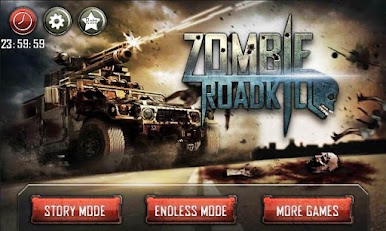
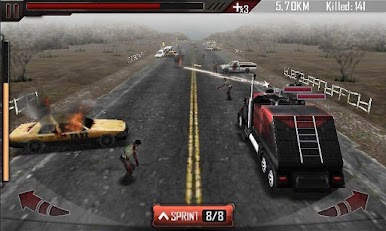
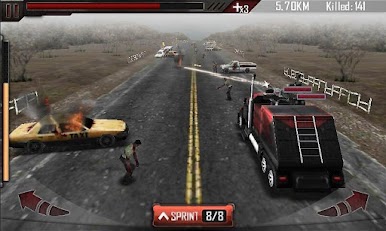
Zombie Roadkill 3D is one of those games that mixes up driving and shooting in a pretty satisfying way. The big thing here is that you’re in a car, but you’re not just dodging obstacles — you’re plowing through zombies, and there are a ton of them. The main goal is to keep driving while undead mobs swarm your vehicle, and you get to blast them off with machine guns and RPGs strapped right to your ride. The action is fast, and it gets pretty chaotic when there are zombies coming from all directions, so if you like arcade-style shooters that throw a lot at you, this sticks with that vibe.
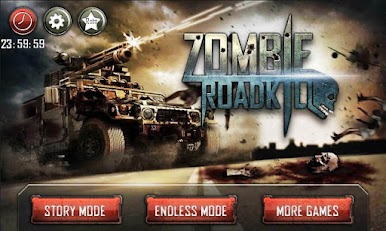
There’s some decent variety, too. You can pick between different cars and weapons as you unlock them, each with their own feel — some hit harder, others move faster. There’s a story mode if you want some structure and an endless mode if you just want to see how long you can last, which keeps it interesting. Visually, it’s got that classic, slightly over-the-top 3D look, with zombies flying everywhere and the city falling apart around you, so things stay pretty lively on screen. Playing it on PC through BlueStacks makes the controls even smoother, especially when using a mouse for aiming — it’s definitely a step up from touch controls when things get hectic. If someone’s into mindless action, upgrades, or just mowing down waves of zombies, this one hits that niche without getting complicated.
Ready to top the leaderboard? We bet you do. Let precise controls and sharp visuals optimized on BlueStacks lead you to victory.
Juega Asesino de Zombies 3D en la PC. Es fácil comenzar.
-
Descargue e instale BlueStacks en su PC
-
Complete el inicio de sesión de Google para acceder a Play Store, o hágalo más tarde
-
Busque Asesino de Zombies 3D en la barra de búsqueda en la esquina superior derecha
-
Haga clic para instalar Asesino de Zombies 3D desde los resultados de búsqueda
-
Complete el inicio de sesión de Google (si omitió el paso 2) para instalar Asesino de Zombies 3D
-
Haz clic en el ícono Asesino de Zombies 3D en la pantalla de inicio para comenzar a jugar

