


Deutsche Verben
Juega en PC con BlueStacks: la plataforma de juegos Android, en la que confían más de 500 millones de jugadores.

Página modificada el: Nov 16, 2025
Run Deutsche Verben on PC or Mac
Upgrade your experience. Try Deutsche Verben, the fantastic Education app from Universk, from the comfort of your laptop, PC, or Mac, only on BlueStacks.
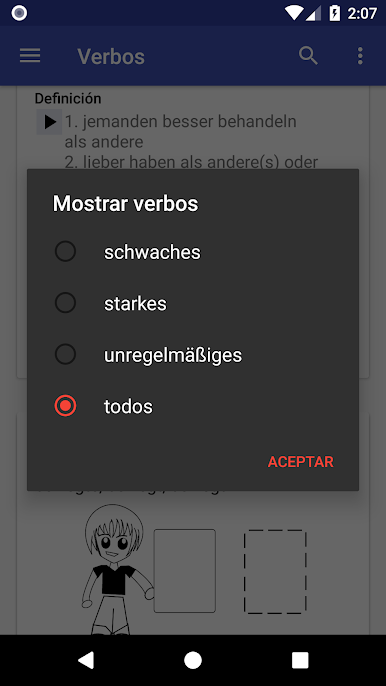
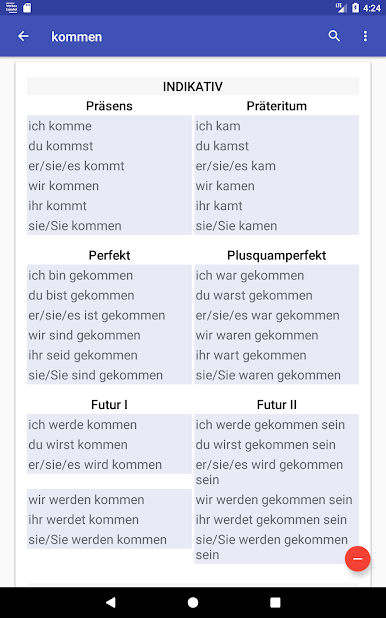
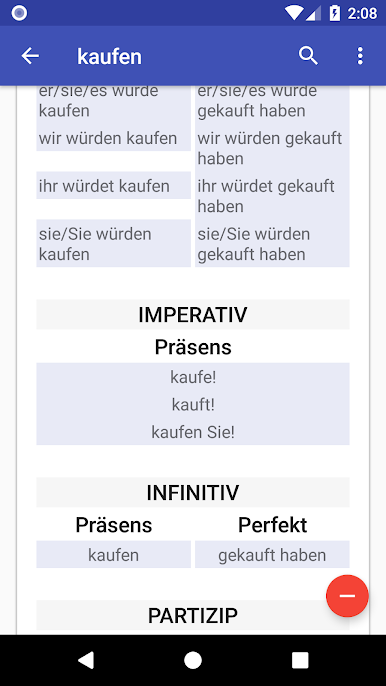
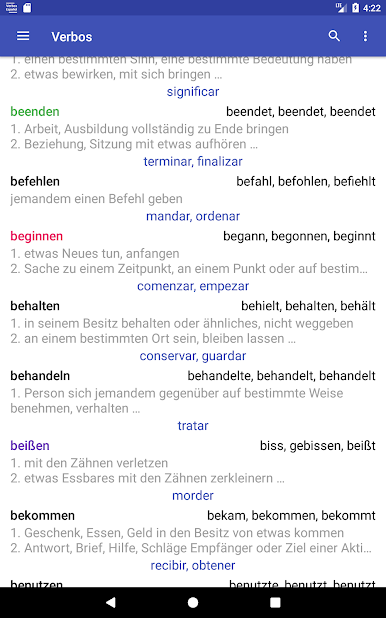
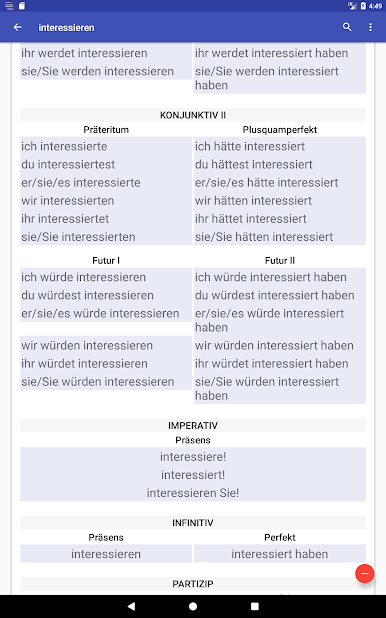
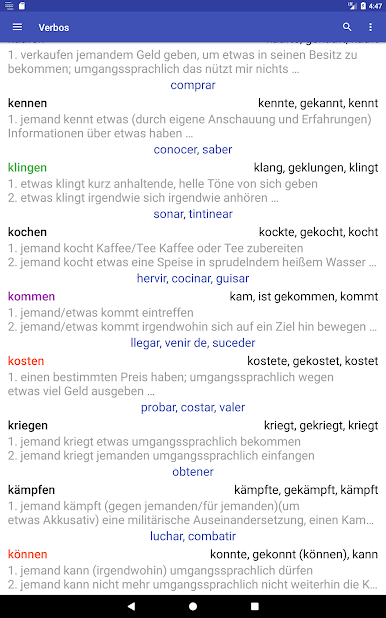
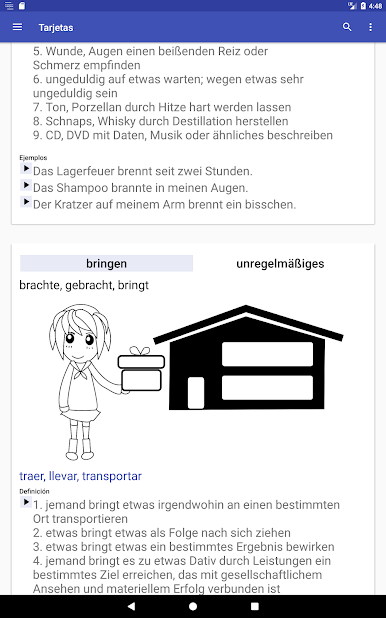
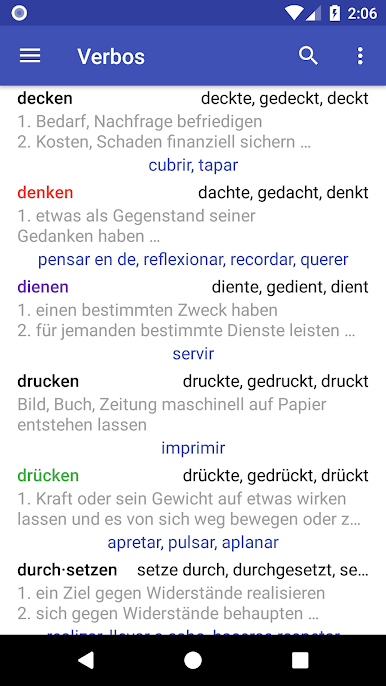
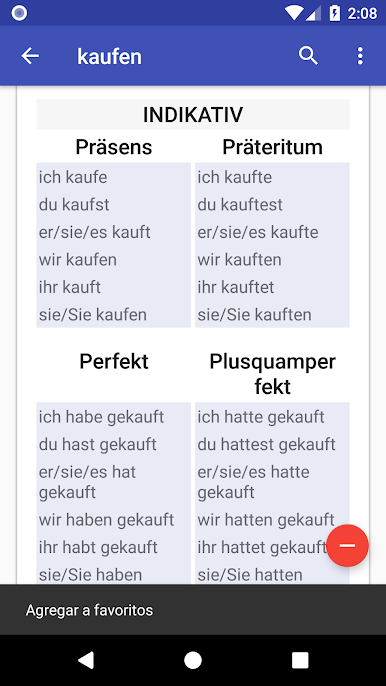
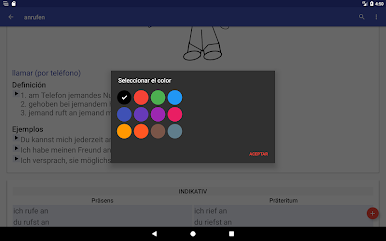
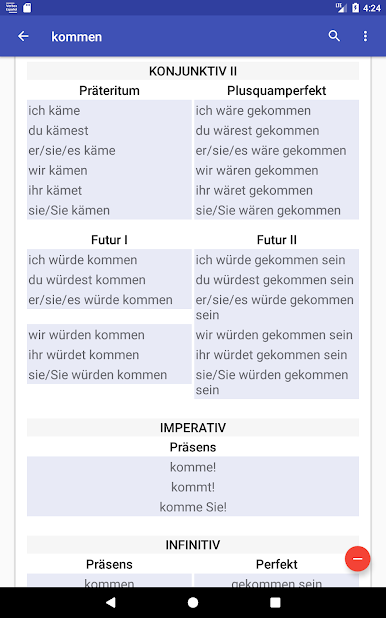
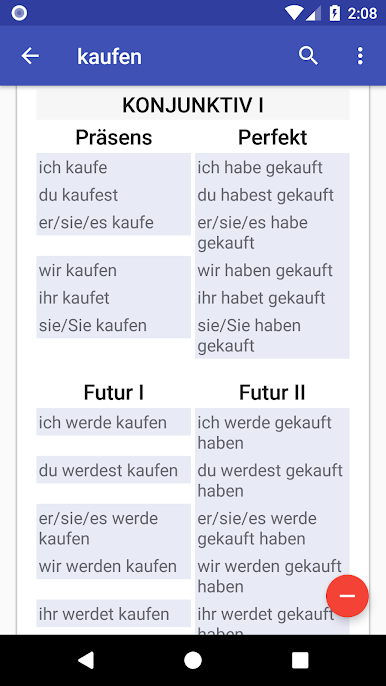
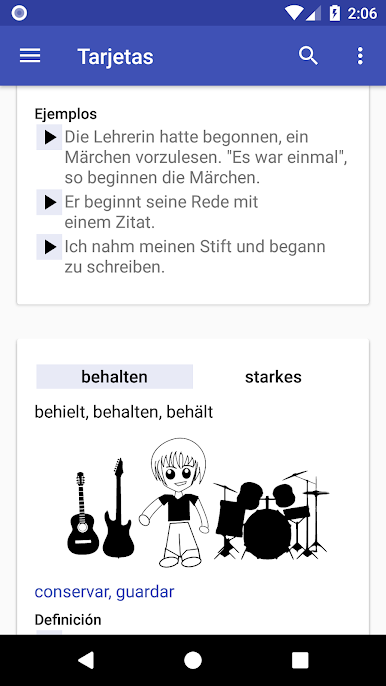
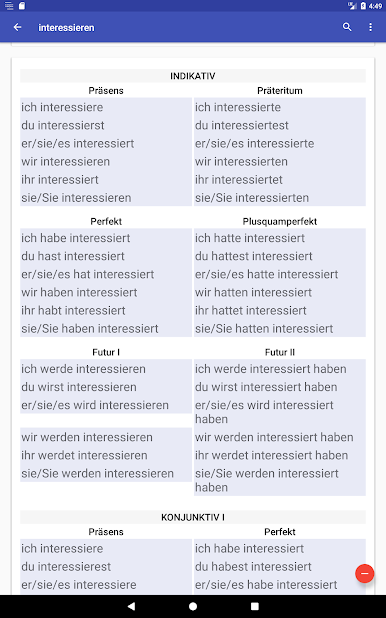
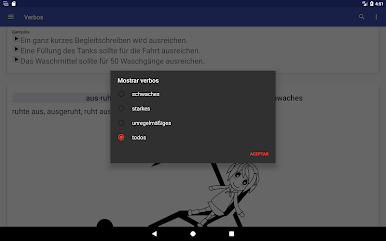
Deutsche Verben is the kind of app people grab when German verb forms start getting confusing and all the tenses start to blur together. It’s got a big set of verbs — over 650, so that covers a lot of what actually shows up in textbooks or real conversations. Everything’s broken down into weak, strong, and mixed verbs, which helps make sense of the rules, and it’s not just about the verb lists. What stands out is how easy it is to jump between the different tenses, like Präsens, Präteritum, Perfekt, and even the less common ones nobody wants to memorize. Each verb page shows all those forms side by side, so no need to keep thumbing through a book or checking other sites just for one answer.
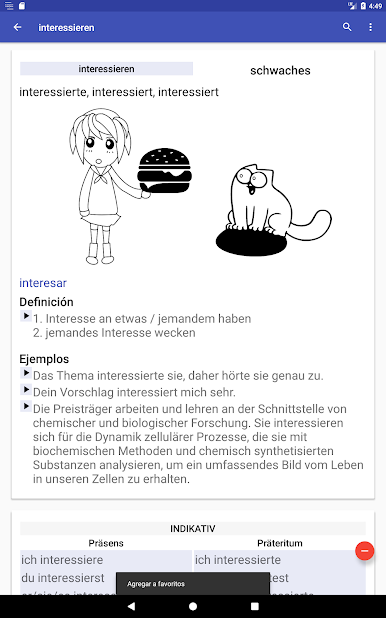
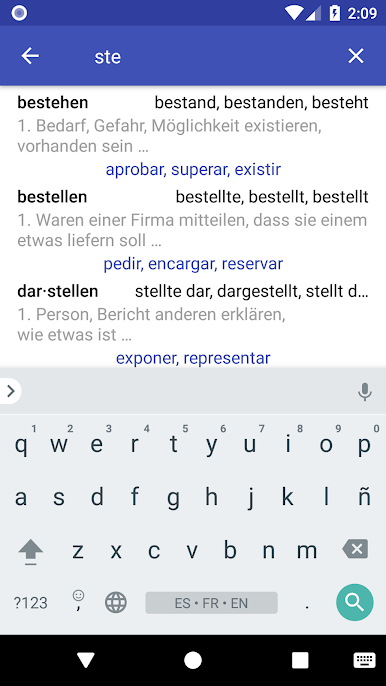
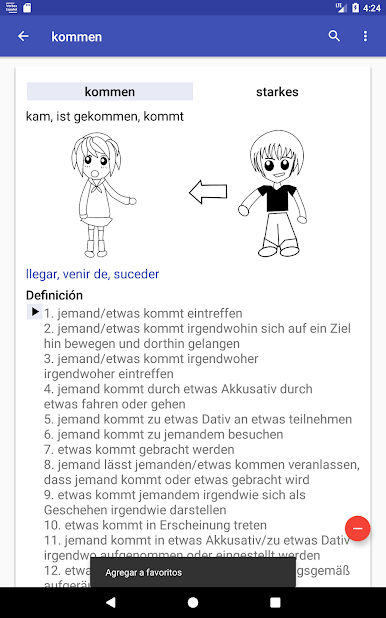
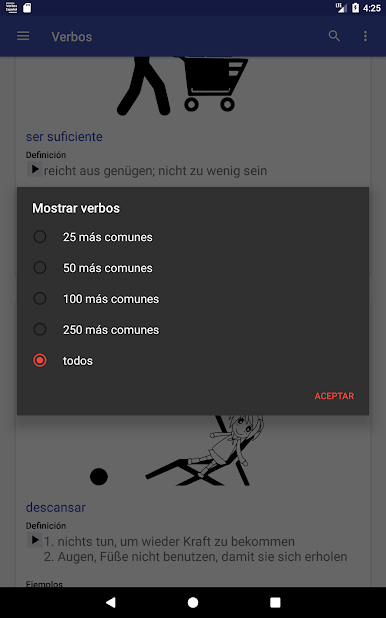
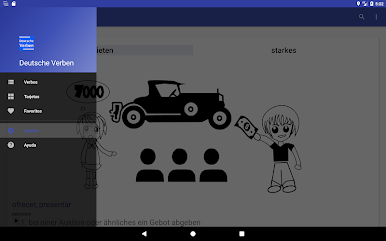
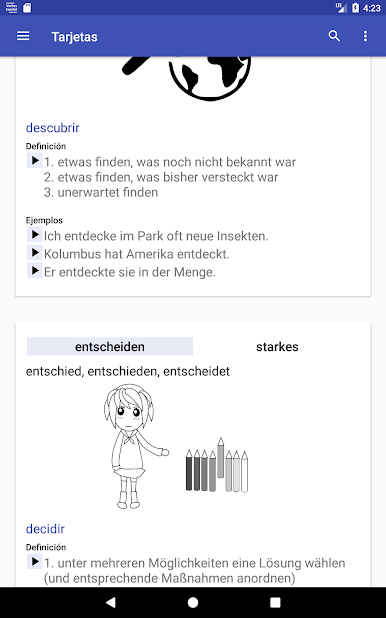
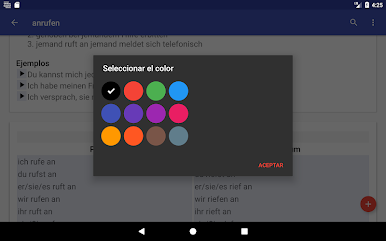
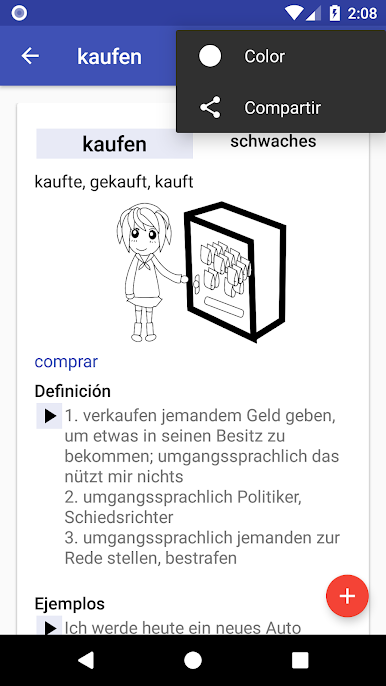
The interface is straightforward, nothing flashy, but it’s got handy touches — quick search, switching between list and card views, and being able to mark favorites for tricky verbs. There are translations for English, French, and Spanish, and even the app’s instructions are in those languages plus German, so it isn’t a struggle to use if someone’s still shaky with German overall. Examples, definitions, and even pronunciation are right there, which is nice on PC since there’s more space to see everything at once, especially using BlueStacks. For anybody who wants to really practice or just double-check forms, it’s a simple, direct tool that keeps everything organized. There aren’t wild lessons or games, just a focus on what people actually need to check — conjugation tables, examples, and some ways to sort or highlight frequent verbs. Makes German conjugation a lot less intimidating.
Ready to experience Deutsche Verben on a bigger screen, in all its glory? Download BlueStacks now.
Juega Deutsche Verben en la PC. Es fácil comenzar.
-
Descargue e instale BlueStacks en su PC
-
Complete el inicio de sesión de Google para acceder a Play Store, o hágalo más tarde
-
Busque Deutsche Verben en la barra de búsqueda en la esquina superior derecha
-
Haga clic para instalar Deutsche Verben desde los resultados de búsqueda
-
Complete el inicio de sesión de Google (si omitió el paso 2) para instalar Deutsche Verben
-
Haz clic en el ícono Deutsche Verben en la pantalla de inicio para comenzar a jugar

