


Yassir driver: Partner app
Gioca su PC con BlueStacks: la piattaforma di gioco Android, considerata affidabile da oltre 500 milioni di giocatori.

Pagina modificata il: Dec 4, 2025
Run YASSIR Chauffeur on PC or Mac
Why limit yourself to your small screen on the phone? Run YASSIR Chauffeur, an app by YA Technologies, best experienced on your PC or Mac with BlueStacks, the world’s #1 Android emulator.
About the App
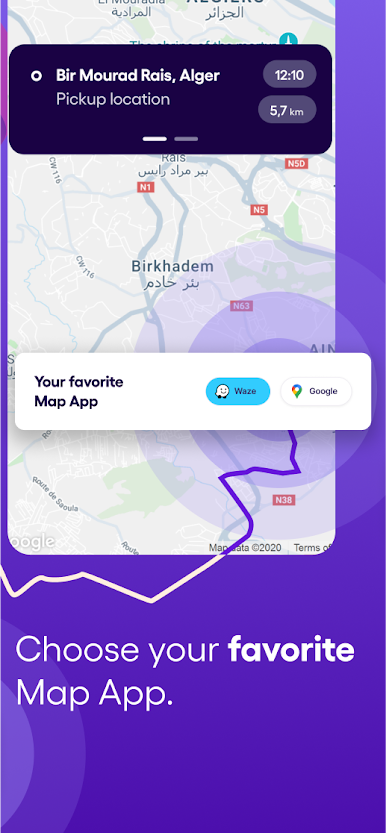
YASSIR Chauffeur makes it simple for drivers to connect with riders while keeping total control over their schedule. Whether you’re looking to earn a little extra cash during your free hours or want to make driving your main gig, this app fits your lifestyle, no matter how busy—or chilled out—you are. Expect a user-friendly experience that lets you handle trips, track earnings, and get moving whenever it works for you.
App Features
-
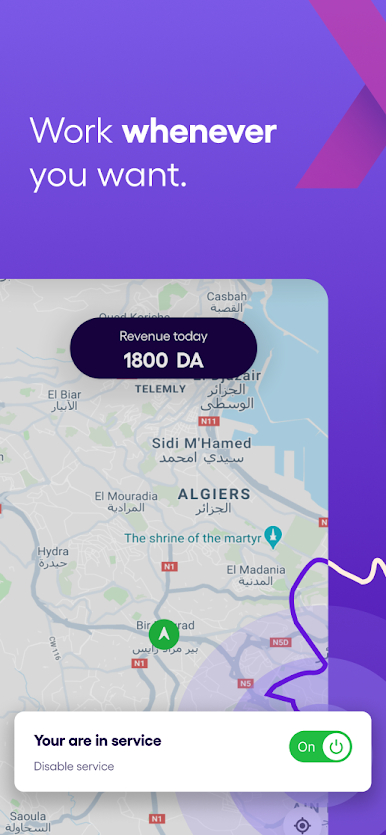
Flexible Driving
Set your own hours and drive whenever you feel like it—you decide if you want to work a long shift or just pick up a quick trip on a break. -
Easy Ride Management
View incoming requests, accept rides, and manage your driving tasks right from your phone, with all the essentials just a tap away. -
Earnings at a Glance
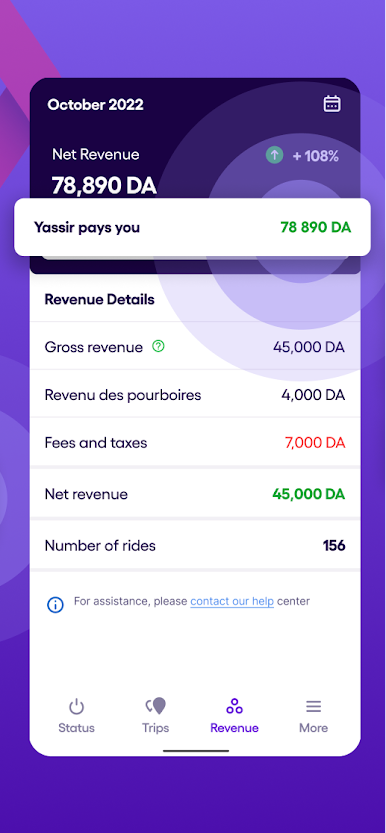
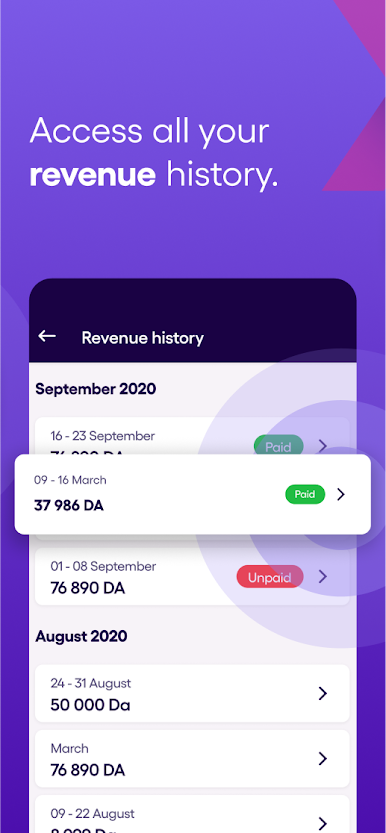
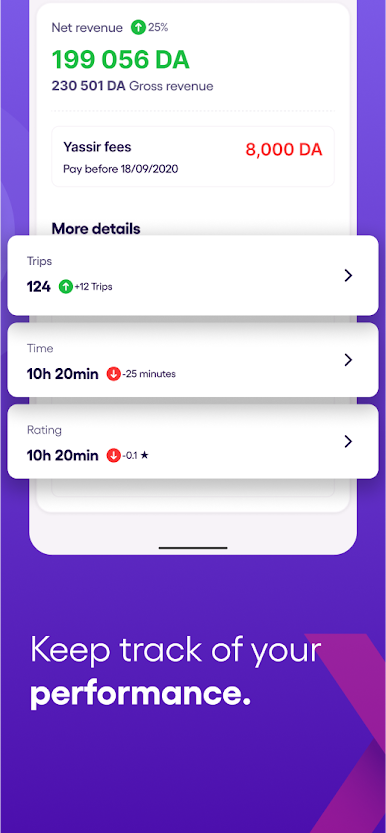
Instantly see how much you’re earning after every trip, and keep track of all your payouts and completed rides in one place. -
Partner Community
Connect with other YASSIR Chauffeur partners, swap stories, and get support when you need it—there’s a sense of community here. -
Hassle-Free Registration
Signing up is straightforward: register directly in the app and wait for a heads-up when it’s time to get started. No complicated process.
You can also handle everything from your PC if you’d rather use a bigger screen by trying out BlueStacks, making the whole driving experience even smoother.
Big screen. Bigger performance. Use BlueStacks on your PC or Mac to run your favorite apps.
Gioca Yassir driver: Partner app su PC. È facile iniziare.
-
Scarica e installa BlueStacks sul tuo PC
-
Completa l'accesso a Google per accedere al Play Store o eseguilo in un secondo momento
-
Cerca Yassir driver: Partner app nella barra di ricerca nell'angolo in alto a destra
-
Fai clic per installare Yassir driver: Partner app dai risultati della ricerca
-
Completa l'accesso a Google (se hai saltato il passaggio 2) per installare Yassir driver: Partner app
-
Fai clic sull'icona Yassir driver: Partner app nella schermata principale per iniziare a giocare

