


Zapptax - Shop Tax-Free
Juega en PC con BlueStacks: la plataforma de juegos Android, en la que confían más de 500 millones de jugadores.

Página modificada el: Dec 17, 2025
Play Zapptax - Shop Tax-Free on PC
ADVANTAGES
Reliability: Zapptax is the first digital tax-refund operator approved by the tax and customs authorities. We’ve been operating since 2017.
Usable everywhere: You can use Zapptax for tax-free shopping at ANY shop in France, Belgium and Spain, whether in-store or online.
No restrictions: With no minimum purchase per store and per day, you can shop with peace of mind!
Easy: Our 100% digital procedure happens entirely on your smartphone. Generate tax refund forms and get customs validation without messy paperwork.
Amazing value: You get your money at the best rates in the business, and using the refund method of your choice (Bank transfer, Credit card, PayPal, ...)
Great customer service: We offer 24/7 messaging and phone support if you have any questions or problems.
HOW DOES IT WORK?
It’s simple!
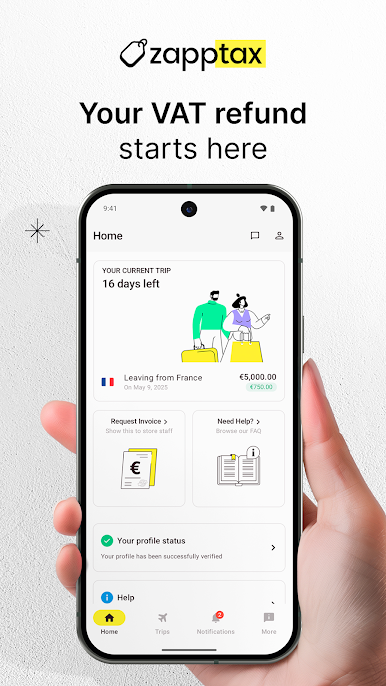
Step 1: Download the app for free and complete your profile.
Step 2: Fill in the dates of your stay in the European Union.
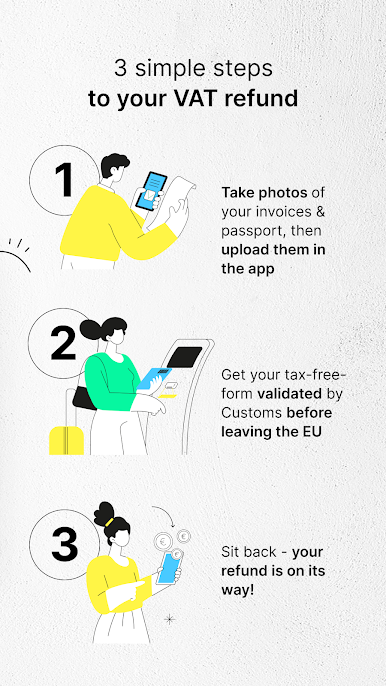
Step 3: When shopping, ask the merchant for a “VAT invoice made out to Zapptax”. Photograph your invoices and upload them to the app or forward them by email to support@zapptax.com.
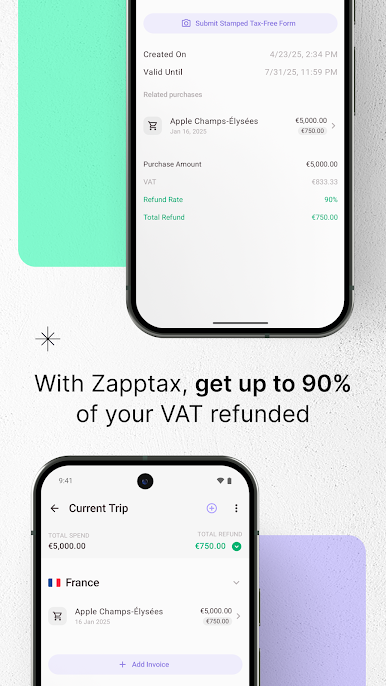
Step 4: At the end of your stay, click to request the automatic generation of your tax-free forms. You will get one or more tax refund forms showing all of your purchases.
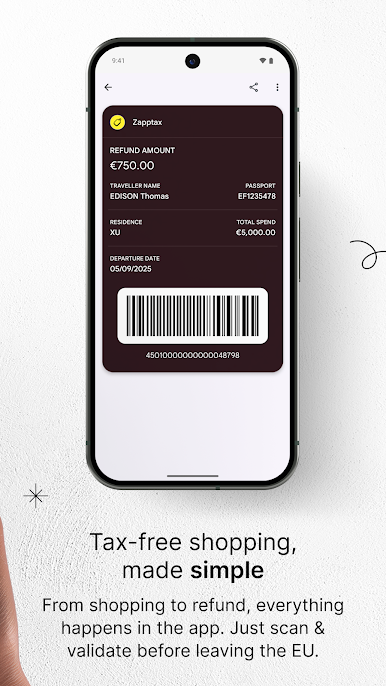
Step 5: Validate your tax refund forms electronically at customs before leaving the EU by scanning the forms barcode at a self-service kiosk (PABLO device in France and DIVA in Spain) or by presenting your passport to a customs agent in Belgium.
And that’s all! Zapptax will process your refund and pay you using the method of your choice.

Juega Zapptax - Shop Tax-Free en la PC. Es fácil comenzar.
-
Descargue e instale BlueStacks en su PC
-
Complete el inicio de sesión de Google para acceder a Play Store, o hágalo más tarde
-
Busque Zapptax - Shop Tax-Free en la barra de búsqueda en la esquina superior derecha
-
Haga clic para instalar Zapptax - Shop Tax-Free desde los resultados de búsqueda
-
Complete el inicio de sesión de Google (si omitió el paso 2) para instalar Zapptax - Shop Tax-Free
-
Haz clic en el ícono Zapptax - Shop Tax-Free en la pantalla de inicio para comenzar a jugar

