


Zoho Campaigns-Email Marketing
Juega en PC con BlueStacks: la plataforma de juegos Android, en la que confían más de 500 millones de jugadores.

Página modificada el: Oct 23, 2025
Play Zoho Campaigns-Email Marketing on PC
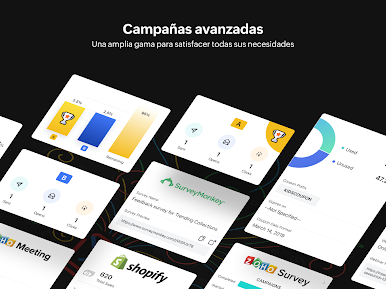
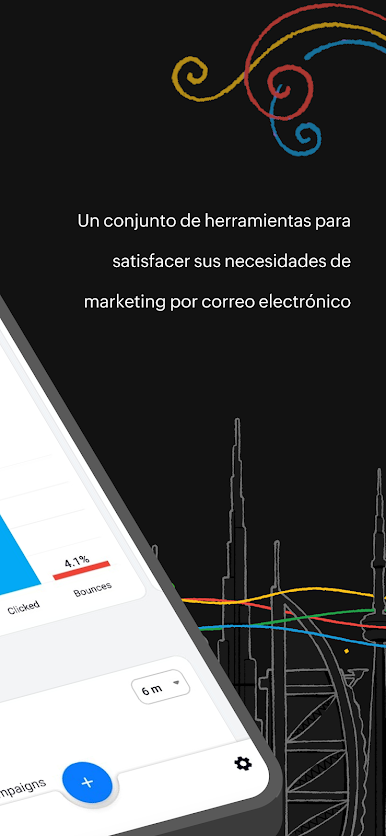
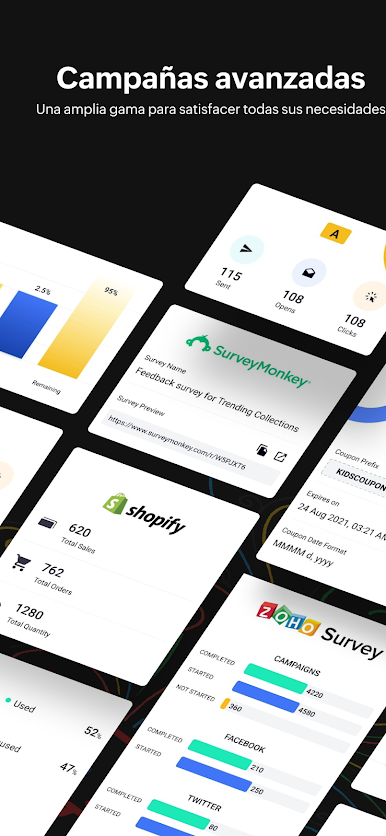
Zoho Campaigns provides a toolkit to meet your email marketing needs. With 4.7 million campaigns sent and counting, Zoho Campaigns is your go to tool for email marketing.
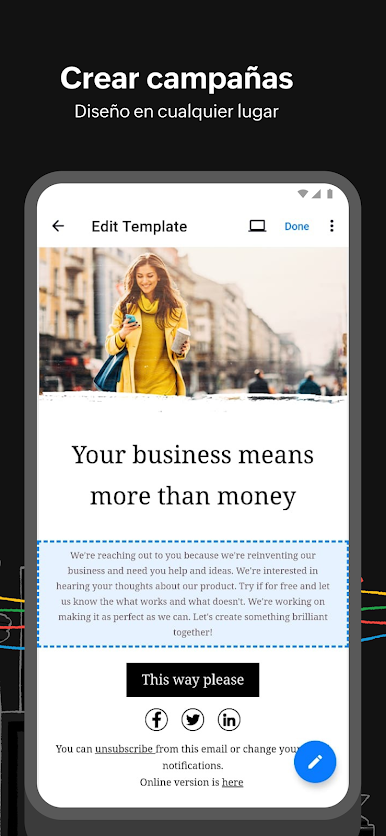
CREATE ENGAGING CAMPAIGNS
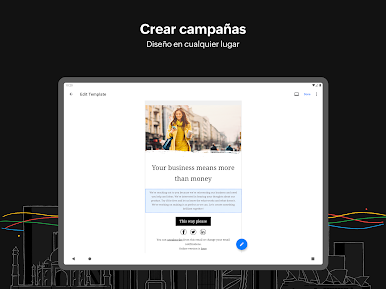
- Create engaging campaigns by choosing from a wide range of predefined templates. You can choose to send them right away or schedule them to suit your preference.
SEND, SCHEDULE AND DO MORE ON YOUR CAMPAIGNS
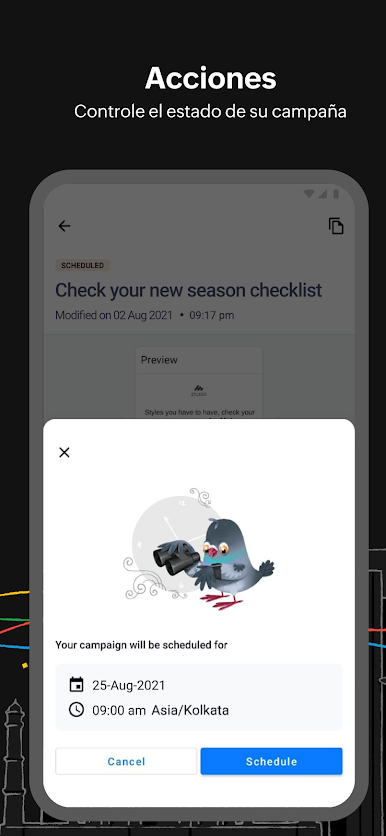
- You can choose to send your campaigns right away or send them at a later time based on your time zone or the optimal open time of your target customers.
- Pause, Resume, Reschedule or Cancel campaigns right from the app.
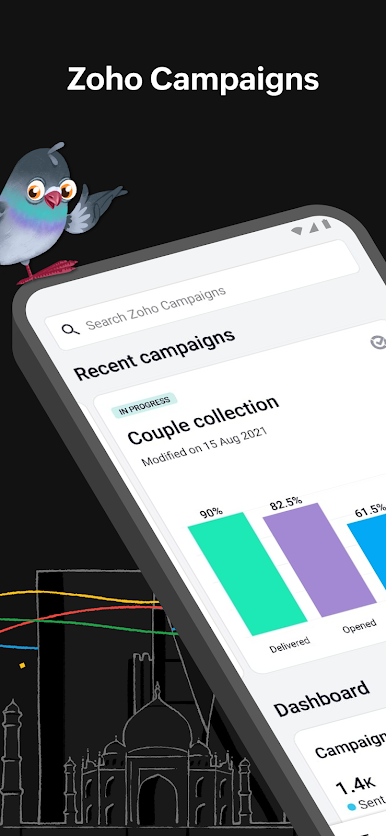
TRACK HOW YOUR CAMPAIGNS DO
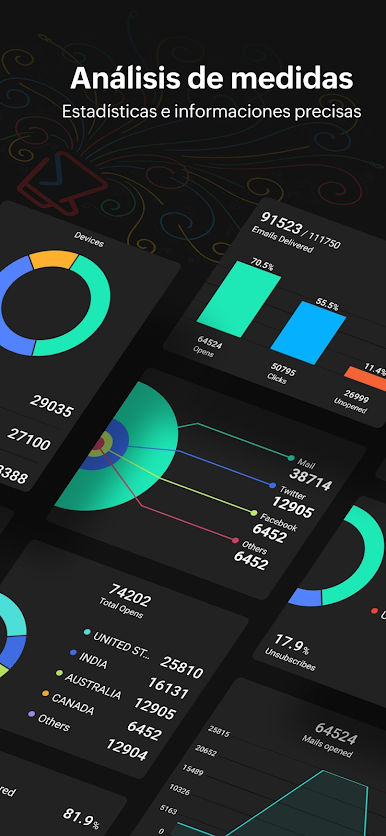
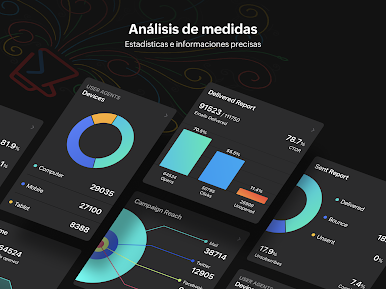
- Get a comprehensive report of your campaigns' stats with engaging native charts.
BULK IMPORT CONTACTS
- Bulk import all your contacts easily into the app.
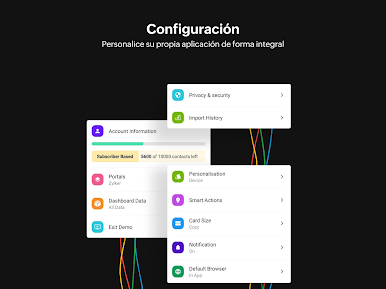
ACCESS YOUR PORTALS
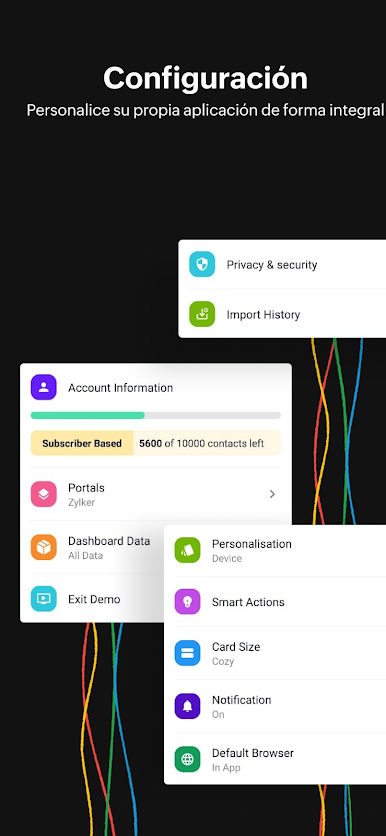
- Access all the portals in your organization from one place.
------
ALL NEW REFRESHING UI
- An all new refreshing UI to enhance your email marketing experience.
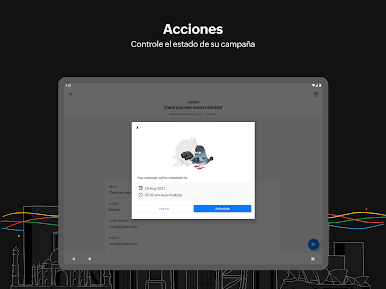
ALL NEW TABLET APP
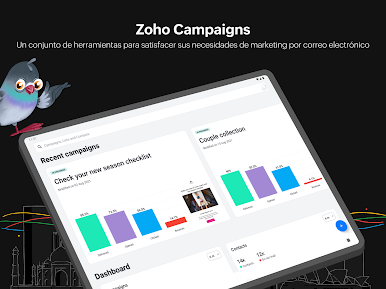
- With a larger screen, visualise more content specially crafted for tablets to make work more productive than ever.
WIDGETS
- Stay up-to date about your campaign's performance from your home screen with the new widgets
DYNAMIC FONT SIZE
- Get a comfortable viewing experience by setting the text size to adopt your device font size.
DARK MODE
- Switch the appearance of the app to dark mode and get away from looking at bright screens round-the-clock.
RICH NOTIFICATIONS,
APP SHORTCUTS AND MUCH MORE
------
Privacy Policy: https://www.zoho.com/privacy.html
Terms of Service: https://www.zoho.com/campaigns/terms.html
Juega Zoho Campaigns-Email Marketing en la PC. Es fácil comenzar.
-
Descargue e instale BlueStacks en su PC
-
Complete el inicio de sesión de Google para acceder a Play Store, o hágalo más tarde
-
Busque Zoho Campaigns-Email Marketing en la barra de búsqueda en la esquina superior derecha
-
Haga clic para instalar Zoho Campaigns-Email Marketing desde los resultados de búsqueda
-
Complete el inicio de sesión de Google (si omitió el paso 2) para instalar Zoho Campaigns-Email Marketing
-
Haz clic en el ícono Zoho Campaigns-Email Marketing en la pantalla de inicio para comenzar a jugar

