


Zoiper IAX SIP VOIP Softphone
Juega en PC con BlueStacks: la plataforma de juegos Android, en la que confían más de 500 millones de jugadores.

Página modificada el: Sep 24, 2025
Run Zoiper IAX SIP VOIP Softphone on PC or Mac
Why limit yourself to your small screen on the phone? Run Zoiper IAX SIP VOIP Softphone, an app by Securax EOOD, best experienced on your PC or Mac with BlueStacks, the world’s #1 Android emulator.
About the App
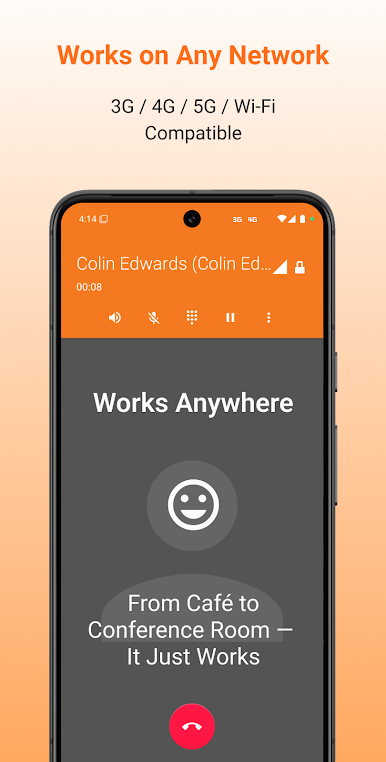
Looking for an easy way to keep in touch, whether you’re at home, at the office, or halfway around the world? Zoiper IAX SIP VOIP Softphone is all about hassle-free, high-quality voice calling wherever there’s internet. From Securax EOOD, this Communication app keeps your calls sharp and your battery happy—no ads or fuss. Expect secure conversations, a bunch of flexible features, and a setup that fits the way you work or travel.
App Features
-
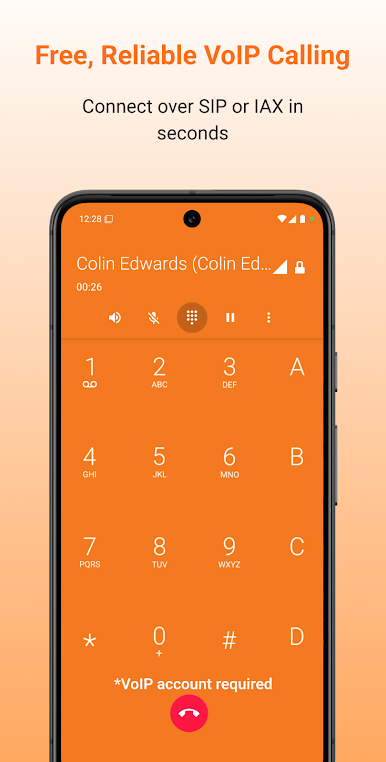
Multiple Protocol Support
Use both SIP and IAX, so you can connect with just about any VoIP provider or system out there. -
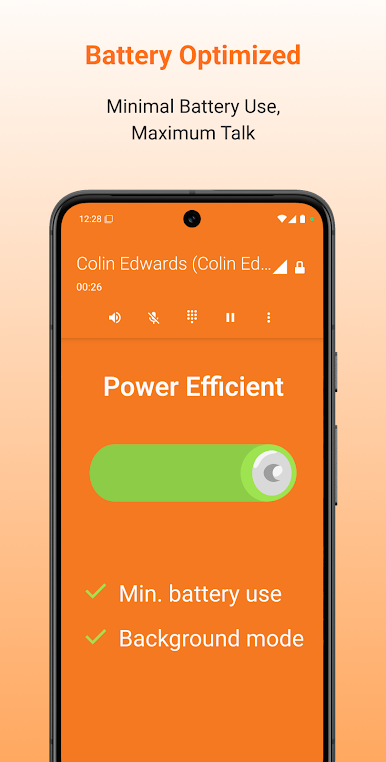
Battery-Friendly Performance
Runs quietly in the background, sipping less battery—even when you’re chatting for hours. -
Crystal-Clear Audio
Whether you’re on a cutting-edge device or a trusty old phone, enjoy top-notch, HD sound quality. -
Bluetooth & Device Controls
Talking through earbuds or a headset? Quickly switch between speaker, mute, or hold—whatever suits the moment. -
Wide Codec Compatibility
Handles an impressive lineup of audio codecs like G.711, GSM, iLBC, and Speex for broad compatibility. -
Manage Multiple SIP Accounts
Juggle business and personal numbers, or different providers? Add and switch between multiple SIP accounts with ease. (requires subscription) -
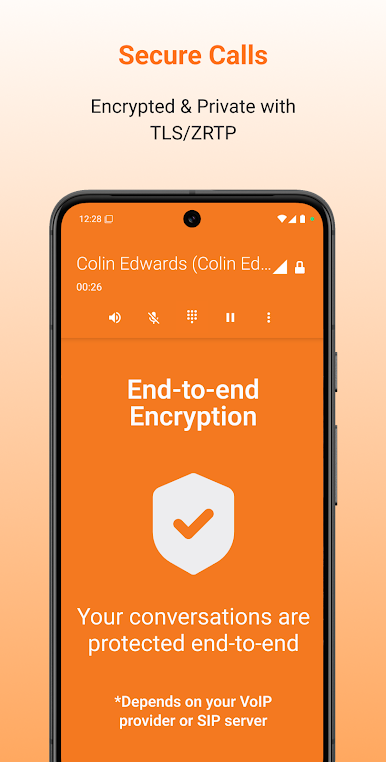
Secure & Encrypted Calling
ZRTP and TLS give your calls a shield of security, perfect for professionals or anyone concerned about privacy. (with subscription) -
Video Calls & Group Features
Want to see faces or bring a group into the conversation? Video calls, conference capabilities, and call transfers are available for those interested in a little extra. (with subscription) -
On-the-Go Call Reliability
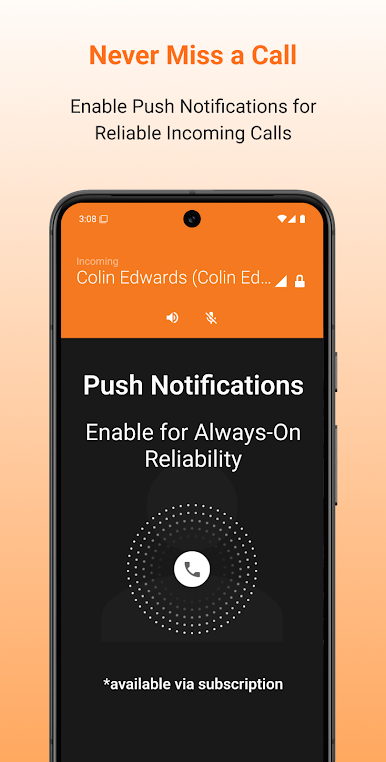
Need to catch every important call, even when the app’s in the background? PUSH service keeps your phone ringing reliably, perfect for busy folks and world travelers. (with subscription) -
Extras for Power Users
Record calls, get voicemail alerts, or use features like auto-answer and call waiting—lots of handy touches for anyone who needs more from their VoIP app. (with subscription) -
Provider and Developer Support
There’s an easy setup for providers and developers—think automatic provisioning and custom branding.
Zoiper IAX SIP VOIP Softphone fits right in on your device, and if you want a bigger screen or easier multitasking, using it on BlueStacks is possible, too.
Switch to BlueStacks and make the most of your apps on your PC or Mac.
Juega Zoiper IAX SIP VOIP Softphone en la PC. Es fácil comenzar.
-
Descargue e instale BlueStacks en su PC
-
Complete el inicio de sesión de Google para acceder a Play Store, o hágalo más tarde
-
Busque Zoiper IAX SIP VOIP Softphone en la barra de búsqueda en la esquina superior derecha
-
Haga clic para instalar Zoiper IAX SIP VOIP Softphone desde los resultados de búsqueda
-
Complete el inicio de sesión de Google (si omitió el paso 2) para instalar Zoiper IAX SIP VOIP Softphone
-
Haz clic en el ícono Zoiper IAX SIP VOIP Softphone en la pantalla de inicio para comenzar a jugar

