


Z Route: Redemption
Play on PC with BlueStacks – the Android Gaming Platform, trusted by 500M+ gamers.

Page Modified on: May 22, 2026
Play Z Route: Redemption on PC or Mac
Z Route: Redemption is a Strategy game developed by PRISM GAMES NETWORK TECHNOLOGY LIMITED. BlueStacks app player is the best platform to play this Android game on your PC or Mac for an immersive gaming experience.
Zombies have made their way into the world, turning everything precious into ash. You have just one more shot at making a difference and redeeming the world. Do you have what it takes to crush the Zombies, or will you fall to their doom?
About the Game
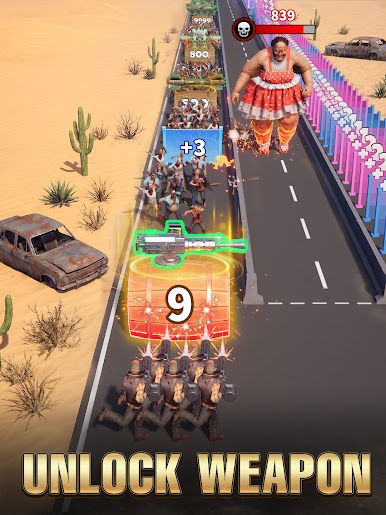
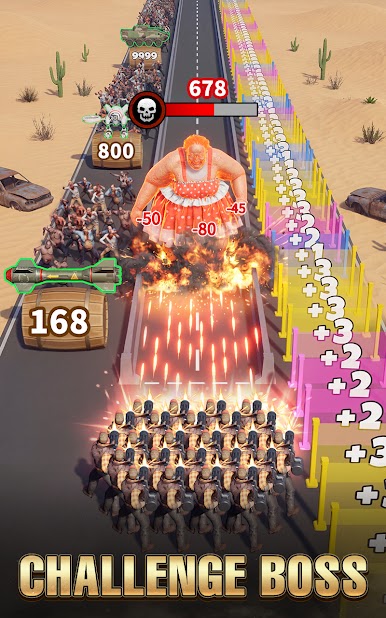
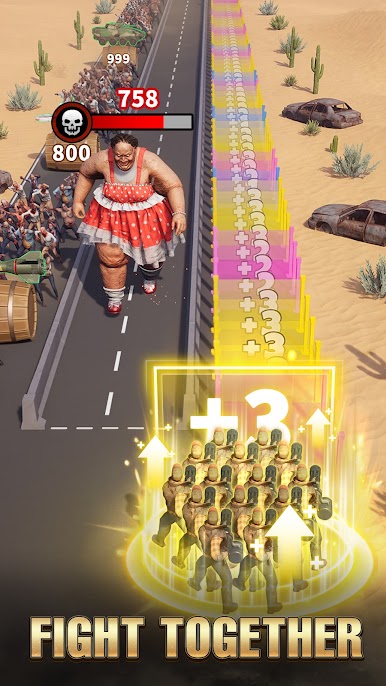
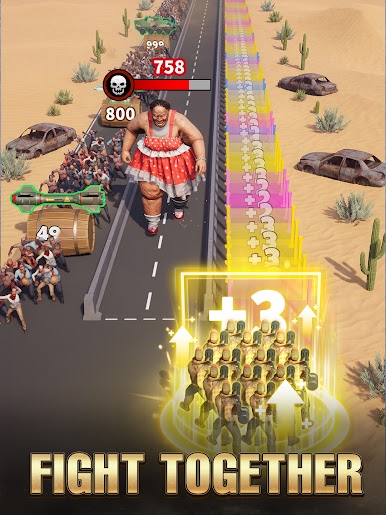
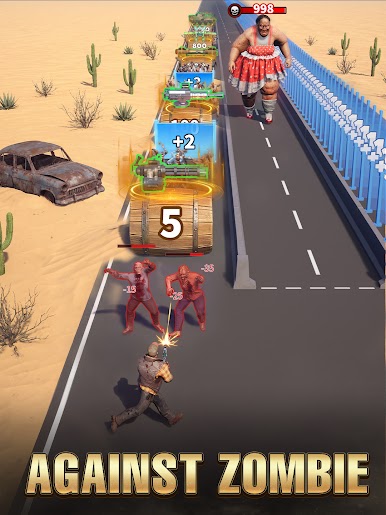
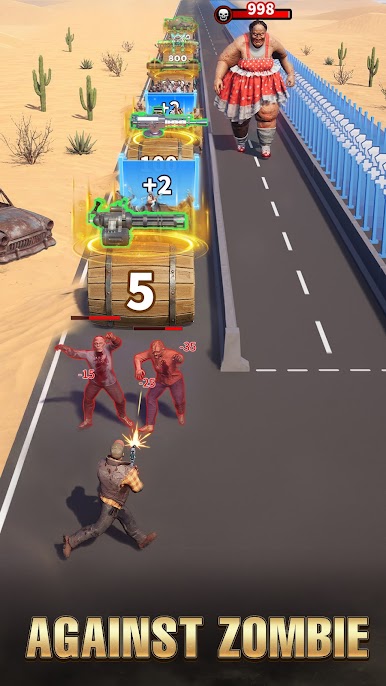
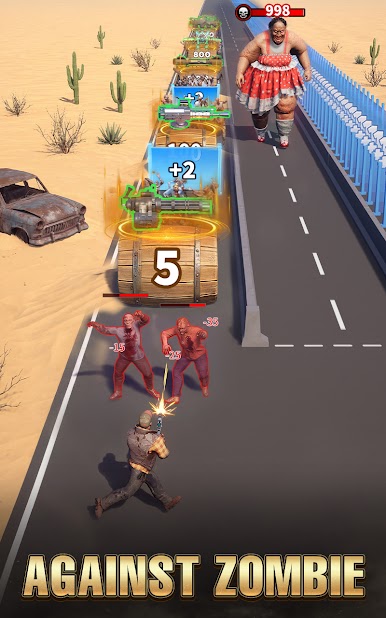
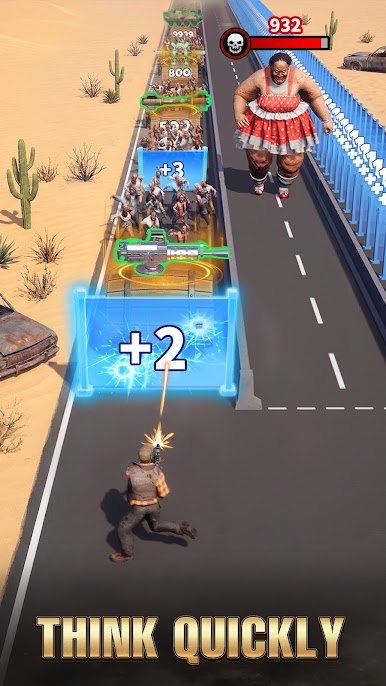
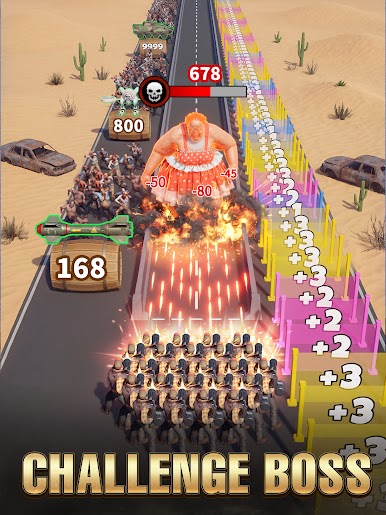
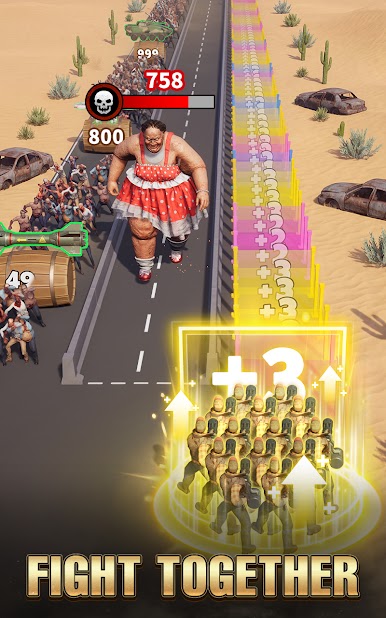
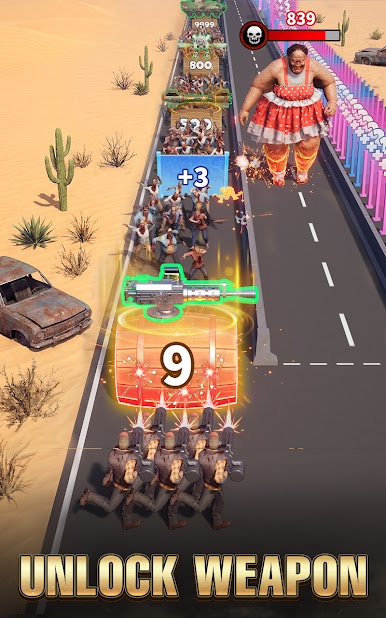
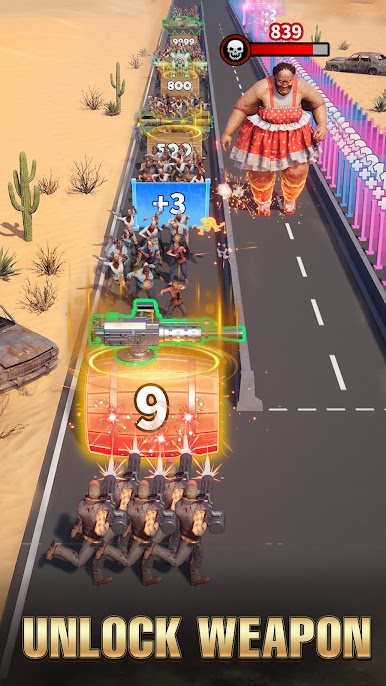
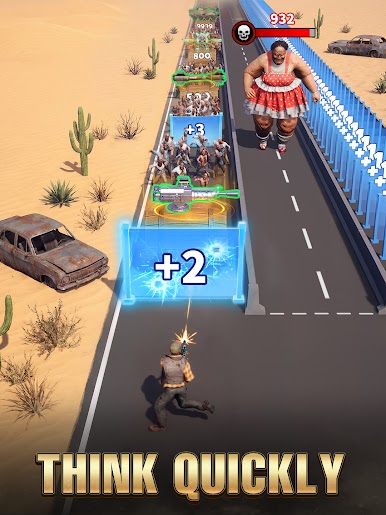
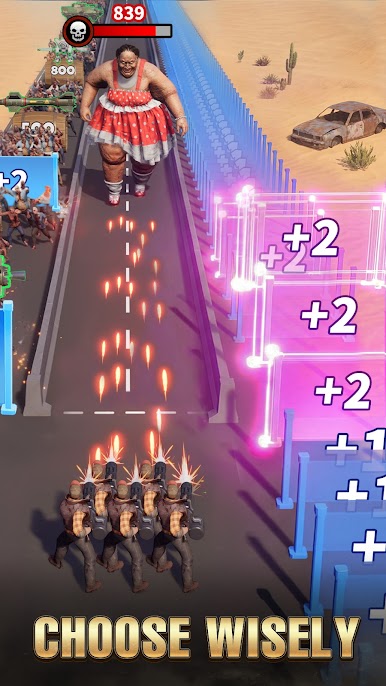
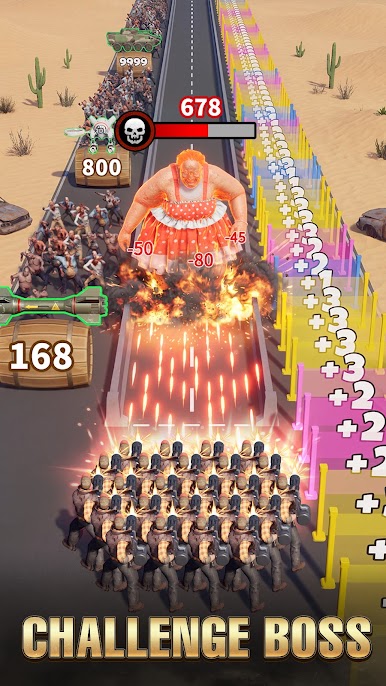
Z Route: Redemption challenges your precision and strategies with endless waves of zombies. It gives you access to different classes of weapons that you can use to wipe out the enemies. The game also lets you recruit other warriors for additional support while fighting.
Gameplay Overview
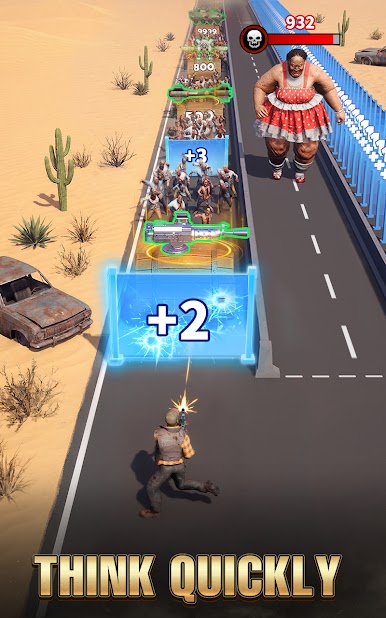
In your quest to wipe out the zombies, you need to think fast and take advantage of your surroundings. Move your character left and right to dash, dodge, counter, or pick up essentials during the battle. You have to keep arming your team to move closer to victory.
Game Features
- Fluid game controls
- Multiple lethal guns
- High-quality graphics
How to Play?
Download Z Route: Redemption for free from the Google Play Store using the BlueStacks app player.


Play Z Route: Redemption on PC. It’s easy to get started.
-
Download and install BlueStacks on your PC
-
Complete Google sign-in to access the Play Store, or do it later
-
Look for Z Route: Redemption in the search bar at the top right corner
-
Click to install Z Route: Redemption from the search results
-
Complete Google sign-in (if you skipped step 2) to install Z Route: Redemption
-
Click the Z Route: Redemption icon on the home screen to start playing

