


CPU Phone Cooler To Cool Down Phone Temperature
Juega en PC con BlueStacks: la plataforma de juegos Android, en la que confían más de 500 millones de jugadores.

Página modificada el: Oct 11, 2025
Visión general
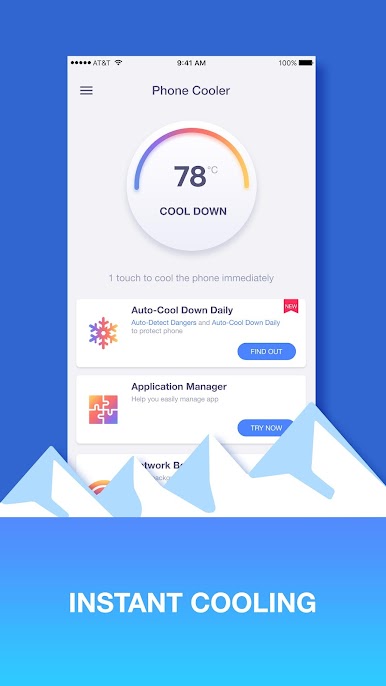
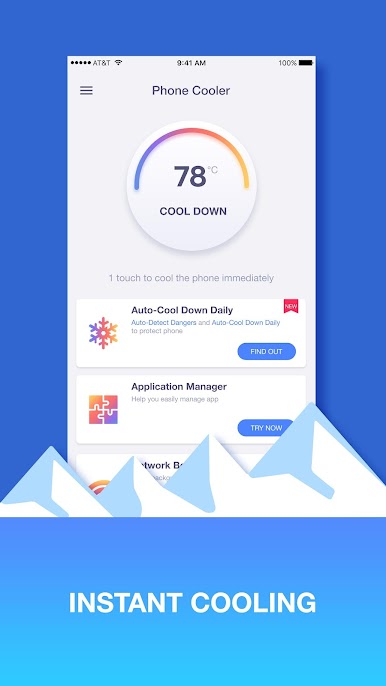
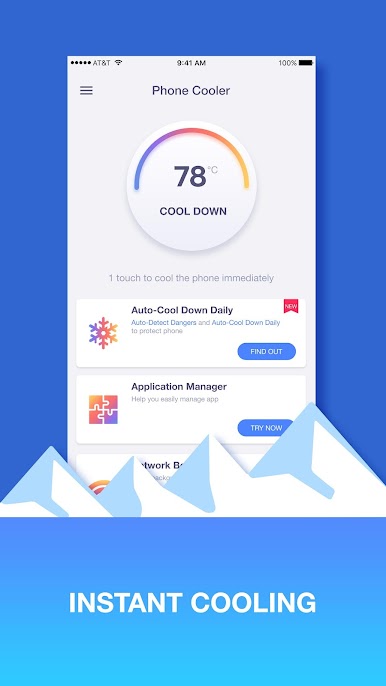
The cooling phone temperature app not only provides quick cooling system for phone, but also provides many other useful features: application management, network optimization, network speed testing, ...
Before starting to use, please find out about the cooler master CPU cooler app
Features of freeze CPU & phone heat cooling app
1. Phone cooler, CPU cooler
★ The freeze phone & phone cooling app will analyze the temperature of the phone
★ Detect applications that heat up the phone
★ Cold phone and cool CPU with just 1 touch
★ Cool off the phone overheat application will show cooling down your phone results
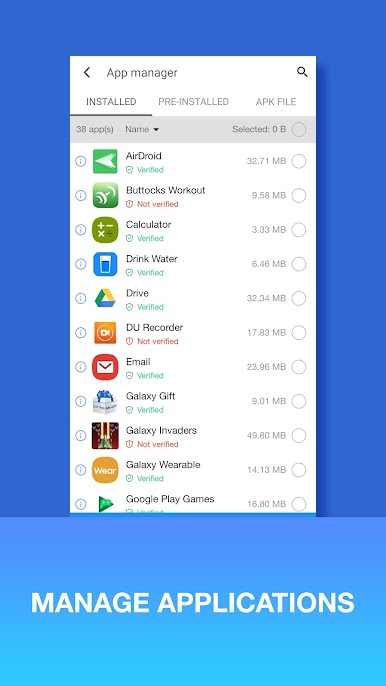
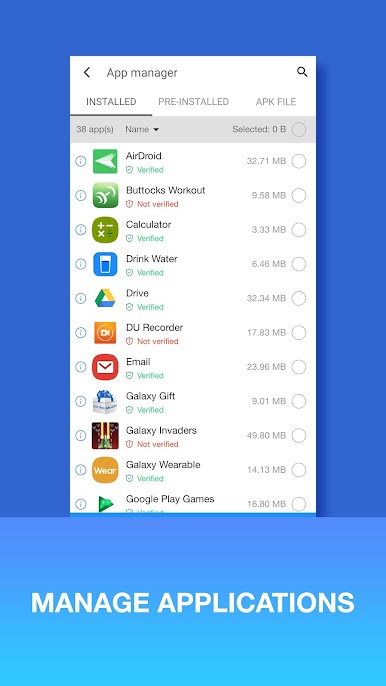
2. Application management
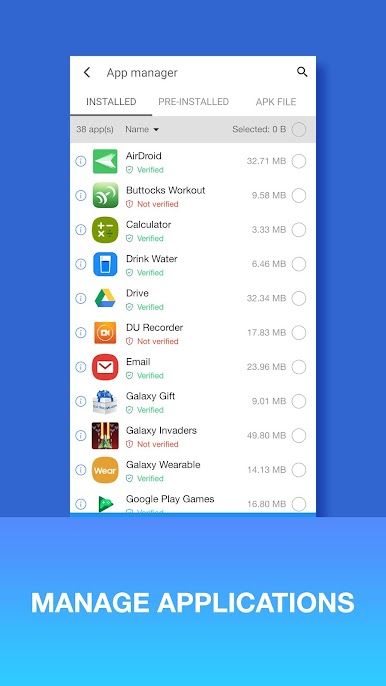
★ Information about the application
★ Enables to simultaneously uninstall multiple applications
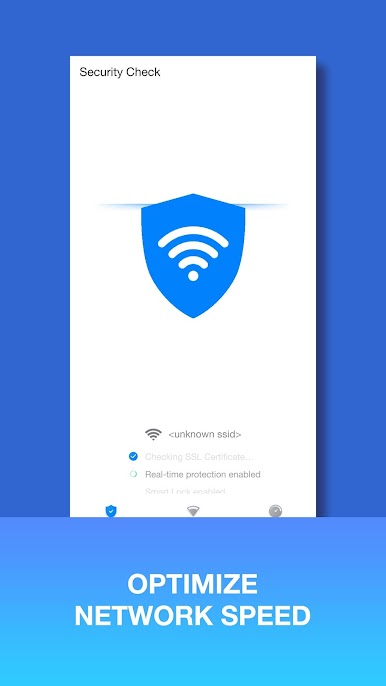
3. Optimize the network
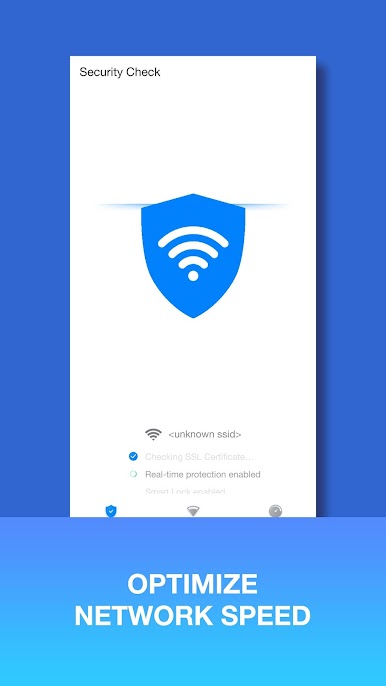
★ Close applications running in the background to optimize the network
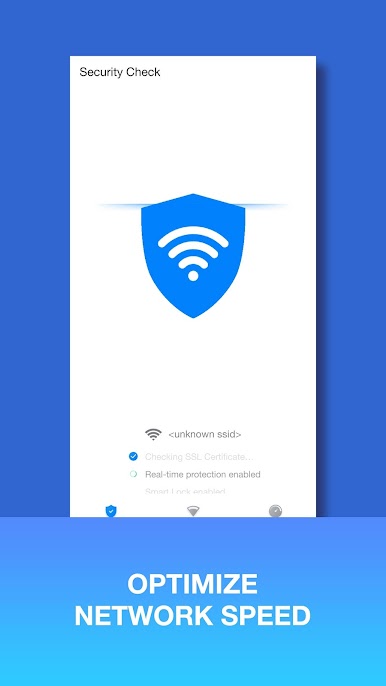
★ Check network security
★ Measure network speed
4. Speed up the game
★ Create shortcuts to speed up games
★ Select the application you want to speed up
5. Manage notifications
★ Summary of notifications on 1 notification bar
★ Summary of notifications in the notification management page
6. Manage shortcuts
★ Shortcut to cool down battery and phone
★ Shortcut to check network speed
★ Shortcuts to speed up game
Highlights of mobile CPU temperature controller app
❄ Multi-function application to cool phone down
❄ Use the most advanced cooling overheating phone technology
❄ Instant CPU fan cooler
❄ The phone temperature cooler process takes less than 3 seconds
❄ Shortcut helps cool down CPU with just one touch
❄ Easy to use
❄ Fresh application to cooldown phone interface
❄ Small cooler phone application capacity
❄ Free CPU cool down
No need to worry about the phone is too hot, our phone cool down app will help cool down phone temperature with just a single touch. Free but many useful features, that's what our phone cooldown app will bring to you. So what are you waiting for without downloading our app now?
If you have any requirements about the application or have difficulty in CPU temperature monitor, please leave a comment below.
Please rate 5* to support the developer!



Juega CPU Phone Cooler To Cool Down Phone Temperature en la PC. Es fácil comenzar.
-
Descargue e instale BlueStacks en su PC
-
Complete el inicio de sesión de Google para acceder a Play Store, o hágalo más tarde
-
Busque CPU Phone Cooler To Cool Down Phone Temperature en la barra de búsqueda en la esquina superior derecha
-
Haga clic para instalar CPU Phone Cooler To Cool Down Phone Temperature desde los resultados de búsqueda
-
Complete el inicio de sesión de Google (si omitió el paso 2) para instalar CPU Phone Cooler To Cool Down Phone Temperature
-
Haz clic en el ícono CPU Phone Cooler To Cool Down Phone Temperature en la pantalla de inicio para comenzar a jugar

