


JoiPlay
Gioca su PC con BlueStacks: la piattaforma di gioco Android, considerata affidabile da oltre 500 milioni di giocatori.

Pagina modificata il: Oct 03, 2026
Panoramica
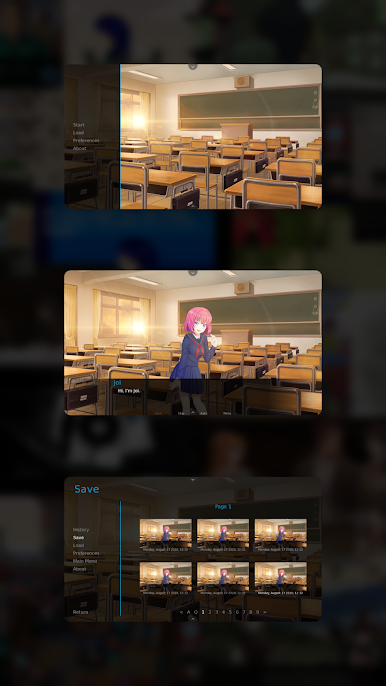
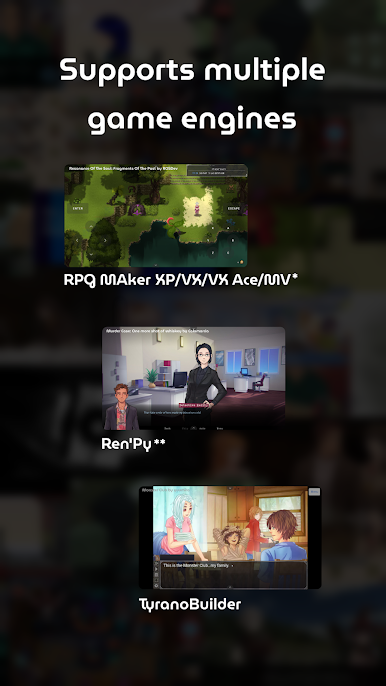
* RPG Maker Plugin for JoiPlay must be installed to play RPG Maker XP, VX and VX Ace games.
** Ren'Py Plugin for JoiPlay must be installed to play Ren'Py games.
Features:
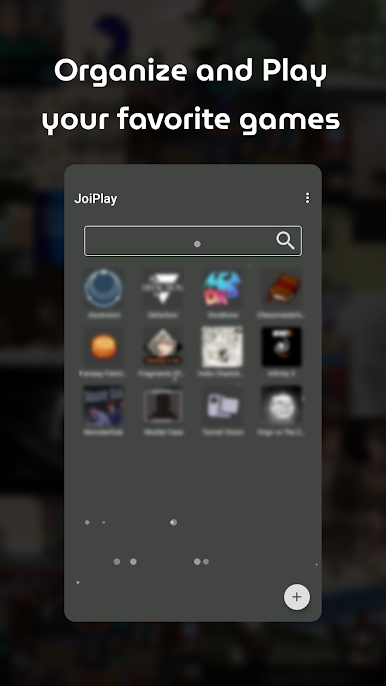
-> Cross-platform save file support.
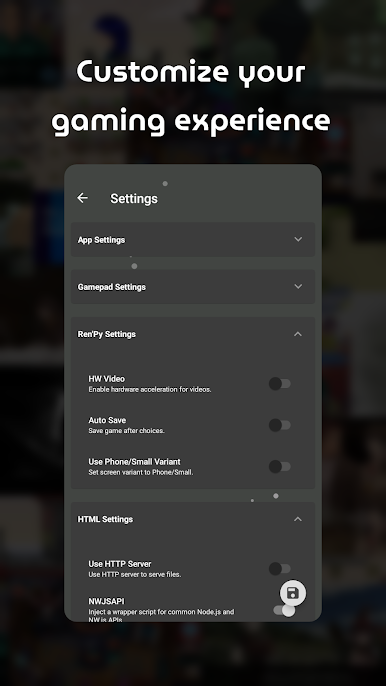
-> Advanced settings for game types.
-> Built-in cheat menus for supported game types.
-> Easy-to-use and modern user interface.
Compatibility:
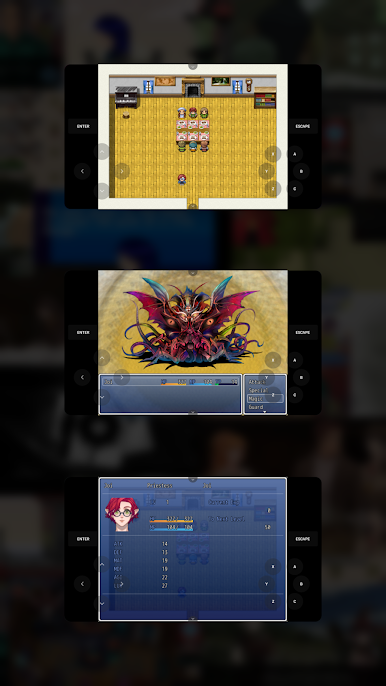
JoiPlay doesn't emulate Windows or any operation system so games that depend on Windows APIs or uncommon Node.js classes/functions won't work. Estimated compatibility rates are 70% for RPG Maker XP/VX/VX Ace games and %90 for other game types.
Required Permissions:
Storage permission is required to read and write game files.
Note:
JoiPlay doesn't includes any games and requires legally obtained game files to play them.
RPG Maker XP, RPG Maker VX, RPG Maker VX Ace and RPG Maker MV are trademarks of Enterbrain. TyranoBuilder is a trademark of STRIKEWORKS.
-> Terms of Service: https://joiplay.cyou/tos.html
-> Privacy Policy: https://joiplay.cyou/privacy.html
Gioca JoiPlay su PC. È facile iniziare.
-
Scarica e installa BlueStacks sul tuo PC
-
Completa l'accesso a Google per accedere al Play Store o eseguilo in un secondo momento
-
Cerca JoiPlay nella barra di ricerca nell'angolo in alto a destra
-
Fai clic per installare JoiPlay dai risultati della ricerca
-
Completa l'accesso a Google (se hai saltato il passaggio 2) per installare JoiPlay
-
Fai clic sull'icona JoiPlay nella schermata principale per iniziare a giocare

