


Rheinland-Pfalz erleben
Juega en PC con BlueStacks: la plataforma de juegos Android, en la que confían más de 500 millones de jugadores.

Página modificada el: Jul 10, 2025
Play Rhineland-Palatinate tourism on PC
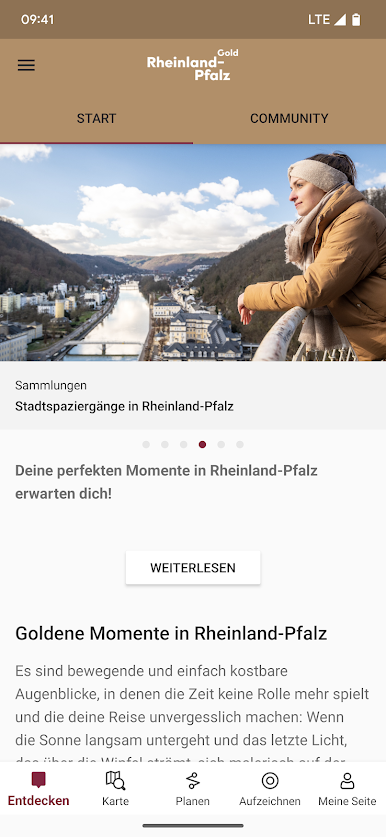
Exciting adventures await you on the certified hiking trails through the ten nature and national parks, fresh air and golden sunshine on picturesque cycle tours as well as pure moments of enjoyment in the most wine-rich federal state of all. Our app helps you to experience all this and much more in Rhineland-Palatinate; it offers you the following content:
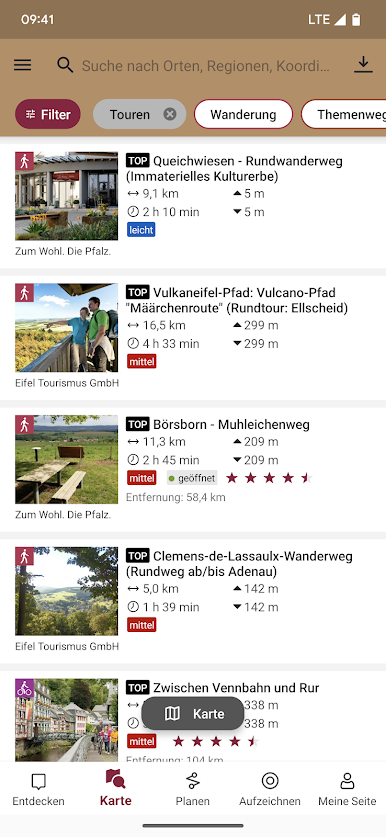
- Search for accommodation, events, places to stop for refreshments, sights and excursion destinations
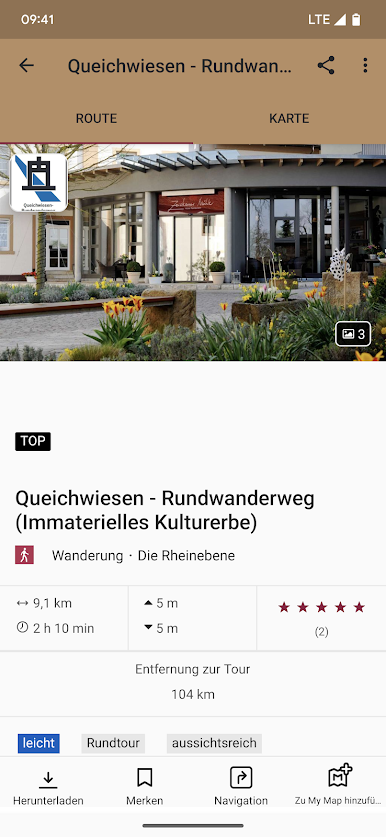
- Tour descriptions for cycling and hiking trails, long-distance and themed routes, trails and racing bike routes
- Up-to-date information on important travel information (e.g. weather forecast, road closures)
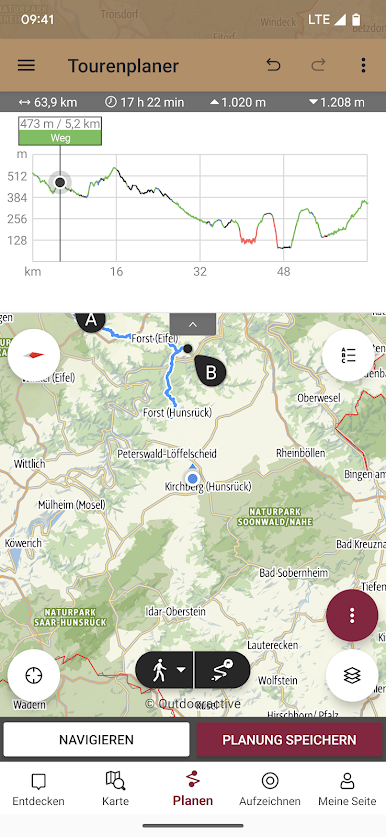
- Customised tour planner for recording your own tours
- Directions and parking facilities
- Information on content certified according to Travel for All
- Topographical maps and altitude profiles
- GPS navigation and localisation service
- Offline storage possible
- Community functions such as rating, commenting and sharing content, personalised notepads and much more
- Discover peaks and towns with the skyline feature
- Family adventures - Discover your knightly power in Rhineland-Palatinate!
You can conveniently save all tours and the map offline in the Wi-Fi area and access them in the field even without a mobile phone network; you can also record your own tour and share it with friends and family later!
You can find more information about the app at: https://www.rlp-tourismus.com/de/service/rheinland-pfalz-erleben-app/faqs
All access rights that you grant within the scope of this app are standard settings of the technology company Outdooractive AG in Immenstadt. If you have any questions, please contact the developers at info@outdooractive.com.
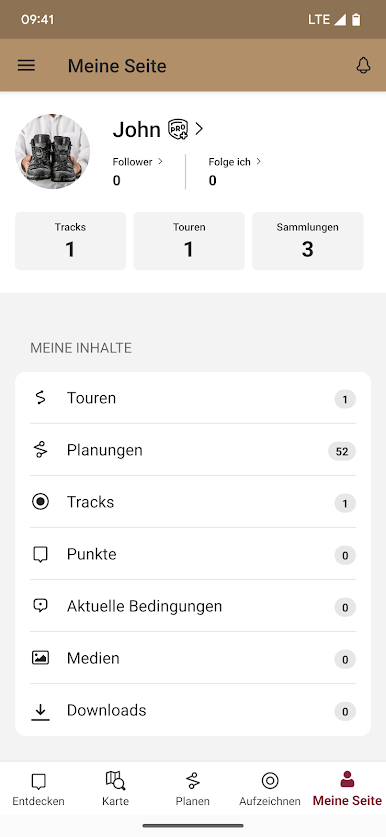
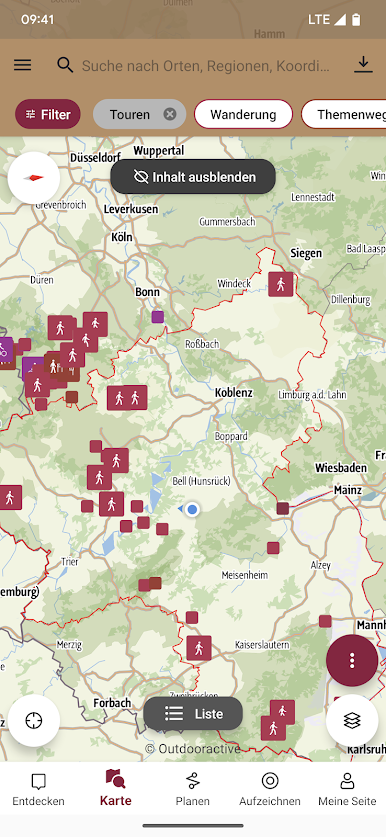
Juega Rheinland-Pfalz erleben en la PC. Es fácil comenzar.
-
Descargue e instale BlueStacks en su PC
-
Complete el inicio de sesión de Google para acceder a Play Store, o hágalo más tarde
-
Busque Rheinland-Pfalz erleben en la barra de búsqueda en la esquina superior derecha
-
Haga clic para instalar Rheinland-Pfalz erleben desde los resultados de búsqueda
-
Complete el inicio de sesión de Google (si omitió el paso 2) para instalar Rheinland-Pfalz erleben
-
Haz clic en el ícono Rheinland-Pfalz erleben en la pantalla de inicio para comenzar a jugar

