

Lifely - An MTG life counter
Gioca su PC con BlueStacks: la piattaforma di gioco Android, considerata affidabile da oltre 500 milioni di giocatori.

Pagina modificata il: Jul 8, 2025
Run Lifely - An MTG life counter on PC or Mac
Why limit yourself to your small screen on the phone? Run Lifely – An MTG life counter, an app by binary101, best experienced on your PC or Mac with BlueStacks, the world’s #1 Android emulator.
About the App
Lifely – An MTG life counter keeps your Magic games moving without the fuss. Whether it’s a quick duel or a full pod of friends, this handy Tools app from binary101 makes tracking life, poison, and energy simple and clean. It’s quick to set up, easy on the eyes, and flexible enough for kitchen-table nights or your weekly Commander meetup. It also feels right at home on BlueStacks if you like a bigger view.
App Features
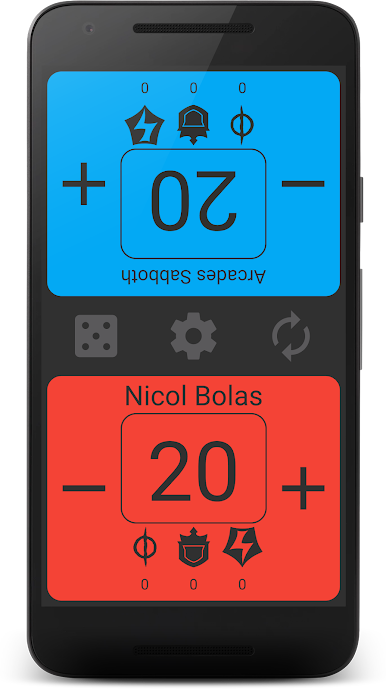
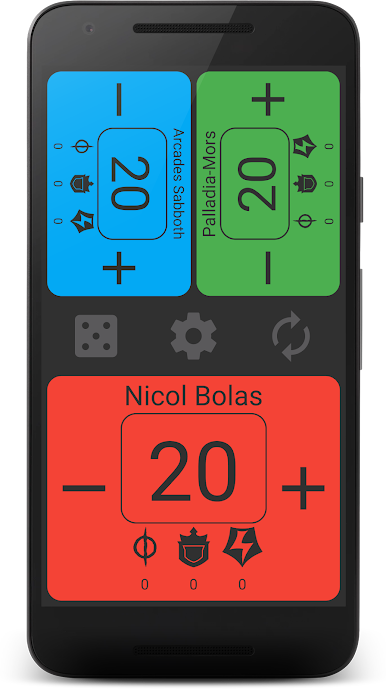
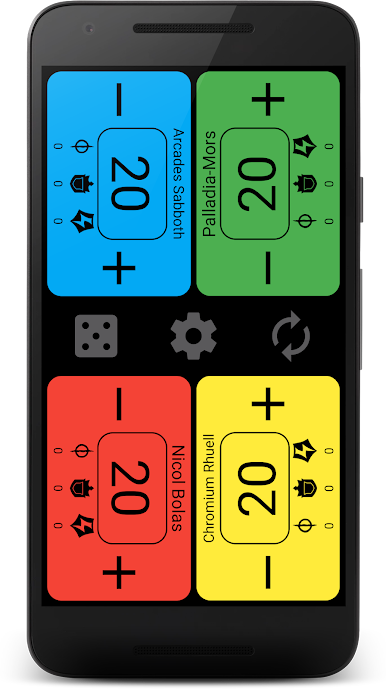
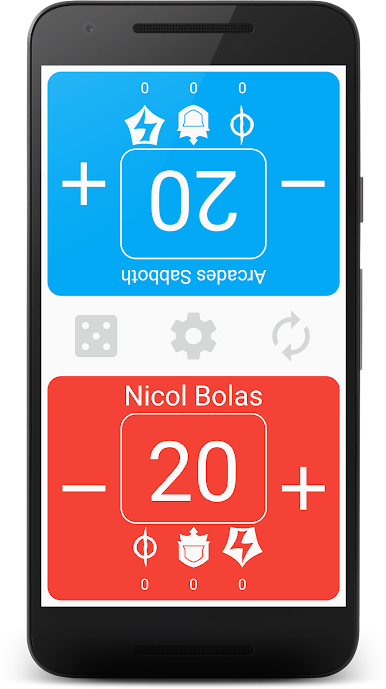
- 2–4 Players: Track life totals for two, three, or four players with a clean layout that doesn’t get in the way of the game.
- Commander Tracking: Record damage from a single commander to a specific player so those hits are always accounted for.
- Poison Counters: Add and remove poison with a tap when infect shows up at the table.
- Energy Counter: Keep an eye on your energy resources right alongside your life total.
- Personalization: Name each player and pick colors that match decks, sleeves, or team vibes.
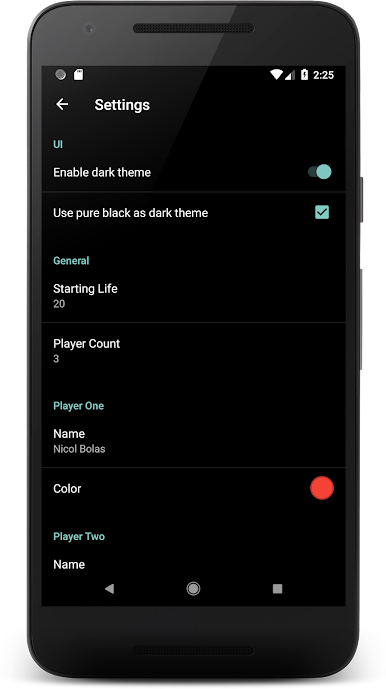
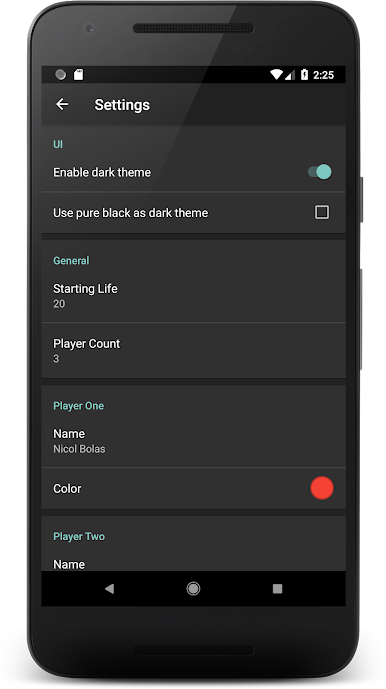
- Themes: Switch between light and dark to fit your environment, including a true black option that’s perfect for OLED screens.
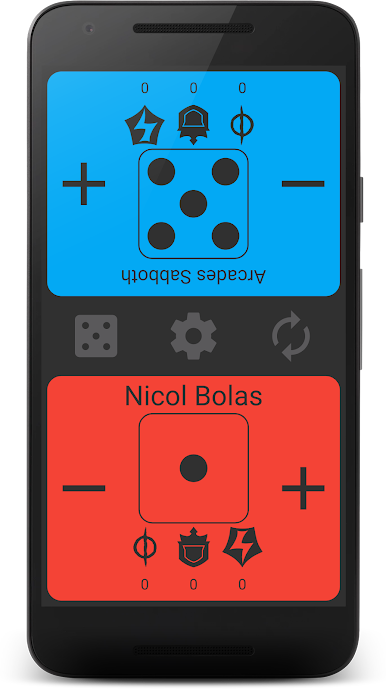
- Dice Roller: Tap to roll and decide who starts, settle a quick tie, or just scratch the lucky-number itch.
- Clear, No-Nonsense UI: Big numbers and straightforward controls mean less fiddling and more time playing.
BlueStacks brings your apps to life on a bigger screen—seamless and straightforward.
Gioca Lifely - An MTG life counter su PC. È facile iniziare.
-
Scarica e installa BlueStacks sul tuo PC
-
Completa l'accesso a Google per accedere al Play Store o eseguilo in un secondo momento
-
Cerca Lifely - An MTG life counter nella barra di ricerca nell'angolo in alto a destra
-
Fai clic per installare Lifely - An MTG life counter dai risultati della ricerca
-
Completa l'accesso a Google (se hai saltato il passaggio 2) per installare Lifely - An MTG life counter
-
Fai clic sull'icona Lifely - An MTG life counter nella schermata principale per iniziare a giocare

