

ImageMeter Pro
Juega en PC con BlueStacks: la plataforma de juegos Android, en la que confían más de 500 millones de jugadores.

Página modificada el: Dec 17, 2025
Run ImageMeter Pro on PC or Mac
Let BlueStacks turn your PC, Mac, or laptop into the perfect home for ImageMeter Pro, a fun Productivity app from Dirk Farin.
About the App
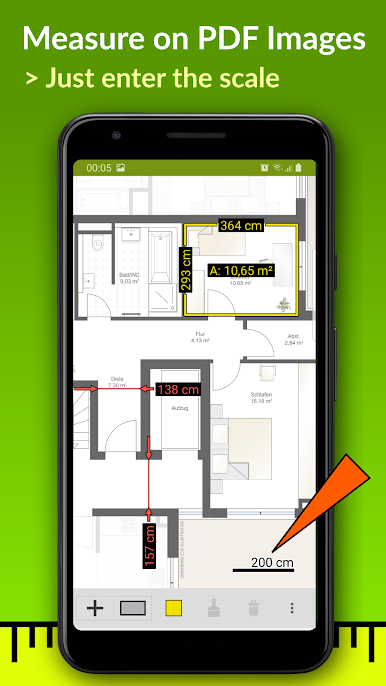
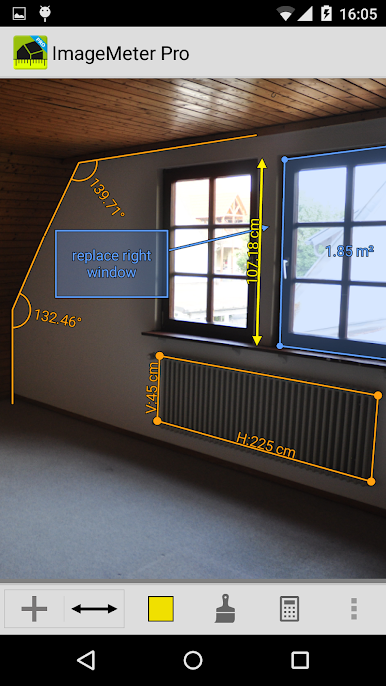
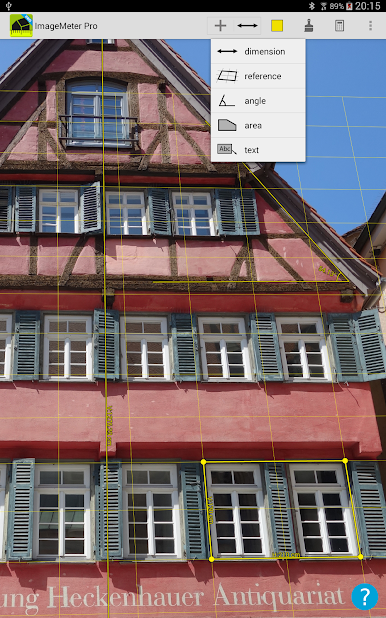
Need to jot down measurements right on a photo? ImageMeter Pro makes that super easy. Whether you’re planning a remodel at home or working on a construction site, this handy app lets you snap pictures and add all sorts of measurements—lengths, angles, even areas—without needing to fuss with complicated sketches. Made by Dirk Farin and found in the Productivity category, ImageMeter Pro gives you a practical way to organize, annotate, and share real-world info right from your device or even on your computer with BlueStacks.
App Features
-
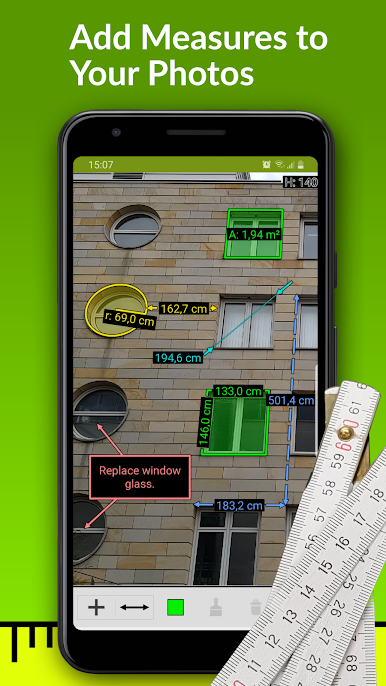
Smart Photo Annotation
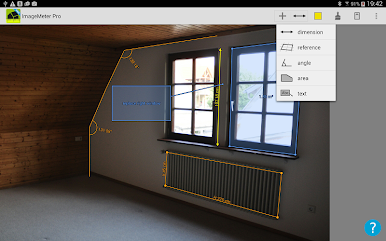
Mark up your photos directly with dimensions, angles, areas, and your own notes. No more guessing later about what “12ft” referred to! -
Measure Inside Images
Just calibrate a reference object in your photo and you can measure distances, even if the spot’s tough to reach or measure in person. -
Bluetooth Laser Integration
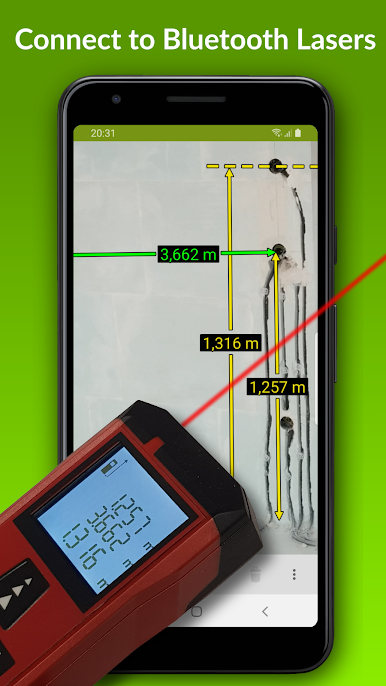
If you use a Bluetooth laser distance meter, ImageMeter Pro’s likely compatible—big brands like Leica, Bosch, Hilti, and more are covered for smooth measurement import. -
Flexible Drawing Tools
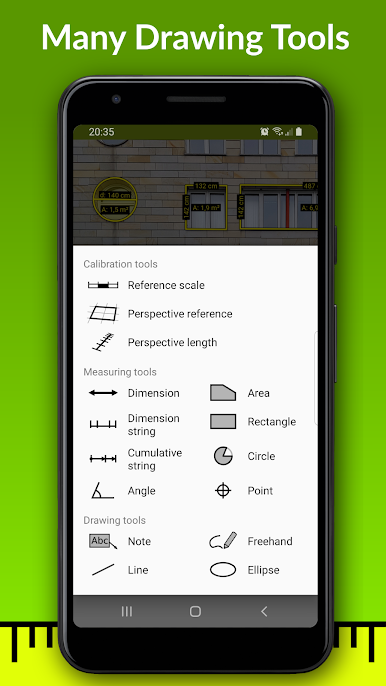
Want to doodle lines, highlight spots, or draw out areas? You’ve got freehand sketches, geometric shapes, and all kinds of ways to make things clear. -
Multiple Units, No Hassle
Switch between metric and imperial units, with decimal or good old-fashioned inches, or even see both at once if you want. -
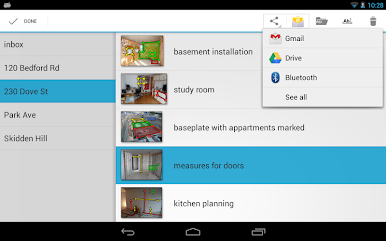
Professional Export Options
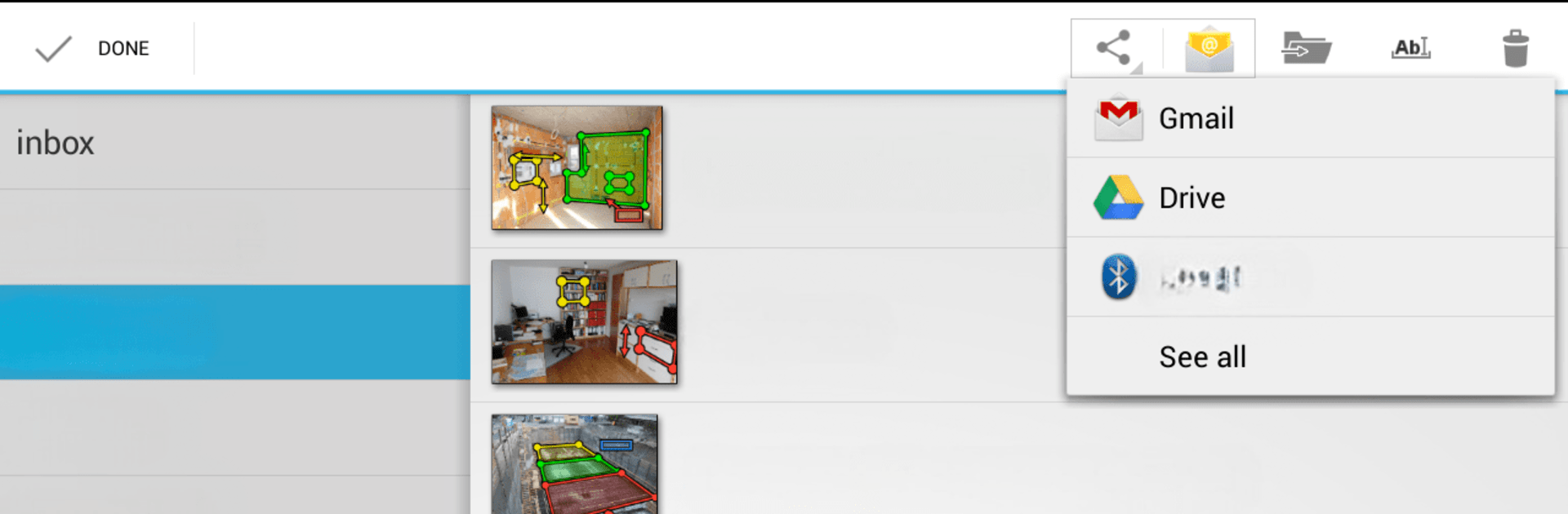
Share your annotated images or sketches as PDFs, JPEGs, or PNGs, with the brightness and contrast tweaked for easy reading. -
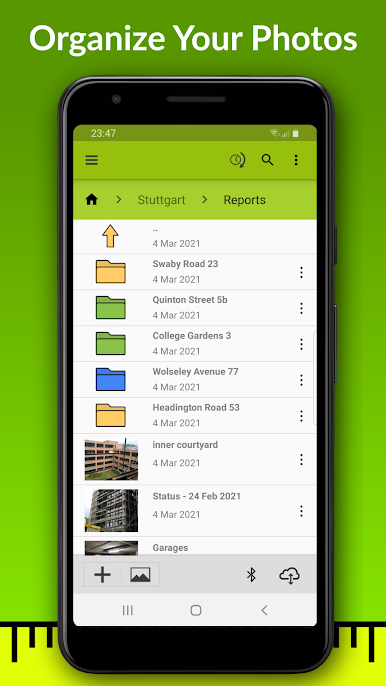
Organize & Sort Images
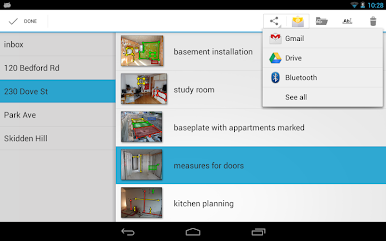
Keep projects tidy by sorting photos into color-coded folders and using subfolders—messy galleries, begone. -
Advanced Annotation Add-Ons
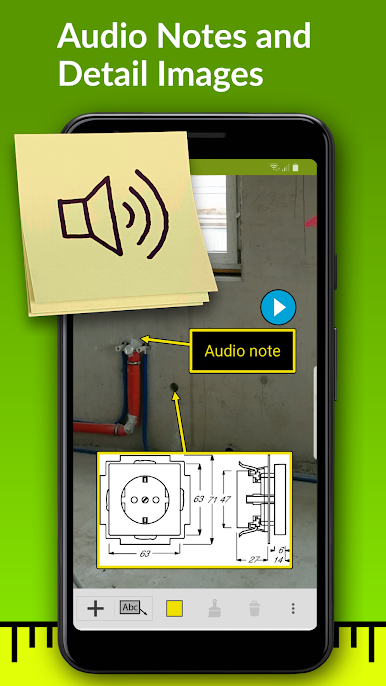
Import PDFs, leave audio notes, add in detail pictures, and organize complex info with measurement strings and cumulative strings. -
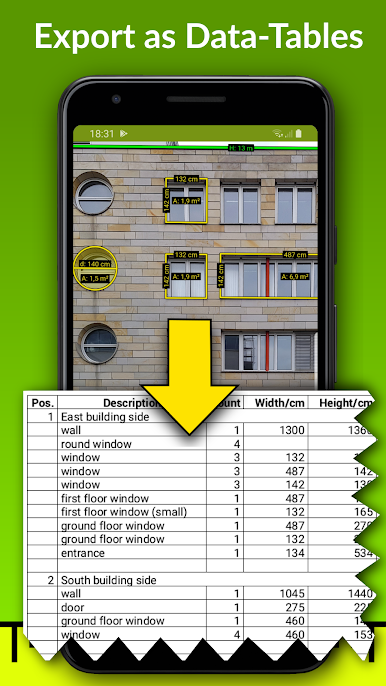
Business-Ready Tools
Sync your photos and measurement data with services like Google Drive or Dropbox, access everything on your desktop, and export info to spreadsheets. -
Handy for Building Models
Model-scale mode shows original and proportionally scaled measurements—super useful for architects, designers, or anyone working with miniatures. -
Quick & Accurate Input
Context-sensitive cursor and autocompletion help you get measurements into your images fast, with less finger fumbling. -
Audio Notes & Picture-in-Picture
Need to remind yourself what that weird pipe’s for? Just add an audio comment or zoom in on a detail with picture-in-picture. -
Works Great with BlueStacks
If you want a bigger screen or desktop control, running ImageMeter Pro through BlueStacks lets you view and edit everything in comfort.
Switch to BlueStacks and make the most of your apps on your PC or Mac.
Juega ImageMeter Pro en la PC. Es fácil comenzar.
-
Descargue e instale BlueStacks en su PC
-
Complete el inicio de sesión de Google para acceder a Play Store, o hágalo más tarde
-
Busque ImageMeter Pro en la barra de búsqueda en la esquina superior derecha
-
Haga clic para instalar ImageMeter Pro desde los resultados de búsqueda
-
Complete el inicio de sesión de Google (si omitió el paso 2) para instalar ImageMeter Pro
-
Haz clic en el ícono ImageMeter Pro en la pantalla de inicio para comenzar a jugar

