

Mindz - Mind Map & Lists Lite
Gioca su PC con BlueStacks: la piattaforma di gioco Android, considerata affidabile da oltre 500 milioni di giocatori.

Pagina modificata il: Nov 9, 2025
Run Mindz - Mind Map (Free) Structure ideas simply on PC or Mac
What’s better than using Mindz – Mind Map (Free) Structure ideas simply by Birch Ave? Well, try it on a big screen, on your PC or Mac, with BlueStacks to see the difference.
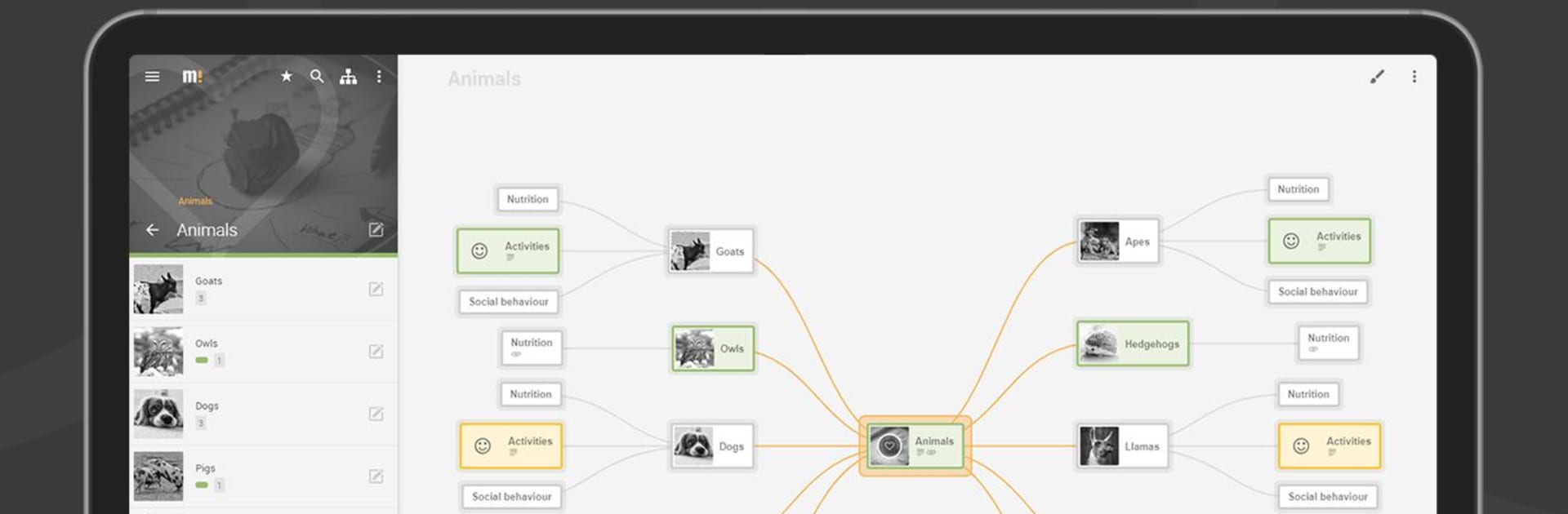
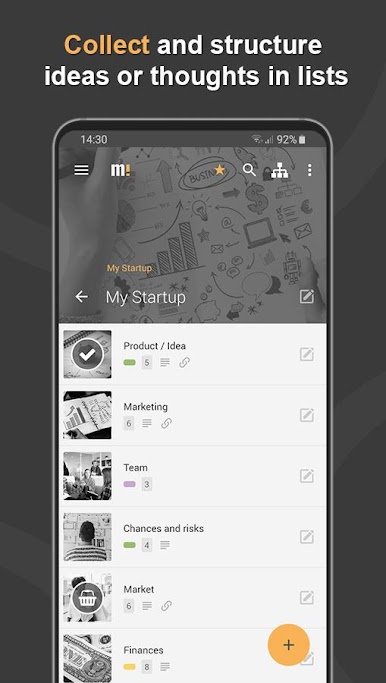
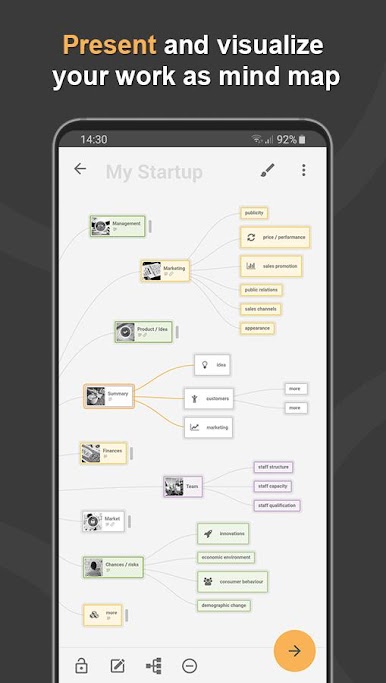
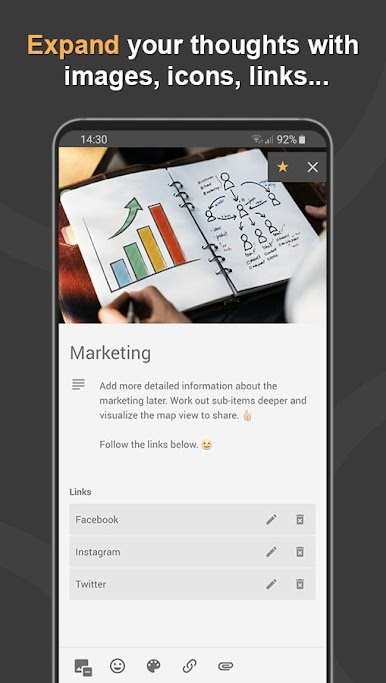
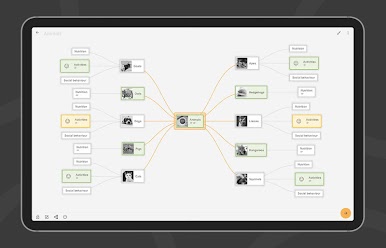
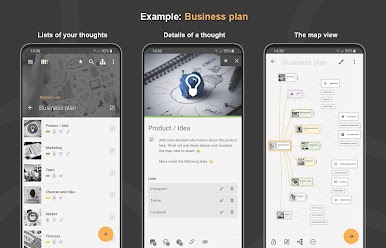
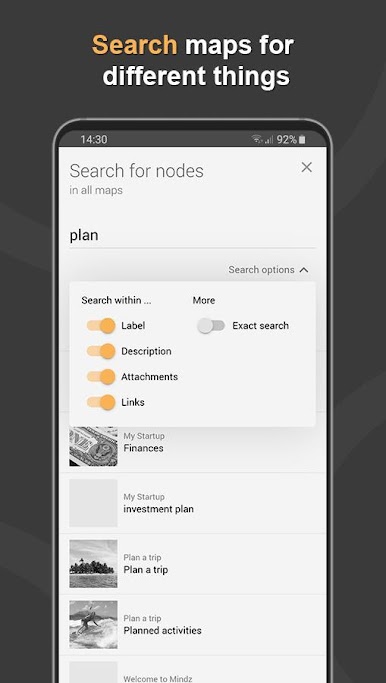
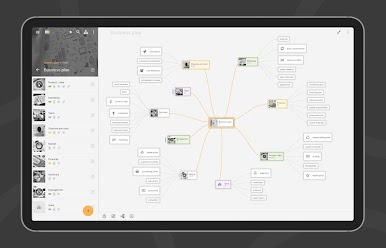
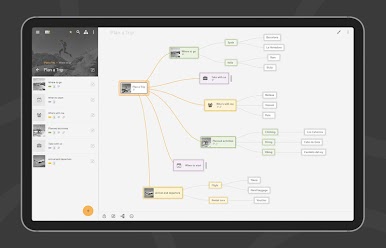
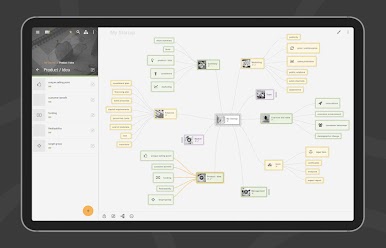
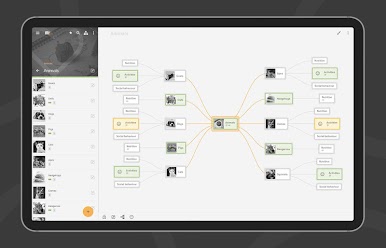
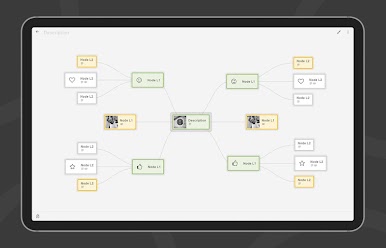
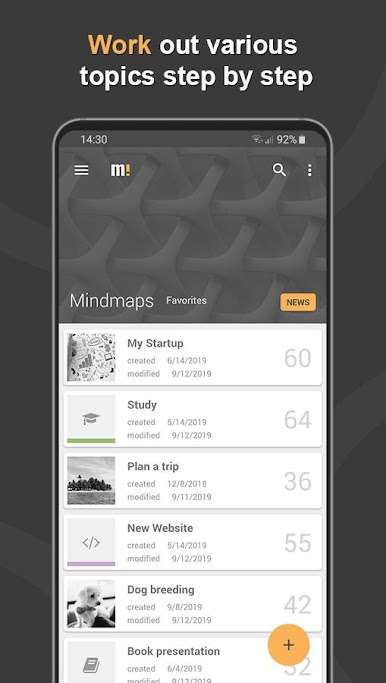
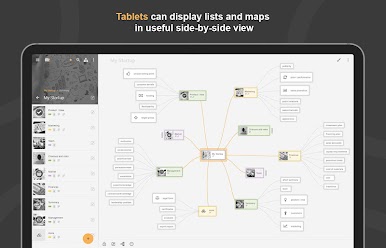
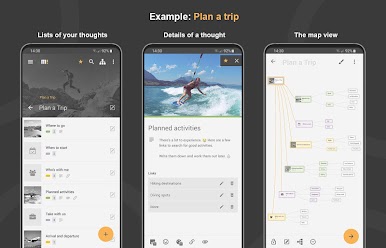
Mindz feels like a clean whiteboard for the brain. It starts as tidy nested lists, then flips into a mind map that looks neat without extra effort. Nodes can be placed freely, or snapped into a tidy layout if someone prefers order. Icons, colors, images, and links help separate ideas so the map does not turn into a blob. Search is fast, and the breadcrumb navigation makes it easy to jump around big maps without getting lost. On PC with BlueStacks, the bigger screen and mouse drag makes building and rearranging branches feel natural, plus typing out long notes is easier.
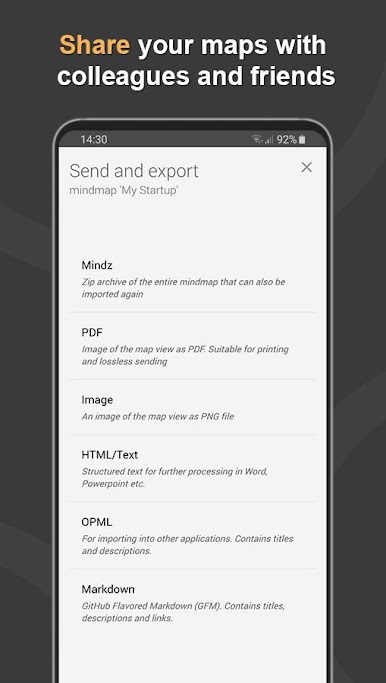
The free version is generous for casual use. There are no ads, no sign up, and it allows up to three maps with forty nodes each. Exporting a snapshot of the map as an image or PDF works well for sharing, and there is backup via export or import, including OPML support. Whole maps can be shared as a zip if someone needs to move everything to another device. If bigger projects are in the plan, the Pro upgrade removes limits and adds a map designer, file attachments on nodes, extra export formats like HTML, text, OPML, and Markdown, saving a single node as its own map, plus dark mode and accent colors. Good for brainstorming, project planning, class notes, trip planning, presentations, writing outlines, even a quick shopping list that does not get messy.
BlueStacks brings your apps to life on a bigger screen—seamless and straightforward.
Gioca Mindz - Mind Map & Lists Lite su PC. È facile iniziare.
-
Scarica e installa BlueStacks sul tuo PC
-
Completa l'accesso a Google per accedere al Play Store o eseguilo in un secondo momento
-
Cerca Mindz - Mind Map & Lists Lite nella barra di ricerca nell'angolo in alto a destra
-
Fai clic per installare Mindz - Mind Map & Lists Lite dai risultati della ricerca
-
Completa l'accesso a Google (se hai saltato il passaggio 2) per installare Mindz - Mind Map & Lists Lite
-
Fai clic sull'icona Mindz - Mind Map & Lists Lite nella schermata principale per iniziare a giocare

