


Night Clock (Digital Clock)
Gioca su PC con BlueStacks: la piattaforma di gioco Android, considerata affidabile da oltre 500 milioni di giocatori.

Pagina modificata il: Aug 29, 2023
Run Night Clock (Digital Clock) on PC or Mac
Get freedom from your phone’s obvious limitations. Use Night Clock (Digital Clock), made by Benjamin Laws, a Productivity app on your PC or Mac with BlueStacks, and level up your experience.
About the App
When you just want a clean, easy-to-read clock without distractions, Night Clock (Digital Clock) by Benjamin Laws keeps it simple. This handy app turns any device into a digital bedside clock with a sleek, no-nonsense display—perfect for your nightstand, desk, or anywhere else you need the time at a glance. It doesn’t come with alarm features, so there’s no risk of surprise wake-ups. Just pure, good-looking time, even in the dark.
App Features
-
Bold, Night-Friendly Display
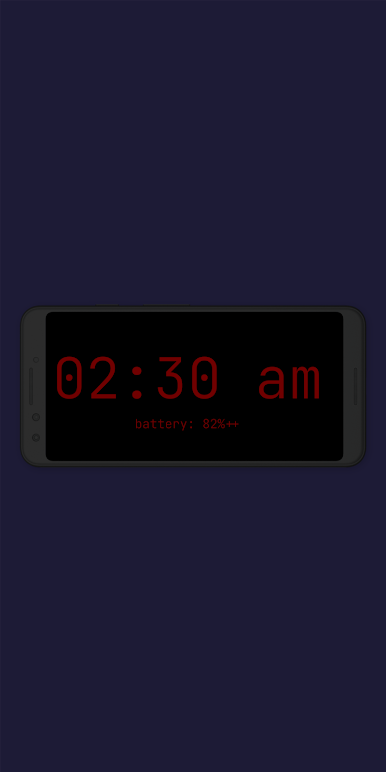
Flip your phone or old tablet into a night clock using easy-to-read digital numbers. Late night? No problem—the display stays visible without burning your eyes. -
Choose Your Style
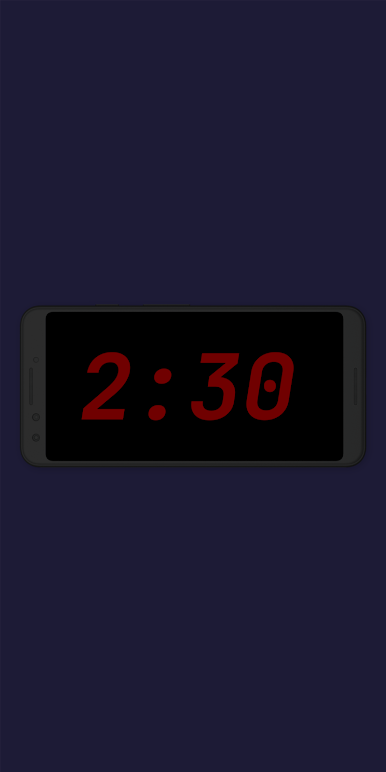
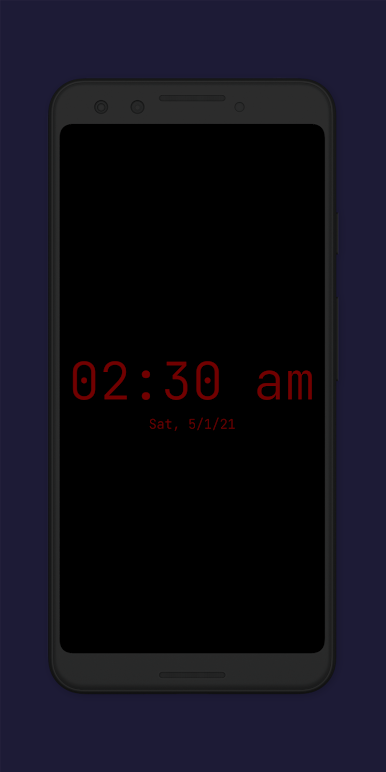
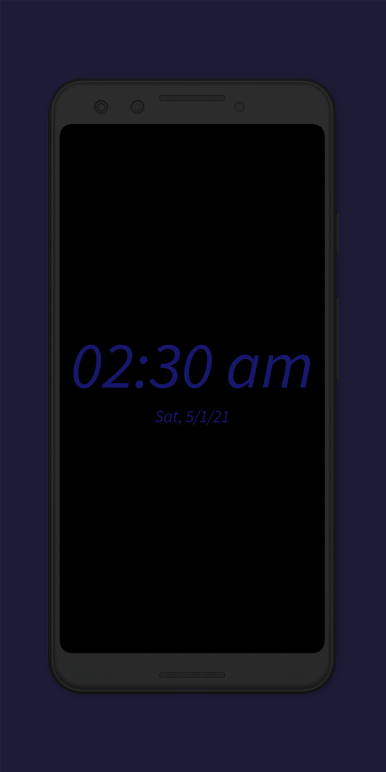
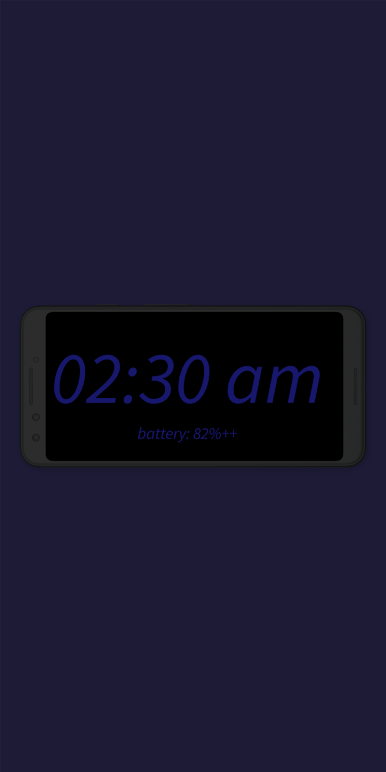
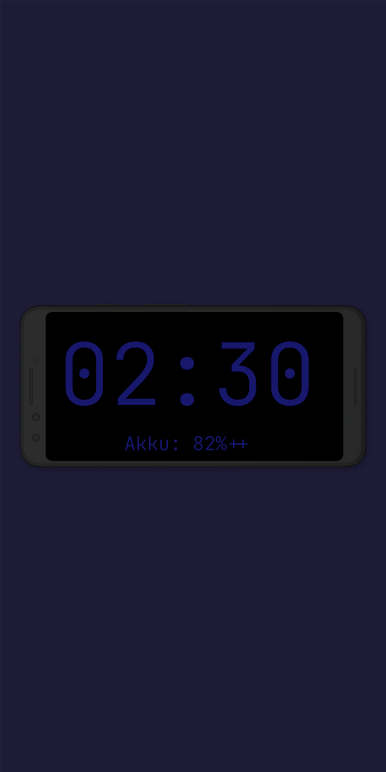
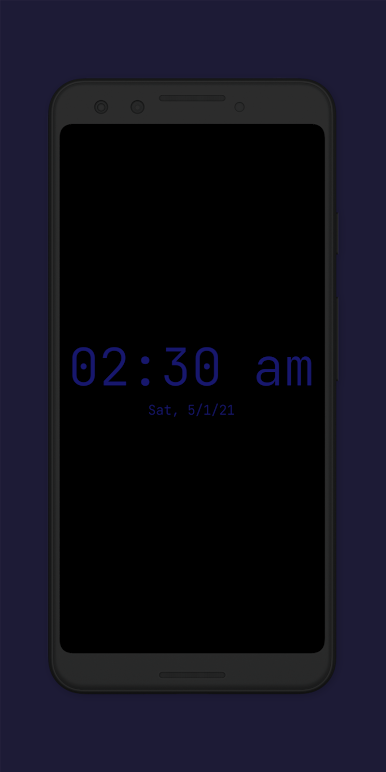
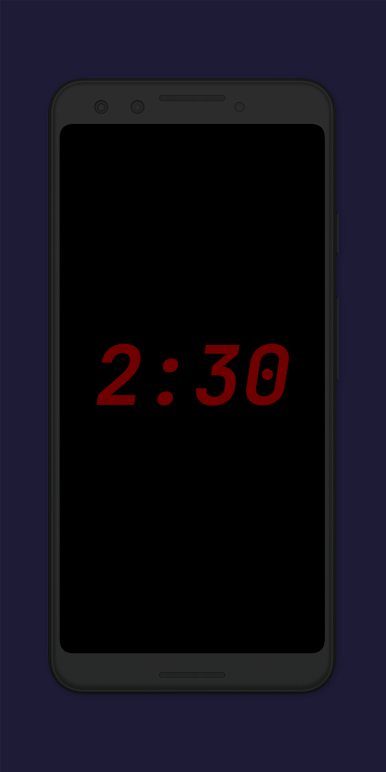
Pick between two distinct font styles and two color options: blue on black or red on black. It sets the mood, matches your room, or just makes it easier to read in dim light. -
Customizable Brightness
Adjust the clock’s brightness to fit your preference. Whether you like it barely glowing or fully lit, you’re in control. -
Resizable Numbers
Decide how big or small you want the clock elements to be. Go for gigantic digits or keep things subtle, depending on where you’re placing your device. -
Flashlight Convenience
Stumble-proof your nights with a built-in flashlight you can turn on straight from the clock screen. Super handy for late-evening trips without fumbling in the dark. -
Gentle Screensaver Motion
The clock display moves slowly across the screen to prevent screen burn-in (and it’s kinda mesmerizing if you ever notice). Plus, you can tweak how it moves. -
Repurpose Old Devices
Got an extra phone or tablet? Set it up with this app and you’ve got yourself a new digital clock for the kitchen, hallway, or wherever you’d like. -
Ad-Free Simplicity
No ads, no pop-ups—just the essentials. Stick it on your nightstand, power it on, and forget about disruptive banners or sales pitches. -
Extra Perks on Upgrades
While the free version gives you the basics (and a bit more), there’s always a way to unlock more colors, fonts, and automation—if you’re up for it.
And if you want to check out how Night Clock (Digital Clock) looks on a bigger screen, it runs smoothly on BlueStacks too, so an old laptop or desktop can double as a nifty clock.
Ready to experience Night Clock (Digital Clock) on a bigger screen, in all its glory? Download BlueStacks now.
Gioca Night Clock (Digital Clock) su PC. È facile iniziare.
-
Scarica e installa BlueStacks sul tuo PC
-
Completa l'accesso a Google per accedere al Play Store o eseguilo in un secondo momento
-
Cerca Night Clock (Digital Clock) nella barra di ricerca nell'angolo in alto a destra
-
Fai clic per installare Night Clock (Digital Clock) dai risultati della ricerca
-
Completa l'accesso a Google (se hai saltato il passaggio 2) per installare Night Clock (Digital Clock)
-
Fai clic sull'icona Night Clock (Digital Clock) nella schermata principale per iniziare a giocare

