Zona dividida, cortada
Juega en PC con BlueStacks: la plataforma de juegos Android, en la que confían más de 500 millones de jugadores.
Página modificada el: Dec 7, 2025
Play Split Area - Scale & Cut on PC or Mac
Bring your A-game to Split Area – Scale & Cut, the Puzzle game sensation from BrainSoft Apps. Give your gameplay the much-needed boost with precise game controls, high FPS graphics, and top-tier features on your PC or Mac with BlueStacks.
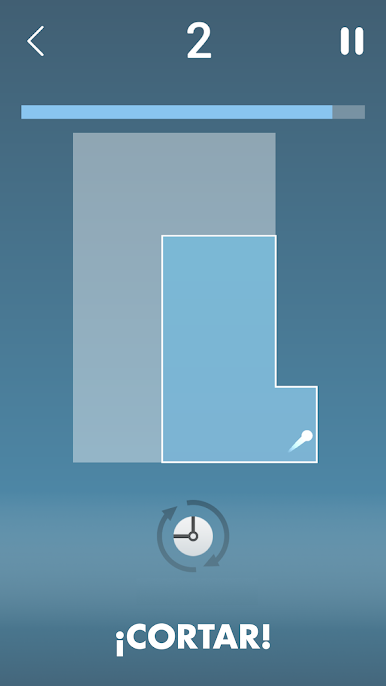
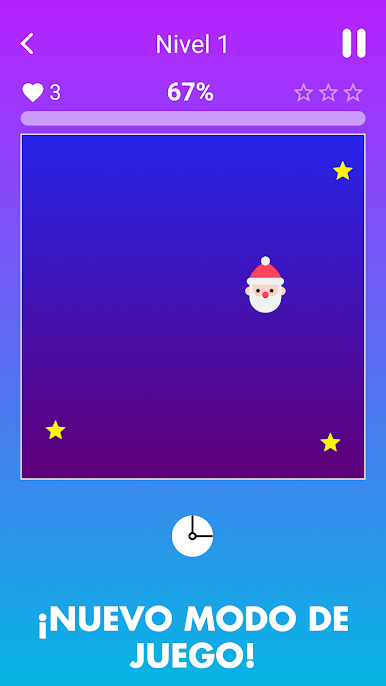
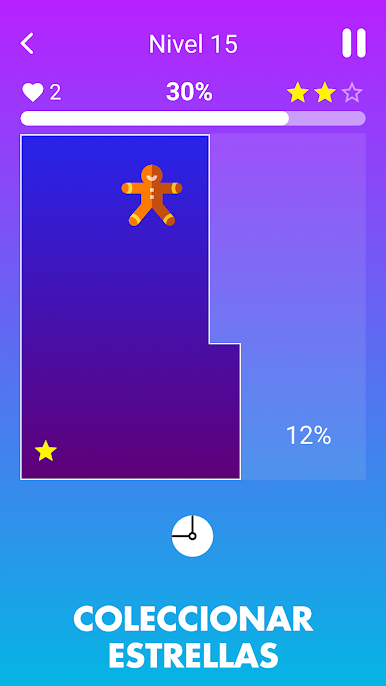
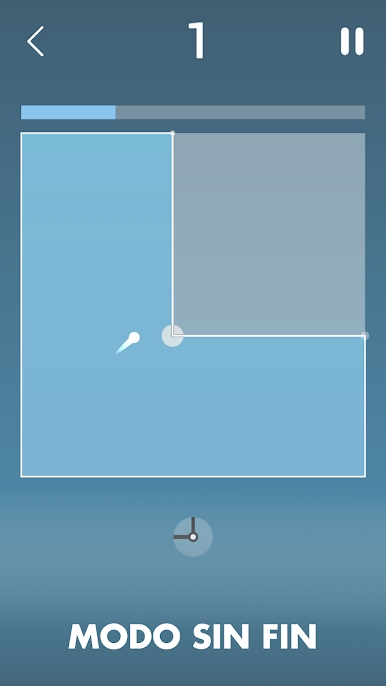
Split Area is a simple-looking puzzle arcade where a ball bounces around a box and the player slices chunks off the playfield to box it into tiny corners. Timing carries everything. Drag to line up a cut, release, and hope the ball does not tag the line before the slice completes. If it does, a life drops and the board progress slips. The loop becomes a choice between greedy long slices that clear huge space and safe tiny nibbles that feel slow but steady. Reading the angles, guessing the next ricochet, and sneaking a cut through a small opening is very satisfying when it lands and a bit brutal when it misses by a pixel.
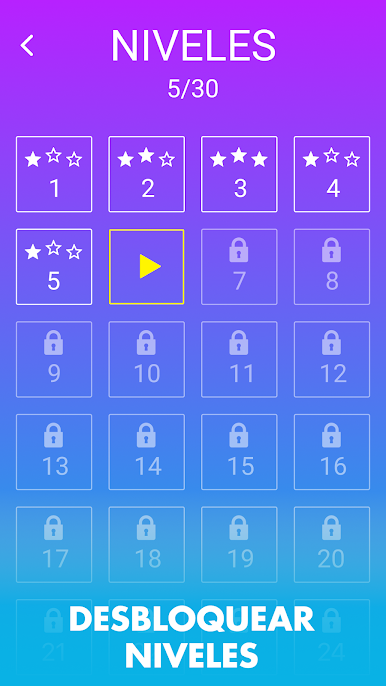
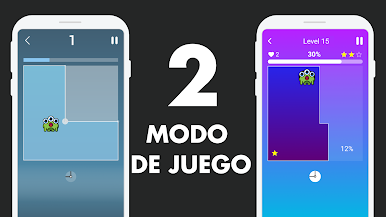
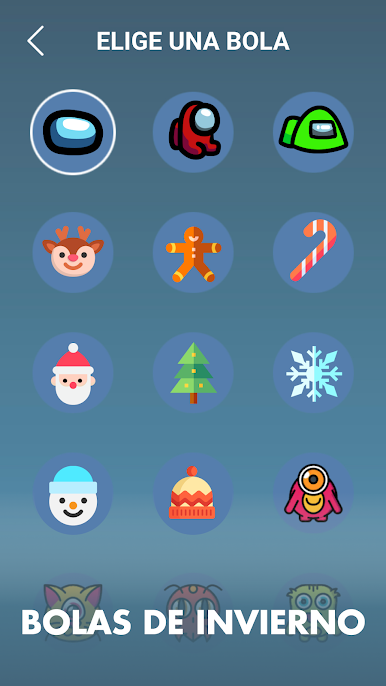
There is an endless mode for score chasing that ramps pressure, and a level map that throws in more balls and tighter layouts as it goes. Stars to collect, a handful of fun ball skins to switch between, nothing bloated. The look stays clean and minimal, just a box, a blade, a ball, and that itch to shave the area down to almost nothing.
On PC through BlueStacks, mouse control makes aiming slices feel sharp, and instant retries keep the pace snappy. Rounds are short, unless someone finds a groove and starts carving half the board in one go. It works great for quick breaks, yet it has that one-more-run pull because a perfect trap always feels one move away. Anyone who liked old school territory-grab games will pick up the rules in seconds and keep pushing for higher scores or three star clears.
Ready to top the leaderboard? We bet you do. Let precise controls and sharp visuals optimized on BlueStacks lead you to victory.
Juega Zona dividida, cortada en la PC. Es fácil comenzar.
-
Descargue e instale BlueStacks en su PC
-
Complete el inicio de sesión de Google para acceder a Play Store, o hágalo más tarde
-
Busque Zona dividida, cortada en la barra de búsqueda en la esquina superior derecha
-
Haga clic para instalar Zona dividida, cortada desde los resultados de búsqueda
-
Complete el inicio de sesión de Google (si omitió el paso 2) para instalar Zona dividida, cortada
-
Haz clic en el ícono Zona dividida, cortada en la pantalla de inicio para comenzar a jugar