

TV Cast for LG webOS
Gioca su PC con BlueStacks: la piattaforma di gioco Android, considerata affidabile da oltre 500 milioni di giocatori.

Pagina modificata il: Aug 20, 2025
Run TV Cast for LG webOS on PC or Mac
Get freedom from your phone’s obvious limitations. Use TV Cast for LG webOS, made by 2kit consulting, a Entertainment app on your PC or Mac with BlueStacks, and level up your experience.
About the App
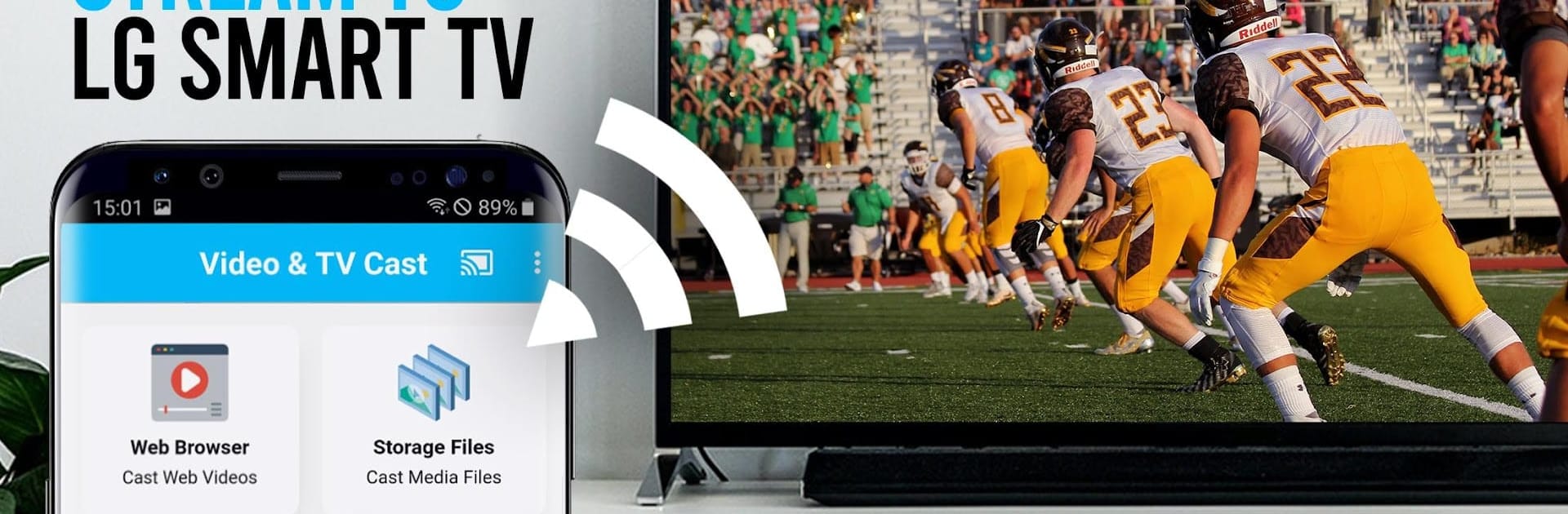
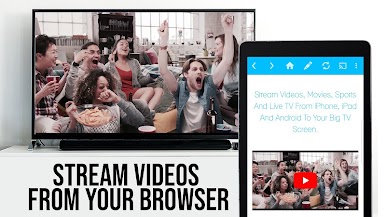
Want to watch web videos or livestreams from your phone straight on your LG TV? TV Cast for LG webOS makes that super quick and straightforward. Whether it’s movies, live TV, or just some fun clips you’ve found online, you can stream it all right to your LG Smart TV—no complicated setup or extra gadgets needed. With TV Cast for LG webOS by 2kit consulting, you get a laid-back way to enjoy entertainment your way, all from your comfy spot on the couch.
App Features
-
Effortless Web Video Streaming
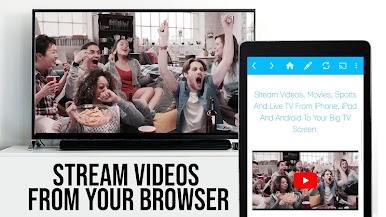
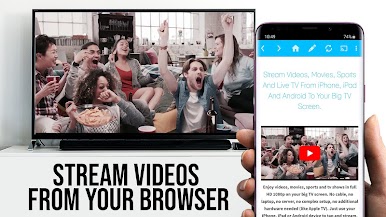
Watch web videos, livestreams, and online movies directly on your LG Smart TV. Just pick what you want to view in the app’s browser, tap to cast, and you’re set—no casting hoops or confusing menus. -
Multitasking-Friendly
Need to reply to a message or take a call? You can close the app or even power off your phone entirely—your video keeps playing on the TV without a hitch. -
Crystal Clear Full HD
Even if your phone’s screen isn’t top-of-the-line, TV Cast for LG webOS streams videos in full HD, so everything looks sharp on your big screen. -
Optimized for WiFi Use
The app streams content directly from the web to your LG TV. That means you use way less WiFi bandwidth on your phone, and streaming is often smoother. -
Easy Setup with QR Code
Connecting is pretty straightforward. Scan the QR code on your TV using your phone’s camera for a quick link, or enter your device’s IP if you prefer. No technical puzzles to solve. -
Wide Device Support
TV Cast for LG webOS runs on all Android devices. You don’t need a particular phone or tablet model to get going. -
Customizable with Companion App
You’ll want to grab the free TV Cast companion app from the LG Content Store on your TV. Just follow the in-app tips, and you’ll be streaming in no time. -
Works Seamlessly on BlueStacks
Prefer using your PC? Launch TV Cast for LG webOS through BlueStacks for the same easy streaming experience with a bigger browser view. -
Browse Freely
Check out your favorite sites and pick any embeddable video for casting. You’re in control over what plays and when—no restrictions to a handful of sources.
Switch to BlueStacks and make the most of your apps on your PC or Mac.
Gioca TV Cast for LG webOS su PC. È facile iniziare.
-
Scarica e installa BlueStacks sul tuo PC
-
Completa l'accesso a Google per accedere al Play Store o eseguilo in un secondo momento
-
Cerca TV Cast for LG webOS nella barra di ricerca nell'angolo in alto a destra
-
Fai clic per installare TV Cast for LG webOS dai risultati della ricerca
-
Completa l'accesso a Google (se hai saltato il passaggio 2) per installare TV Cast for LG webOS
-
Fai clic sull'icona TV Cast for LG webOS nella schermata principale per iniziare a giocare

