


TwTracker - Tracker For Twitch
Juega en PC con BlueStacks: la plataforma de juegos Android, en la que confían más de 500 millones de jugadores.

Página modificada el: Aug 30, 2025
Play TwTracker - Tracker For Twitch on PC
When you use TwTracker, you can manage your Twitch account information easily.
TwTracker application includes following features:
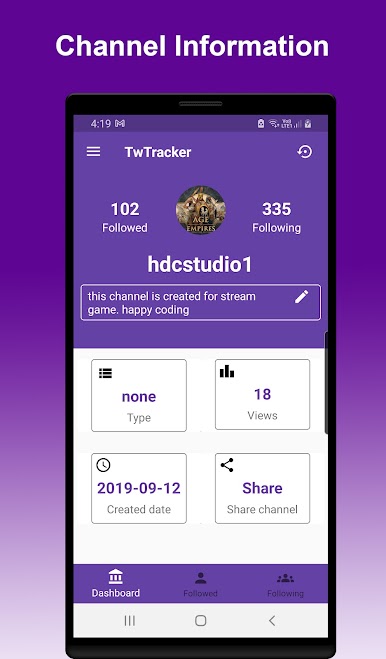
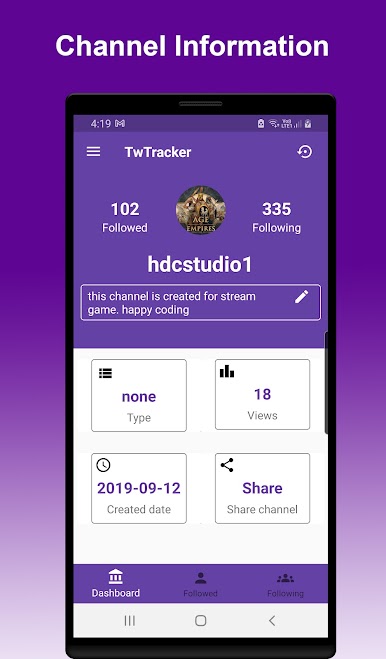
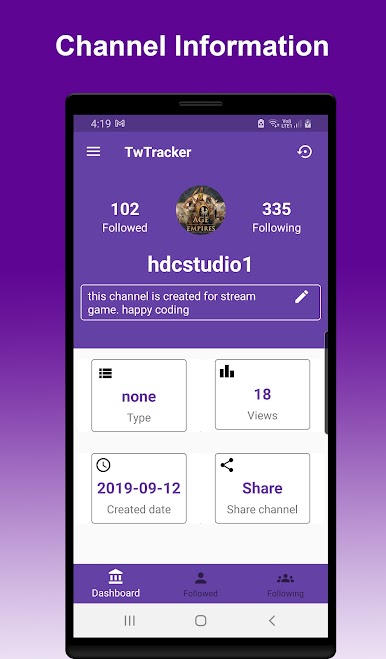
- Show twitch channel information quickly
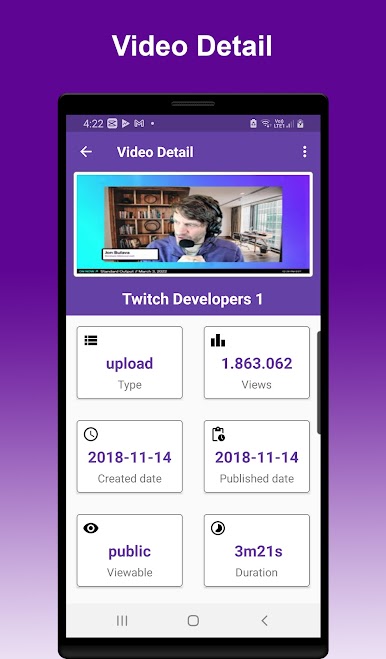
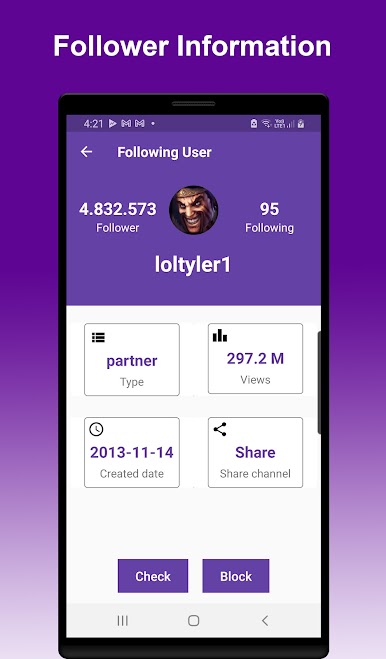
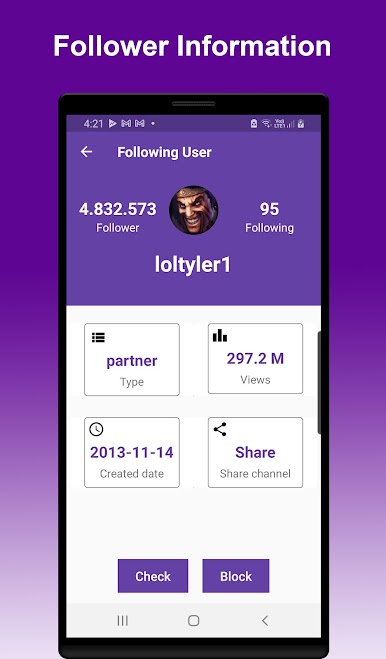
- Manage, edit channel information easily such as : channel name, views, date created, type, following, folower...
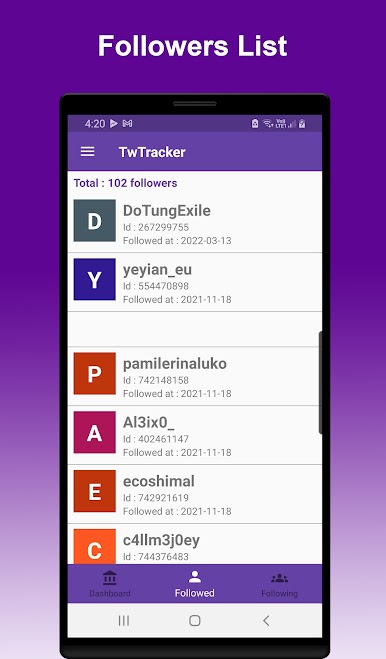
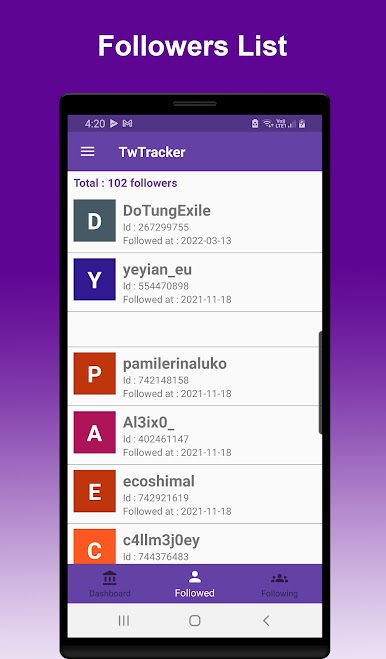
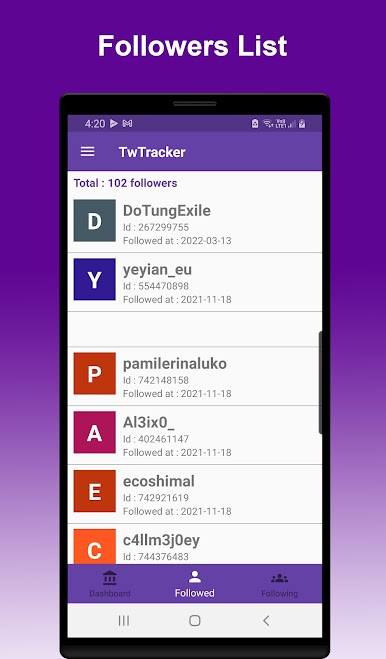
- Show information of channel which followed your twitch channel
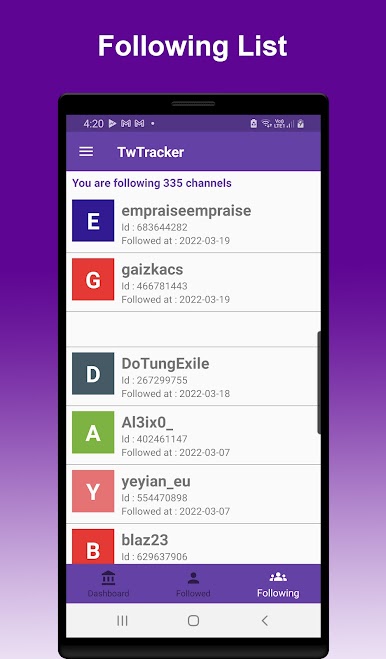
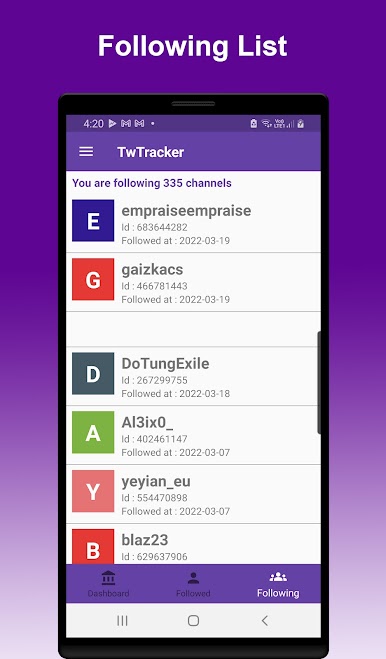
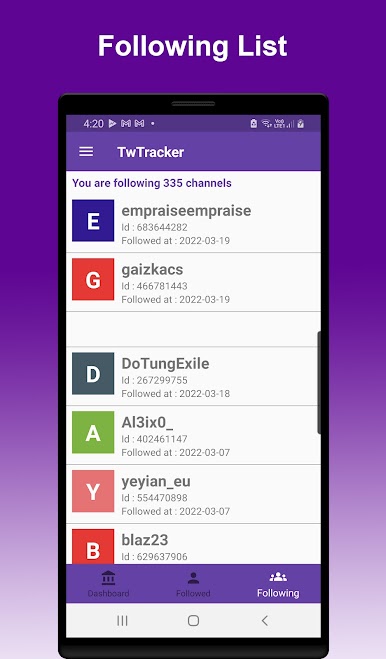
- Show information of channel which you are following
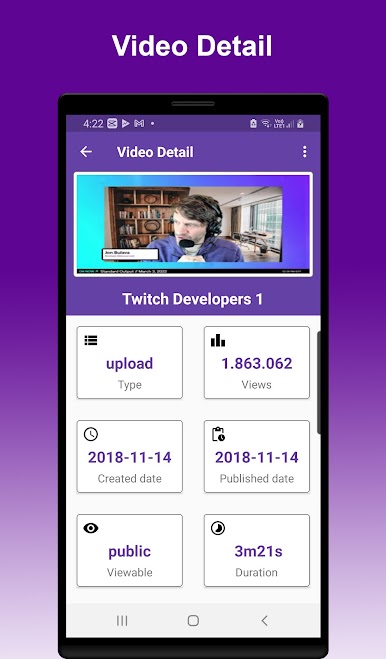
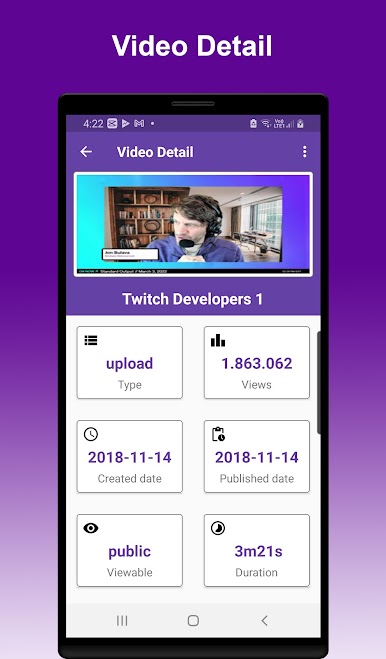
- List your video and show information
- Delete video
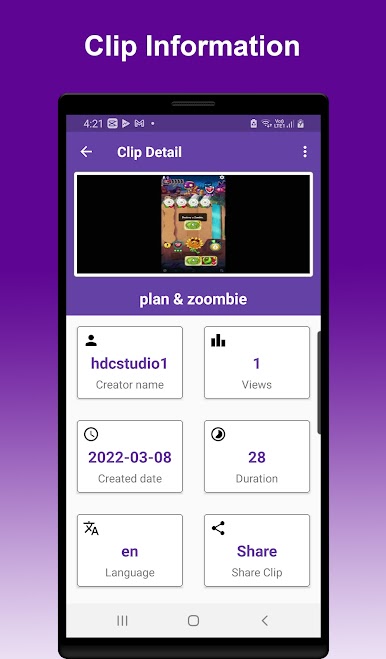
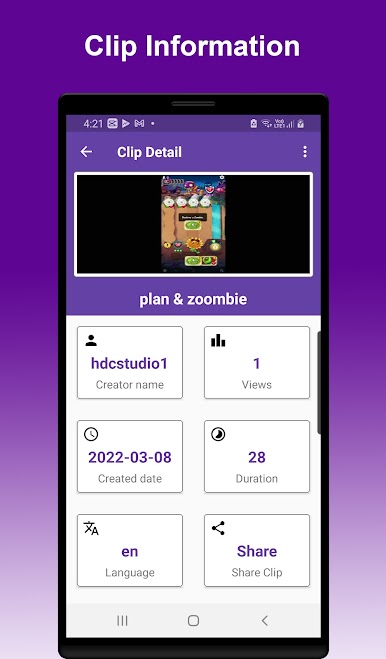
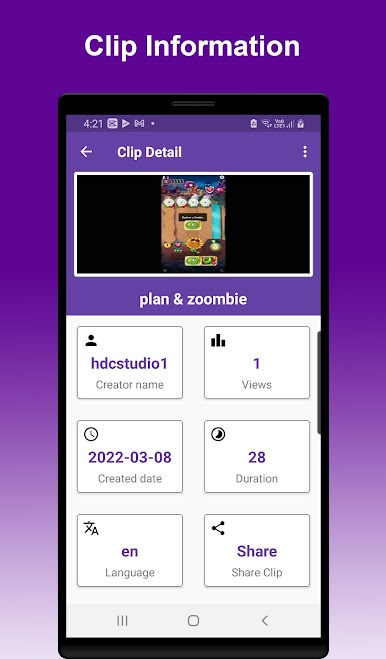
- List your clip and show information
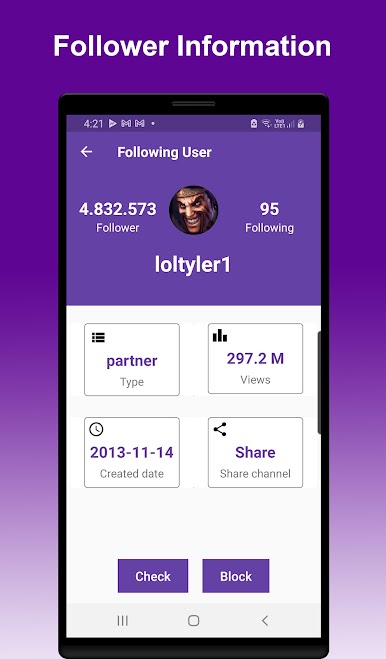
- Check the channel is following you or not
- Block and unblock channel
- Follow and unfollow channel
- Share channel,video,clip to your friend
- Manage multi channel easily
How to use TwTracker application
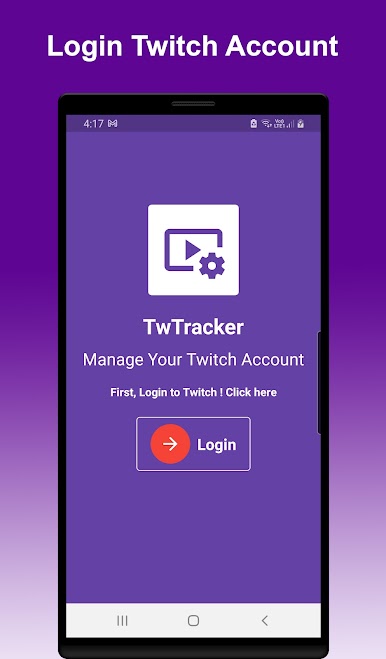
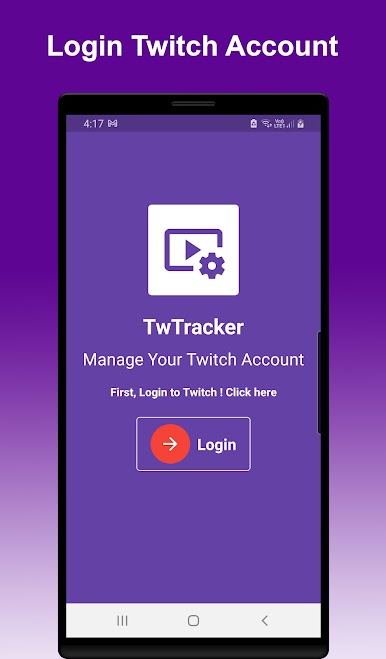
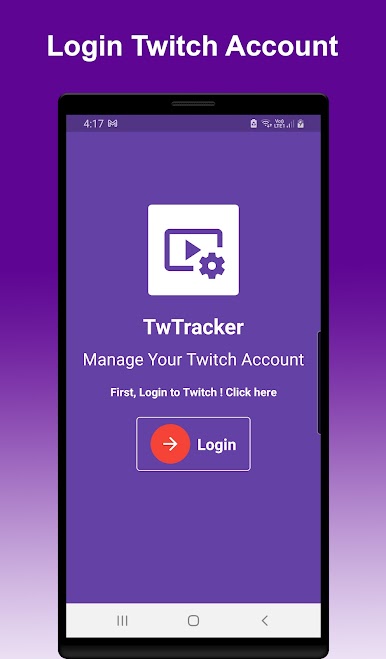
- You should login to your Twitch channel
- Login via official Twitch website and your channel has been protected
- You can see your channel information by select bottom bar tab
Follow us to get latest news
https://www.facebook.com/hdcyoutubetools
Please feel free to contact us by email at dev.hdcstudio@gmail.com

Juega TwTracker - Tracker For Twitch en la PC. Es fácil comenzar.
-
Descargue e instale BlueStacks en su PC
-
Complete el inicio de sesión de Google para acceder a Play Store, o hágalo más tarde
-
Busque TwTracker - Tracker For Twitch en la barra de búsqueda en la esquina superior derecha
-
Haga clic para instalar TwTracker - Tracker For Twitch desde los resultados de búsqueda
-
Complete el inicio de sesión de Google (si omitió el paso 2) para instalar TwTracker - Tracker For Twitch
-
Haz clic en el ícono TwTracker - Tracker For Twitch en la pantalla de inicio para comenzar a jugar

