

Air Control HD
Gioca su PC con BlueStacks: la piattaforma di gioco Android, considerata affidabile da oltre 500 milioni di giocatori.

Pagina modificata il: Jul 16, 2024
Play Air Control HD on PC or Mac
Explore a whole new adventure with Air Control HD, a Casual game created by Four Pixels Games. Experience great gameplay with BlueStacks, the most popular gaming platform to play Android games on your PC or Mac.
About the Game
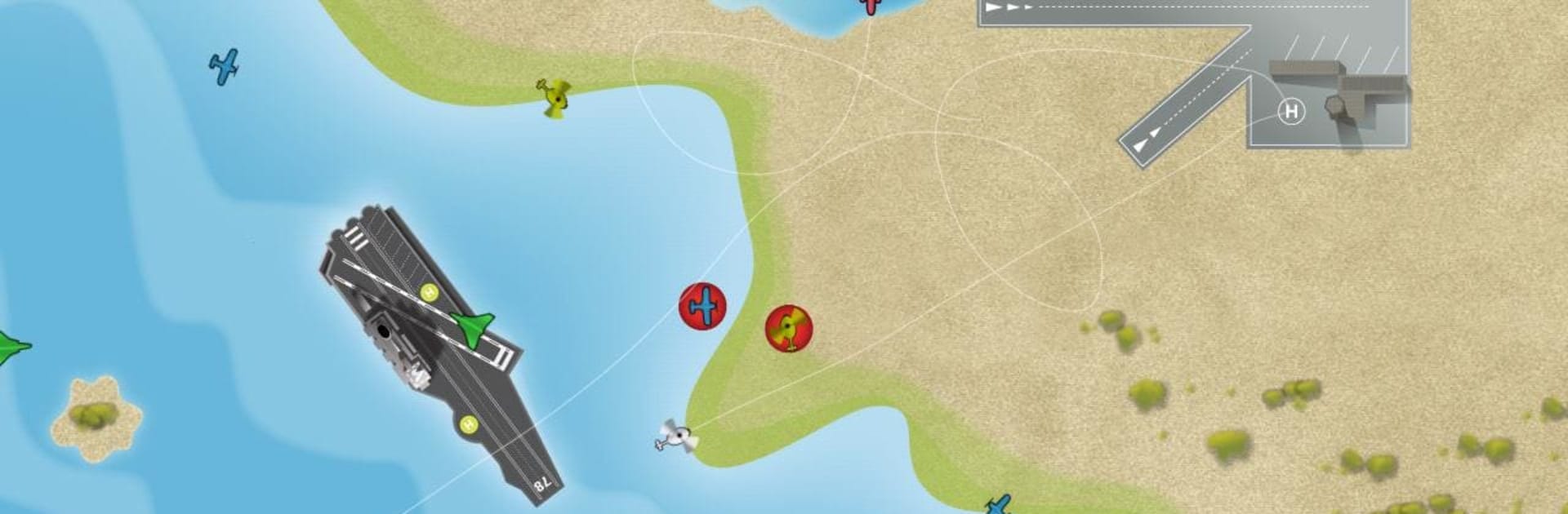
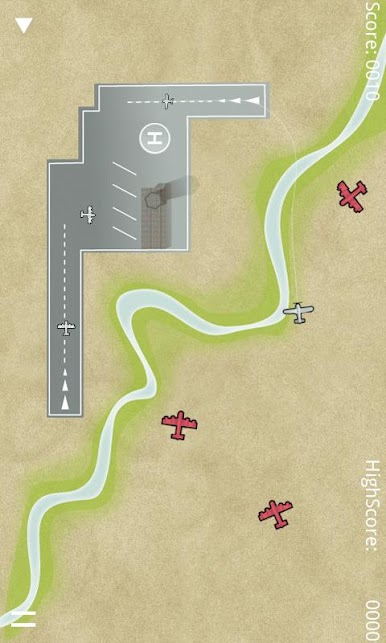
Air Control HD puts you in the hot seat as the person who decides where every plane lands and how they get there. It’s a quick, smart, and occasionally chaotic Casual experience from Four Pixels Games where you draw flight paths, prevent mid-air mishaps, and keep the runway queues moving. Prefer a larger screen? It plays great on BlueStacks, too.
Game Features
- HD Visuals
-
Clean, sharp graphics make busy airfields easy to read, especially on high‑resolution phones and tablets.
-
Touch-and-Draw Controls
-
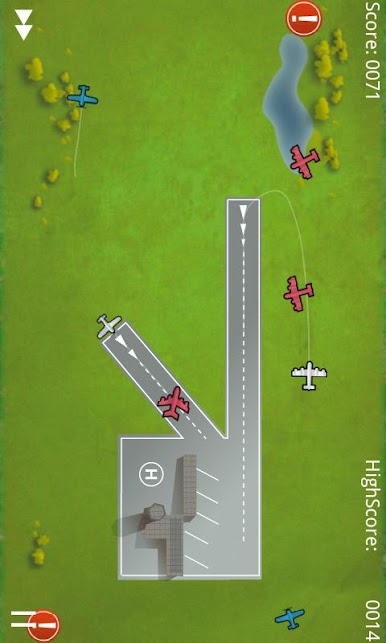
Sketch smooth routes with your finger and adjust on the fly; multitouch lets you coordinate with a friend on the same device.
-
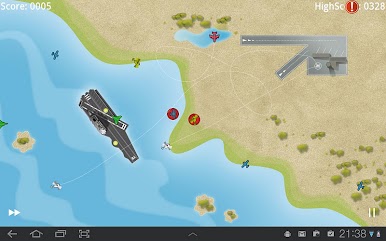
Five Distinct Maps
-
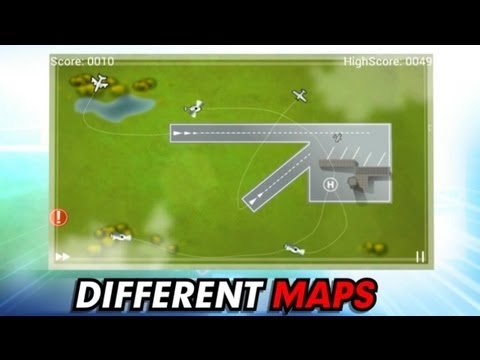
Switch between varied airfields, including an HD‑exclusive layout that uses extra screen space for bigger, more strategic traffic patterns.
-
Aircraft Variety
-
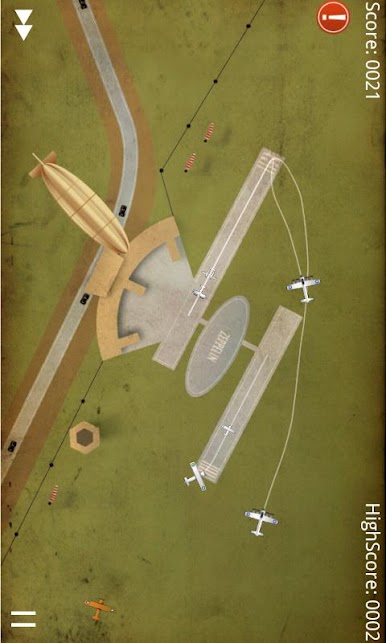
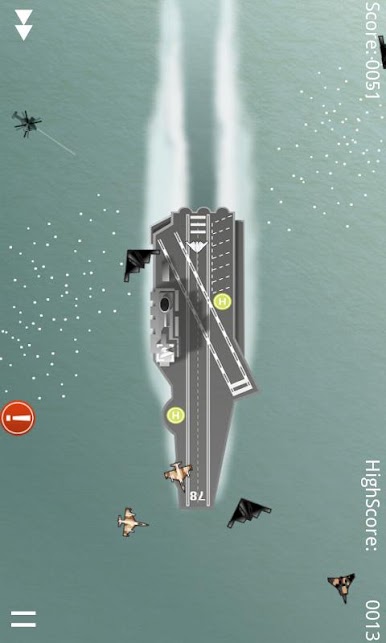
Manage everything from speedy passenger jets to a supersonic jet and a slow, floating zeppelin, each changing how you plan approaches.
-
Two Play Styles
-
Go for survival in Classic mode or tackle bite‑sized, brainy challenges in the unique Puzzle mode.
-
Online High Scores
-
Compare your best runs with other players and see how long you can keep the skies incident‑free.
-
Satisfying Flight Paths
-
Those clean arcs you draw aren’t just for show—they’re the key to smooth landings and near‑miss saves.
-
Built for Quick Sessions
- Easy to pick up for a few minutes, yet tense and absorbing enough to keep you looping planes for much longer.
Slay your opponents with your epic moves. Play it your way on BlueStacks and dominate the battlefield.
Gioca Air Control HD su PC. È facile iniziare.
-
Scarica e installa BlueStacks sul tuo PC
-
Completa l'accesso a Google per accedere al Play Store o eseguilo in un secondo momento
-
Cerca Air Control HD nella barra di ricerca nell'angolo in alto a destra
-
Fai clic per installare Air Control HD dai risultati della ricerca
-
Completa l'accesso a Google (se hai saltato il passaggio 2) per installare Air Control HD
-
Fai clic sull'icona Air Control HD nella schermata principale per iniziare a giocare

