


GOZO - Make Friends
Mainkan di PC dengan BlueStacks – platform Game-Game Android, dipercaya oleh lebih dari 500 juta gamer.

Play GOZO - Make Friends on PC or Mac
From the innovators and creators at PLAYNETA LIMITED, GOZO – Make Friends is another fun addition to the World of Board games. Go beyond your mobile screen and play it bigger and better on your PC or Mac. An immersive experience awaits you.
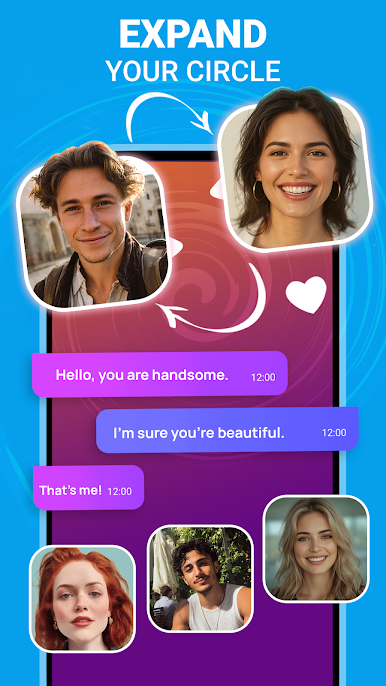
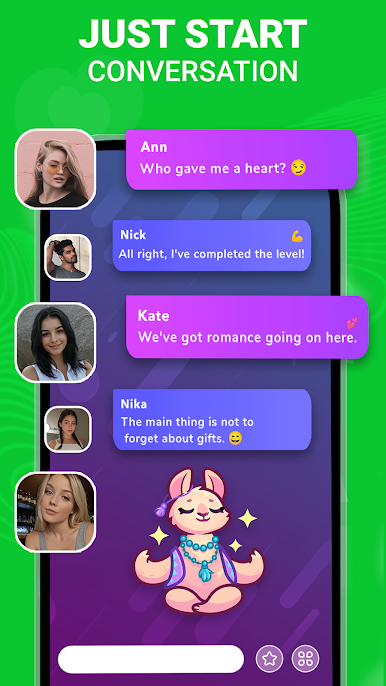
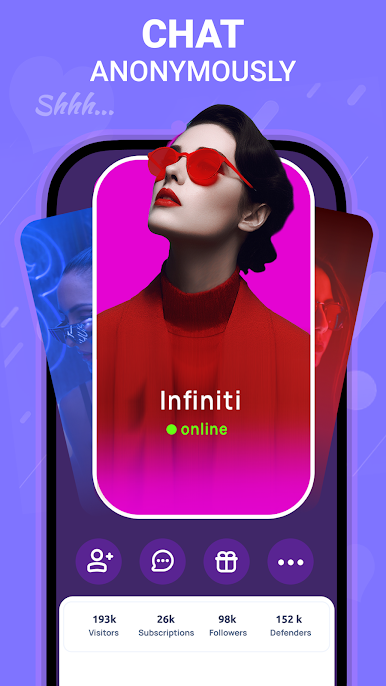
Gozo feels less like a game and more like a cozy hangout app where people jump in to talk, meet new folks, and just share what is on their mind. It opens to a bunch of lively party rooms that work like casual lounges. Pick a room, type a hello, and the conversation usually rolls from there. There are one on one chats too if someone wants something quieter, plus those little virtual gifts people send during a chat that make the room feel busy and alive. The tone is very much about being open, whether it is a happy moment or a rough day, and most rooms lean supportive rather than noisy or troll-ish. It aims for a safe space, so the pacing is friendly rather than chaotic, which stands out if someone is tired of shouty group chats.
There is not really gameplay to grind here, it is social first. Think free talking, quick replies, and getting to know strangers who actually want to chat. On PC with BlueStacks, it makes a lot of sense because typing long messages is faster on a keyboard and switching between rooms with a mouse feels smooth. It is easy to hop between a group conversation and a private window without losing the thread. Anyone after competitive stuff will probably bounce off it, but if the plan is to relax, share stories, and pick up a few new friends without pressure, Gozo hits that lane.
Start your journey now. Download the game on BlueStacks, invite your friends, and march on a new adventure.

Mainkan GOZO - Make Friends di PC Mudah saja memulainya.
-
Unduh dan pasang BlueStacks di PC kamu
-
Selesaikan proses masuk Google untuk mengakses Playstore atau lakukan nanti
-
Cari GOZO - Make Friends di bilah pencarian di pojok kanan atas
-
Klik untuk menginstal GOZO - Make Friends dari hasil pencarian
-
Selesaikan proses masuk Google (jika kamu melewati langkah 2) untuk menginstal GOZO - Make Friends
-
Klik ikon GOZO - Make Friends di layar home untuk membuka gamenya

