


Diccionario del estudiante
Gioca su PC con BlueStacks: la piattaforma di gioco Android, considerata affidabile da oltre 500 milioni di giocatori.

Pagina modificata il: Mar 13, 2020
Run Diccionario del estudiante on PC or Mac
Multitask effortlessly on your PC or Mac as you try out Diccionario del estudiante, a Education app by REAL ACADEMIA ESPAÑOLA on BlueStacks.
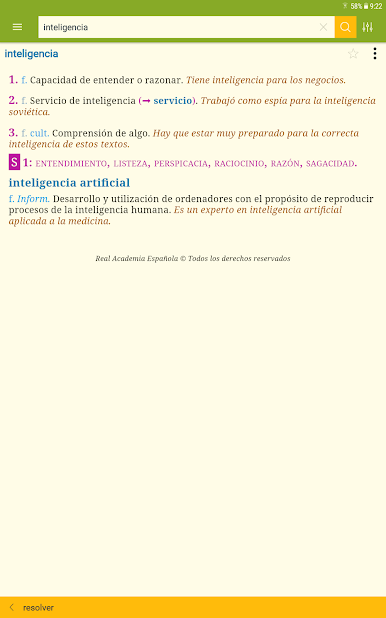
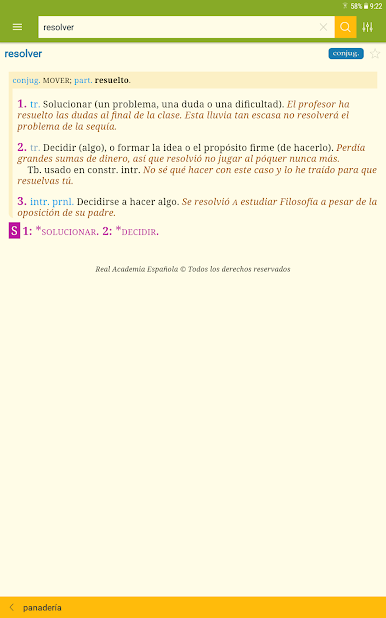
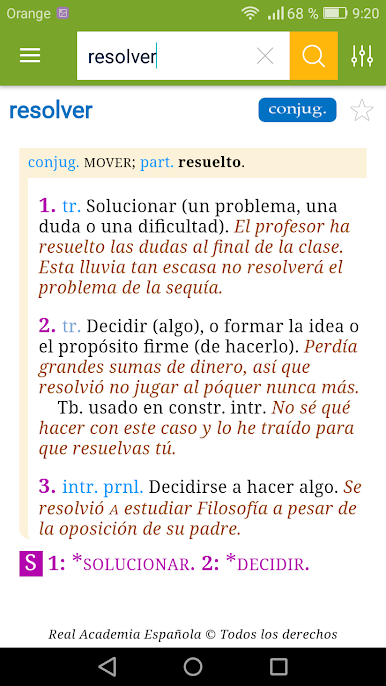
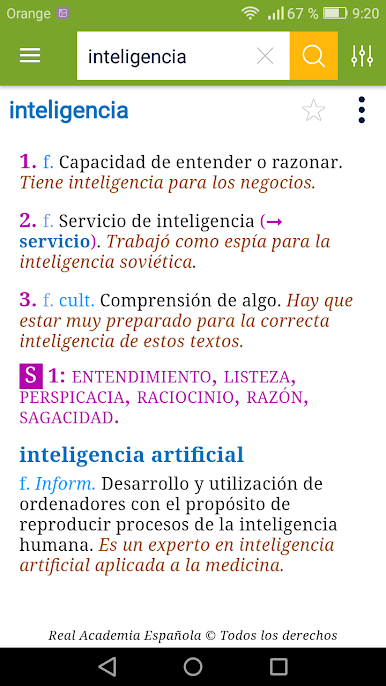
So, Diccionario del estudiante is basically a super handy Spanish dictionary app that comes packed with way more than just word definitions. At first, it feels like your regular dictionary, but then you realize, wow, it’s designed for students and even has stuff for anyone learning Spanish as a second language. There are all sorts of words in there – everyday words from Spain and Latin America, some technical terms, scientific phrases, and tons of abbreviations. That makes it pretty useful if you’re covering anything from school subjects to just trying to read Spanish news or books.
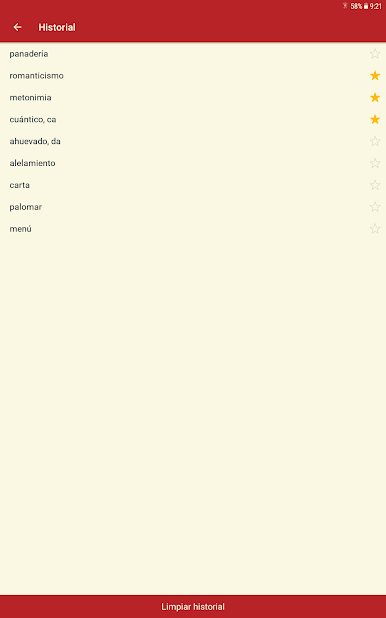
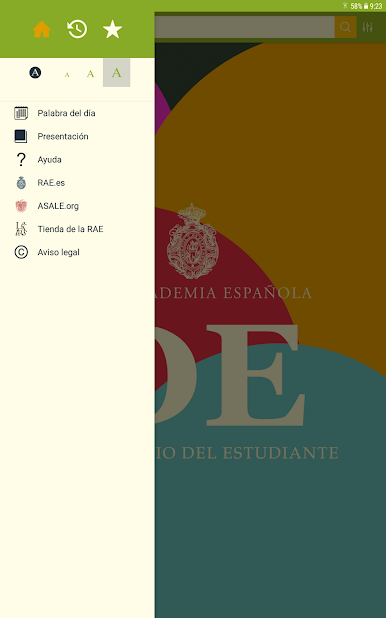
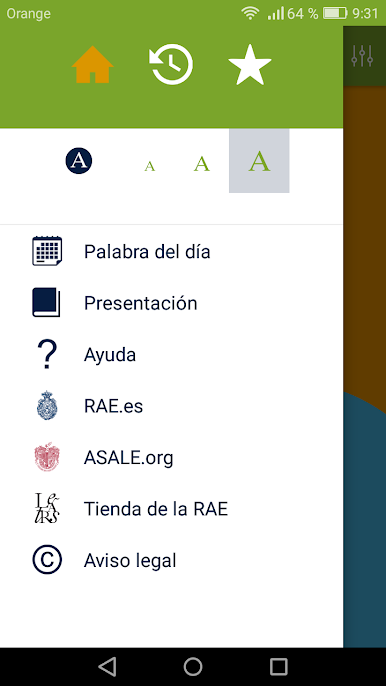
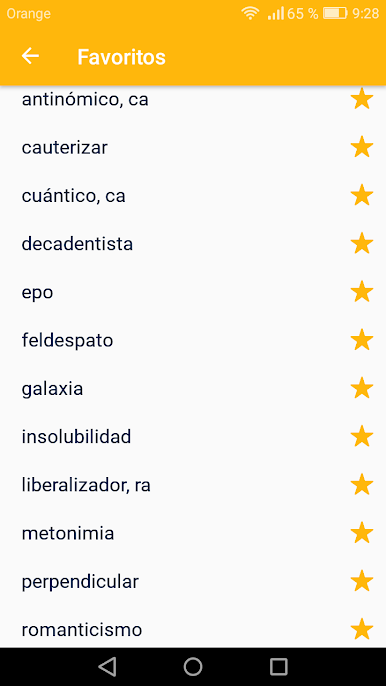
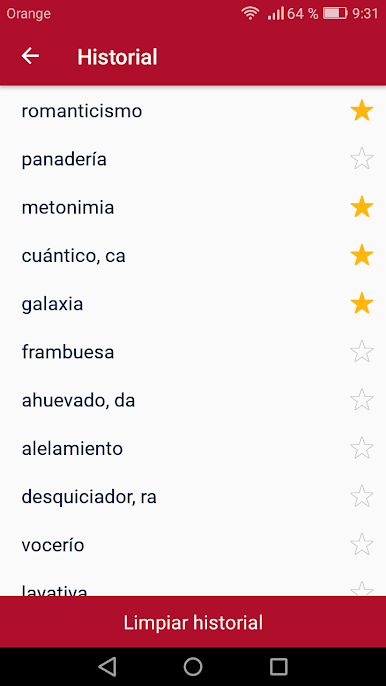
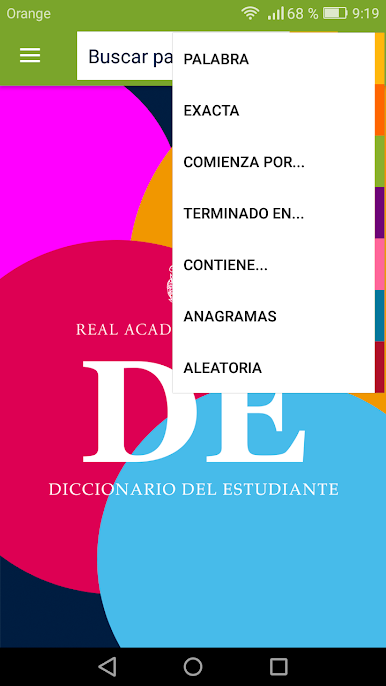
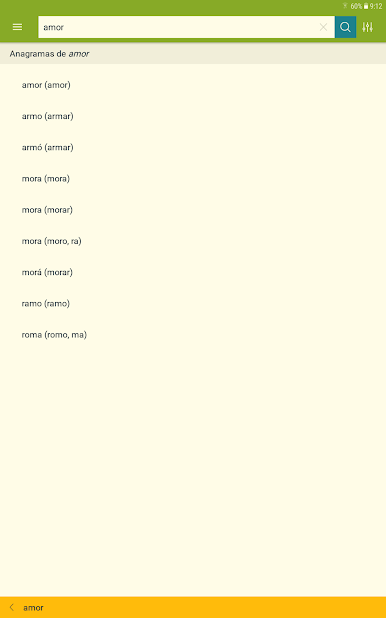
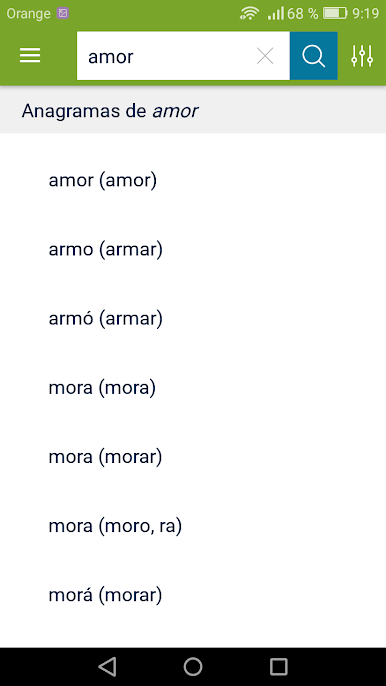
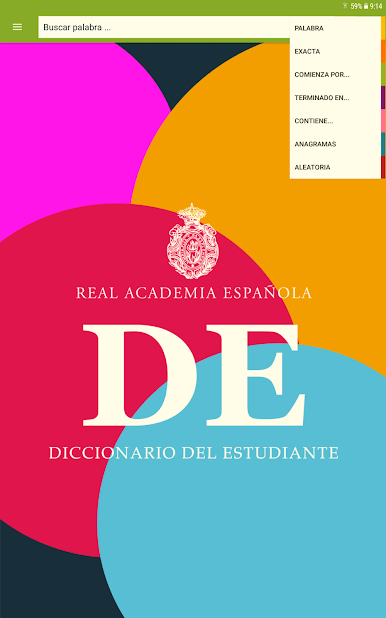
The thing that really stands out is how practical it feels. The definitions come with examples so you can actually see how words get used in sentences, and there’s extra info like grammar tips, verb conjugation charts, synonyms, even a word of the day. Searching for words is smooth too — you can search by how the word starts, ends, or if you only know part of it, the search will figure it out anyway. There’s also random word suggestions, so it doesn’t get dull, and no ads to get in your way. Playing around with it on BlueStacks, the interface is pretty modern, everything’s easy to find, and it just feels straightforward, not cluttered. All in all, it turns what could be a dry dictionary app into something that’s genuinely useful, especially for homework, studying, or just getting better at Spanish.
Switch to BlueStacks and make the most of your apps on your PC or Mac.

Gioca Diccionario del estudiante su PC. È facile iniziare.
-
Scarica e installa BlueStacks sul tuo PC
-
Completa l'accesso a Google per accedere al Play Store o eseguilo in un secondo momento
-
Cerca Diccionario del estudiante nella barra di ricerca nell'angolo in alto a destra
-
Fai clic per installare Diccionario del estudiante dai risultati della ricerca
-
Completa l'accesso a Google (se hai saltato il passaggio 2) per installare Diccionario del estudiante
-
Fai clic sull'icona Diccionario del estudiante nella schermata principale per iniziare a giocare

