


AIS Share
Gioca su PC con BlueStacks: la piattaforma di gioco Android, considerata affidabile da oltre 500 milioni di giocatori.

Pagina modificata il: Jul 24, 2025
Run AIS Share on PC or Mac
Upgrade your experience. Try AIS Share, the fantastic Tools app from ebcTech, from the comfort of your laptop, PC, or Mac, only on BlueStacks.
About the App
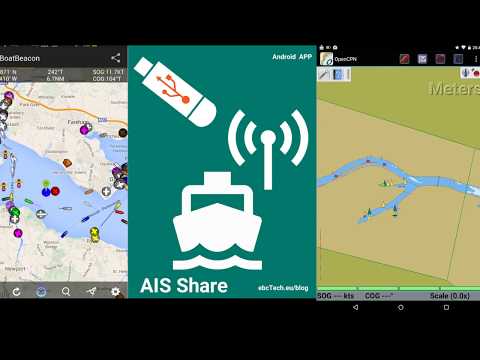
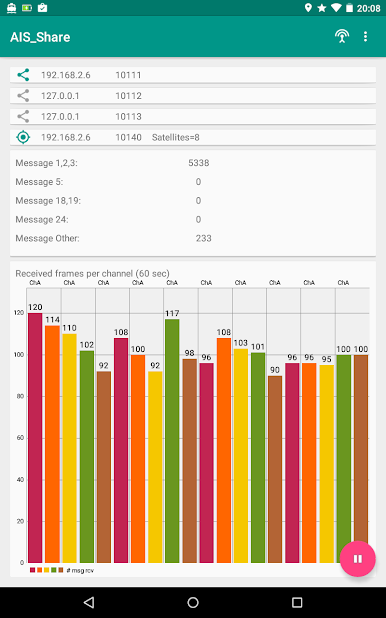
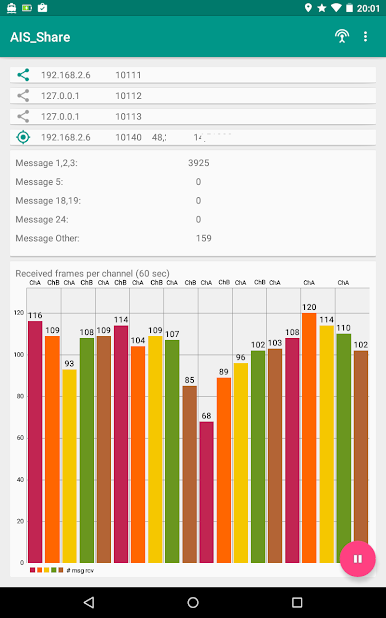
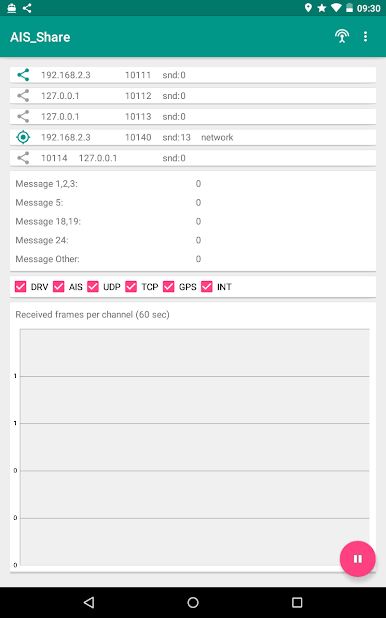
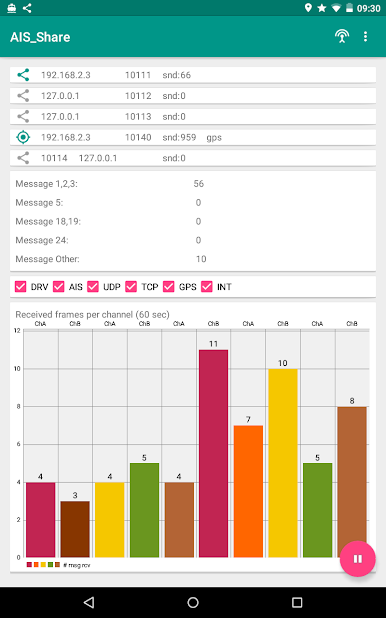
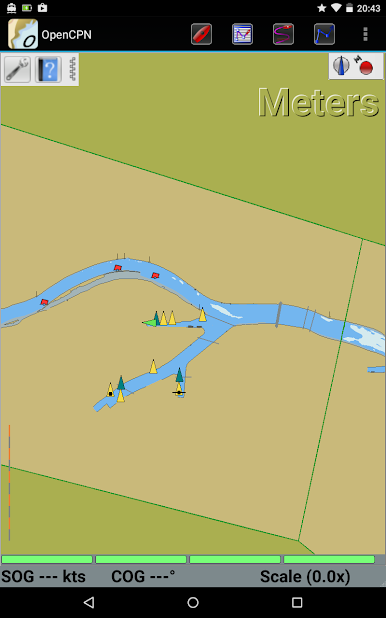
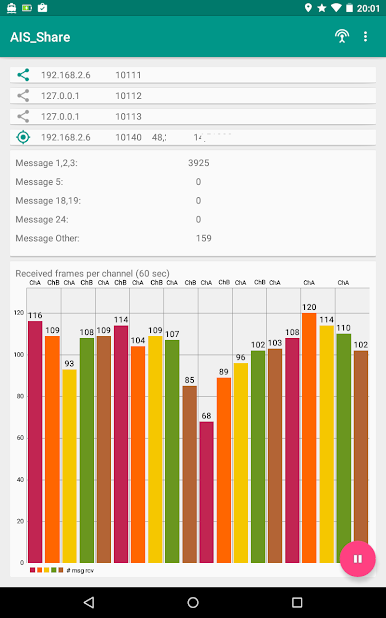
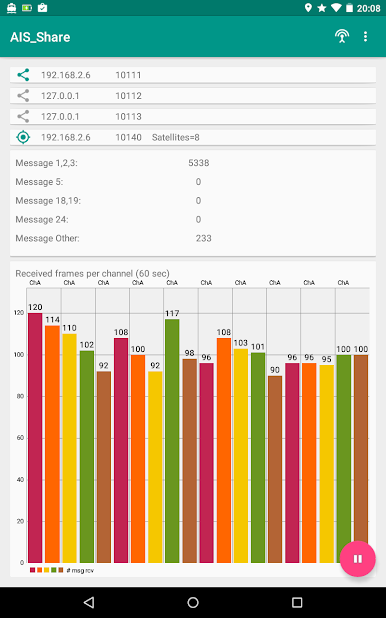
AIS Share is your handy way of turning an everyday Android device into a full-blown AIS receiver—no complicated setups and, even better, no need for an internet connection while you’re out on the water or just curious about ship traffic near you. If you’ve ever wanted to check out real-time ship positions from your phone or tablet, this app makes it surprisingly straightforward. You get a stable, customizable experience that’s easy on your device’s resources, all powered by ebcTech’s simple yet efficient tools approach.
App Features
-
Live AIS Ship Tracking (Offline):
Pick up live ship positions directly with your Android device. AIS Share uses VHF radio signals to show you what’s going on in your immediate area, and it works even if you’ve got zero bars. -
RTL SDR Dongle & USB OTG Support:
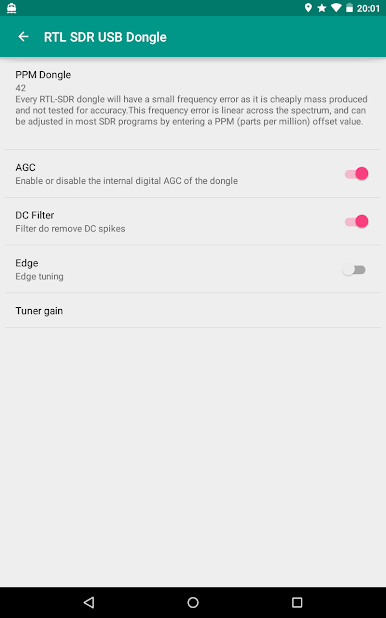
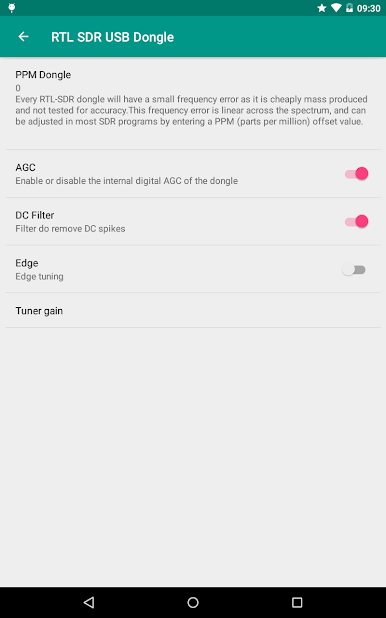
Plug in a compatible DVB-T (RTL SDR) USB dongle with a USB OTG cable, and the app jumps to life—no fancy equipment needed, just a couple of low-cost accessories. -
Dual-Channel Reception:
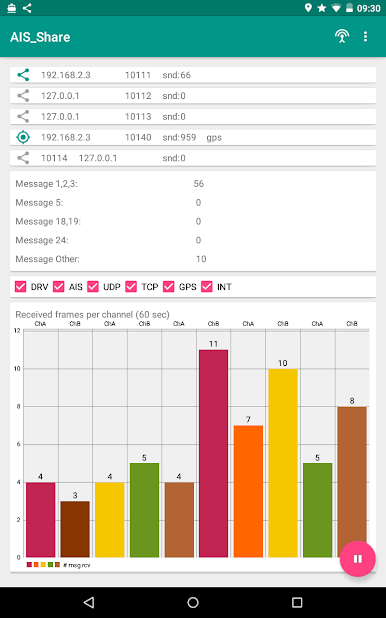
Listen in on two dedicated AIS frequencies: 161.975 MHz and 162.025 MHz. This setup means you can catch more marine traffic and get a fuller picture. -
AIS to NMEA0183 Conversion:
The app decodes maritime AIS messages right into those familiar NMEA0183 strings, making the data easy to use with other marine software or for your projects. -
Easy Message Sharing:
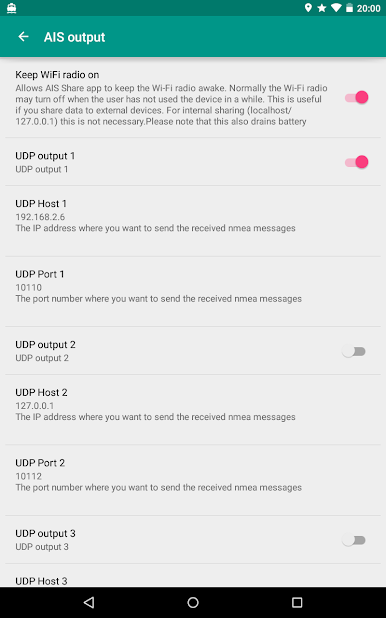
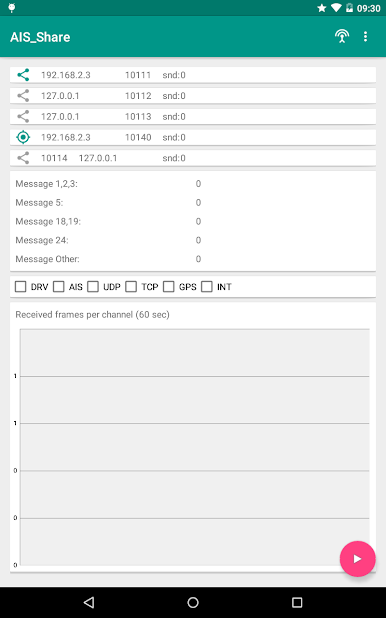
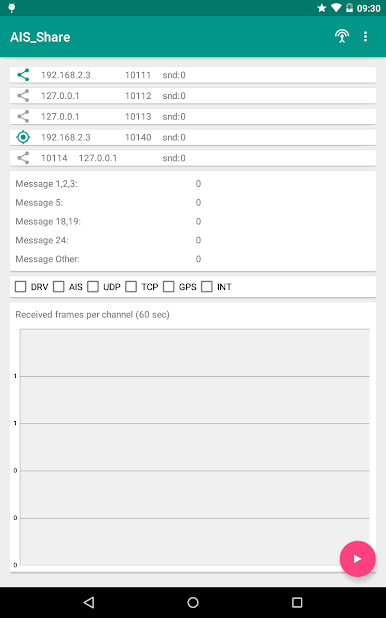
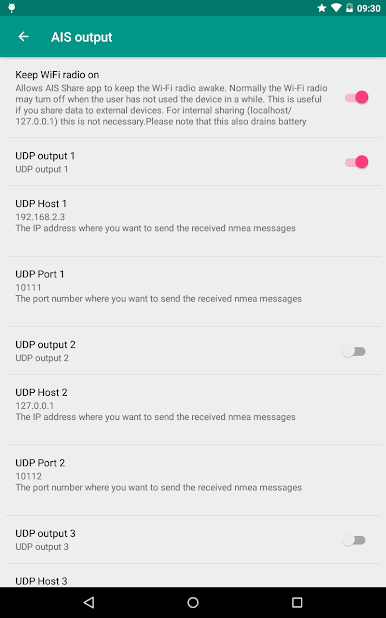
Share all those decoded messages across up to three different clients, including network options like UDP or TCP—handy if you need to link up with apps, your PC, or even other devices. -
Device GPS Integration:
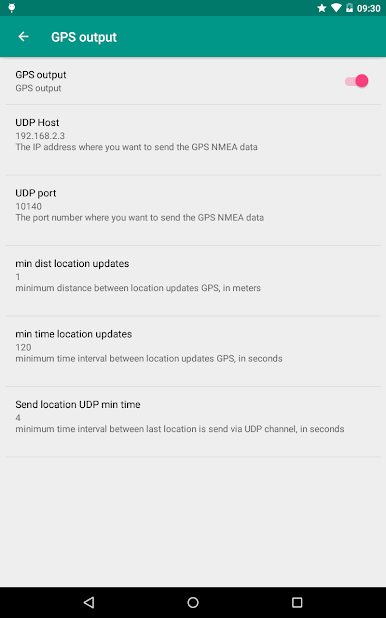
AIS Share makes your location part of the story, converting your device’s own GPS (or network-based location) into standard NMEA data for forwarding or sharing. -
Optimized for Android Devices:
Designed specifically with Android in mind, the app is stable and doesn’t suck up your CPU or battery, so you can keep it running without worry. -
Works Smoothly on BlueStacks:
If you prefer to manage things from a PC, AIS Share can also run through BlueStacks, making it even more flexible for tech tinkerers.
Big screen. Bigger performance. Use BlueStacks on your PC or Mac to run your favorite apps.

Gioca AIS Share su PC. È facile iniziare.
-
Scarica e installa BlueStacks sul tuo PC
-
Completa l'accesso a Google per accedere al Play Store o eseguilo in un secondo momento
-
Cerca AIS Share nella barra di ricerca nell'angolo in alto a destra
-
Fai clic per installare AIS Share dai risultati della ricerca
-
Completa l'accesso a Google (se hai saltato il passaggio 2) per installare AIS Share
-
Fai clic sull'icona AIS Share nella schermata principale per iniziare a giocare

