


Clock and time for kids (FREE)
Gioca su PC con BlueStacks: la piattaforma di gioco Android, considerata affidabile da oltre 500 milioni di giocatori.

Pagina modificata il: Oct 30, 2025
Panoramica
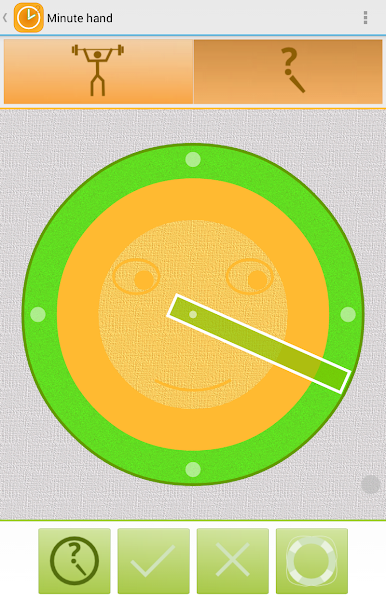
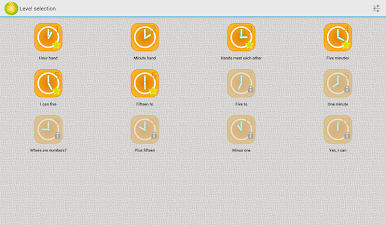
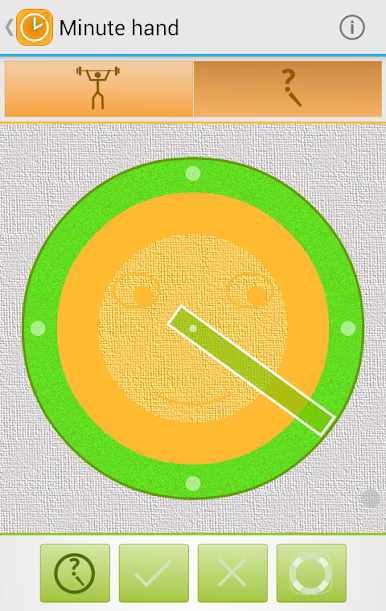
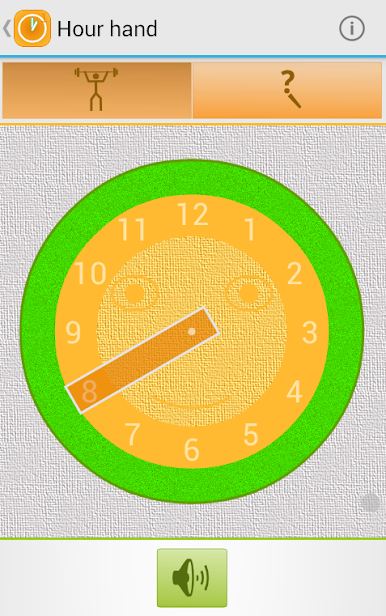
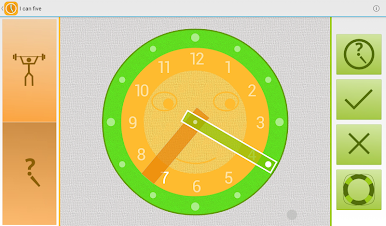
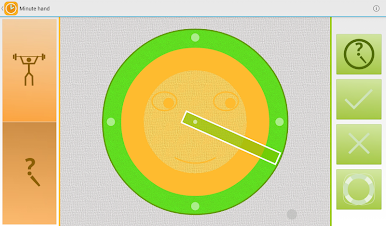
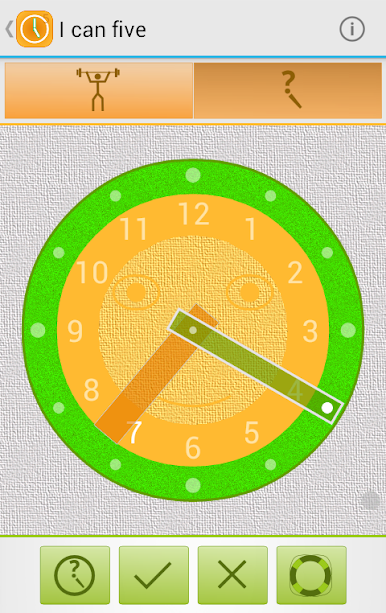
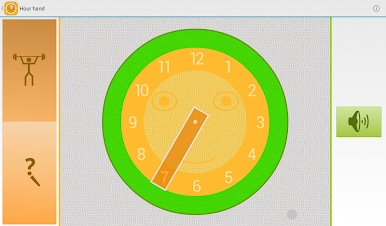
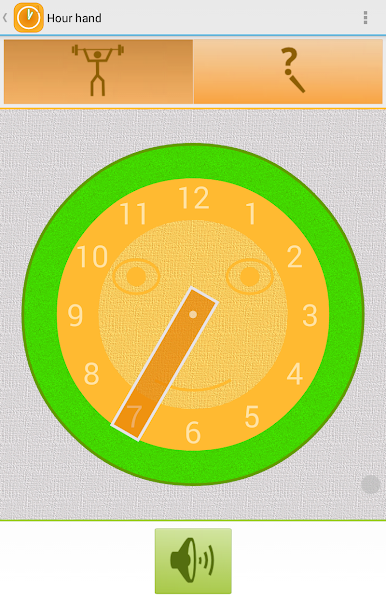
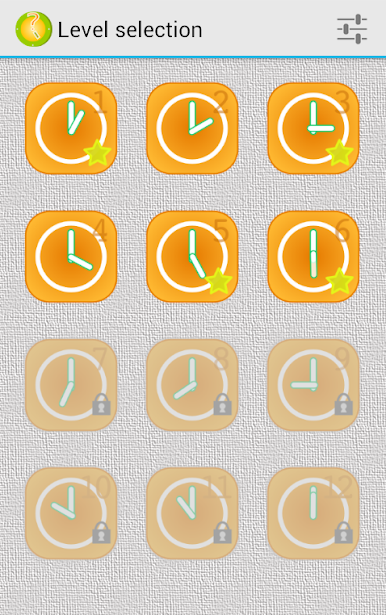
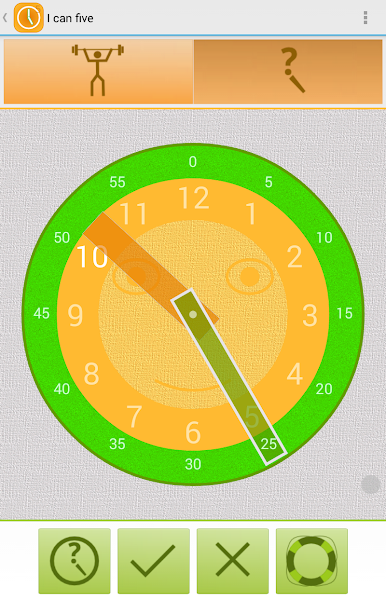
"What time is it?" helps kids to learn how to read a clock and tell time. Six levels with increasing difficulty allow a child to get familiar with the clock and how time "works". Funny "talking" clock says what time it shows and provide a variety of exercises to the learning material.
The clock can "speak" following languages:
- English (computer voice, if your device supports it)
- Russian
- German
- Spanish
- Portuguese
This free version contains:
- first six levels (from simple presentations of minute and hour hands to the understanding of "half past one" or "quarter to five")
- no ads
- no "in-app" products
Gioca Clock and time for kids (FREE) su PC. È facile iniziare.
-
Scarica e installa BlueStacks sul tuo PC
-
Completa l'accesso a Google per accedere al Play Store o eseguilo in un secondo momento
-
Cerca Clock and time for kids (FREE) nella barra di ricerca nell'angolo in alto a destra
-
Fai clic per installare Clock and time for kids (FREE) dai risultati della ricerca
-
Completa l'accesso a Google (se hai saltato il passaggio 2) per installare Clock and time for kids (FREE)
-
Fai clic sull'icona Clock and time for kids (FREE) nella schermata principale per iniziare a giocare

