


Flashcards - Tarjetas
Juega en PC con BlueStacks: la plataforma de juegos Android, en la que confían más de 500 millones de jugadores.

Página modificada el: Dec 11, 2025
Play Flashcards World on PC or Mac
What’s better than using Flashcards World by Andev? Well, try it on a big screen, on your PC or Mac, with BlueStacks to see the difference.
About the App
If you’re the kind of learner who loves to keep things organized and wants total flexibility, Flashcards World is your new favorite sidekick. Made by Andev, this Education app makes it a breeze to build custom study sets and try out different learning styles—no internet required. Whether you’re polishing up on vocab or prepping for an exam, you’ll have total control over how and when you review.
App Features
-
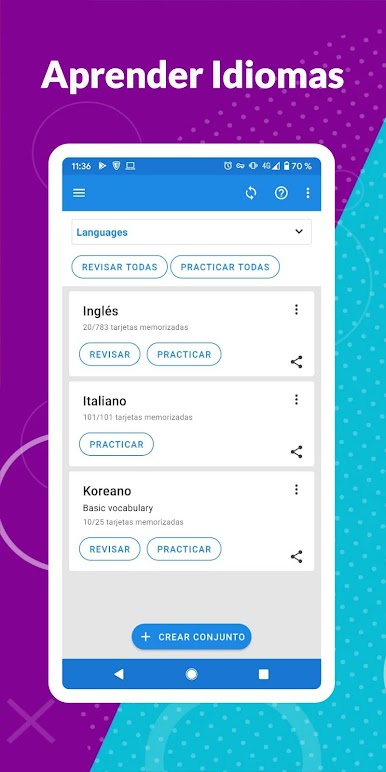
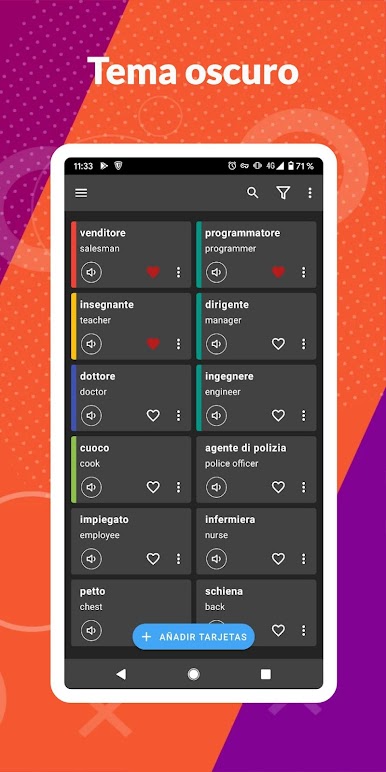
Create Limitless Study Sets
Set up as many flashcards and groups as you want—there’s no cap. Just add, edit, or organize your material any way that works for you. -
Great for Language Learners
Flashcards World really shines when you’re working on a new language or trying to remember tough vocabulary. Review words, phrases, or anything else until it sticks. -
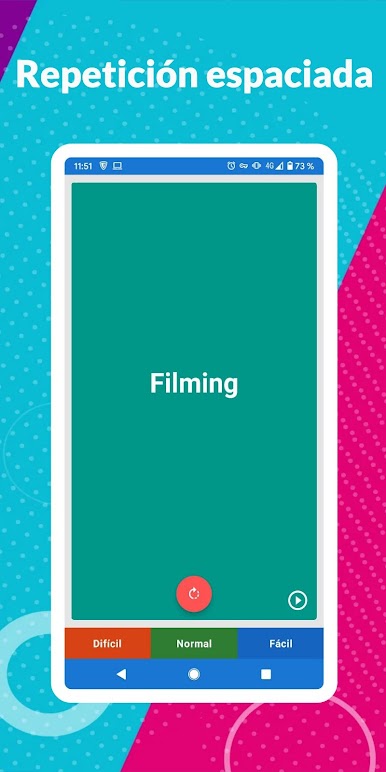
Spaced Repetition for Better Memory
The app uses smart reminders to make sure you focus on cards you’re about to forget, making studying actually efficient instead of endless. -
Shareable Sets
If you have a study buddy or a whole group, just send them your card sets in a couple of taps. -
CSV Import/Export
Already have study material in a spreadsheet? Import your cards from CSV files, or back up your creations—no strings attached. -
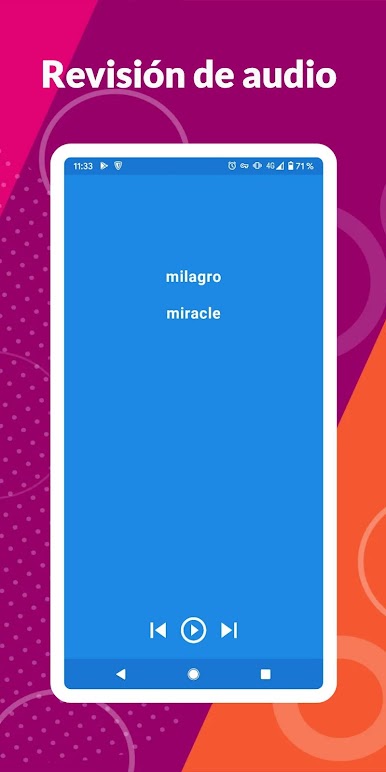
Multiple Study Modes
Mix up your learning with writing practice, audio cues, multiple-choice options, or good old flip-and-recall mode. You pick what keeps you coming back. -
Works Completely Offline
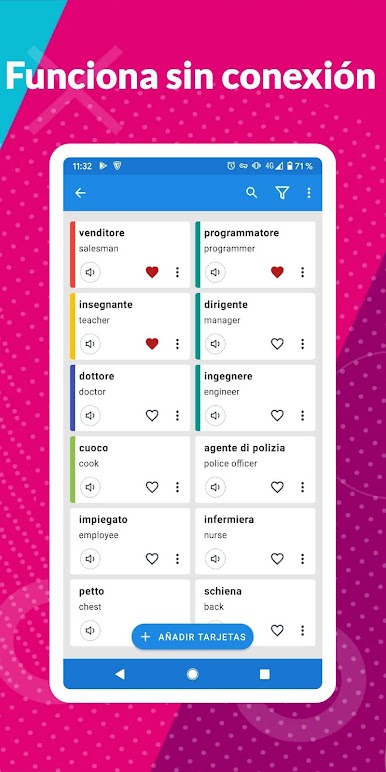
No WiFi? No problem. Open your cards and study from pretty much anywhere—on the go, or even while using BlueStacks if you’re on your PC.
Eager to take your app experience to the next level? Start right away by downloading BlueStacks on your PC or Mac.

Juega Flashcards - Tarjetas en la PC. Es fácil comenzar.
-
Descargue e instale BlueStacks en su PC
-
Complete el inicio de sesión de Google para acceder a Play Store, o hágalo más tarde
-
Busque Flashcards - Tarjetas en la barra de búsqueda en la esquina superior derecha
-
Haga clic para instalar Flashcards - Tarjetas desde los resultados de búsqueda
-
Complete el inicio de sesión de Google (si omitió el paso 2) para instalar Flashcards - Tarjetas
-
Haz clic en el ícono Flashcards - Tarjetas en la pantalla de inicio para comenzar a jugar

